

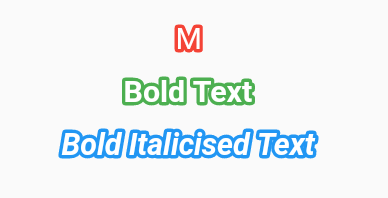
 v3.0.2
bordered_text
用於向 Text 小部件應用細微描邊的 Flutter 外掛程式。支援 Android、iOS 和 Web。
156喜歡 8260近 30 天下載160Pub 分數
AndroidiOSWebmacOSWindowsLinux
為 Flutter Text 小部件添加描邊

以下為英文專案原文快照,最新內容請造訪 GitHub。


Adds Stroke to a Flutter Text widget
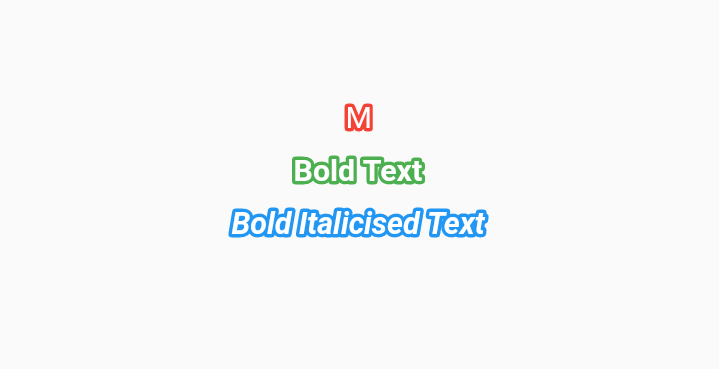

Check the installation guide for how to install this plugin
import 'package:bordered_text/bordered_text.dart';

class StrokeTester extends StatelessWidget {

  const StrokeTester({Key key}) : super(key: key);

  @override
  Widget build(BuildContext context) {
    return MaterialApp(
      title: 'Bordered Text test',
      home: Scaffold(
        appBar: AppBar(
          title: Text('Bordered Text'),
        ),
        body: Center(
          child: BorderedText(
            strokeWidth: 1.0,
            child: Text(
              'Bordered Text Widget',
              style: TextStyle(
                decoration: TextDecoration.none,
                decorationColor: Colors.red,
              ),
            ),
          ),
        ),
      ),
    );
  }
}
依賴清單 3 項
{"sdk":"flutter"}{"sdk":"flutter"}^6.0.0先依使用情境篩選,再比較專案活躍情況,最後到原始儲存庫確認使用要求。
“A repository is the most basic element of GitHub.”
GitHub Docs — About repositories ↗