

 v0.2.6
field_suggestion
建立高度可自訂、簡單且可控制的自動補全欄位。
45喜歡 1520近 30 天下載160Pub 分數
AndroidiOSWebmacOSWindowsLinux
建立高度可自訂、簡單且可控制的自動補全欄位。

以下為英文專案原文快照,最新內容請造訪 GitHub。


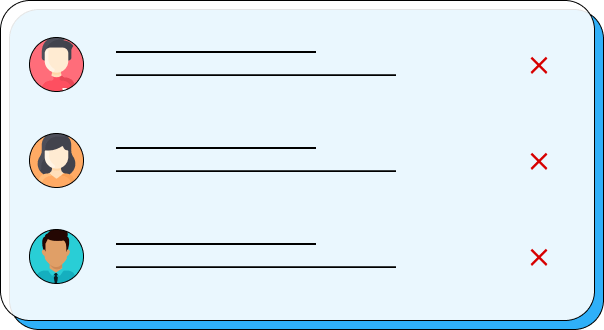
In this example, we're using the FieldSuggestion.network widget to display suggestions for a username input field. We've provided an inputDecoration with a hint text, a future function that fetches the suggestions based on the user input, a textController that controls the text in the input field, a boxController that controls the visibility of the suggestion box, and a builder function that defines how the suggestions are displayed in the suggestion box.
Note that FieldSuggestion uses generics to allow for suggestions of different types. In the example above, we're using String as the type parameter for FieldSuggestion.network However, any other type can be used, depending on the type of suggestions being displayed.

FieldSuggestion<String>.network(
  inputDecoration: InputDecoration(
    hintText: 'Username', // optional
  ),
  future: (input) => future.call(input),
  textController: controller,
  boxController: boxController, // optional
  builder: (context, snapshot) {
    if (snapshot.connectionState != ConnectionState.done) {
      return Center(child: CircularProgressIndicator());
    }

    final result = snapshot.data ?? [];
    return ListView.builder(
      itemCount: result.length,
      itemBuilder: (context, index) {
        return GestureDetector(
          onTap: () {
            setState(() => controller.text = result[index]);
            boxControllerNetwork.close?.call();
          },
          child: Card(child: ListTile(title: Text(result[index]))),
        );
      },
    );
  },
)
依賴清單 4 項
{"sdk":"flutter"}^1.0.5{"sdk":"flutter"}^5.0.16先依使用情境篩選,再比較專案活躍情況,最後到原始儲存庫確認使用要求。
“A repository is the most basic element of GitHub.”
GitHub Docs — About repositories ↗