
flutter_firebase_ai_logic_ai_agents
Flutter AI Agents 是一個帶有 Firebase AI 邏輯的 Flutter 應用專案。

- 星標
- 2
- 分支
- 1
- 最近推送(UTC)
- 2025年9月2日
- 專案狀態
- 未封存
原始 README
以下為英文專案原文快照,最新內容請造訪 GitHub。
Flutter AI Agents
Flutter AI Agents is a project which Flutter app with Firebase Ai Logic.
It uses Gemini Ai Api and Vertex Ai Api.
As a POC that Mobile Apps can use Ai Agents directly in app.
Screenshots

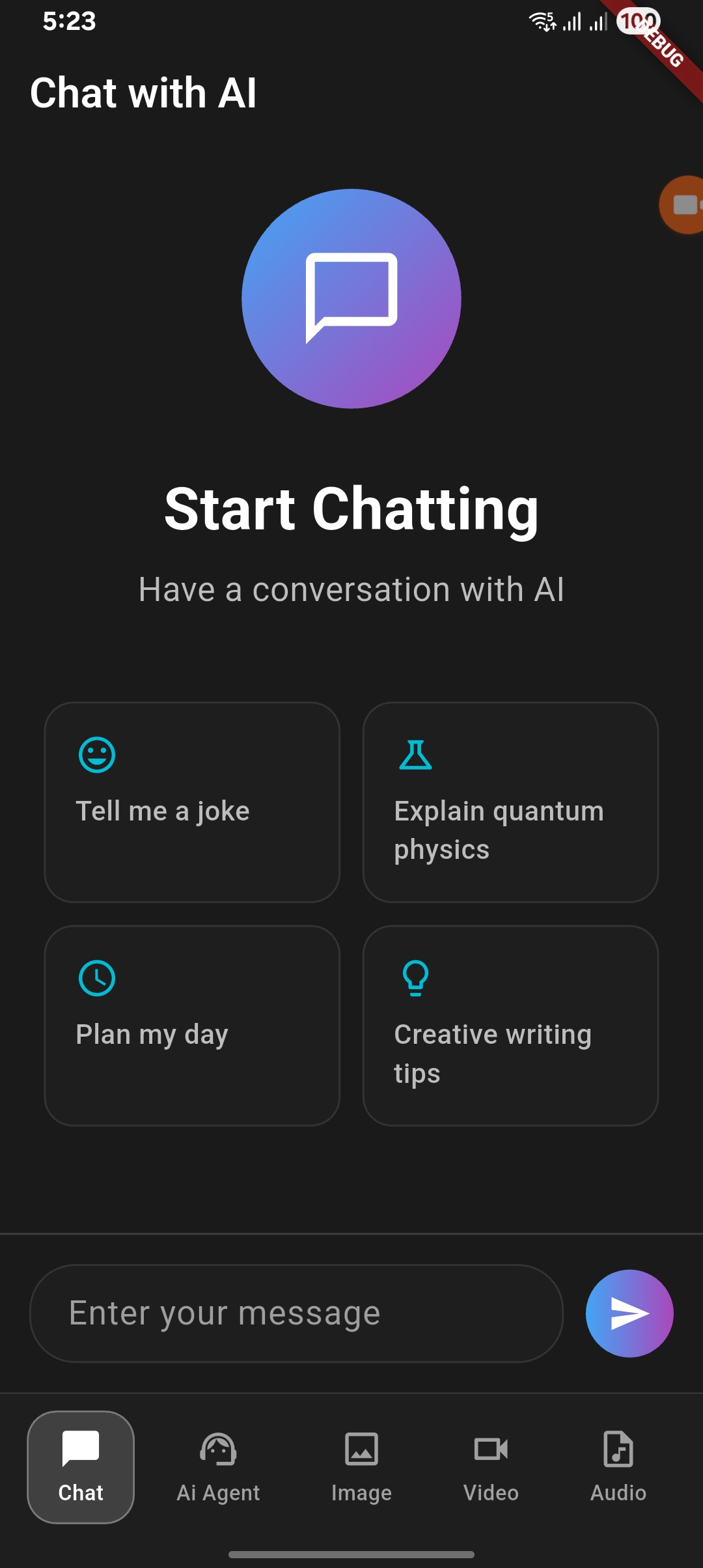
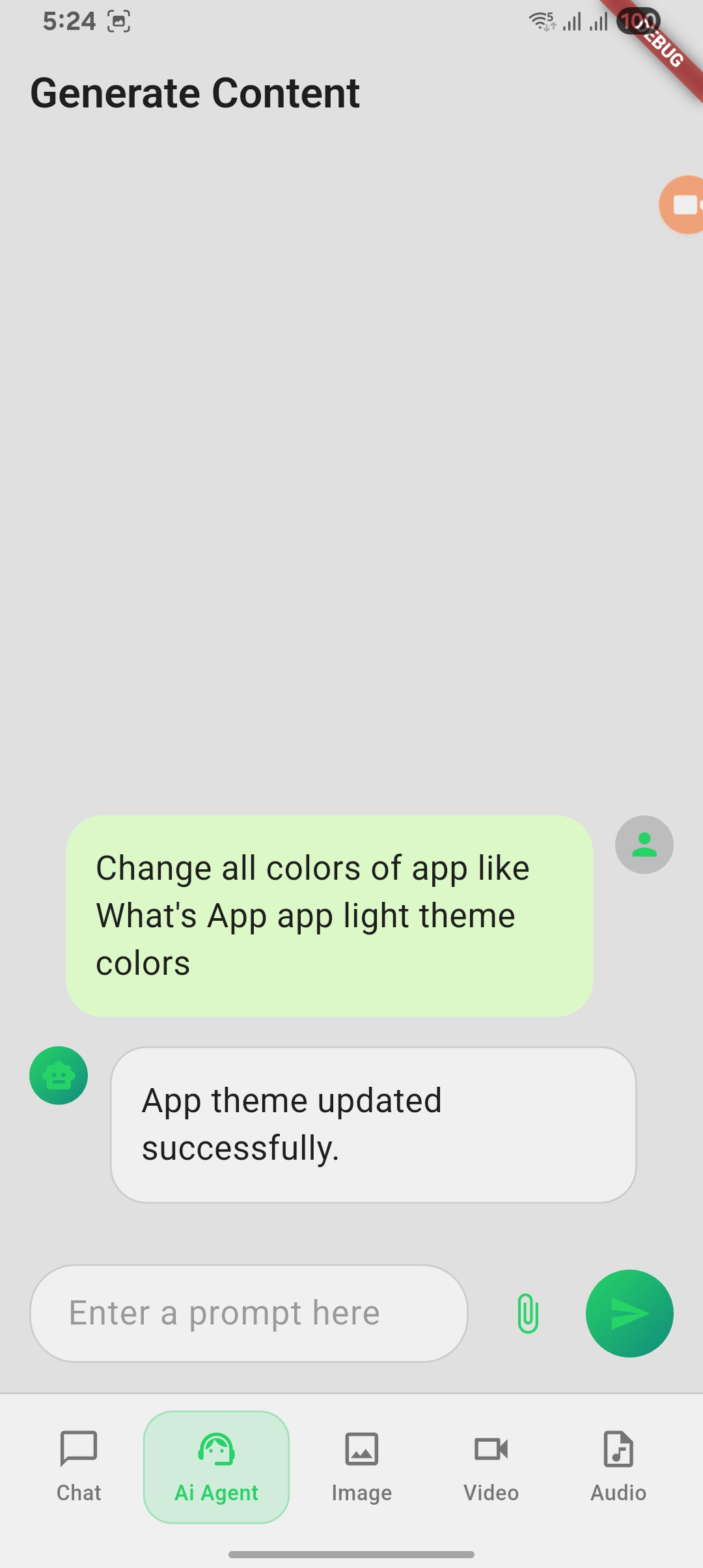
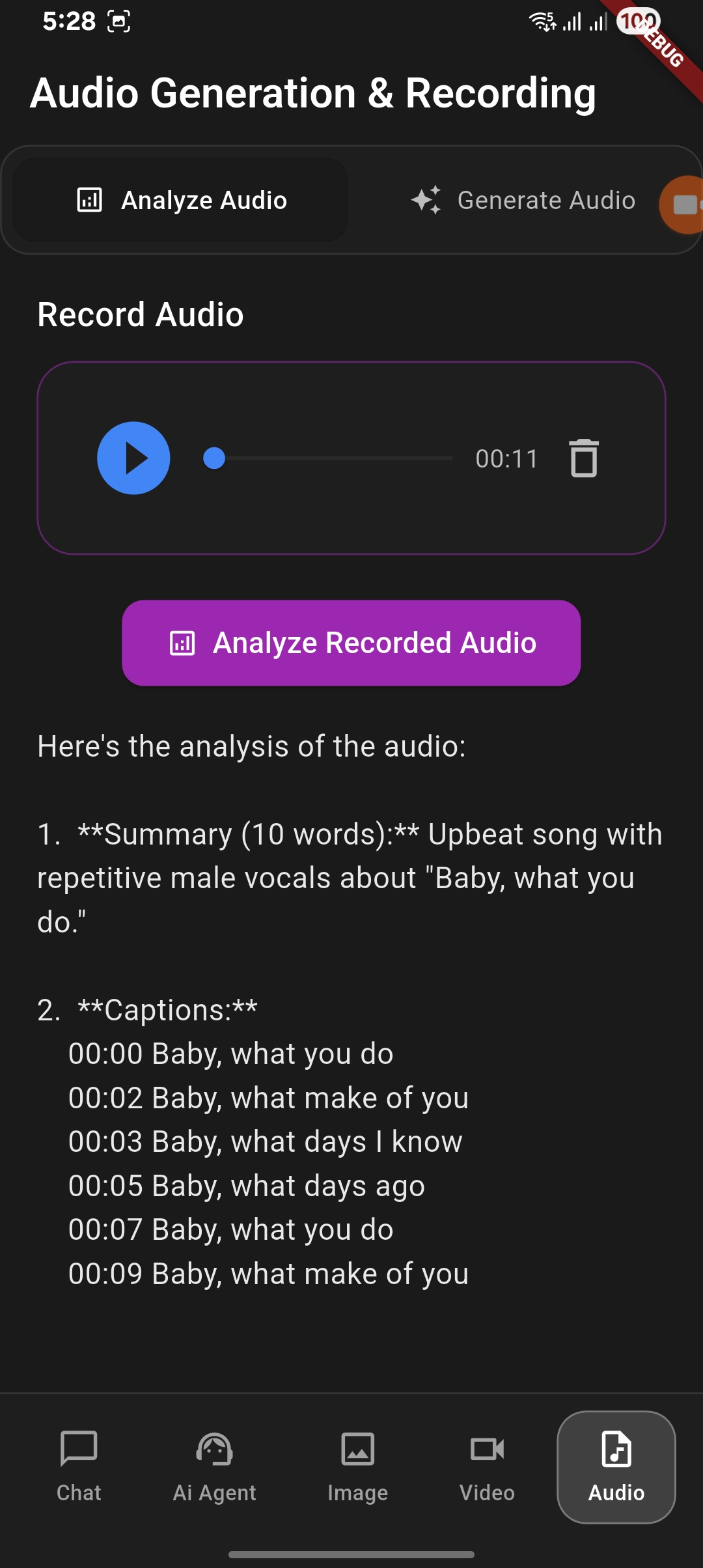
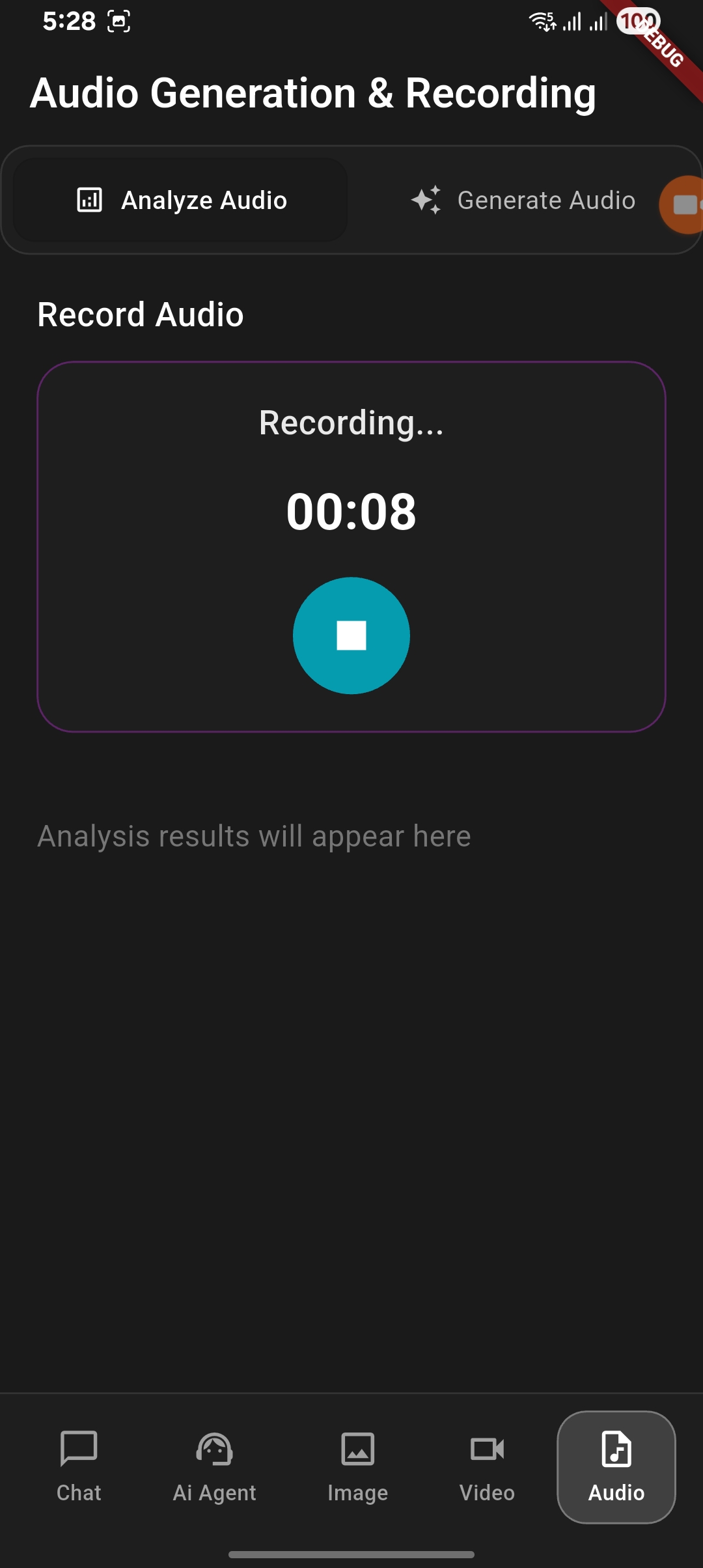
Features in project
1. Normal chat with Gemini Ai and Vertex Ai
2. Chat Agent
- Text Content Generation
- Ai Agents - Grounding (Coming soon...)
- Ai Agents - Document Generation
- Ai Agents - Document Analyze
3. Image Generation and Analyze
- Image Generation with user prompt
- Image Analysis with give image
4. Video Generation and Analyze
- Video Generation with user prompt
- Video Analysis with give video (Coming soon...)
5. Audio Generation and Analyze
- Audio Generation with user prompt (Coming soon...)
- Audio Analysis with recorded audio
How to setup and run the project
- Clone the repository
- Run
flutter pub getto install dependencies - Create
.envfile in the root directory:ANDROID_API_KEY= ANDROID_APP_ID= MESSAGING_SENDER_ID=your_firebase_messaging_sender_id PROJECT_ID= - Create new project in Firebase Console
- Add Package name
com.example.flutter_app_vertex_ai_agentandSHA1in Firebase project settings - Add required keys in
.env - Run the app using
flutter run
Reach me:


GitHub 作者
shivam srivastava ↗
語言DartC++CMakeSwiftRubyCHTMLKotlinObjective-C
分類
使用的依賴
依賴清單 15 項
- flutter
{"sdk":"flutter"} - cupertino_icons
^1.0.2 - image_picker
^1.0.7 - firebase_ai
^3.2.0 - firebase_core
^4.1.0 - path_provider
^2.1.5 - flutter_dotenv
^5.2.1 - video_player
^2.10.0 - audioplayers
^6.5.0 - record
^6.0.0 - permission_handler
^11.3.1 - file_saver
^0.3.1 - file_picker
^10.3.2 - flutter_test開發依賴
{"sdk":"flutter"} - flutter_lints開發依賴
^5.0.0
如何選擇適合專案的儲存庫?
先依使用情境篩選,再比較專案活躍情況,最後到原始儲存庫確認使用要求。
- 透過儲存庫名稱、作者或描述搜尋,再依技術分類縮小範圍。
- 綜合星標、分支與最近推送比較專案;星標反映社群關注,不保證品質。
- 使用前在 GitHub 確認 README、授權條款與 Issues。
來源與維護
“A repository is the most basic element of GitHub.”
GitHub Docs — About repositories ↗