
pagination_view
Flutter 套件,用於簡化從互聯網獲取項目清單的分頁。

- 星標
- 151
- 分支
- 27
- 最近推送(UTC)
- 2023年1月3日
- 專案狀態
- 未封存
原始 README
以下為英文專案原文快照,最新內容請造訪 GitHub。
PaginationView


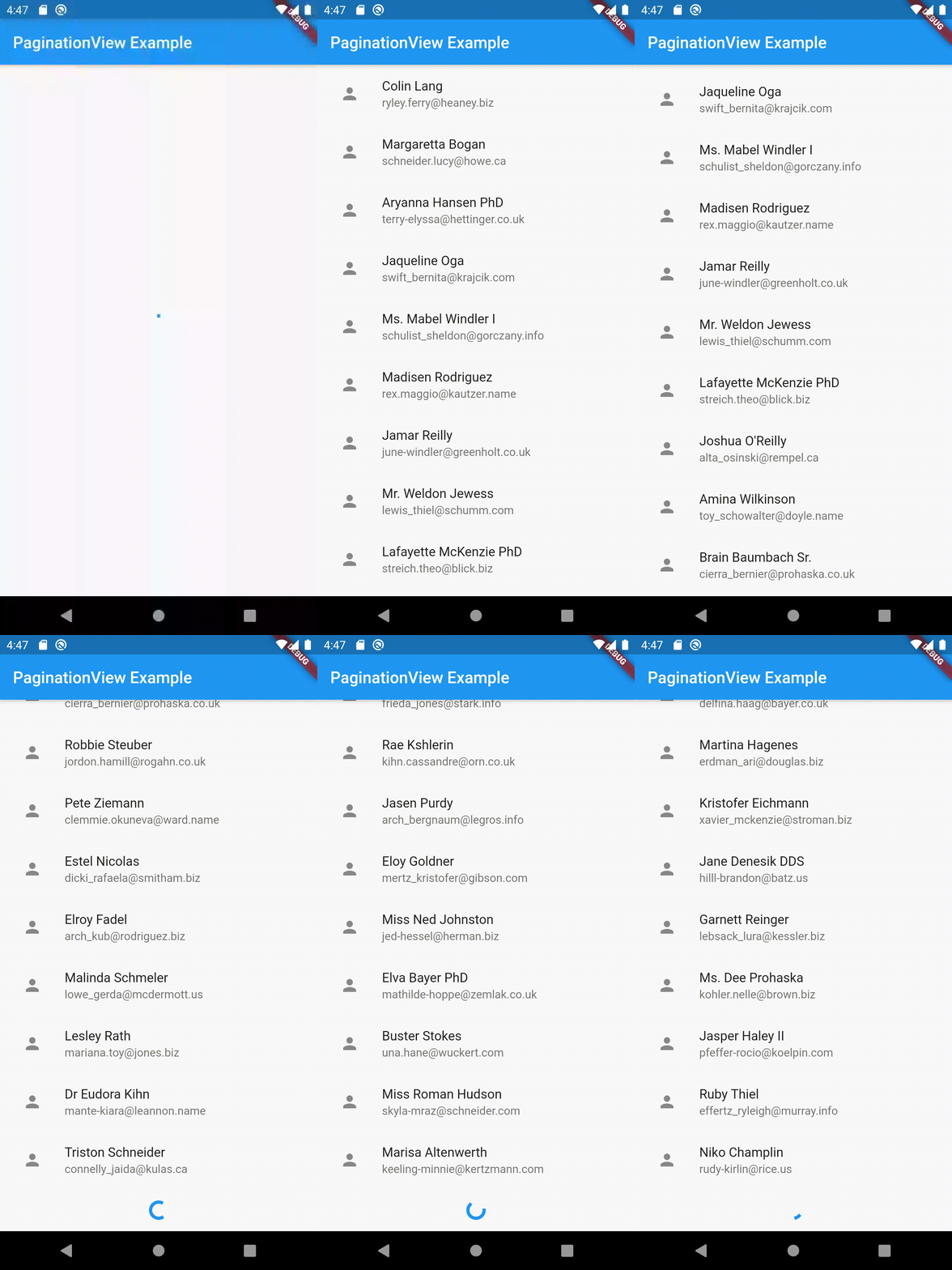
Installing
In your pubspec.yaml
dependencies:
  pagination_view: ^2.0.0-nullsafety.0
import 'package:pagination_view/pagination_view.dart';
Basic Usage
      PaginationView<User>(
        preloadedItems: <User>[
          User(faker.person.name(), faker.internet.email()),
          User(faker.person.name(), faker.internet.email()),
        ],
        itemBuilder: (BuildContext context, User user, int index) => ListTile(
          title: Text(user.name),
          subtitle: Text(user.email),
          leading: IconButton(
            icon: Icon(Icons.person),
            onPressed: () => null,
          ),
        ),
        header: Text('Header text'),
        footer: Text('Footer text'),
        paginationViewType: PaginationViewType.listView // optional
        pageFetch: pageFetch,
        onError: (dynamic error) => Center(
          child: Text('Some error occured'),
        ),
        onEmpty: Center(
          child: Text('Sorry! This is empty'),
        ),
        bottomLoader: Center( // optional
          child: CircularProgressIndicator(),
        ),
        initialLoader: Center( // optional
          child: CircularProgressIndicator(),
        ),
      ),
Contributors ✨
Thanks goes to these wonderful people (emoji key):
 Saif Allah Khaled 💻 |
 jezsung 💻 |
 psredzinski 💻 |
 Javier Torrus 💻 |
 Jonjo McKay 💻 |
This project follows the all-contributors specification. Contributions of any kind welcome!

GitHub 作者
Venkat Vedartham ↗
語言DartKotlinSwiftHTMLObjective-C
分類
使用的依賴
依賴清單 7 項
- flutter
{"sdk":"flutter"} - bloc
^8.0.1 - flutter_bloc
^8.0.0 - flutter_test開發依賴
{"sdk":"flutter"} - flutter_lints開發依賴
^1.0.4 - bloc_test開發依賴
^9.0.1 - mockito開發依賴
^5.0.16
如何選擇適合專案的儲存庫?
先依使用情境篩選,再比較專案活躍情況,最後到原始儲存庫確認使用要求。
- 透過儲存庫名稱、作者或描述搜尋,再依技術分類縮小範圍。
- 綜合星標、分支與最近推送比較專案;星標反映社群關注,不保證品質。
- 使用前在 GitHub 確認 README、授權條款與 Issues。
來源與維護
“A repository is the most basic element of GitHub.”
GitHub Docs — About repositories ↗