

v1.5.6
zstandard
Flutter plugin for fast Zstandard compression and decompression across native and WebAssembly platforms.
12喜歡 4.8萬近 30 天下載160Pub 分數
AndroidiOSLinuxmacOSWebWindows
Flutter plugin for zstandard compression

以下為英文專案原文快照,最新內容請造訪 GitHub。


Zstandard (zstd) is a fast, high-compression algorithm developed by Meta (formerly Facebook) designed for real-time compression scenarios. It offers a flexible range of compression levels, allowing both high-speed and high-ratio compression, making it ideal for applications with diverse performance needs. Zstandard is widely used in data storage, transmission, and backup solutions.
This repository contains a federated Flutter plugin and a CLI package for zstandard compression, enabling both in-app and command-line usage. The two main components are:
zstandard: A Flutter plugin for cross-platform compression, supporting mobile, desktop, and web platforms. This package integrates the zstd library through FFI for native platforms and WebAssembly for the web, allowing efficient data compression in any Flutter environment.
zstandard_cli: A pure Dart package providing CLI capabilities for macOS, Windows, and Linux. It enables command-line compression and decompression for data files and streams.
Native platform packages and the CLI share the zstd C source and FFI bindings via the zstandard_native package (zstandard_native/src/zstd/). zstandard_native is published to pub.dev as part of this repo’s release set, so a single copy is used whether you depend on the plugin from the repo or from pub.dev.
| Android | iOS | Web | macOS | Windows | Linux | Fuchsia | |
|---|---|---|---|---|---|---|---|
| Flutter | :heavy_check_mark: | :heavy_check_mark: | :heavy_check_mark: (wasm) | :heavy_check_mark: | :heavy_check_mark: | :heavy_check_mark: | ❌ |
| Native | FFI | FFI | WebAssembly | FFI | FFI | FFI | ❌ |
| Precompiled | No | No | Yes | No | No | No | ❌ |
| macOS | Windows | Linux | |
|---|---|---|---|
| x64 | :heavy_check_mark: | :heavy_check_mark: | :heavy_check_mark: |
| arm64 | :heavy_check_mark: | :heavy_check_mark: | :heavy_check_mark: |
| Precompiled | Yes | Yes | Yes |
Full documentation is in the docs/ directory, including:
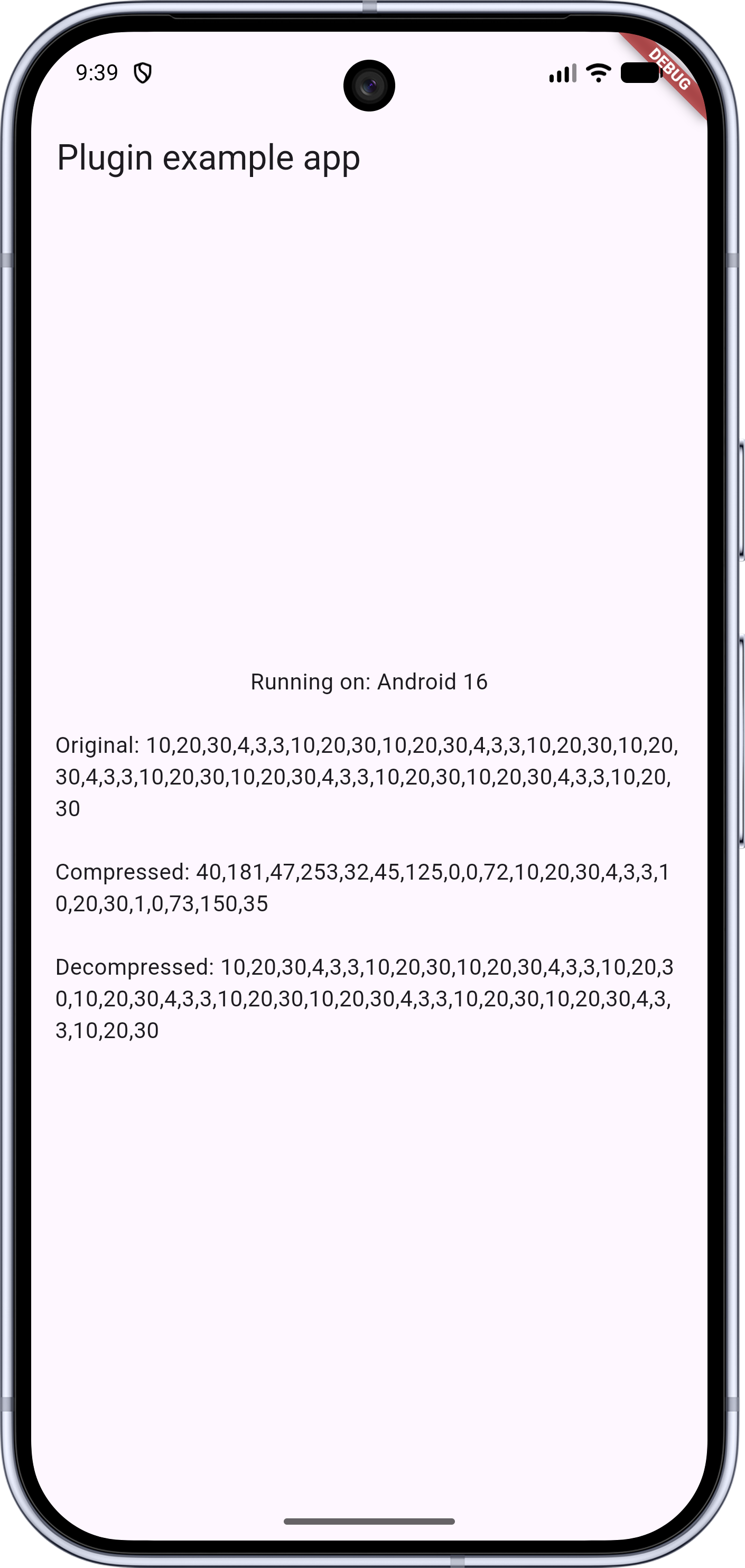
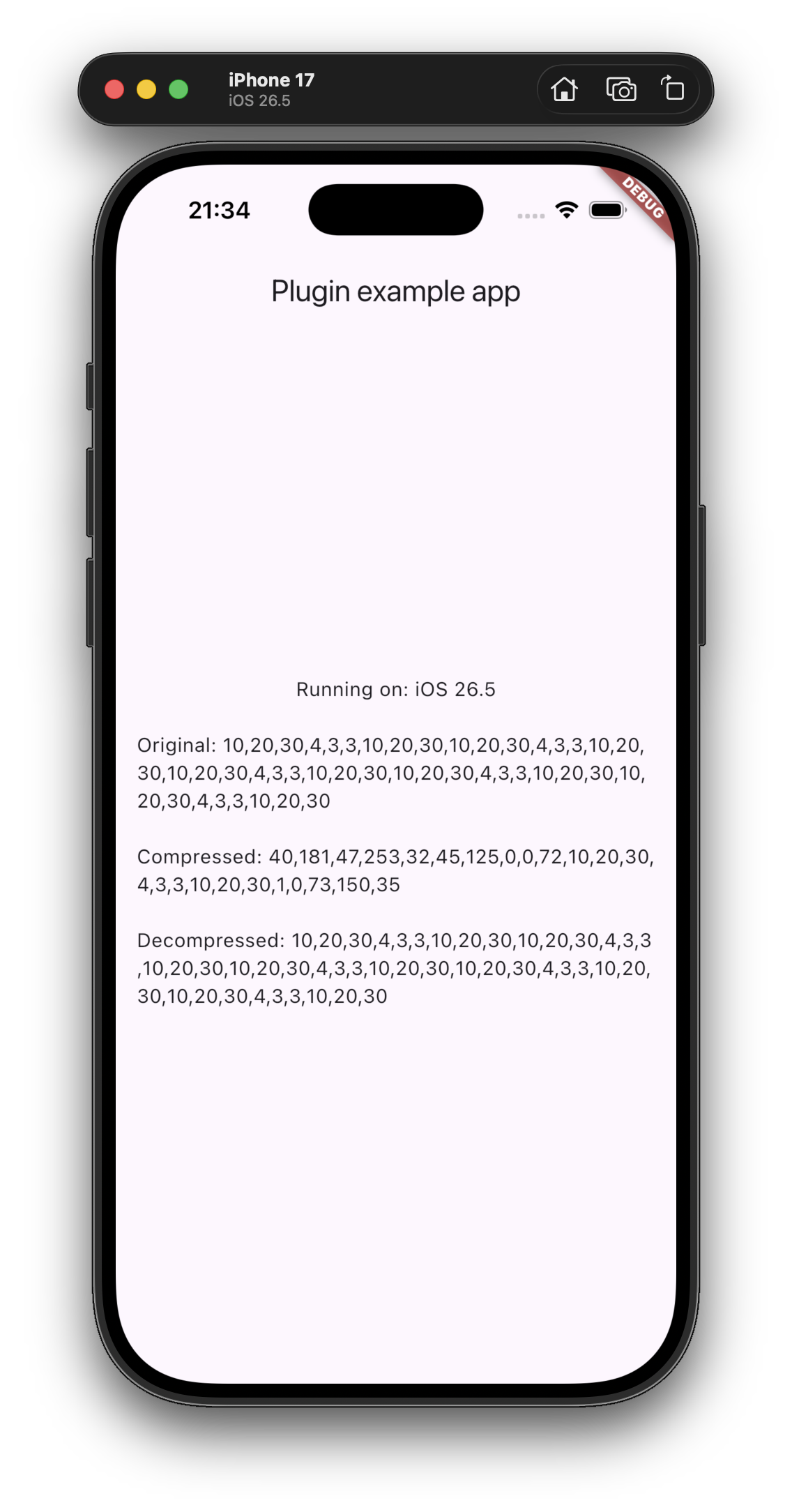
import 'package:zstandard/zstandard.dart';

void main() async {
  final zstandard = Zstandard();

  Uint8List originalData = Uint8List.fromList([...]);

  Uint8List? compressed = await zstandard.compress(originalData, 3);

  final decompressed = compressed == null
      ? null
      : await zstandard.decompress(compressed, maxOutputSize: 64 * 1024 * 1024);
}
Using extensions:
import 'package:zstandard/zstandard.dart';

void main() async {
  Uint8List originalData = Uint8List.fromList([...]);

  Uint8List? compressed = await originalData.compress();

  final decompressed = await compressed.decompress(
    maxOutputSize: 64 * 1024 * 1024,
  );
}
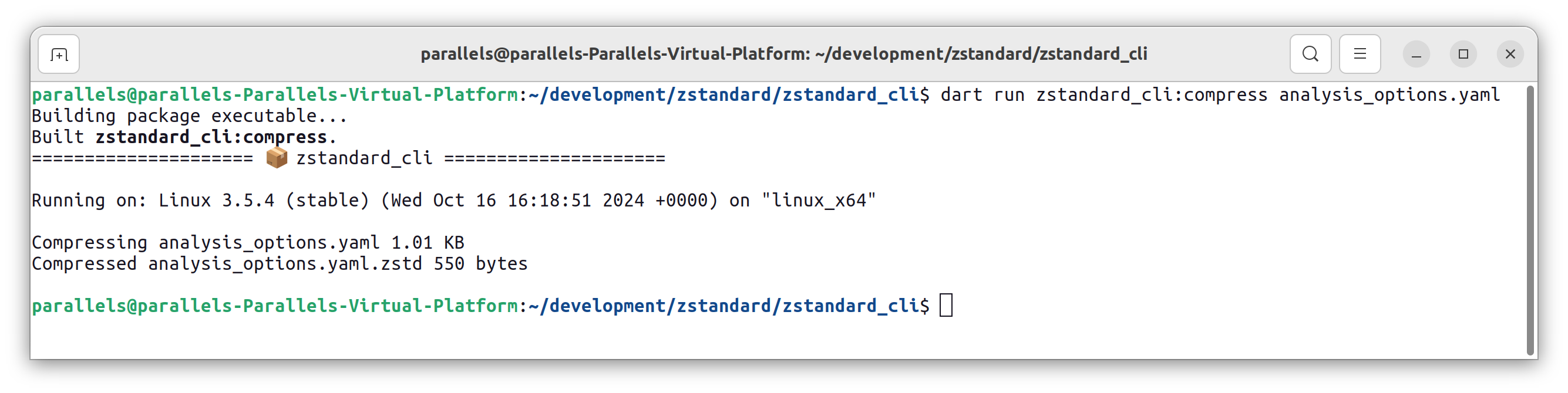
# Compress a file with a specified compression level
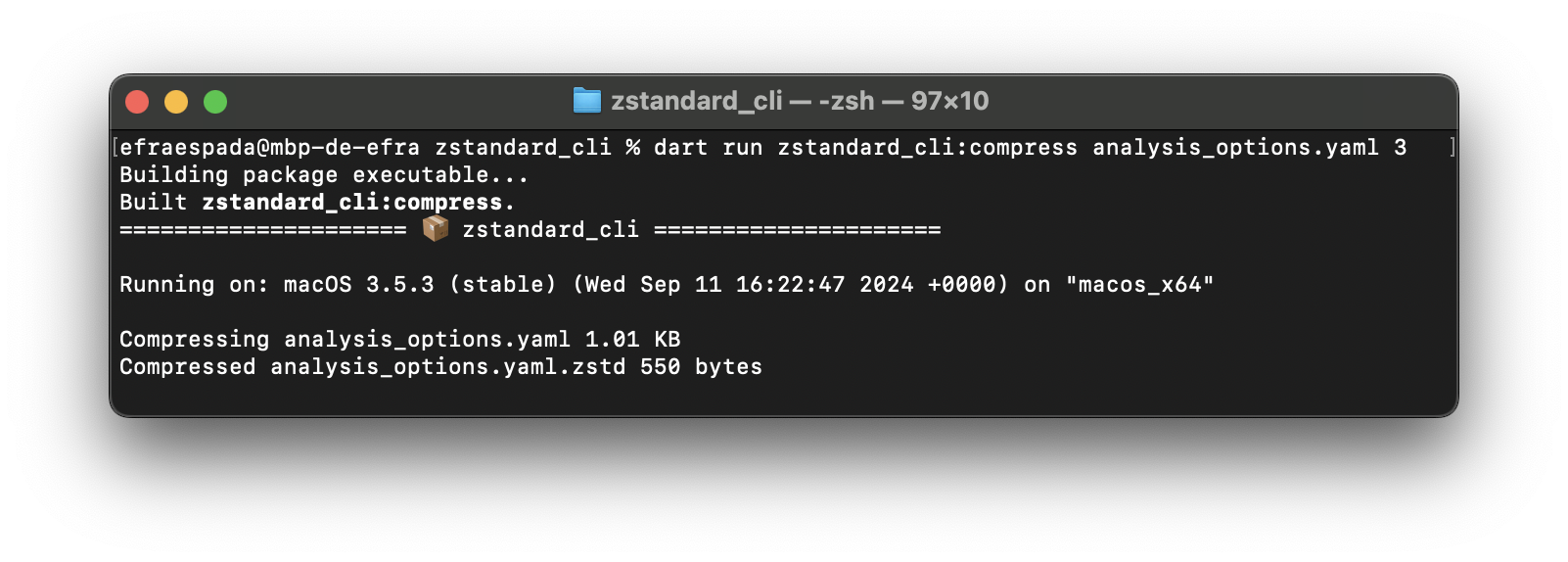
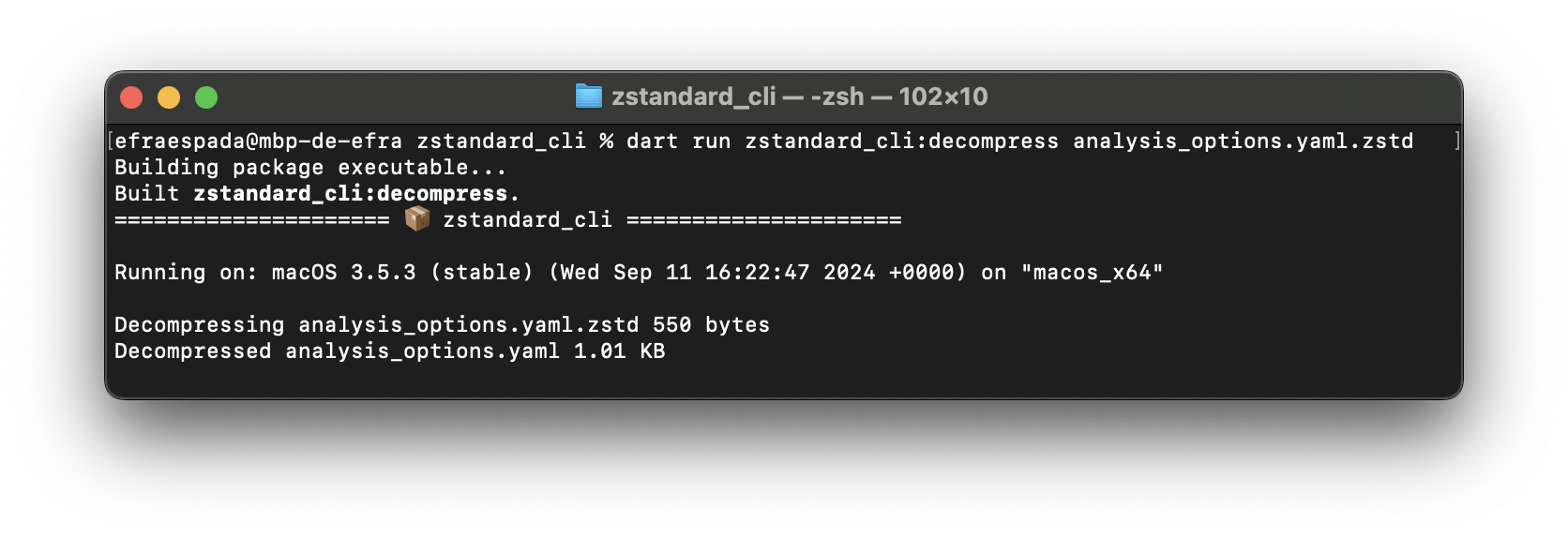
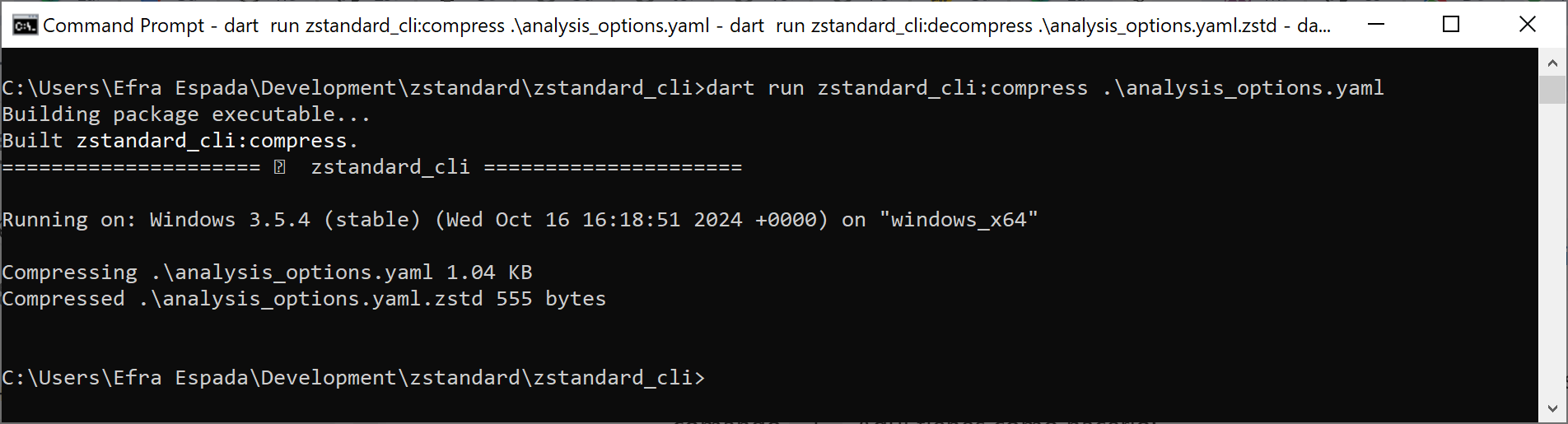
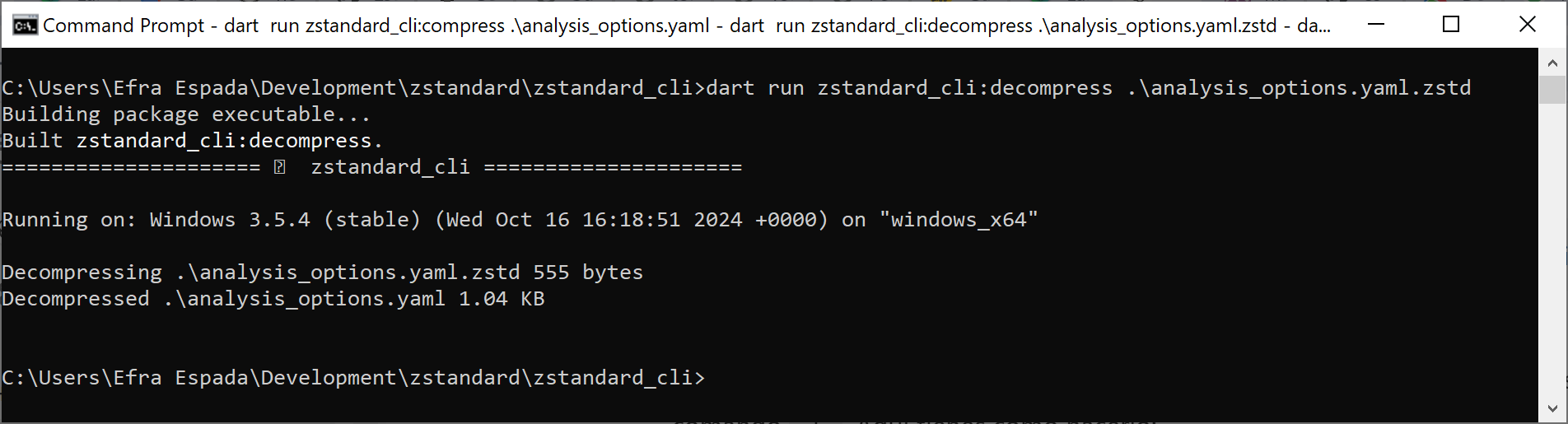
dart run zstandard_cli:compress --level 3 myfile.txt

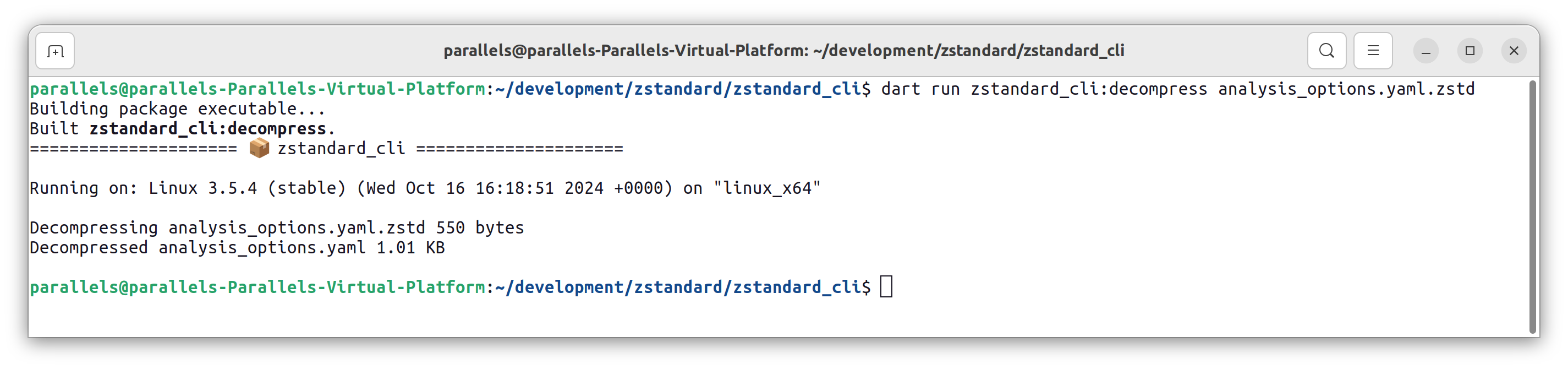
# Decompress a file
dart run zstandard_cli:decompress myfile.txt.zstd
import 'package:zstandard_cli/zstandard_cli.dart';

void main() async {
  var cli = ZstandardCLI();

  final originalData = Uint8List.fromList([...]);

  final compressed = await cli.compress(originalData, compressionLevel: 3);

  final decompressed = await cli.decompress(compressed ?? Uint8List(0));
}
Using extensions in Dart:
import 'package:zstandard_cli/zstandard_cli.dart';

void main() async {
  final originalData = Uint8List.fromList([...]);

  final compressed = await originalData.compress(compressionLevel: 3);

  final decompressed = await compressed.decompress();
}
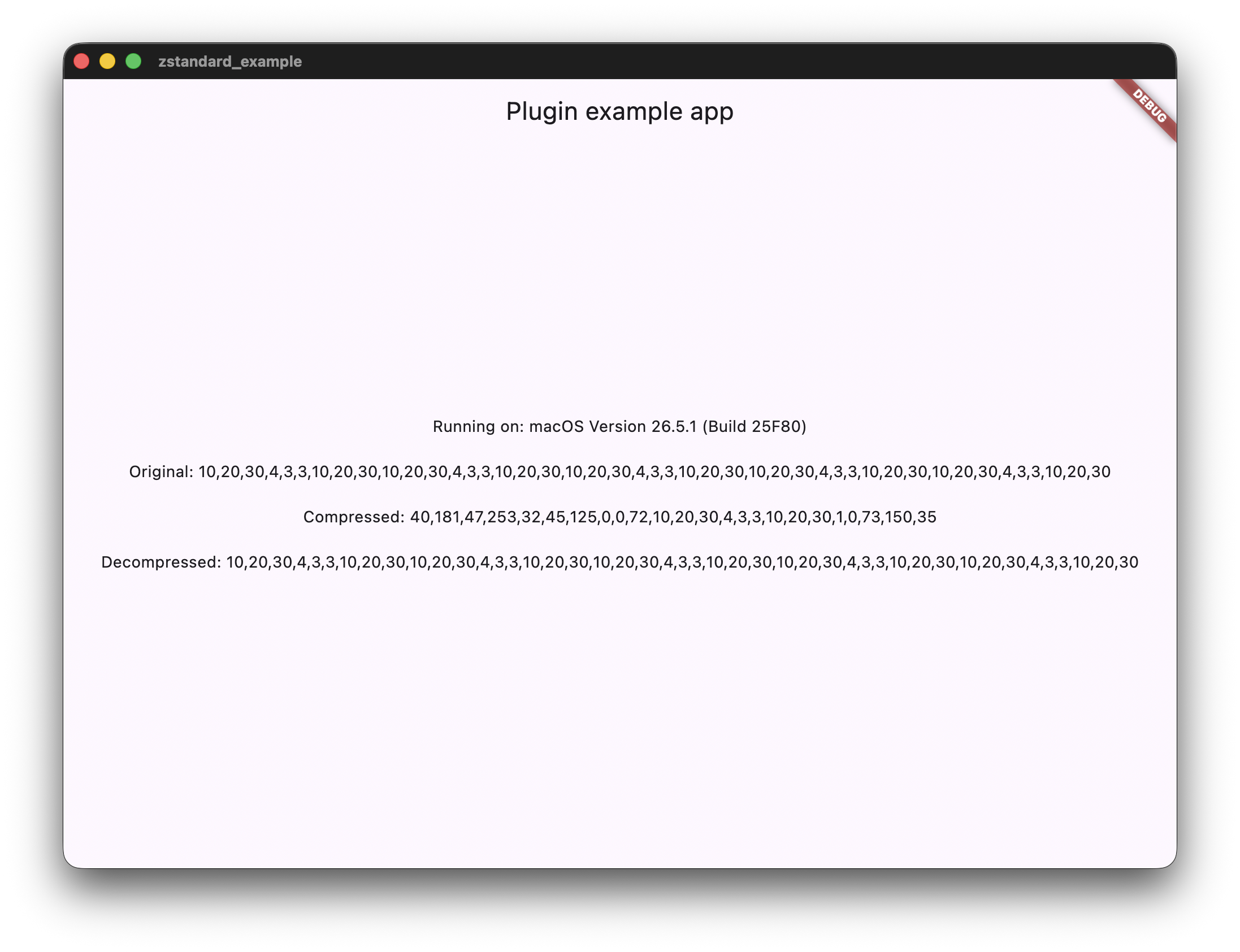
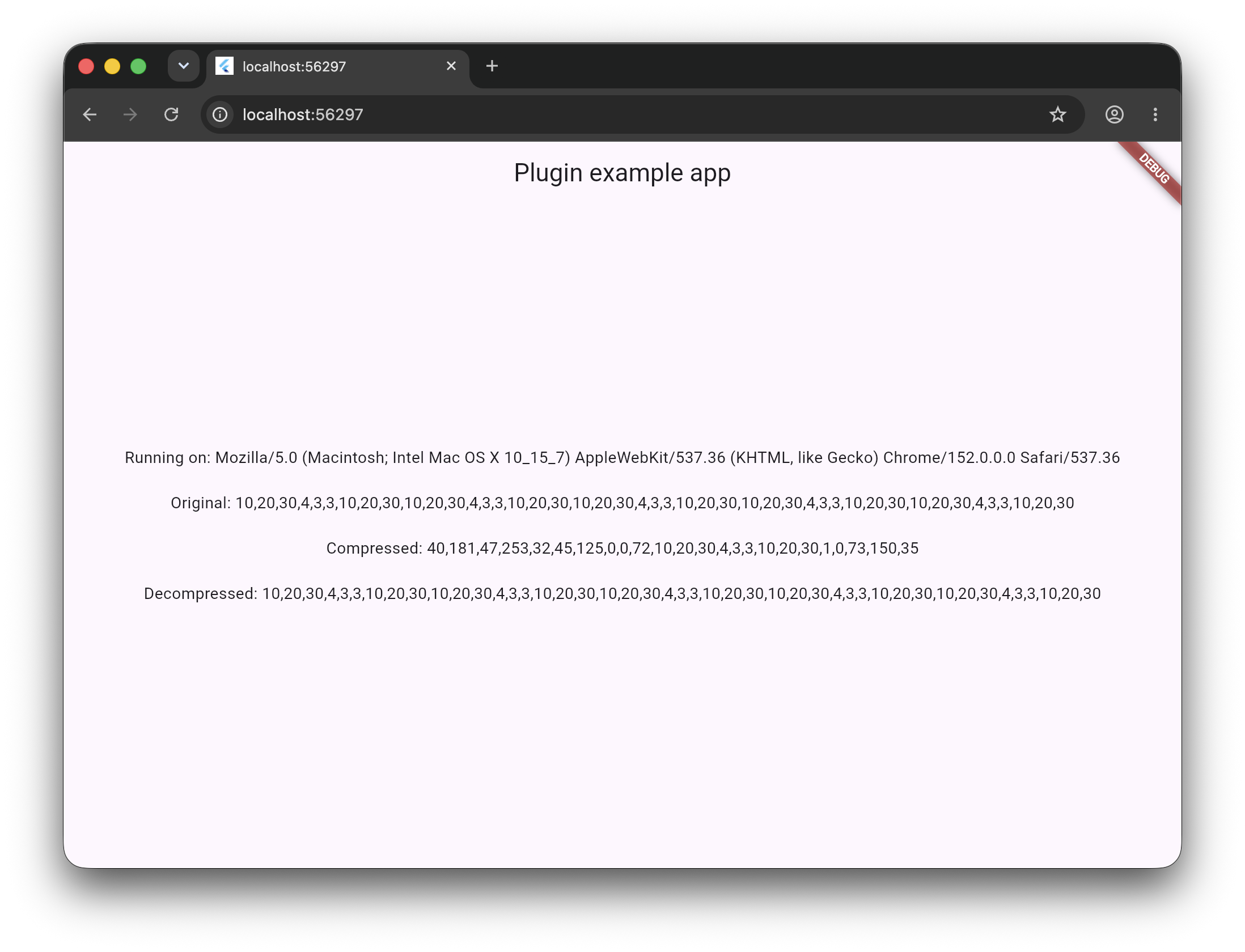
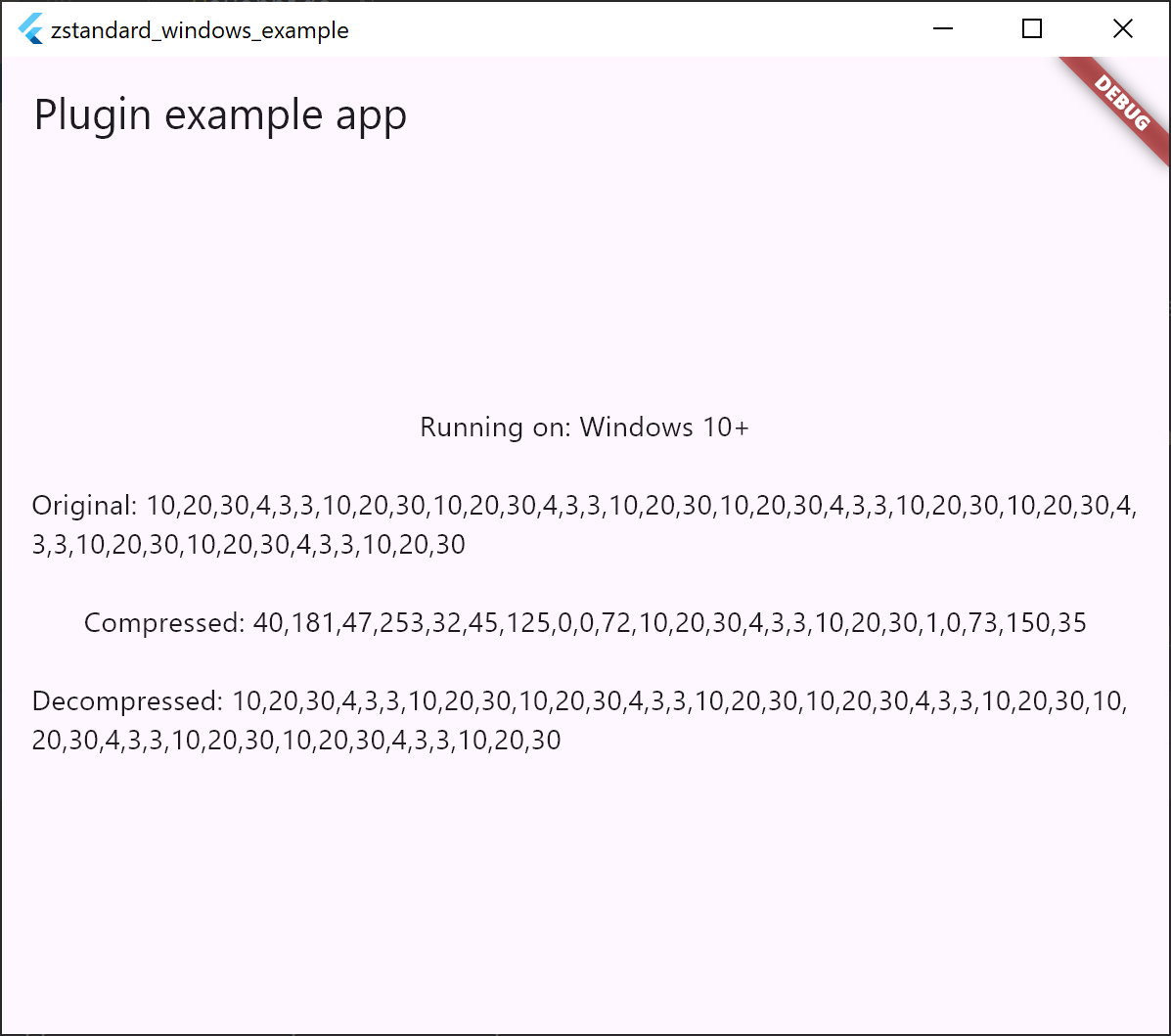
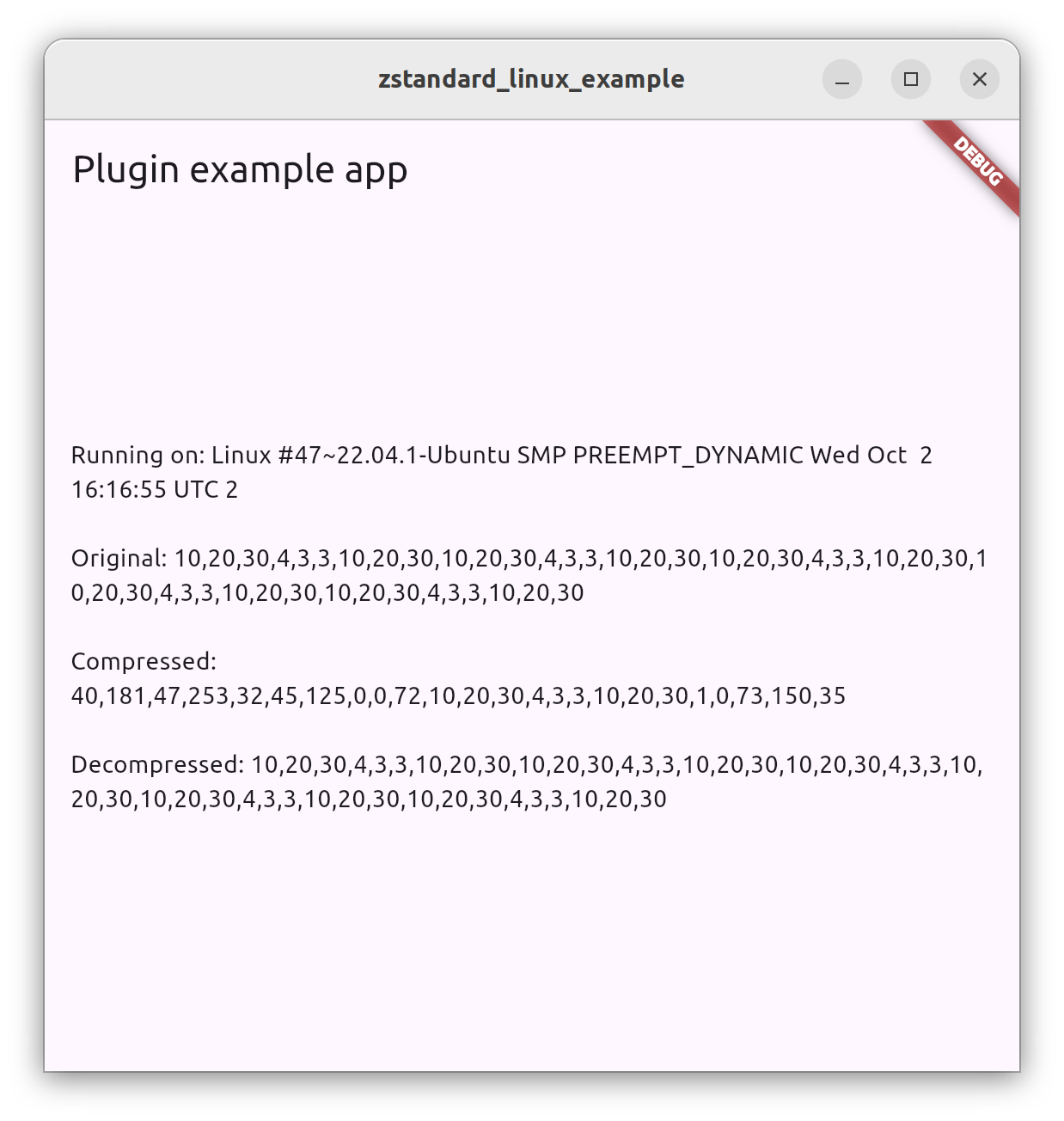
This project uses code from the original facebook/zstd repository. Please see the LICENSE file for more information.
Flutter plugin for fast Zstandard compression and decompression across native and WebAssembly platforms.
Android implementation of the Zstandard compression plugin for Flutter applications.
iOS implementation of the Zstandard compression plugin for Flutter applications.
Linux implementation of the Zstandard compression plugin for Flutter applications.
macOS implementation of the Zstandard compression plugin for Flutter applications.
Native zstd C sources and FFI bindings for the zstandard Flutter plugin.
A common platform interface for the zstandard plugin.
Web implementation of the Zstandard compression plugin for Flutter applications.
Windows implementation of the Zstandard compression plugin for Flutter applications.
先依使用情境篩選,再比較專案活躍情況,最後到原始儲存庫確認使用要求。
“A repository is the most basic element of GitHub.”
GitHub Docs — About repositories ↗