

 v1.0.0
progress_indicators
一些酷炫進度指示器和文字動畫器的精選集合。
198喜歡 6430近 30 天下載130Pub 分數
AndroidiOSWebmacOSWindowsLinux
wal33d006/progress_indicators open-source repository details.

以下為英文專案原文快照,最新內容請造訪 GitHub。
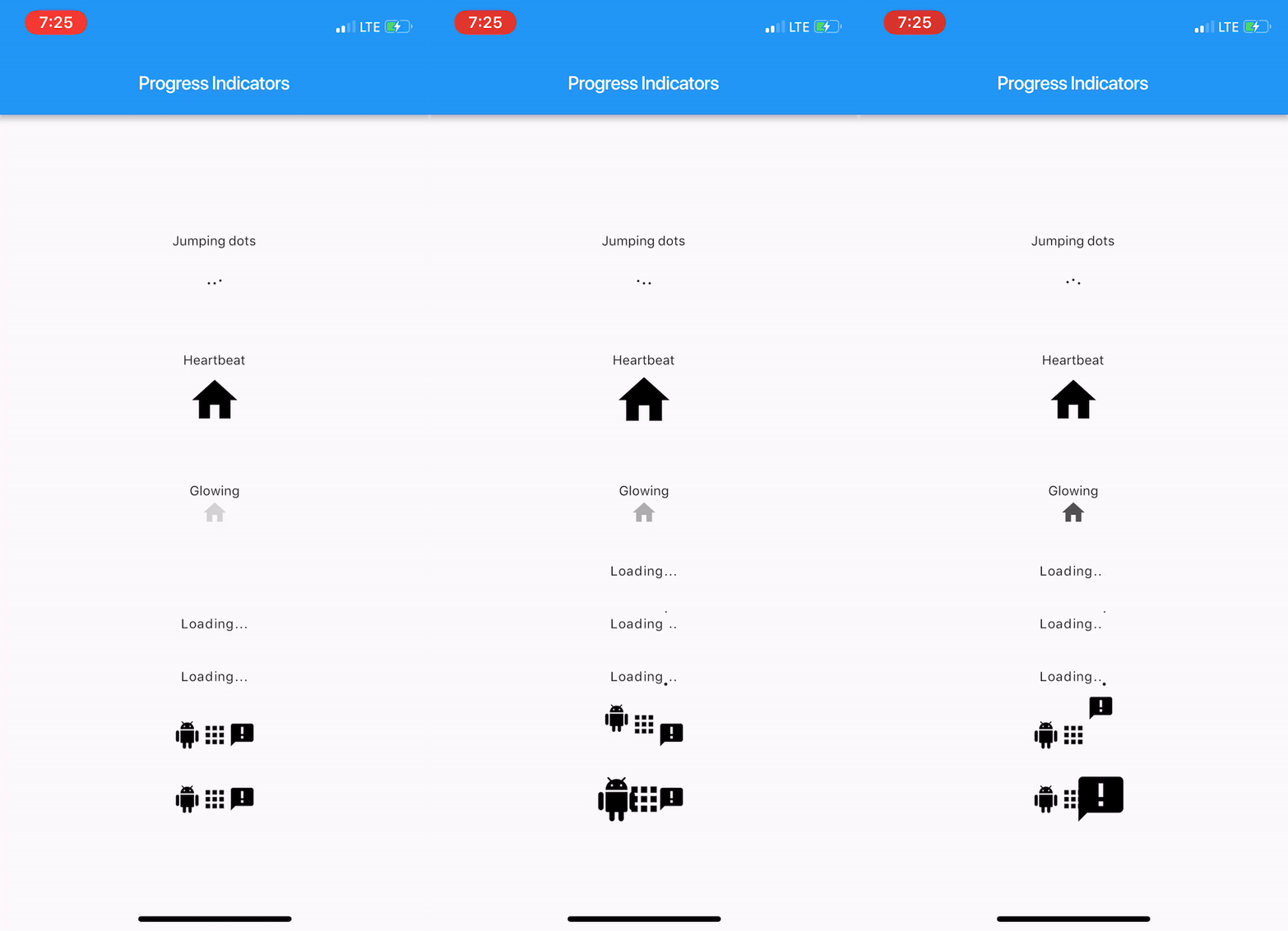
With this project, we are aiming to provide some cool, animated progress indicators to Flutter developers.
Here's how it looks like.
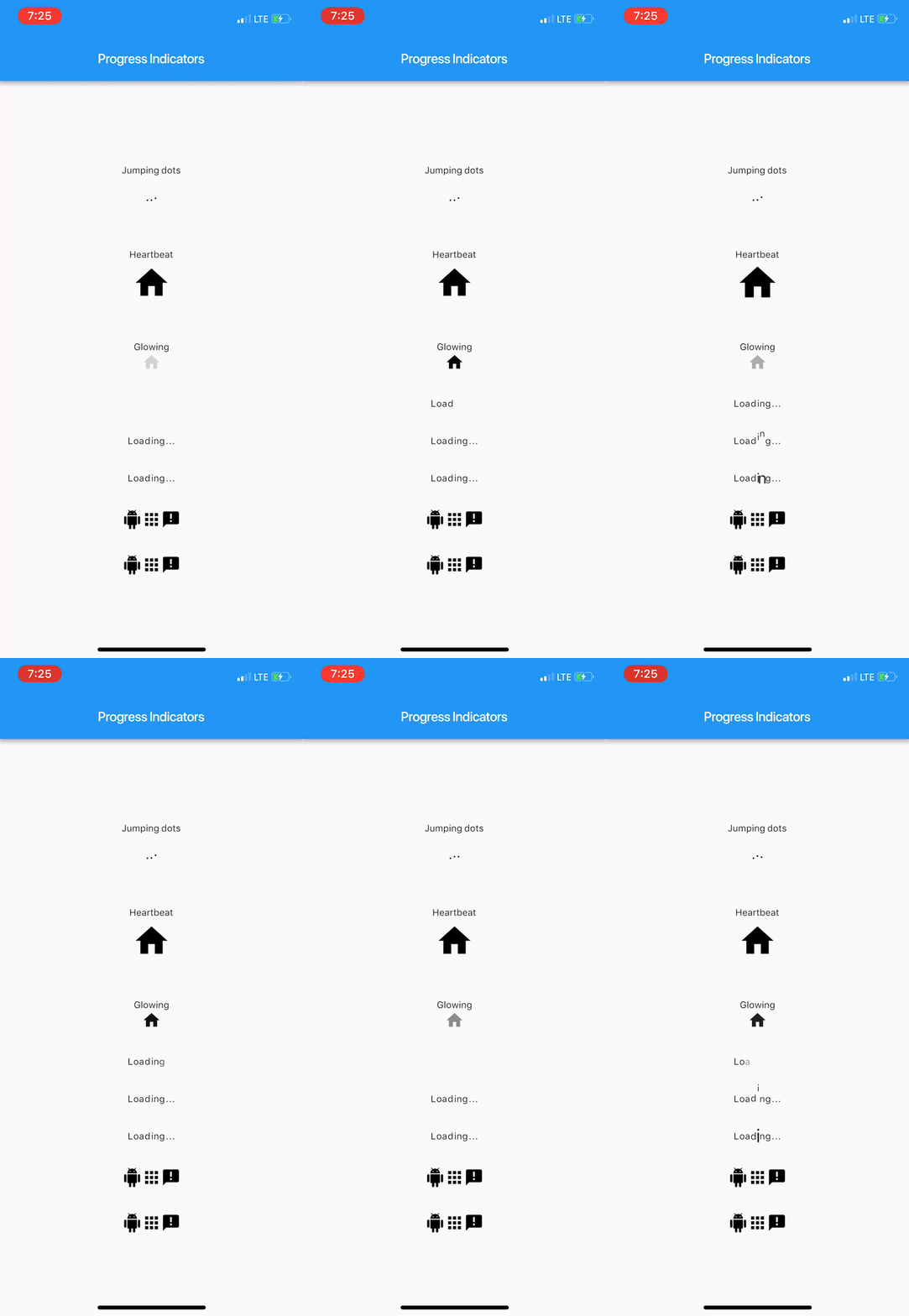
Import package:progress_indicators/progress_indicators.dart and use these avaiable widgets:
FadingTextJumpingTextScalingTextJumpingDotsHeartbeatProgressIndicatorGlowingProgressIndicatorCollectionSlideTranstionCollectionScaleTransitionWidget build(BuildContext context) {
print(Offset(0.0, -1.0).distanceSquared - Offset(0.0, 0.0).distanceSquared);
return new Scaffold(
appBar: new AppBar(
title: new Text(widget.title),
),
body: new Center(
child: new Column(
mainAxisAlignment: MainAxisAlignment.center,
children: <Widget>[
new Text('Jumping dots'),
JumpingDotsProgressIndicator(
fontSize: 20.0,
),
SizedBox(height: 60.0),
new Text('Heartbeat'),
SizedBox(height: 16.0),
HeartbeatProgressIndicator(
child: Icon(Icons.home),
),
SizedBox(height: 60.0),
new Text('Glowing'),
GlowingProgressIndicator(
child: Icon(Icons.home),
),
SizedBox(height: 32.0),
FadingText('Loading...'),
SizedBox(height: 32.0),
JumpingText('Loading...'),
SizedBox(height: 32.0),
ScalingText('Loading...'),
SizedBox(height: 32.0),
CollectionSlideTransition(
children: <Widget>[
Icon(Icons.android),
Icon(Icons.apps),
Icon(Icons.announcement),
],
),
SizedBox(height: 32.0),
CollectionScaleTransition(
children: <Widget>[
Icon(Icons.android),
Icon(Icons.apps),
Icon(Icons.announcement),
],
),
],
),
),
);
}
For complete sample, see the this example app.
依賴清單 2 項
{"sdk":"flutter"}{"sdk":"flutter"}先依使用情境篩選,再比較專案活躍情況,最後到原始儲存庫確認使用要求。
“A repository is the most basic element of GitHub.”
GitHub Docs — About repositories ↗