

v0.39.1
fvp
video_player 插件與後端 API。支援所有桌面/行動平台,具備硬體解碼器,最佳化渲染。透過 FFmpeg 支援大多數格式。
179喜歡 3.7萬近 30 天下載140Pub 分數
AndroidiOSmacOSWindowsLinux
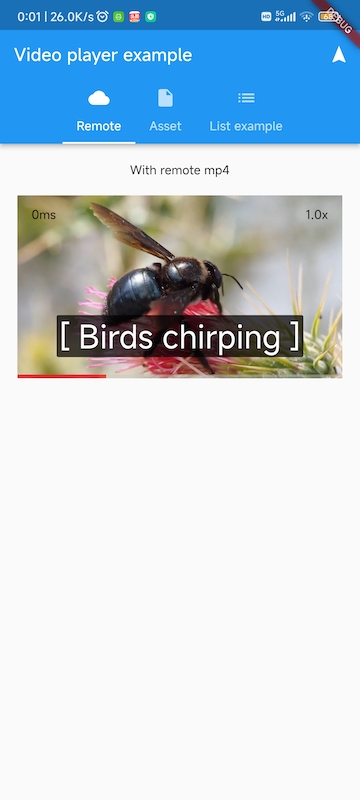
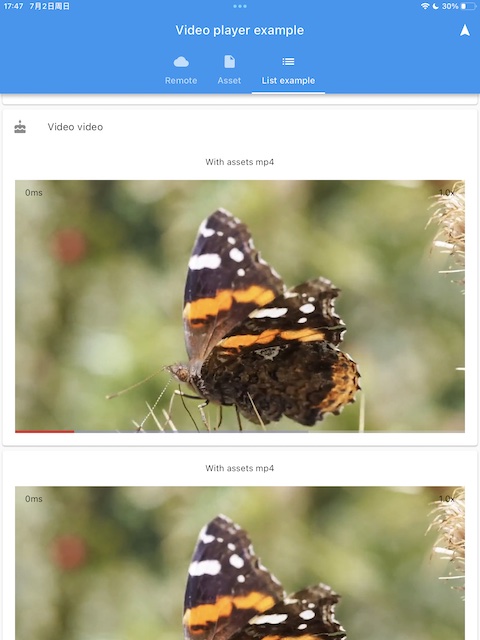
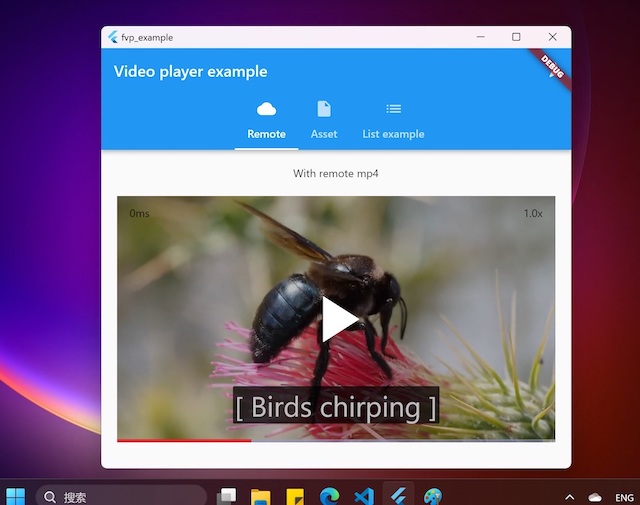
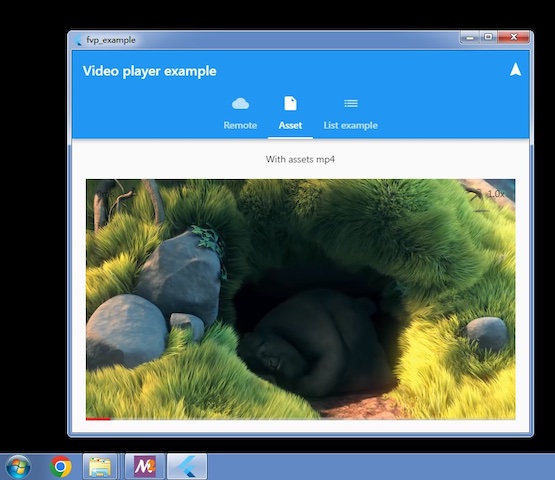
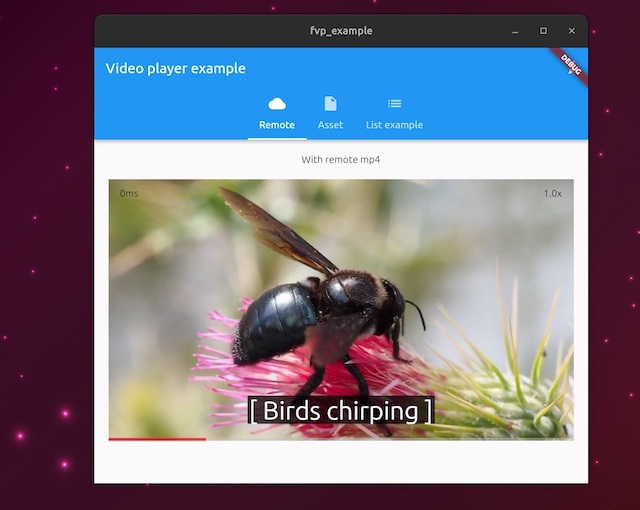
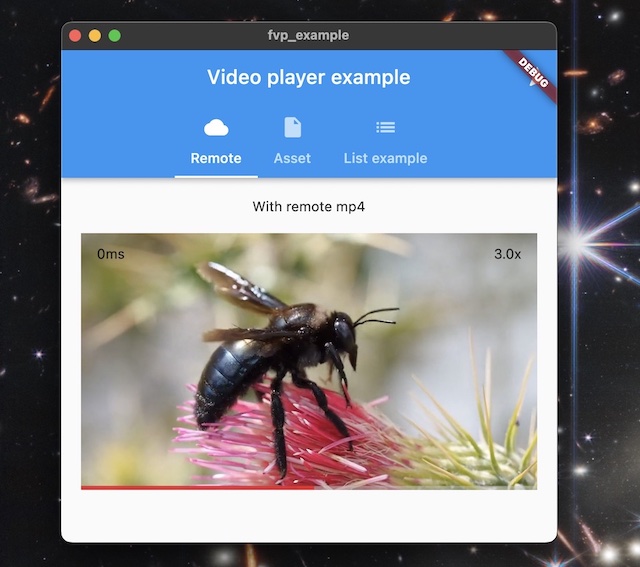
適用於所有桌面與行動平台的 Flutter 影片播放器外掛程式。從 GitHub Actions 下載預建範例。https://pub.dev/packages/fvp

以下為英文專案原文快照,最新內容請造訪 GitHub。
A plugin for official Flutter Video Player to support all desktop and mobile platforms, with hardware accelerated decoding and optimal rendering. Based on libmdk. You can also create your own players other than official video_player with backend player api
Prebuilt example can be download from artifacts of github actions.
project is create with flutter create -t plugin --platforms=linux,macos,windows,android,ios -i objc -a java fvp
flutter pub add fvp. Since flutter 3.27, fvp must be a direct dependency in your app's pubspec.yaml.import 'package:fvp/fvp.dart' as fvp;
fvp.registerWith(); // in main() or anywhere before creating a player. use fvp for all platforms.
You can also select the platforms to enable fvp implementation
registerWith(options: {'platforms': ['windows', 'macos', 'linux']}); // only these platforms will use this plugin implementation
To select other decoders, pass options like this
fvp.registerWith(options: {
'video.decoders': ['D3D11', 'NVDEC', 'FFmpeg']
//'lowLatency': 1, // optional for network streams
}); // windows
The document lists all options for registerWith()
Errors are usually produced when loading a media.
_controller.addListener(() {
if (_controller.value.hasError && !_controller.value.isCompleted) {
...
import 'package:fvp/mdk.dart';
The plugin implements VideoPlayerPlatform via a thin wrapper on player.dart.
Now we also expose this backend player api so you can create your own players easily, and gain more features than official video_player, for example, play from a given position, loop in a range, decoder selection, media information detail etc. You can also reuse the Player instance without unconditionally create and dispose, changing the Player.media is enough.
This is an example
With this extension, we can leverage mature video_player code without rewriting a new one via backend player api, but gain more features, for example snapshot(), record(), fastSeekTo(), setExternalSubtitle().
import 'package:fvp/fvp.dart' as fvp;

fvp.registerWith(); // in main() or anywhere before creating a player. use fvp for all platforms.
// somewhere after controller is initialized
_controller.record('rtmp://127.0.0.1/live/test');
Upgrading binary dependencies can bring new features and backend bug fixes. For macOS and iOS, in your project dir, run
pod cache clean mdk
find . -name Podfile.lock -delete
rm -rf {mac,i}os/Pods
For other platforms, set environment var FVP_DEPS_LATEST=1 and rebuilt, will upgrade to the latest sdk. If fvp is installed from pub.dev, run flutter pub cache clean is another option.
To use an immutable SDK release or mirror, set its base URL and expected SHA-256. The platform archive name, such as mdk-sdk-android.7z, is appended to the URL.
FVP_DEPS_URL=https://example.com/mdk-sdk/releases/vX.Y.Z \
FVP_DEPS_SHA256="replace-with-64-character-sha256" \
flutter build apk
Replace the SHA-256 placeholder with the archive's 64-character digest. Both options can also be set as CMake cache variables. A non-empty CMake value takes precedence over the corresponding environment variable. When FVP_DEPS_SHA256 is set, the downloaded archive is verified and the extracted SDK cache is reused only if its recorded checksum matches. FVP_DEPS_LATEST is ignored in this mode.
MethodChannel to construct player instance and set a renderer target.delete libffmpeg.so.* in your app bundle, which is copied from libmdk sdk.
export GL_UBO=1 for arm mali driver on linux 6.x kernel to avoid gl driver bug.libass is required, and it's added to your app automatically for windows, macOS, ohos and android(remove ass.dll, libass.dylib and libass.so from mdk-sdk if you don't need it). For iOS, download and add ass.framework to your xcode project. For linux, system libass can be used, you may have to install manually via system package manager.
If required subtitle font is not found in the system(e.g. android), you can add assets/subfont.ttf in pubspec.yaml assets as the fallback. Optionally you can also download the font file by fvp like this
  fvp.registerWith(options: {
    'subtitleFontFile': 'https://github.com/mpv-android/mpv-android/raw/master/app/src/main/assets/subfont.ttf'
  });
Flutter can be installed by snap, but it will add some enviroment vars(CPLUS_INCLUDE_PATH and LIBRARY_PATH) which may break C++ compiler. It's not recommended to use snap, althrough building for linux is fixed, but it's not possible for android.
依賴清單 13 項
any{"sdk":"flutter"}anyanyanyany>=6.3.0anyany{"sdk":"flutter"}any>=9.0.0 <13.0.0any先依使用情境篩選,再比較專案活躍情況,最後到原始儲存庫確認使用要求。
“A repository is the most basic element of GitHub.”
GitHub Docs — About repositories ↗