

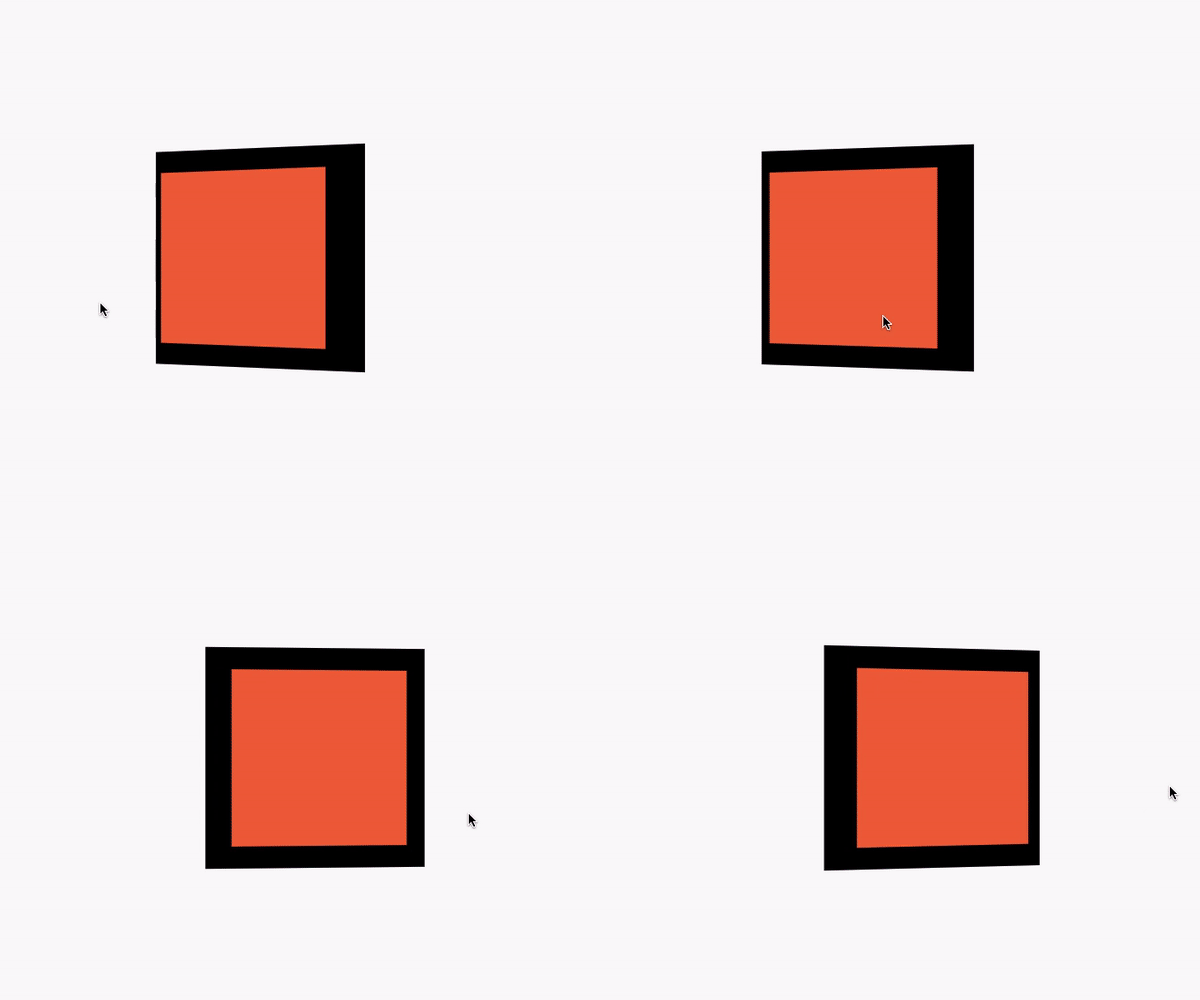
 v1.1.0
mouse_parallax
一種在多個平台實現基於指針的視差動畫的簡單方法。
165喜歡 31近 30 天下載150Pub 分數
AndroidiOSWebmacOSWindowsLinux
wilsonowilson/mouse_parallax open-source repository details.

以下為英文專案原文快照,最新內容請造訪 GitHub。
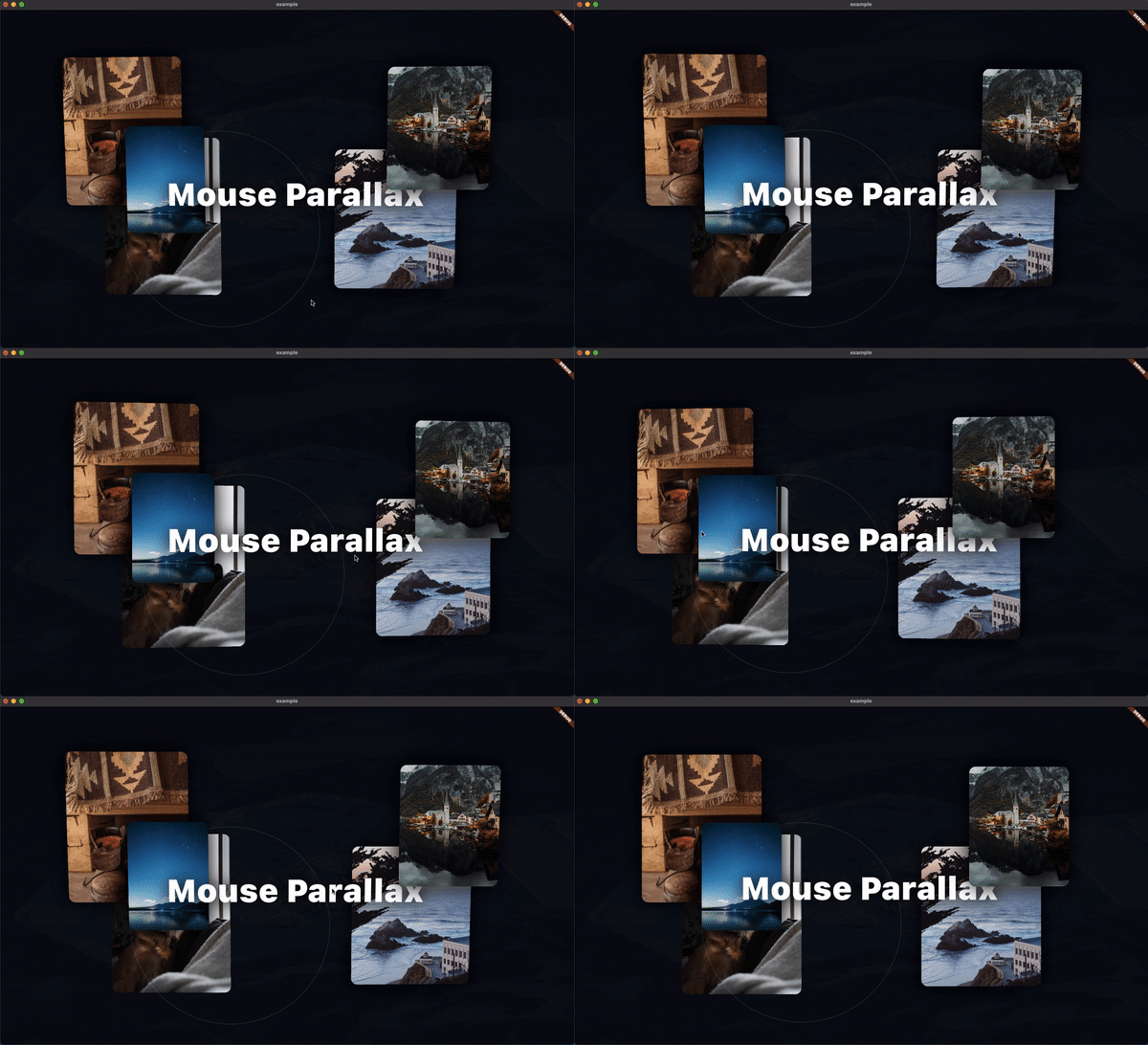
A Pointer-Based Animation Package. The goal of this package is to make mouse and touch based parallax effects as simple as possible.
To get started with the Parallax effect, use a ParallaxStack
class MyApp extends StatelessWidget {
 @override
 Widget build(BuildContext context) {
   return MaterialApp(
     home: Scaffold(
       body: ParallaxStack(
         layers: [],
       ),
     ),
   );
 }
}
The layers property takes a list of ParallaxLayers. These layers allow
you to define the animatable properties of the stack.
class MyApp extends StatelessWidget {
 @override
 Widget build(BuildContext context) {
   return MaterialApp(
     home: Scaffold(
       body: ParallaxStack(
         layers: [
           ParallaxLayer(
             yRotation: 0.35,
             xOffset: 60,
             child: Center(
               child: Container(
                 width: 250,
                 height: 250,
                 color: Colors.black,
               ),
             ),
           ),
           ParallaxLayer(
             yRotation: 0.35,
             xOffset: 80,
             child: Center(
               child: Container(
                 width: 200,
                 height: 200,
                 decoration: const BoxDecoration(
                   color: Colors.deepOrange,
                 ),
               ),
             ),
           ),
         ],
       ),
     ),
   );
 }
}
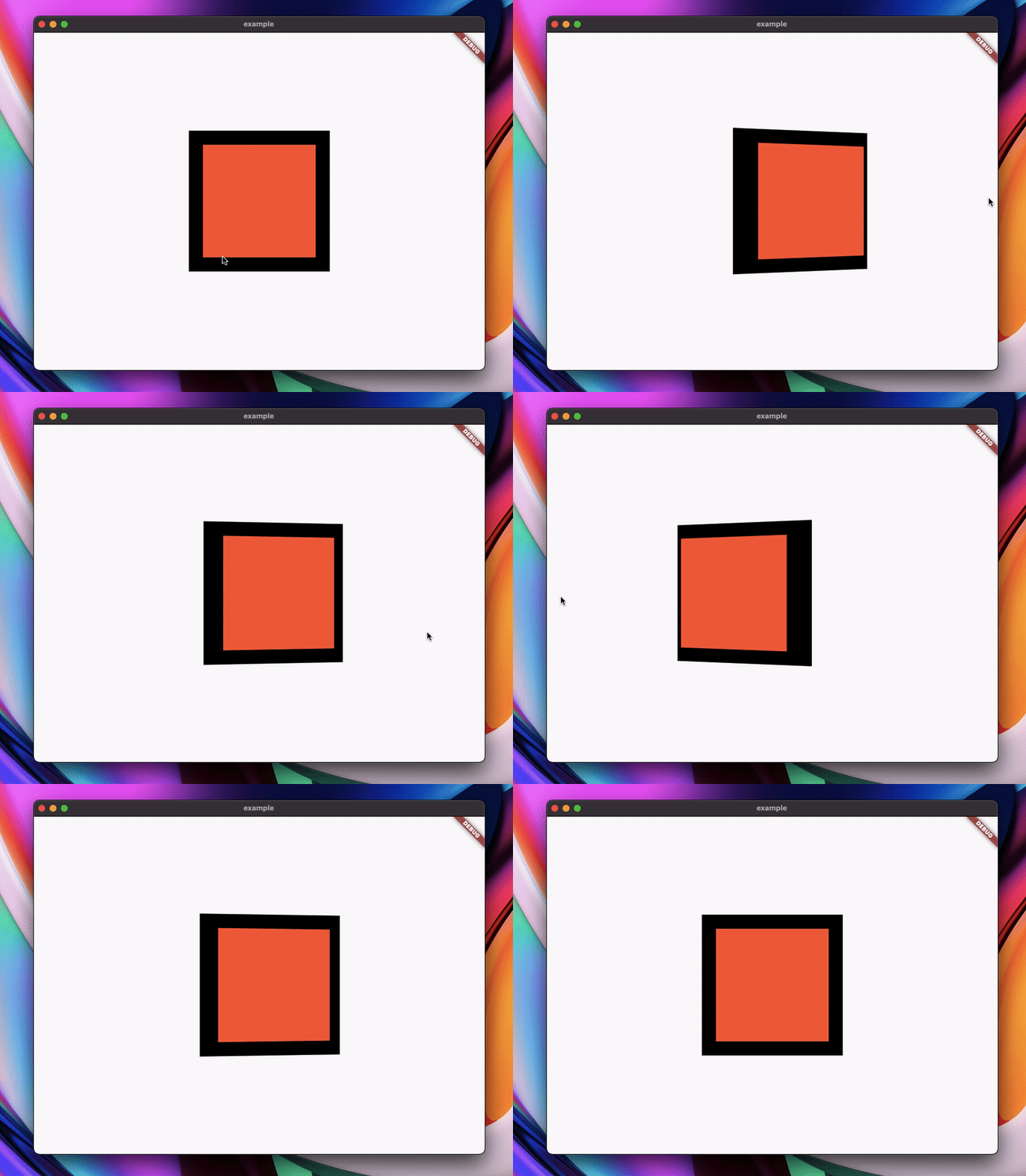
That example yields this result:
依賴清單 3 項
{"sdk":"flutter"}^1.0.4{"sdk":"flutter"}先依使用情境篩選,再比較專案活躍情況,最後到原始儲存庫確認使用要求。
“A repository is the most basic element of GitHub.”
GitHub Docs — About repositories ↗