Pakete, Repositories und App-Kategorien suchen

GitHub-Repository1akhanBaheti/FlutterKanbanBoard

FlutterKanbanBoard

Anpassbarer und drag-and-drop-fähiger Kanban-Board-Widget für Flutter. Erstellen Sie Trello-ähnliche Aufgabenboards mit reibungslosem Drag-and-Drop und flexibler Aufgabenverwaltung.

Projektcover von FlutterKanbanBoard
Sterne
34
Forks
28
Letzter Push (UTC)
21.05.2025
Projektstatus
Aktiv

Original-README

Englischer Projektschnappschuss. Aktuelle Inhalte auf GitHub.

Flutter KanbanBoard

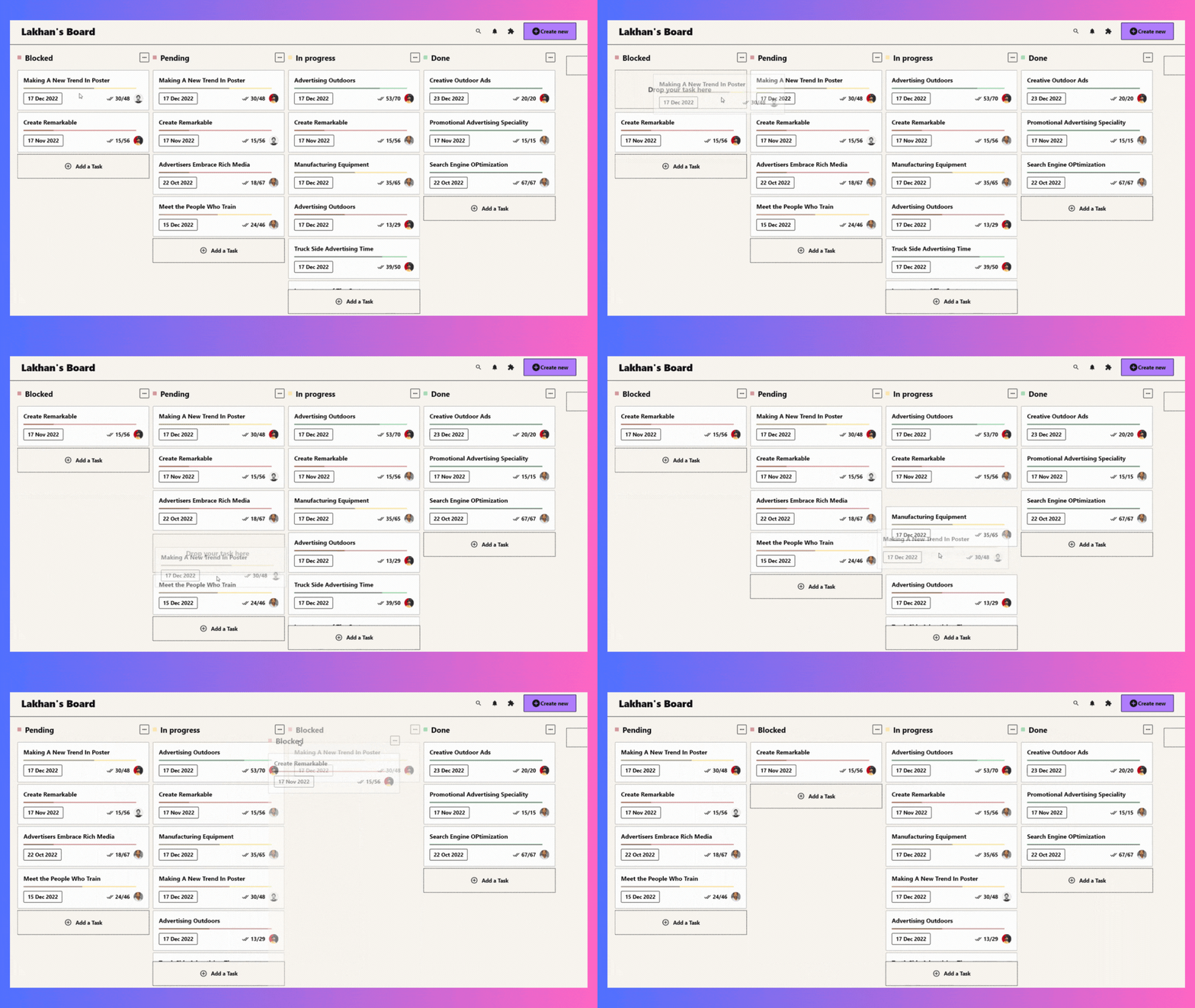
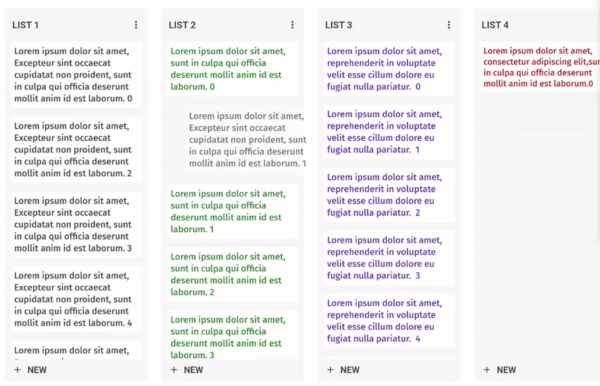
A fully customizable and draggable Kanban Board widget for Flutter. Perfect for building Kanban tools like Trello, it offers smooth drag-and-drop interactions and flexible task management for an intuitive workflow experience.

Example

Installation

Just add kanban_board to the pubspec.yaml file.

🚀 Create Your First Board

Let's define our KanbanGroupItem which can hold custom properties, and can be done by extending KanbanBoardGroupItem.

  class KanbanGroupItem extends KanbanBoardGroupItem {
  final String itemId;
  final String title;

  KanbanGroupItem({
    required this.itemId,
    required this.title,
  });

  @override
  String get id => itemId;
  
}

Then let's generate some random tasks:

import 'dart:math' as math;

List<KanbanBoardGroup<String,KanbanGroupItem>> kanbanGroups = List.generate(
_kanbanData.length,
  (index) => KanbanBoardGroup(
    id: "group_$index",
    name: "Group $index",
    items: List.generate(
      math.Random().nextInt(10),
      (itemIndex) => KanbanGroupItem(
         itemId: "group_item_$itemIndex",
         title: "Item $itemIndex",
      ),
    ),
  ),
);

And, Here comes the Kanban Board:

void main() {
  runApp(MaterialApp(home: KanbanBoardPage()));
}

class KanbanBoardPage extends StatelessWidget {
  final _controller = KanbanBoardController();

  @override
  Widget build(BuildContext context) {
    return Scaffold(
      appBar: AppBar(title: const Text("Flutter Kanban Board")),
      body: KanbanBoard(
        controller: _controller,
        groups: kanbanGroups,
        groupItemBuilder: groupItemBuilder,
        onGroupItemMove:
            (oldGroupIndex, oldItemIndex, newGroupIndex, newItemIndex) {},
        onGroupMove: (oldGroupIndex, newGroupIndex) {},
      ),
    );
  }

  BoxConstraints get groupConstraints => const BoxConstraints(
        minWidth: 300,
        maxWidth: 300,
      );

  Widget groupItemBuilder(context, groupId, itemIndex) {
    final groupItem = kanbanGroups
        .firstWhere((element) => element.id == groupId)
        .items[itemIndex];
    return Container(
      padding: const EdgeInsets.all(10),
      decoration: BoxDecoration(
        borderRadius: BorderRadius.circular(8),
      ),
      child: Text(groupItem.title),
    );
  }
}

✨ Want to Customize Your Board?

Make it uniquely yours with extensive customization options by exploring range of customization properties in KanbanBoard, including:

image

⚡ Fine-tune Board Scrolling Dynamics

Tailor the scrolling experience to match your application's feel:

KanbanBoard(
   ...
   boardScrollConfig: BoardScrollConfig(
        curve: // The animation curve
        farBoundary: Boundary(
          boundary: // The distance from the edge of the board at which auto-scrolling starts when dragging near the edge.
          offset: // The amount of scroll movement when the draggable reaches this boundary.
          duration: // The time duration for each scroll step when within this boundary.
        ),
        midBoundary: Boundary( ... ), // A middle-range boundary that triggers auto-scrolling at a moderate speed.
        nearBoundary: Boundary( ... ), // The closest range to the edge, where scrolling is most responsive.
   ),
   ...
);

📱 See It In Action

Check out the example app to see all features in action.

🤝 Your Contribution Is Welcome!

Join our community of developers:

  1. Fork the repository
  2. Create your feature branch: git checkout -b amazing-feature
  3. Commit your changes: git commit -m 'Add some amazing feature'
  4. Push to the branch: git push origin amazing-feature
  5. Open a pull request

📄 License

This project is licensed under the MIT License - see the LICENSE file for details.

Lakhan Baheti GitHub avatar
GitHub-Autor

Lakhan Baheti ↗

shipping @makeplane

@makeplaneIndia
SprachenDartC++CMakeHTMLSwiftCKotlinObjective-C

Von diesem Repository veröffentlichte Pakete

Verwendete Abhängigkeiten

Abhängigkeiten 6 Einträge

Wie wähle ich ein passendes Repository?

Nach Anwendungsfall filtern, Aktivität vergleichen und vor der Nutzung das Originalprojekt prüfen.

  1. Nach Name, Autor oder Beschreibung suchen und nach Thema eingrenzen.
  2. Sterne, Forks und letzte Pushes vergleichen. Sterne zeigen Interesse, garantieren aber keine Qualität.
  3. Vor der Nutzung README, Lizenz und Issues auf GitHub prüfen.

Quellen und Pflege

“A repository is the most basic element of GitHub.”

GitHub Docs — About repositories ↗