v3.0.0
screenshot
Flutter-Screenshot-Paket (Laufzeit). Erfassen Sie jedes Widget als Bild.
1560Likes 604.00030-Tage-Downloads140Pub-Punkte
AndroidiOSWebmacOSWindowsLinux
Eine Android-App zum Speichern Ihrer Treuekarten, rein FOSS, kostenlos, ohne Google- oder Drittanbieterdienste. Probieren Sie es jetzt aus! 📱

Englischer Projektschnappschuss. Aktuelle Inhalte auf GitHub.
Lightweight digital wallet to securely scan, store, and manage loyalty cards offline.


More info here


OR

[!NOTE] F-Droid releases might not be in sync with those from GitHub.
Currently, the app uses these permissions (+ why are they needed) :


Contact me for more info :). If your phone does not have issues with the app, you can add your device into the Tests file.
git clone the repository,cd cardabase-app into it,flutter pub get to download the dependencies,flutter build apk in Terminal (you can add --split-per-abi if you want to get multiple versions).[!NOTE] Signing of the app is ON. You need a singature key and a key.properties in the /cardabase-app/android folder or else the build will fail. You can change THIS LINE to debug to sign it with a debug key.
Used versions:
Note: Java and Gradle versions must be compatible with each other. See this Compatibility Matrix.
You may need to:
android/gradle.properties, add a line org.gradle.java.home="C:\\path\\to\\the\\jdk", where you have to specify your path, (<- in case of multiple/no versions or JAVA_HOME environment variable not specified)android\gradle\wrapper\gradle-wrapper.properties, last line "distributionUrl" (change the "X.X" or "X.X.X" number). (<- in case of different Gradle installation)


Flutter-Screenshot-Paket (Laufzeit). Erfassen Sie jedes Widget als Bild.
Hive Community Edition - Eine geistige Fortsetzung von Hive v2
Erweiterung für Hive. Vereinfacht die Verwendung von Hive in Flutter-Apps.
Erweiterung für Hive. Generiert automatisch TypeAdapters, um jede Klasse zu speichern.
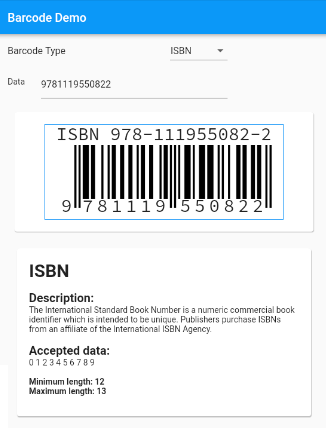
Barcode-Generierungs-Widget für Flutter mit Unterstützung für Standardbarcodes.
Ein Plugin zur Steuerung der Bildschirmhelligkeit mit implementierter Zurücksetzung des Anwendungslebenszyklus
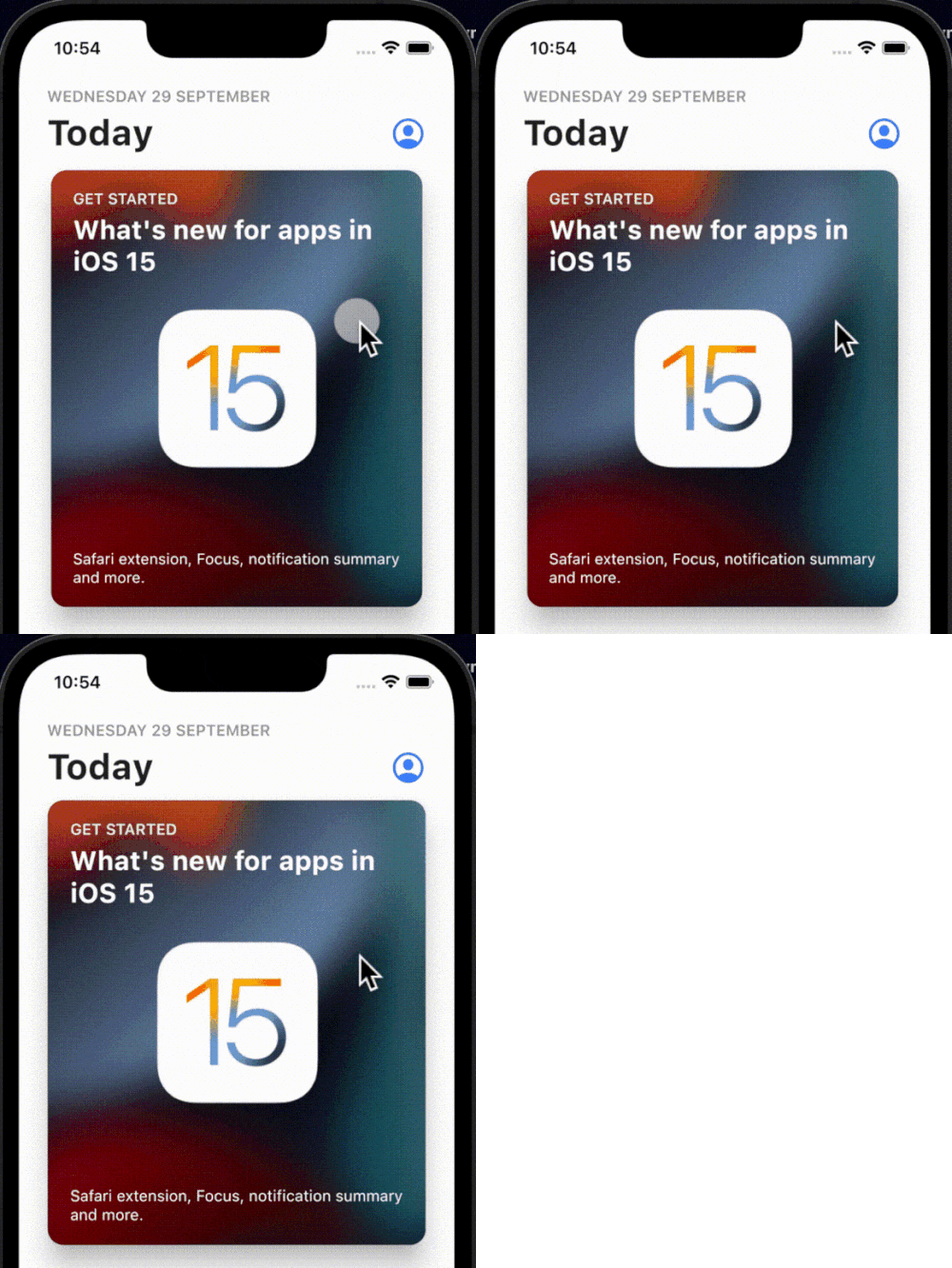
Eine einfache, interaktive und anpassbare Klick-Bounce-Animation, die auf beliebige Widgets angewendet werden kann.
Eine in Dart implementierte Bibliothek zum Verarbeiten von 1D-/2D-Barcodes in mehreren Formaten. Dies ist ein Port der Android-Bibliothek.
Ein Flutter-Plugin für Haptik-Feedback. Während es standardmäßige iOS-Haptiken nutzt, zielt es darauf ab, diese gleichen Haptik-Muster auf Android zu simulieren, um eine konsistente Erfahrung über Plattformen hinweg zu gewährleisten.
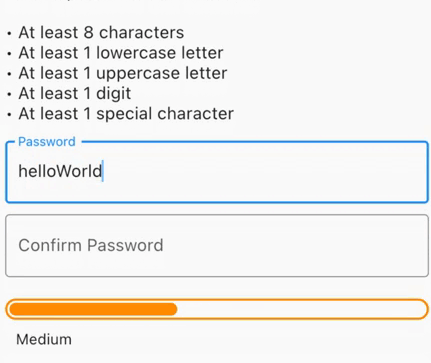
Erstellen Sie sichere Passwörter, überprüfen Sie aufgefundene Passwörter, erhalten Sie visuelle Rückmeldungen zur Stärke oder führen Sie Formularüberprüfungen mit einer minimalen Passwortstärke durch.
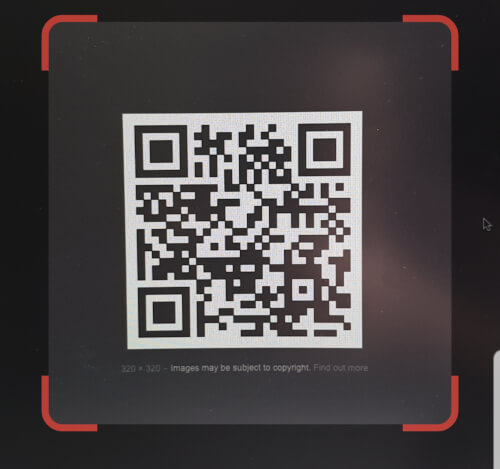
QR-Code-Scanner, der in Flutter eingebettet werden kann. Verwendet zxing unter Android und AVFoundation unter iOS.
Wiederaufbauende Gitteransicht
Abhängigkeiten 43 Einträge
^4.0.9^2.0.4^0.12.0+1^1.0.2^2.1.0^12.0.0-beta.7{"sdk":"flutter"}^1.2.0^1.1.0^0.14.4^4.0.3>=9.0.0 <10.0.0^0.6.4+3>=2.19.3 <3.0.0>=2.3.4 <3.0.0^1.4.0^4.9.1^1.2.2^2.3.0^1.0.0^10.1.0^1.3.2>=1.9.1 <2.0.9^2.1.6^12.0.3^2.1.2^1.1.0^1.8.1^2.2.8^2.1.11^3.0.0^6.3.2>=4.0.0 <5.0.0^0.2.4^2.4.6^2.2.0{"sdk":"flutter"}{"sdk":"flutter"}^1.11.1^6.0.0^1.0.0^2.1.3^2.1.8Nach Anwendungsfall filtern, Aktivität vergleichen und vor der Nutzung das Originalprojekt prüfen.
“A repository is the most basic element of GitHub.”
GitHub Docs — About repositories ↗