


 v4.0.1
native_video_player
Ein Flutter-Widget zum Abspielen von Videos auf iOS und Android mithilfe einer nativen Implementierung.
89Likes 874030-Tage-Downloads140Pub-Punkte
AndroidiOSmacOS
Ein Flutter-Widget zum Abspielen von Videos auf iOS und Android mithilfe einer nativen Implementierung.

Englischer Projektschnappschuss. Aktuelle Inhalte auf GitHub.
A Flutter widget to play videos on iOS, macOS and Android using a native implementation.
Perfect for building video-centric apps like TikTok, Instagram Reels, or YouTube Shorts, as well as general video playback needs.
| Android | iOS | macOS | |
|---|---|---|---|
| Support | 16+ | 9.0+ | 10.11+ |
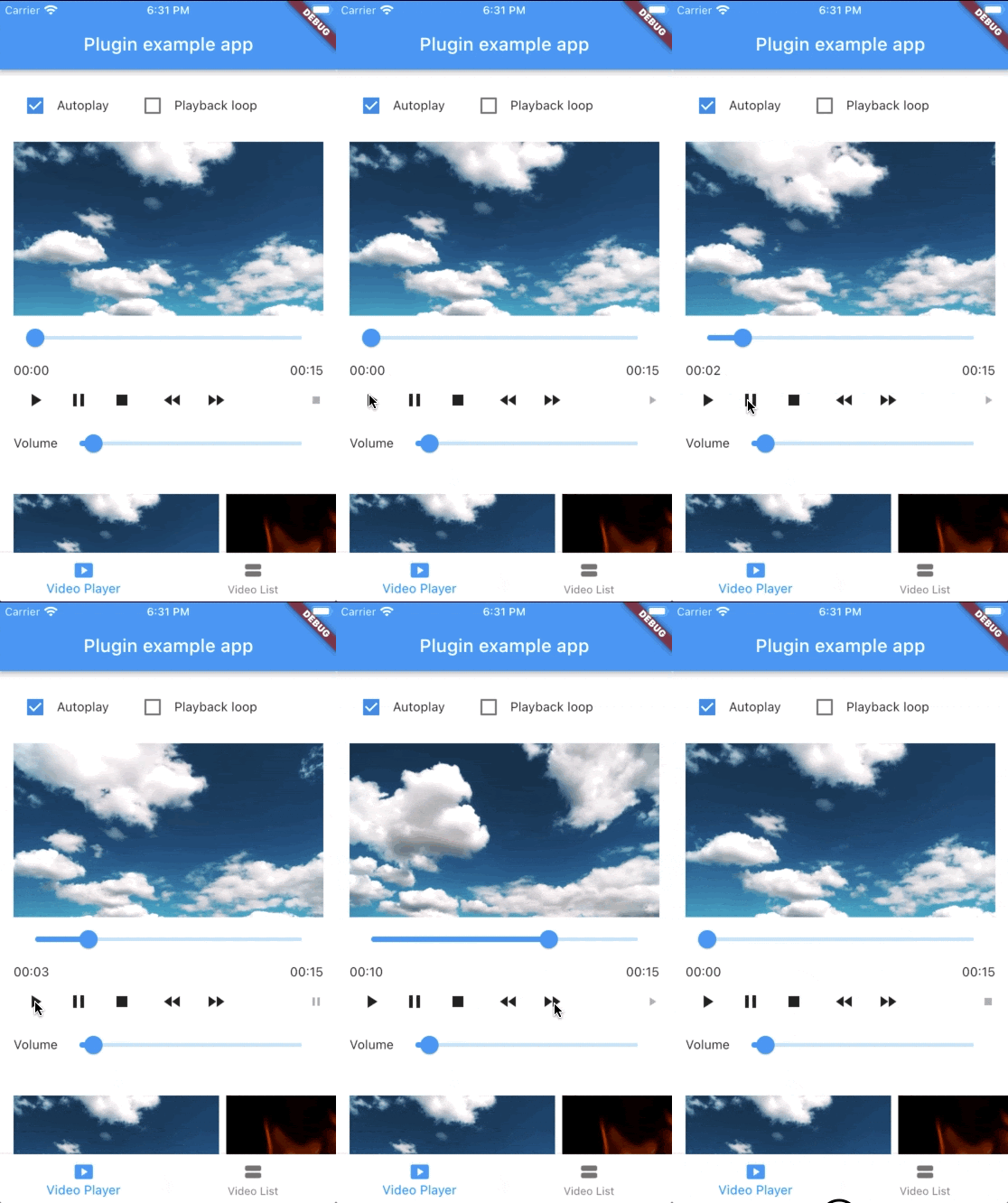
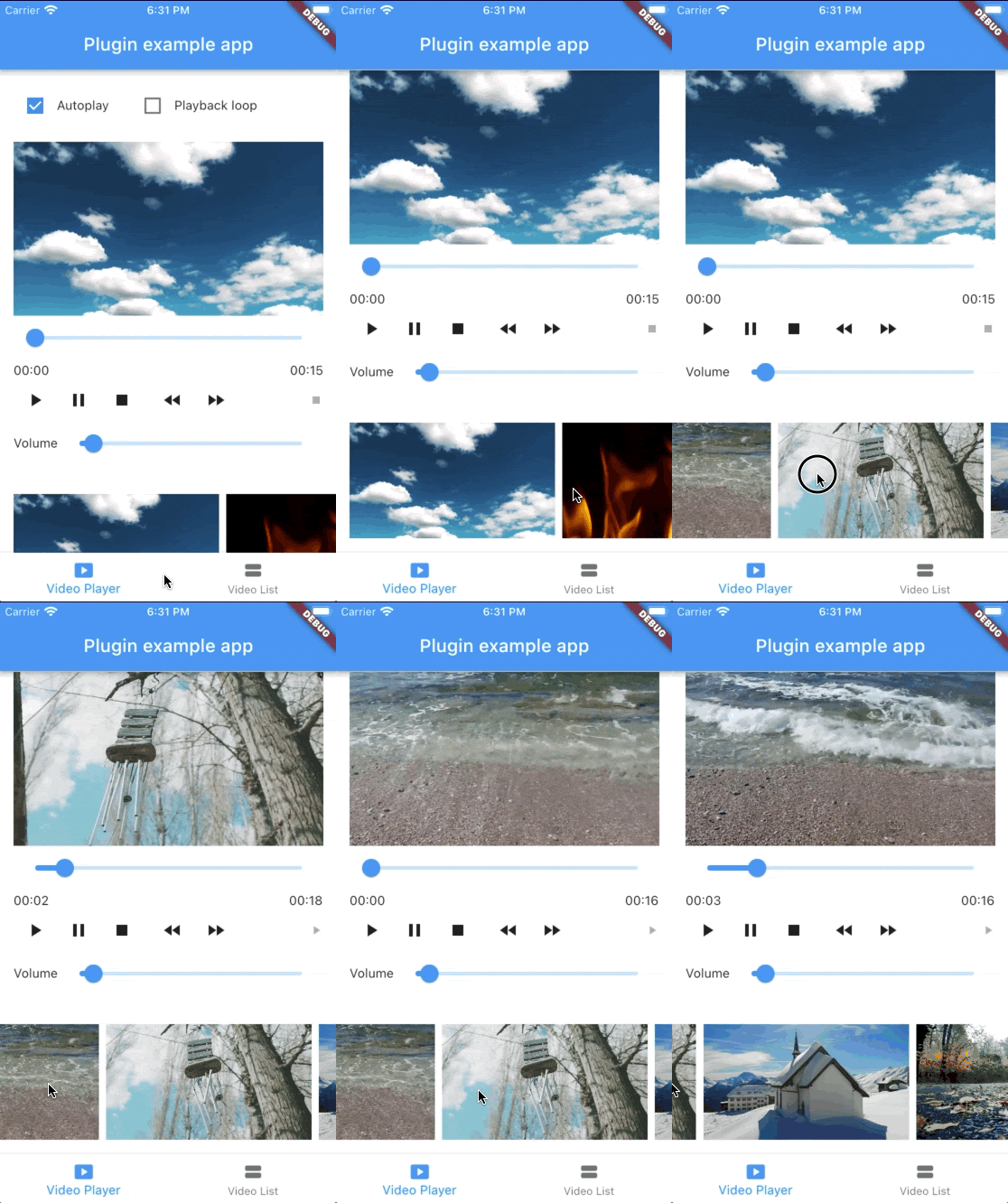
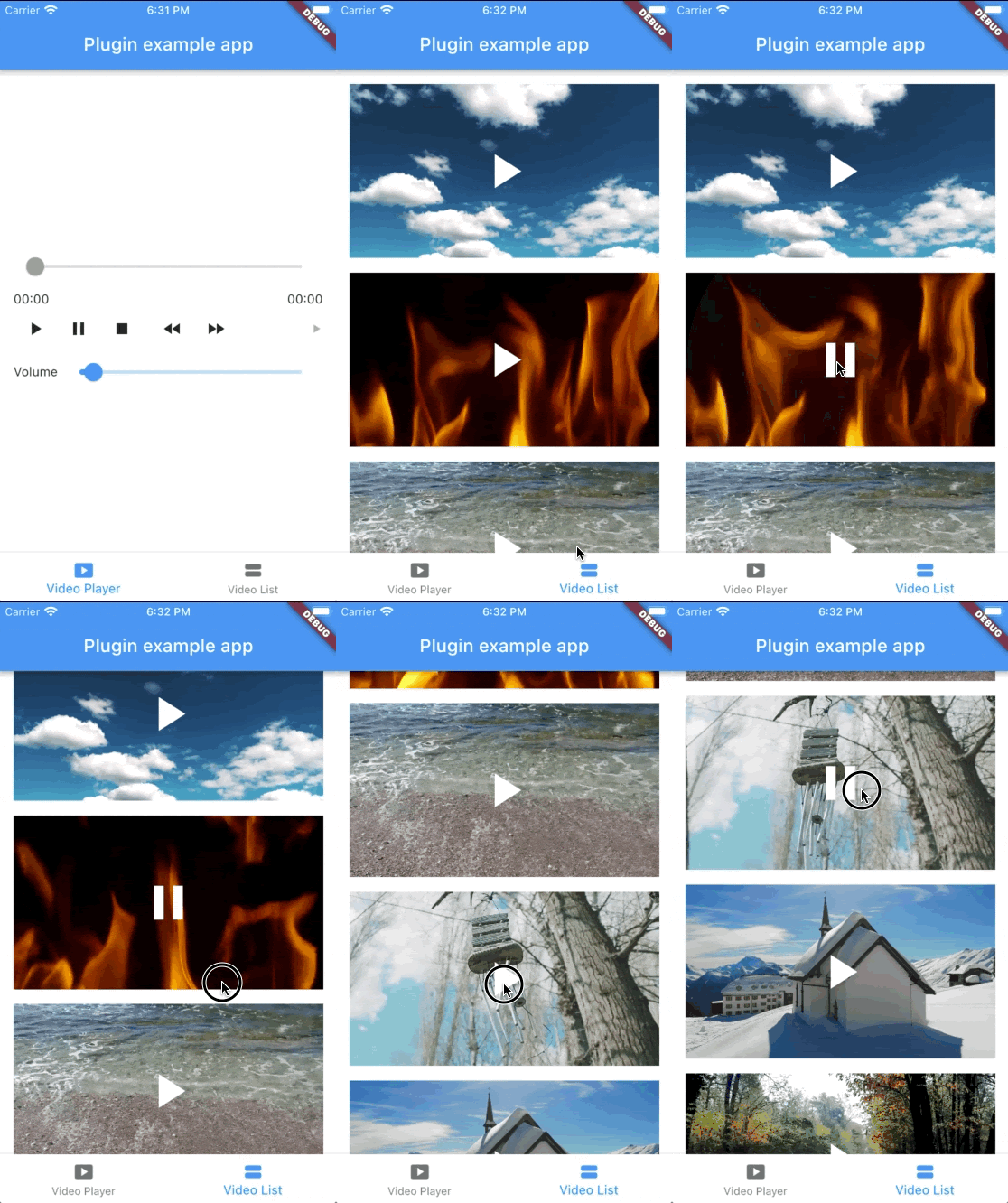
@override
Widget build(BuildContext context) {
  return NativeVideoPlayerView(
    onViewReady: (controller) async {
      await controller.loadVideo(
        VideoSource(
          path: 'path/to/file',
          type: VideoSourceType.asset,
        ),
      );
    },
  );
}
StreamSubscription<void>? _eventsSubscription;

_eventsSubscription = controller.events.listen((event) {
  switch (event) {
    case PlaybackStatusChangedEvent():
      // Emitted when playback status changes (playing, paused, or stopped)
      final playbackStatus = controller.playbackStatus;
    case PlaybackPositionChangedEvent():
      // Emitted when playback position changes
      final position = controller.playbackPosition;
    case PlaybackReadyEvent():
      // Emitted when video is loaded and ready to play
      final height = controller.videoInfo?.height;
      final width = controller.videoInfo?.width;
      final duration = controller.videoInfo?.duration;
    case PlaybackEndedEvent():
      // Emitted when video playback ends
    case PlaybackSpeedChangedEvent():
      // Emitted when playback speed changes
    case VolumeChangedEvent():
      // Emitted when volume changes
    case PlaybackErrorEvent():
      // Emitted when an error occurs
      print('Playback error: ${event.errorMessage}');
  }
});

// Don't forget to dispose the subscription
@override
void dispose() {
  _eventsSubscription?.cancel();
  super.dispose();
}
bool isAutoplayEnabled = false;

Future<void> _loadVideoSource() async {
  await controller.loadVideo(videoSource);
  if (isAutoplayEnabled) {
    await controller.play();
  }
}
bool isPlaybackLoopEnabled = false;

void _onPlaybackEnded() {
  if (isPlaybackLoopEnabled) {
    controller.stop();
    controller.play();
  }
}

// Set up event listener
_eventsSubscription = controller.events.listen((event) {
  switch (event) {
    case PlaybackEndedEvent():
      _onPlaybackEnded();
    // ... handle other events ...
  }
});
class VideoPlayerState extends State<VideoPlayer> {
  NativeVideoPlayerController? _controller;
  StreamSubscription<void>? _eventsSubscription;

  Future<void> _initController(NativeVideoPlayerController controller) async {
    _controller = controller;
    _eventsSubscription = _controller?.events.listen((event) {
      // ... handle events ...
    });
  }

  @override
  void dispose() {
    // Cancel any event subscriptions
    _eventsSubscription?.cancel();
    // Dispose of the controller
    _controller?.dispose();
    _controller = null;
    super.dispose();
  }
}
It's important to properly dispose of both the controller and any event subscriptions when you're done with them to prevent memory leaks. This typically happens in the dispose() method of your widget's State.
See the example app for a complete usage example.
Sponsors:
Thank you to all sponsors for supporting this project! ❤️
Abhängigkeiten 7 Einträge
{"sdk":"flutter"}^2.1.5^1.9.0{"sdk":"flutter"}^7.0.0^2.4.13{"git":{"url":"https://github.com/feduke-nukem/packages.git","ref":"f9a3a92e9853484bd91cf29b6b306607b0c4eb35","path":"packages/pigeon"}}Nach Anwendungsfall filtern, Aktivität vergleichen und vor der Nutzung das Originalprojekt prüfen.
“A repository is the most basic element of GitHub.”
GitHub Docs — About repositories ↗