Pakete, Repositories und App-Kategorien suchen

Cover von native_video_player
Paketdetailsv4.0.1

native_video_player

Ein Flutter-Widget zum Abspielen von Videos auf iOS und Android mithilfe einer nativen Implementierung.

AndroidiOSmacOS
30-Tage-Downloads
8740
Likes
89
Pub-Punkte
140

Paket installieren

flutter pub add native_video_player

Paketübersicht

Aus öffentlichen Paketdaten erstellte Orientierung.

Ein Flutter-Paket, das die Videowiedergabe unter iOS, Android und macOS mithilfe nativer Plattformimplementierungen ermöglicht. Es bietet eine zuverlässige und leistungsstarke Möglichkeit, Videoinhalte in Flutter-Anwendungen zu integrieren, indem es die nativen Videoplayer jeder Betriebssystemplattform nutzt. Dadurch wird eine bessere Kompatibilität mit verschiedenen Videoformaten und Hardwarebeschleunigung gewährleistet. Das Paket ist für Entwickler konzipiert, die eine nahtlose Videowiedergabe ohne Abhängigkeit von plattformübergreifenden Abstraktionen suchen.

Anwendungsfälle

  • Lokale Video-Dateien abspielen
  • Streaming-Videos von URLs
  • Video in medienreichen Anwendungen integrieren
  • Unterstützung der Vollbildvideo-Wiedergabe
  • Erstellen von Videoplayer-Oberflächen mit native Leistung

Hauptmerkmale

  • Verwendet native Videoplayer auf iOS und Android
  • Unterstützt Video-Streaming und lokale Dateien
  • Hardwarebeschleunigte Wiedergabe
  • Plattformübergreifende Kompatibilität (iOS, Android, macOS)
  • Einfache Integration mit Flutter-Widgets

Geeignet für

  • Entwickler, die eine Hochleistungs-Videowiedergabe benötigen
  • Apps, die native Videofunktionen erfordern
  • Medien- oder Bildungsanwendungen
  • Projekte, die mehrere Plattformen mit konsistentem Videoverhalten ansprechen

Hinweise

  • Beschränkt auf iOS, Android und macOS
  • Keine Webunterstützung
  • Benötigt native Plattform-Einrichtung für erweiterte Funktionen
  • Abhängig von der Plattform-spezifischen Videoformatunterstützung

Original-README

Originaler README-Schnappschuss aus dem verknüpften Quell-Repository. Aktuelle Inhalte finden Sie im Repository.

native_video_player

Pub

A Flutter widget to play videos on iOS, macOS and Android using a native implementation.

Perfect for building video-centric apps like TikTok, Instagram Reels, or YouTube Shorts, as well as general video playback needs.

Android iOS macOS
Support 16+ 9.0+ 10.11+
Implementation

Usage

Loading a video
@override
Widget build(BuildContext context) {
  return NativeVideoPlayerView(
    onViewReady: (controller) async {
      await controller.loadVideo(
        VideoSource(
          path: 'path/to/file',
          type: VideoSourceType.asset,
        ),
      );
    },
  );
}
Listen to events
StreamSubscription<void>? _eventsSubscription;

_eventsSubscription = controller.events.listen((event) {
  switch (event) {
    case PlaybackStatusChangedEvent():
      // Emitted when playback status changes (playing, paused, or stopped)
      final playbackStatus = controller.playbackStatus;
    case PlaybackPositionChangedEvent():
      // Emitted when playback position changes
      final position = controller.playbackPosition;
    case PlaybackReadyEvent():
      // Emitted when video is loaded and ready to play
      final height = controller.videoInfo?.height;
      final width = controller.videoInfo?.width;
      final duration = controller.videoInfo?.duration;
    case PlaybackEndedEvent():
      // Emitted when video playback ends
    case PlaybackSpeedChangedEvent():
      // Emitted when playback speed changes
    case VolumeChangedEvent():
      // Emitted when volume changes
    case PlaybackErrorEvent():
      // Emitted when an error occurs
      print('Playback error: ${event.errorMessage}');
  }
});

// Don't forget to dispose the subscription
@override
void dispose() {
  _eventsSubscription?.cancel();
  super.dispose();
}
Autoplay
bool isAutoplayEnabled = false;

Future<void> _loadVideoSource() async {
  await controller.loadVideo(videoSource);
  if (isAutoplayEnabled) {
    await controller.play();
  }
}
Playback loop
bool isPlaybackLoopEnabled = false;

void _onPlaybackEnded() {
  if (isPlaybackLoopEnabled) {
    controller.stop();
    controller.play();
  }
}

// Set up event listener
_eventsSubscription = controller.events.listen((event) {
  switch (event) {
    case PlaybackEndedEvent():
      _onPlaybackEnded();
    // ... handle other events ...
  }
});
Controller disposal
class VideoPlayerState extends State<VideoPlayer> {
  NativeVideoPlayerController? _controller;
  StreamSubscription<void>? _eventsSubscription;

  Future<void> _initController(NativeVideoPlayerController controller) async {
    _controller = controller;
    _eventsSubscription = _controller?.events.listen((event) {
      // ... handle events ...
    });
  }

  @override
  void dispose() {
    // Cancel any event subscriptions
    _eventsSubscription?.cancel();
    // Dispose of the controller
    _controller?.dispose();
    _controller = null;
    super.dispose();
  }
}

It's important to properly dispose of both the controller and any event subscriptions when you're done with them to prevent memory leaks. This typically happens in the dispose() method of your widget's State.

Advanced usage

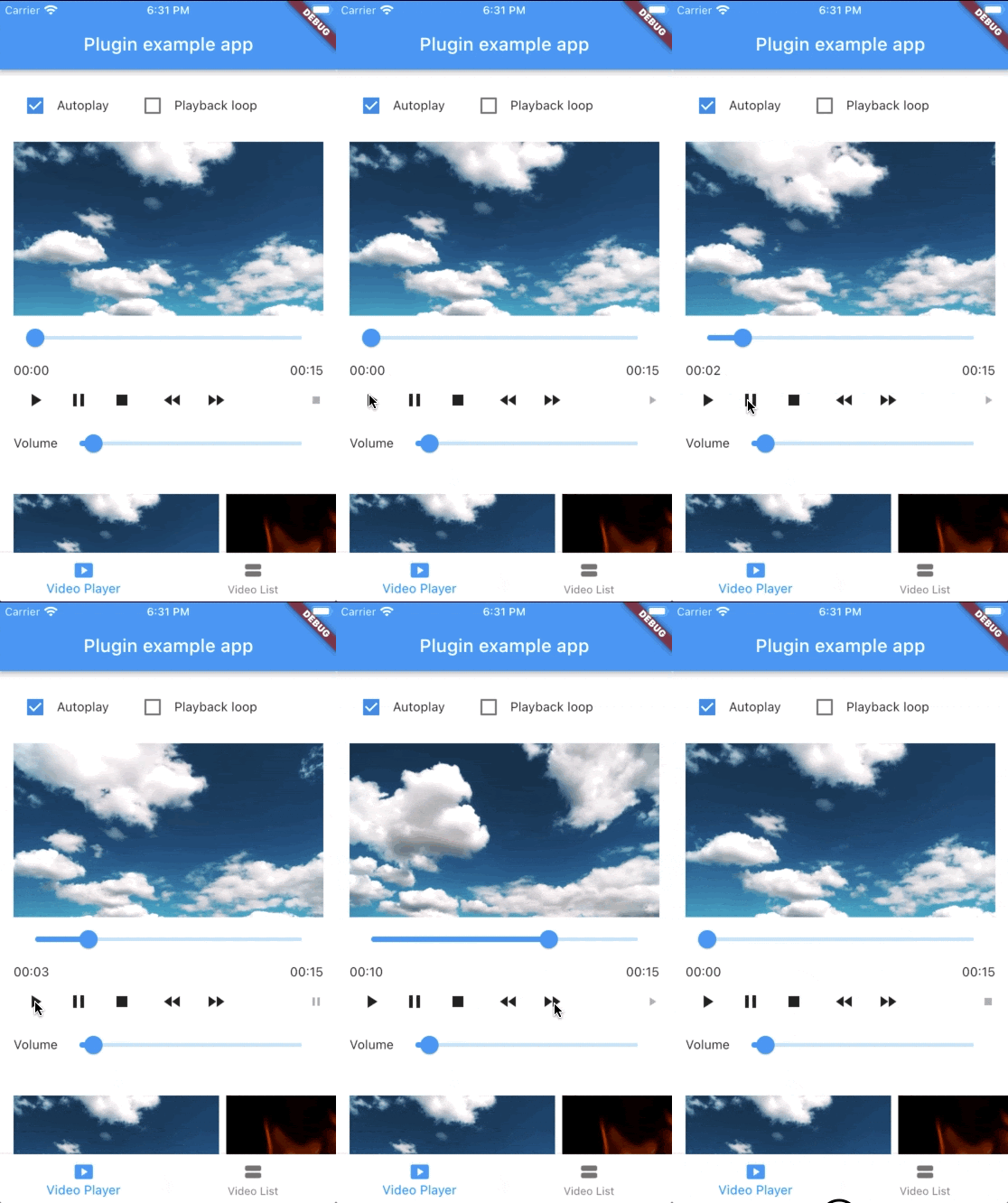
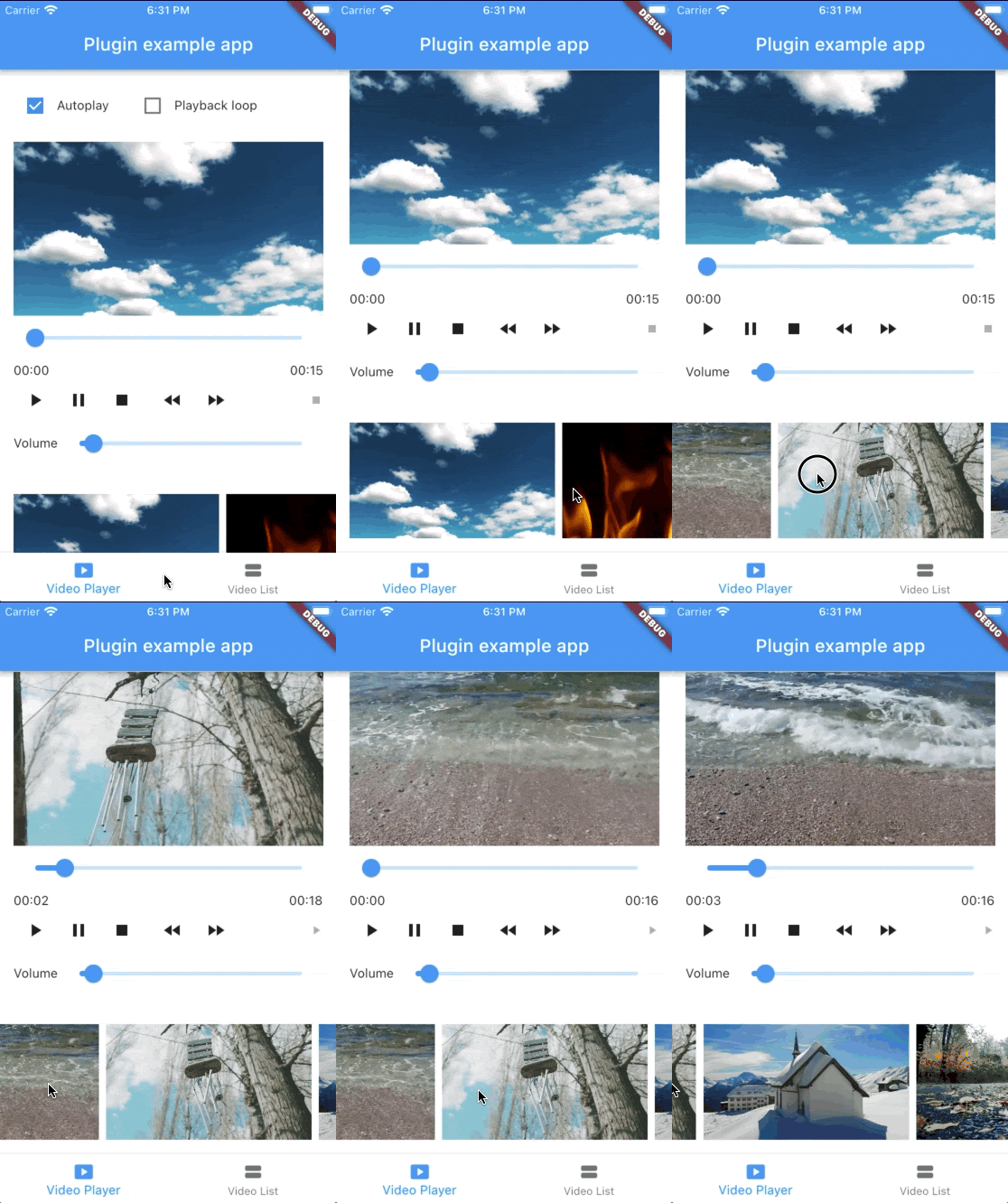
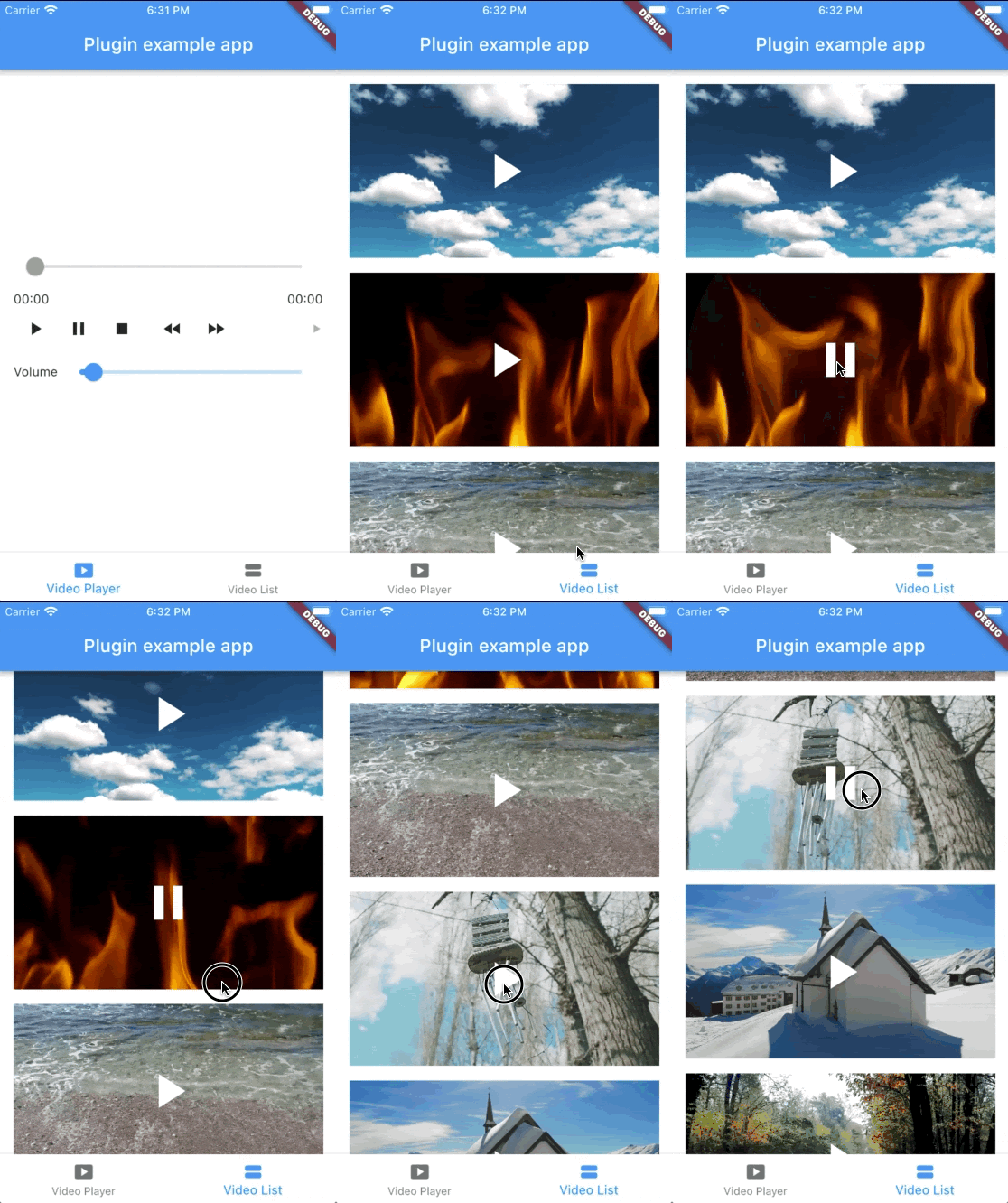
See the example app for a complete usage example.

Support this project

Sponsors:

Thank you to all sponsors for supporting this project! ❤️

Other projects

All my projects

Credits

Created by @albemala (Twitter)

Kategorien

Abhängigkeiten

Abhängigkeiten 2 Einträge

Quell-Repository

Projekte, die dieses Paket verwenden