v7.1.0
cloud_firestore
Flutter-Plugin für Cloud Firestore, eine cloudbasierte NoSQL-Datenbank mit Echtzeit-Synchronisation und Offline-Unterstützung für Android und iOS.
3780Likes 1,7 Mio.30-Tage-Downloads150Pub-Punkte
AndroidiOSWebmacOSWindows
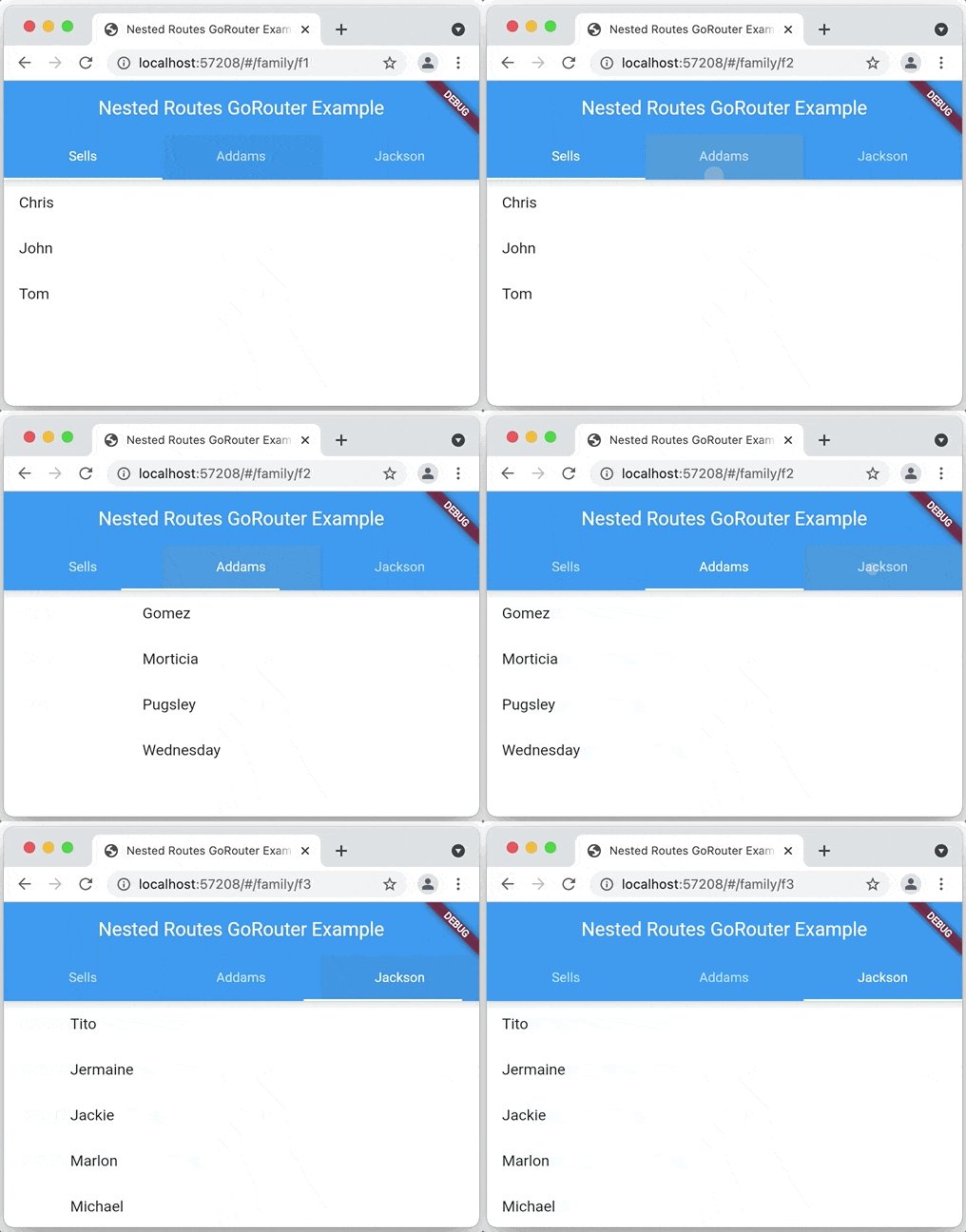
Zeitverfolgungs-App mit Flutter und Firebase

Englischer Projektschnappschuss. Aktuelle Inhalte auf GitHub.
A time tracking application built with Flutter & Firebase:
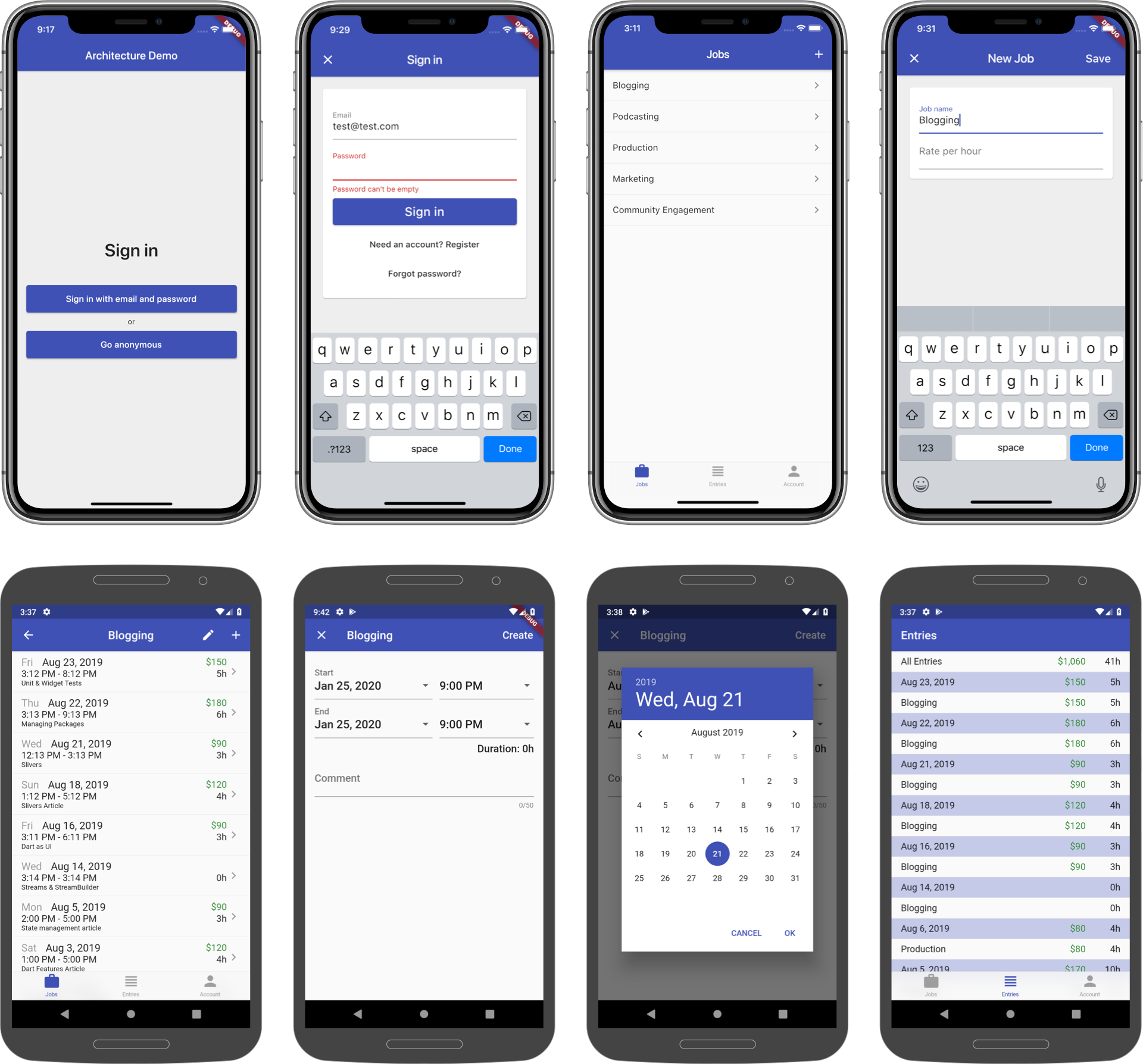
This is intended as a reference app based on my Riverpod Architecture.
Note: this project used to be called "Started Architecture for Flutter & Firebase" (based on this old article). As of January 2023, it follows my updated Riverpod Architecture, using the latest packages.
A Flutter web preview of the app is available here:
All the data is persisted with Firestore and is kept in sync across multiple devices.
This is a tentative roadmap. There is no ETA for any of the points above. This is a low priority project and I don't have much time to maintain it.
The app is based on my Flutter Riverpod architecture, which is explained in detail here:
More more info on Riverpod, read this:
These are the main packages used in the app:
FirestoreListView widget with pagination supportSee the pubspec.yaml file for the complete list.
To use this project with Firebase, follow these steps:
Then, follow one of the two approaches below. 👇
Make sure you have the Firebase CLI and FlutterFire CLI installed.
Then run this on the terminal from the root of this project:
firebase login so you have access to the Firebase project you have createdflutterfire configure and follow all the stepsFor more info, follow this guide:
If you don't want to use FlutterFire CLI, follow these steps instead:
com.example.starter_architecture_flutter_firebase as the package name.google-services.json into android/app.com.example.starterArchitectureFlutterFirebase as the bundle ID.GoogleService-Info.plist into iOS/Runner, and add it to the Runner target in Xcode.That's it. Have fun!
Flutter-Plugin für Cloud Firestore, eine cloudbasierte NoSQL-Datenbank mit Echtzeit-Synchronisation und Offline-Unterstützung für Android und iOS.
Flutter-Plugin für Firebase Auth, der die Authentifizierung mit Passwörtern, Telefonnummern und Identitätsanbietern wie Google, Facebook und Twitter ermöglicht.
Flutter-Plugin für Firebase Core, das die Verbindung mit mehreren Firebase-Apps ermöglicht.
Ein reaktives Caching- und Datenbindungsfреймwerk. Riverpod macht die Arbeit mit asynchronem Code leicht.
Ein reaktives Caching- und Datenbindungsfреймwerk. Riverpod macht die Arbeit mit asynchronem Code leicht.
Ein Paket, das Anmerkungen für riverpod_generator bereitstellt
Ein Codegenerator für Riverpod. Dies vereinfacht die Syntax und stärkt sie, beispielsweise durch Zustands-basiertes Hot-Reload.
Riverpod_lint ist ein Entwicklerwerkzeug für Riverpod-Nutzer, das dazu beitragen soll, häufige Probleme zu verhindern und wiederholte Aufgaben zu vereinfachen.
Ein deklarativer Router für Flutter basierend auf Navigation 2 mit Unterstützung für Deep Linking, datengesteuerte Routen und mehr
RxDart ist eine Implementierung der beliebten ReactiveX-API für asynchrone Programmierung, die die native Dart Streams-API nutzt.
Ein Dart-Paket, das hilft, Wertgleichheit zu implementieren, ohne explizit == und hashCode überschreiben zu müssen.
Eine Dart-Mock-Bibliothek, die das Mocking mit Null-Sicherheitserweiterung vereinfacht und keine manuellen Mocks oder Codegenerierung erfordert.
Abhängigkeiten 26 Einträge
^5.6.6^1.0.8^2.0.7^5.5.2^3.13.0^1.16.1^1.7.1{"sdk":"flutter"}^2.6.1^2.6.1^2.0.17^14.8.1^0.20.2^0.28.0^2.5.3^2.6.1^0.2.1^6.3.1{"sdk":"flutter"}^1.0.4^2.3.1^5.0.0^2.4.15^2.6.5^2.6.5^0.7.5Nach Anwendungsfall filtern, Aktivität vergleichen und vor der Nutzung das Originalprojekt prüfen.
“A repository is the most basic element of GitHub.”
GitHub Docs — About repositories ↗