Der Nachfolger von smart_select und chips_choice mit einer saubereren, flexibleren und komponierbaren API zum Erstellen von Inline- oder angeforderten Auswahlwidgets mit ein- oder mehrfacher Auswahl.
Englischer Projektschnappschuss. Aktuelle Inhalte auf GitHub.
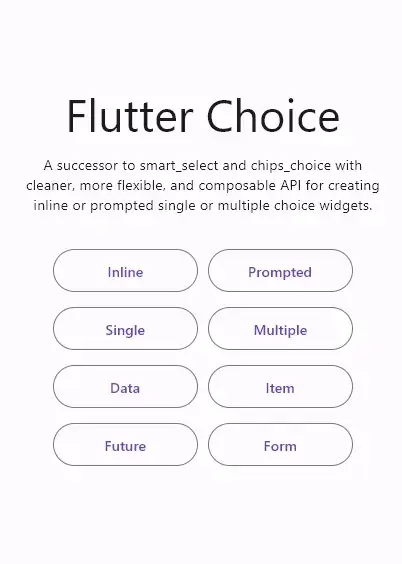
The successor to smart_select and chips_choice with cleaner, more flexible, and composable API for creating inline or prompted choice widgets with single or multiple selection.
Features
Cleaner, flexible, and composable API
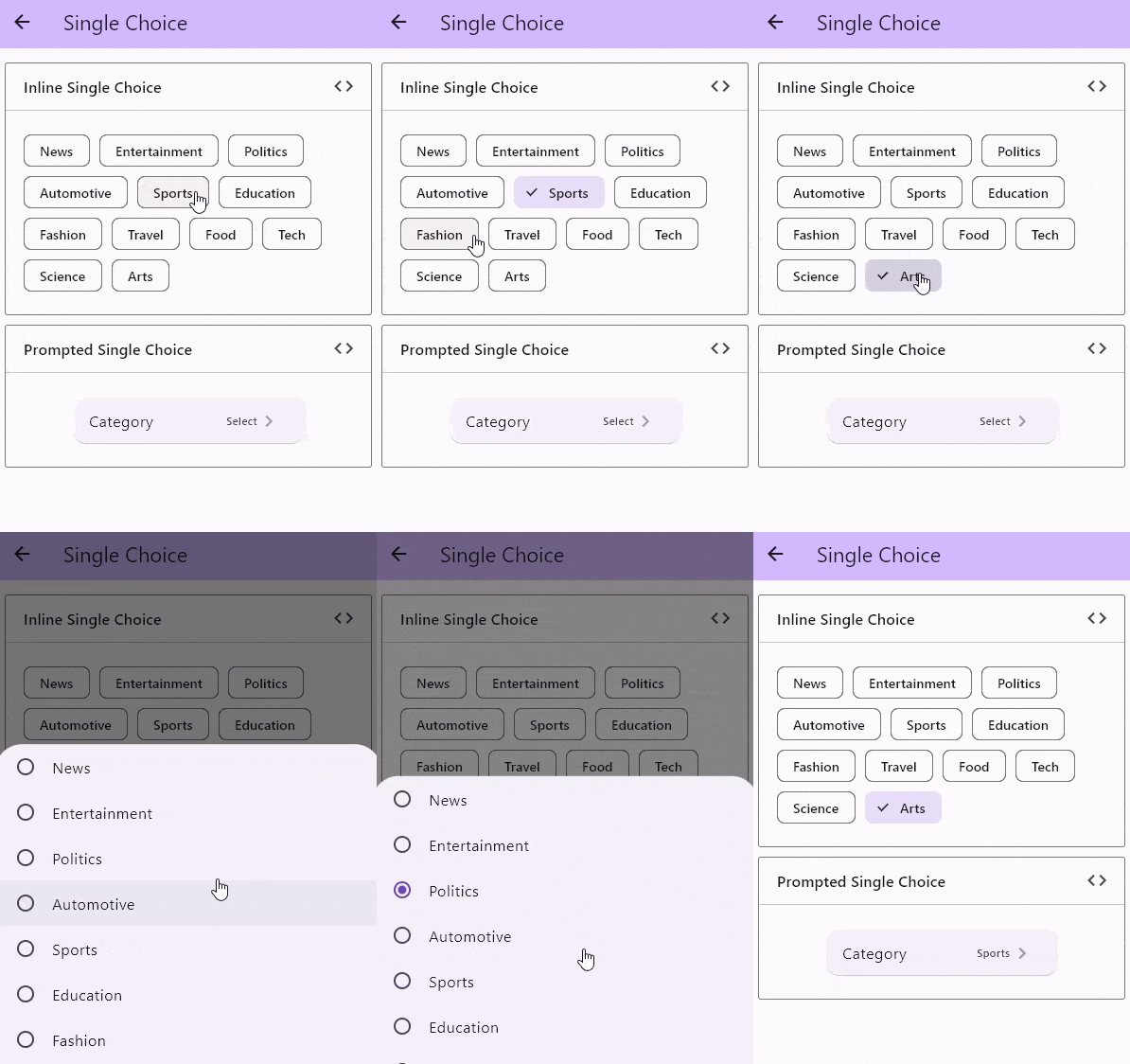
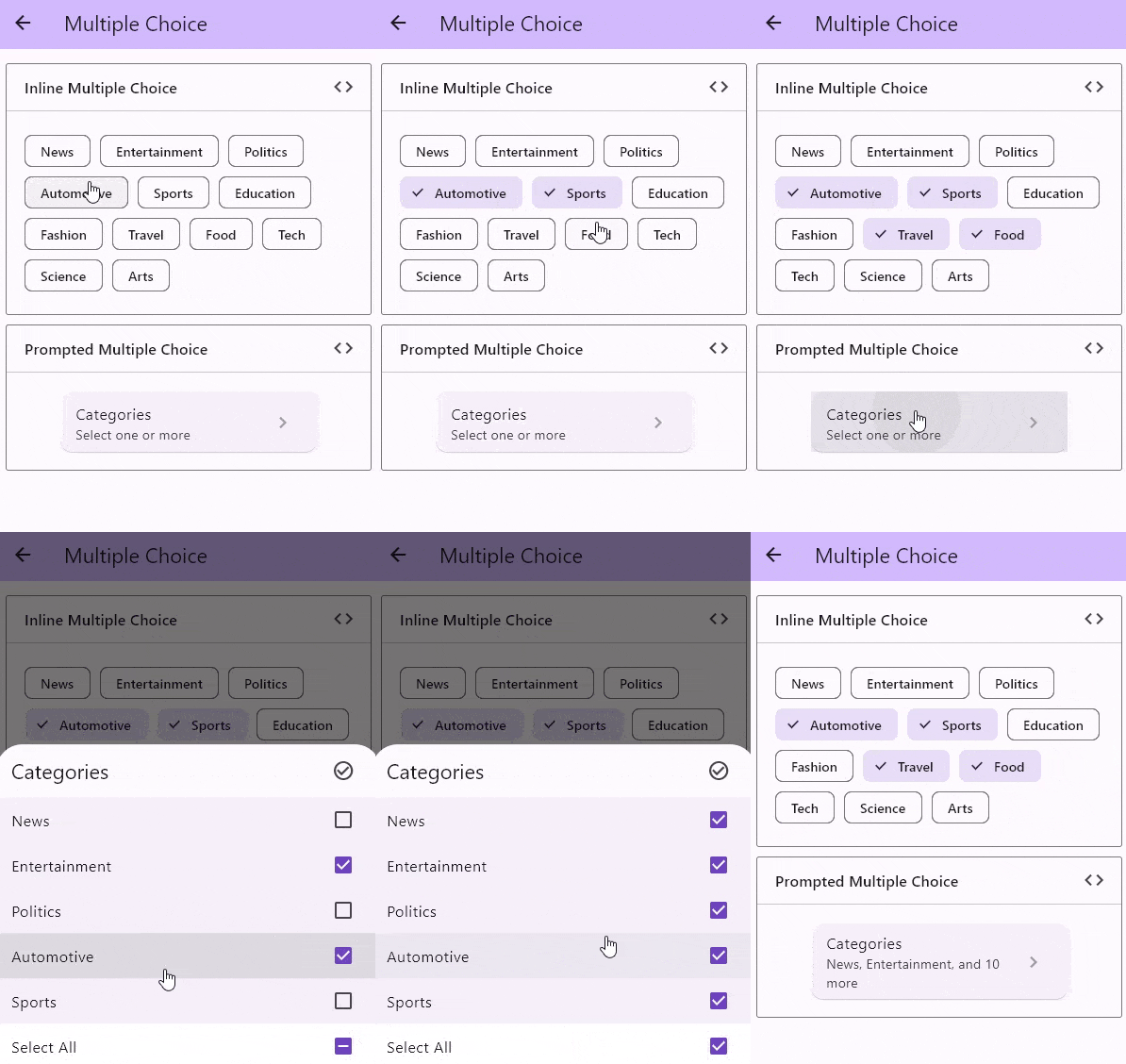
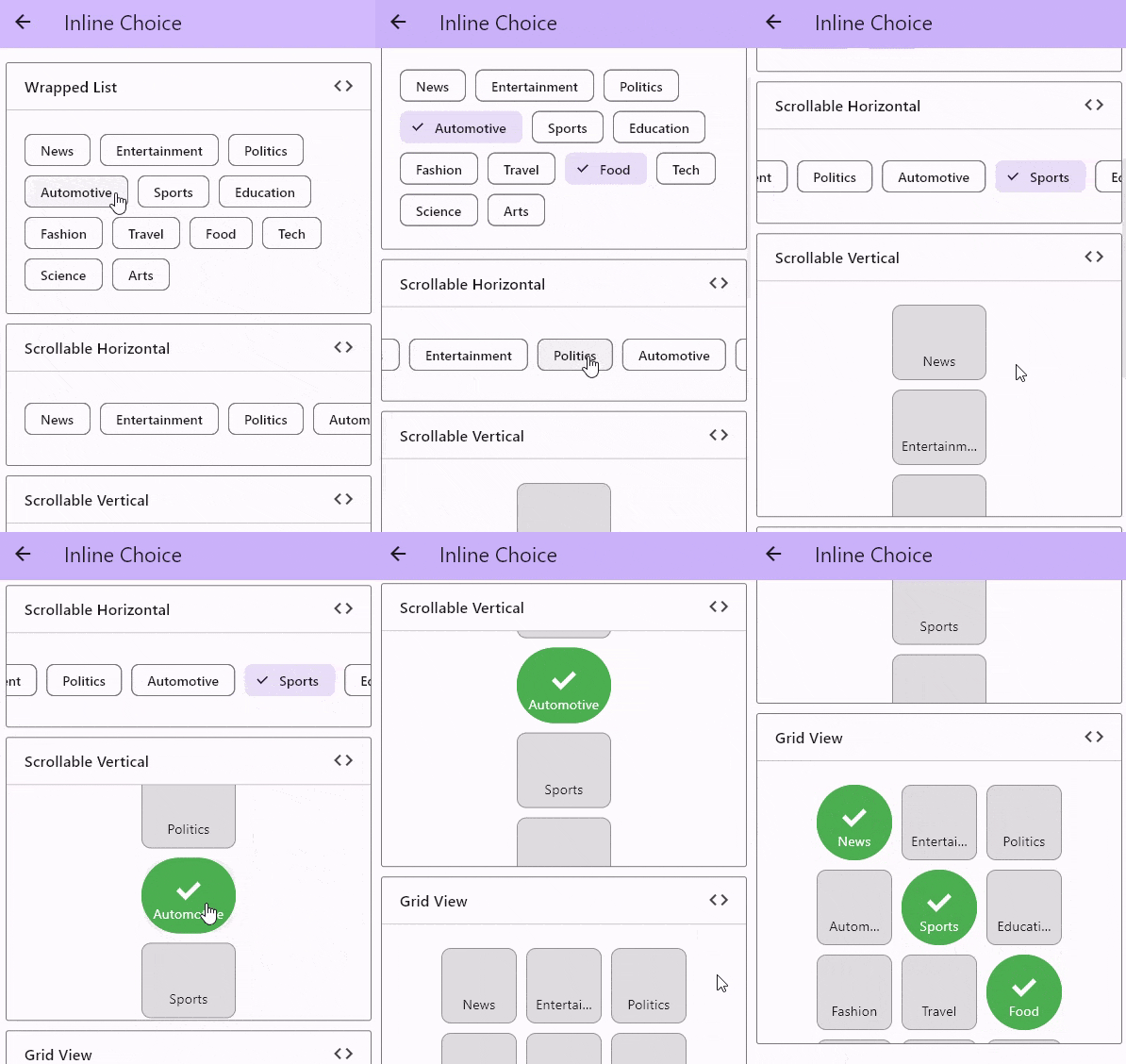
Inline or prompted choice widget
Single or multiple choice widget
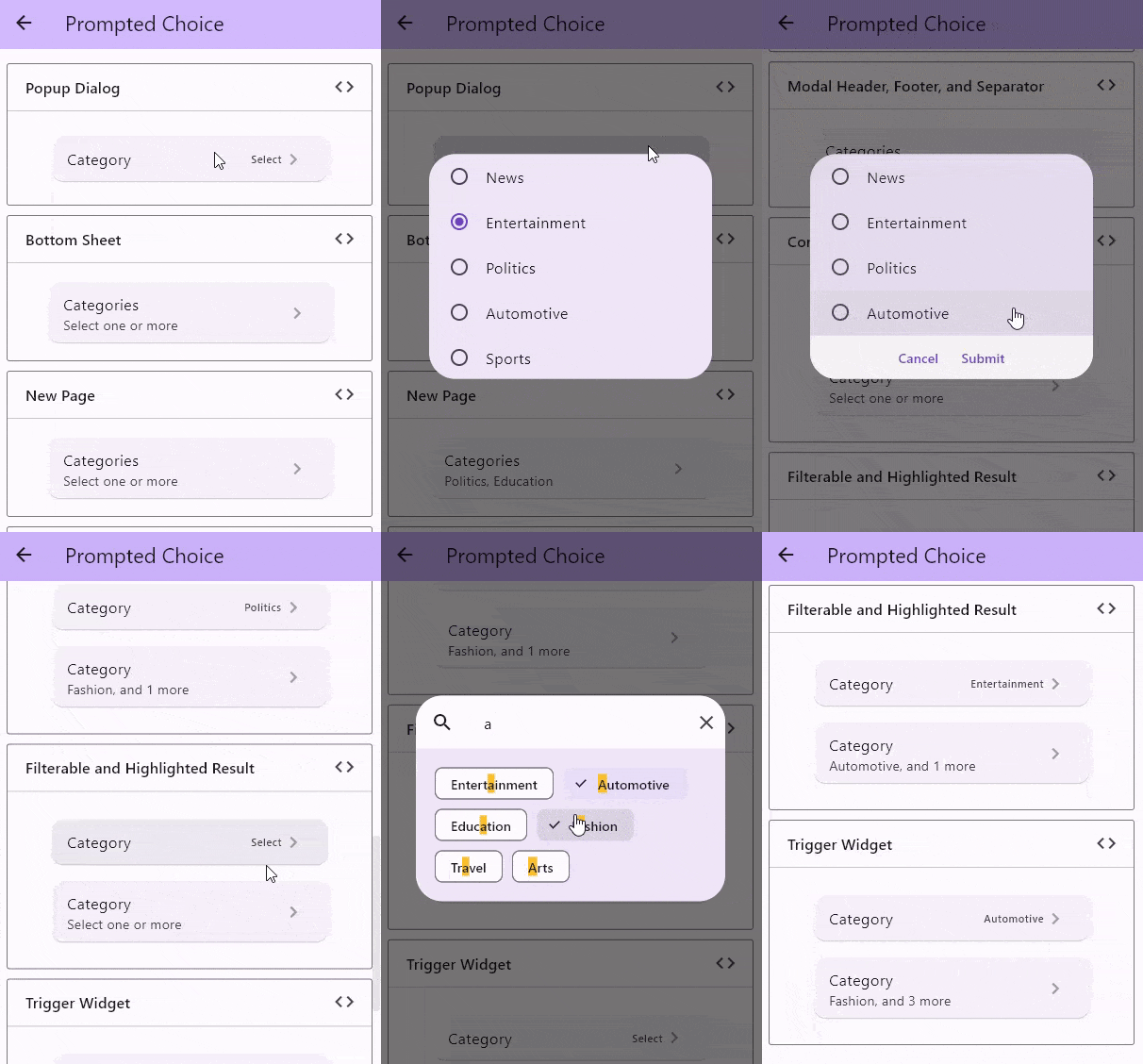
Searchable choice items with highlighted result
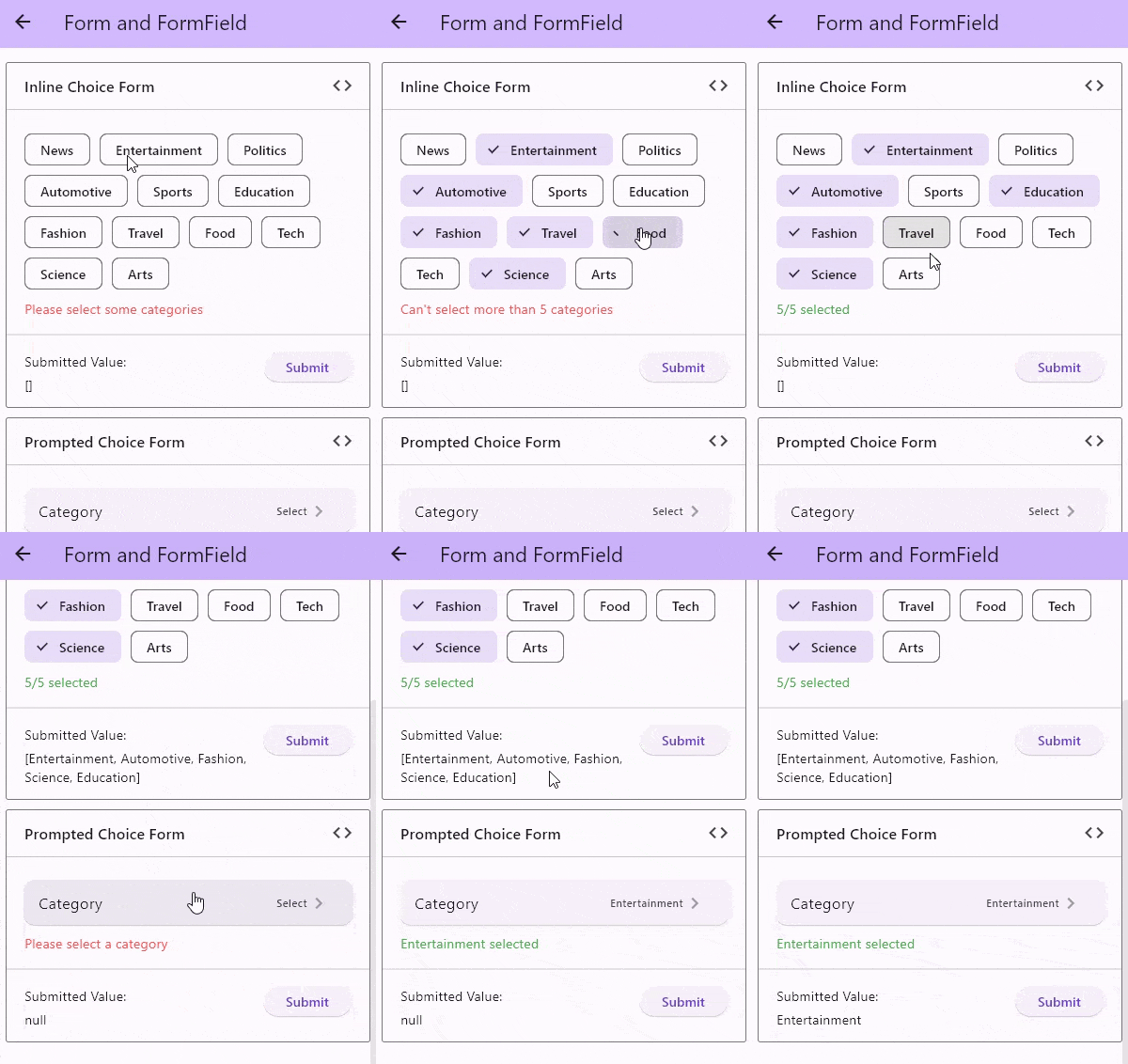
Specifies whether the choice selection needs to be confirmed
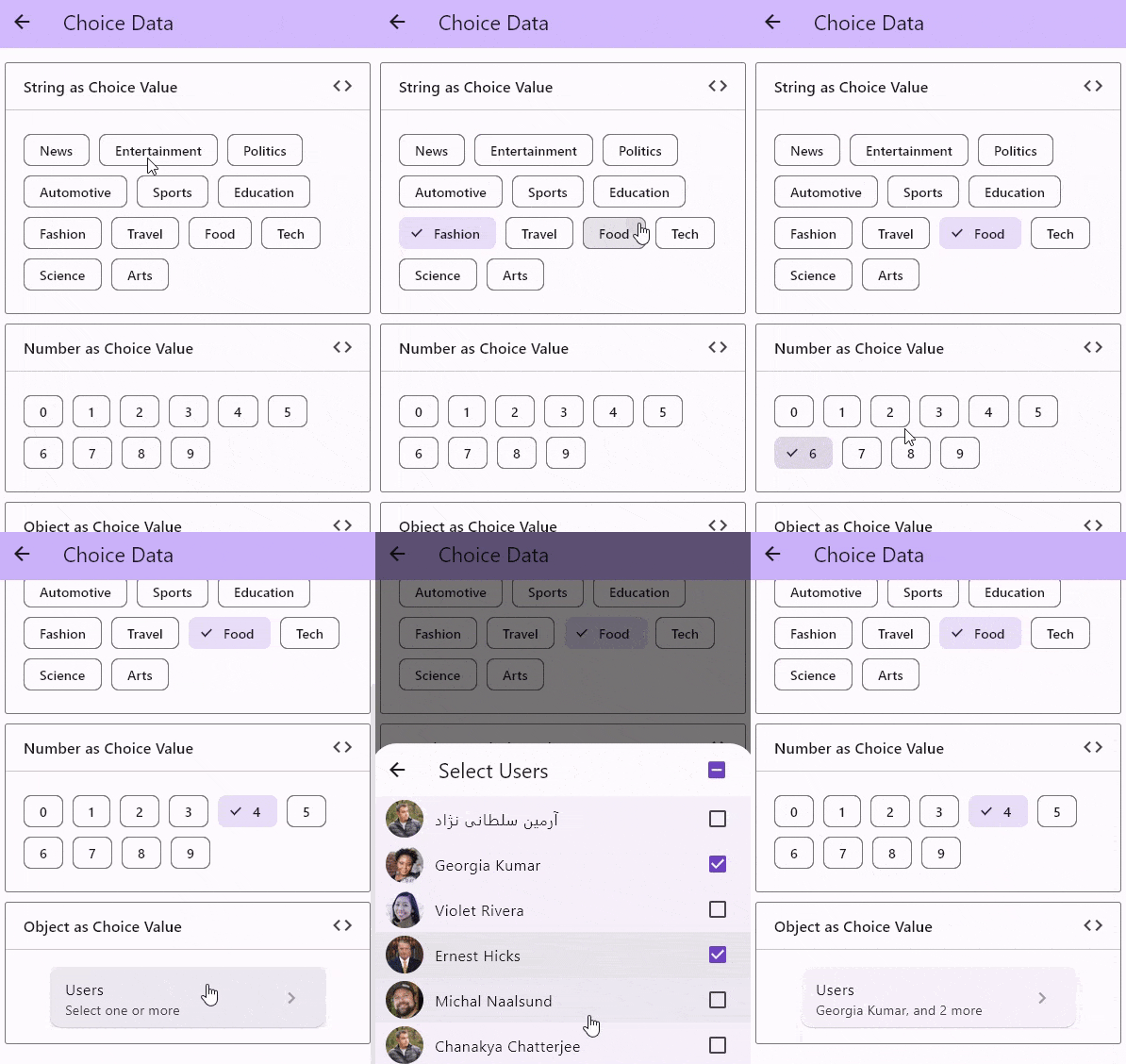
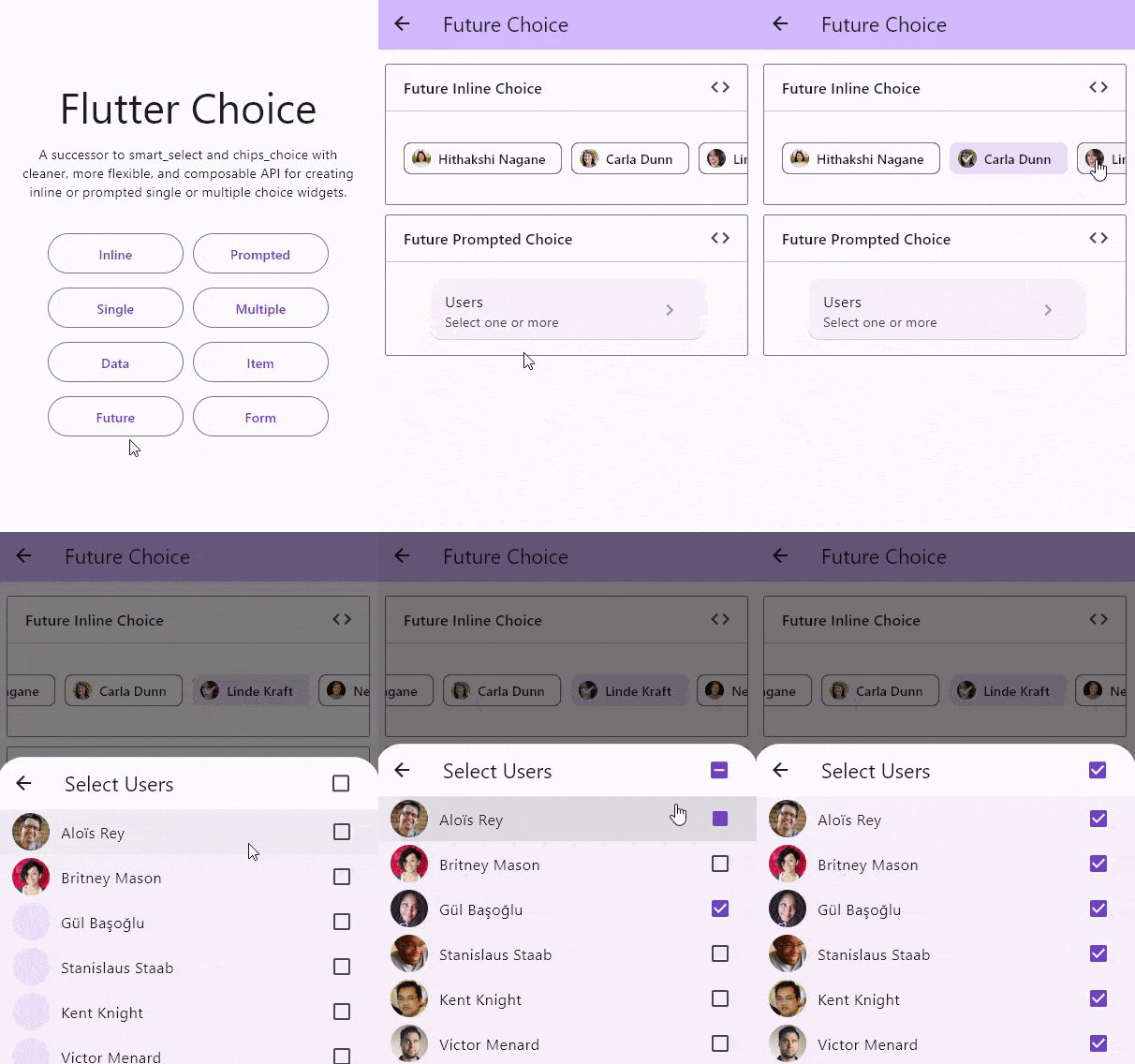
Use any type of choice data and load it easily, either synchronously or asynchronously
Build your own choice item that fits your needs
Groupable choice items that can be sorted
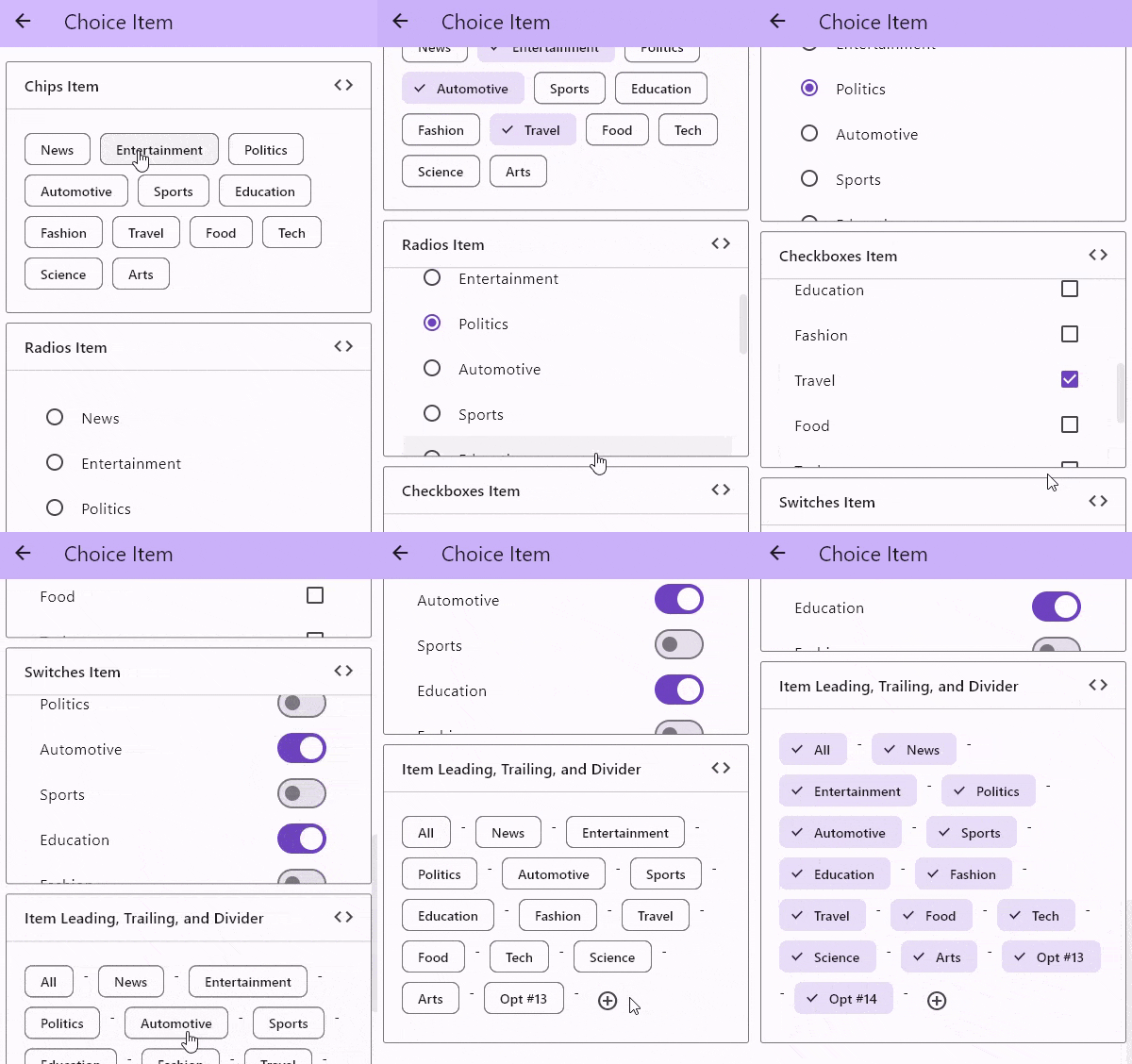
Supports leading and trailing choice items, as well as divider choice items
Use a predefined wrapped, scrollable, virtualized choice list, or build one that fits your needs
Use a predefined popup dialog, bottom sheet, new page prompt, or build one that fits your needs
Use a predefined modal header, footer, and separator, or build one that fits your needs
Use a predefined group list, group item, and group header, or build one that fits your needs
Use a predefined anchor widget or build one that fits your needs
Use a predefined widget on loading, on error, and placeholder when empty, or build one that fits your needs
By default, the choice controller maintains the selection state within a List. Any constructors other than those dedicated to single choice will have a List<T> for their value and onChanged prop. If we want to use a single value of T, we can use ChoiceSingle.value adapter to fill the value prop and ChoiceSingle.onChanged adapter to fill the onChanged prop.
Here is an example of how to use the ChoiceSingle.value and ChoiceSingle.onChanged adapters
:x: Sortable choice items better to do this outside
:black_square_button: Add scroll wheel list
:black_square_button: Add dropdown choice widget
:black_square_button: Add chainable choice widget
Sponsoring
If this package or any other package I created is helping you, please consider to sponsor me so that I can take time to read the issues, fix bugs, merge pull requests and add features to these packages.






 v2.3.2