
v9.2.1
bloc
Eine vorhersagbare State-Management-Bibliothek, die bei der Implementierung des BLoC-(Geschäftslogik-Komponente)-Entwurfsmusters hilft.
3220Likes 2,5 Mio.30-Tage-Downloads160Pub-Punkte
AndroidiOSWebmacOSWindowsLinux
Eine Zeitverfolgungs-App, die Ihre Privatsphäre respektiert und ihre Aufgabe erfüllt, ohne aufzufallen.

Eine vorhersagbare State-Management-Bibliothek, die bei der Implementierung des BLoC-(Geschäftslogik-Komponente)-Entwurfsmusters hilft.
Flutter-Widgets, die die Implementierung des BLoC-(Business Logic Component)-Entwurfsmusters vereinfachen. Speziell für die Verwendung mit dem bloc-Zustandsverwaltungs-Paket entwickelt.
 v1.3.0
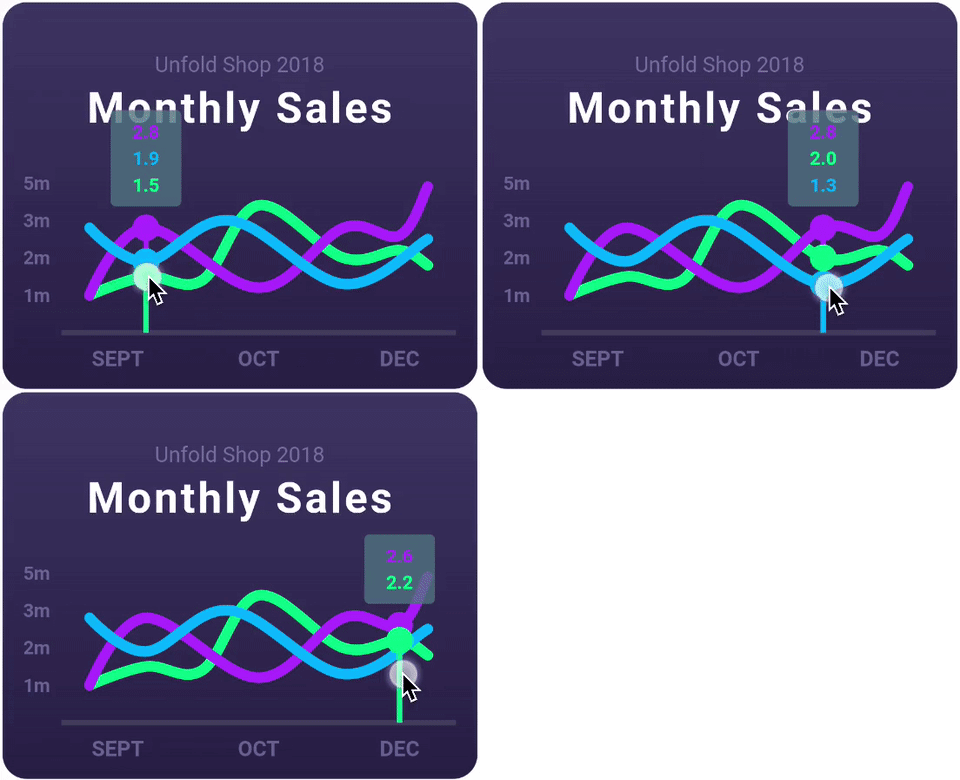
Eine hochgradig anpassbare Flutter-Diagrammbibliothek, die Liniendiagramme, Balkendiagramme, Kreisdiagramme, Streudiagramme und Radargrafiken unterstützt.
Eine Abstraktion, um die Arbeit mit Dateien über mehrere Plattformen hinweg zu ermöglichen.
Ein Dart-Paket zum Lesen von XDG-Verzeichniskonfigurationsinformationen unter Linux.
FFI-basierte Implementierung von sqflite für Desktop und Einheitstests.
 v4.0.3
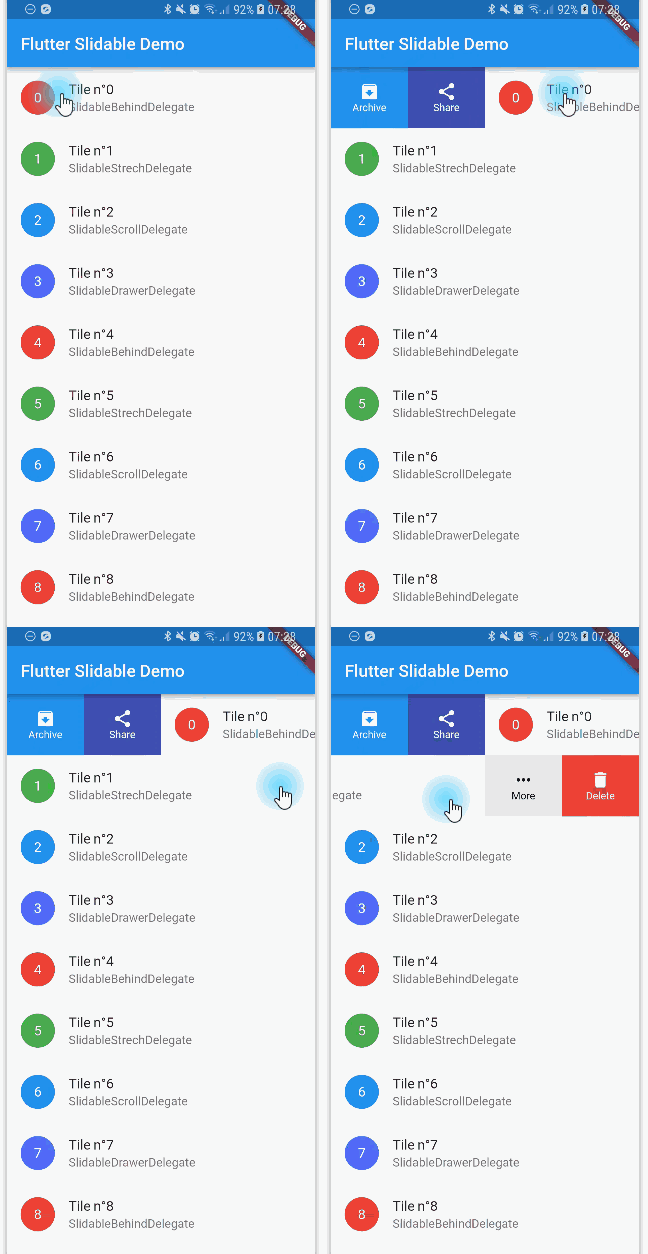
Eine Flutter-Implementierung eines verschiebbaren Listenartikels mit richtungsabhängigen Verschiebeaktionen, die abgeschlossen werden können.
 v3.13.1
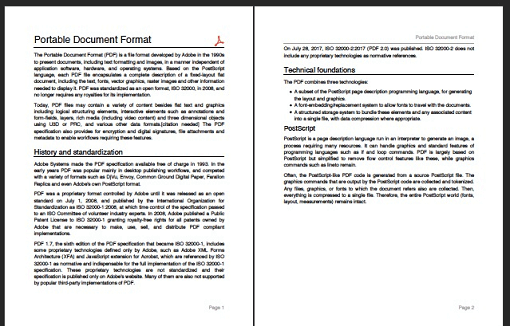
Ein PDF-Generator für Dart. Kann PDF-Dateien sowohl für Web als auch für Flutter erstellen.
 v6.0.0
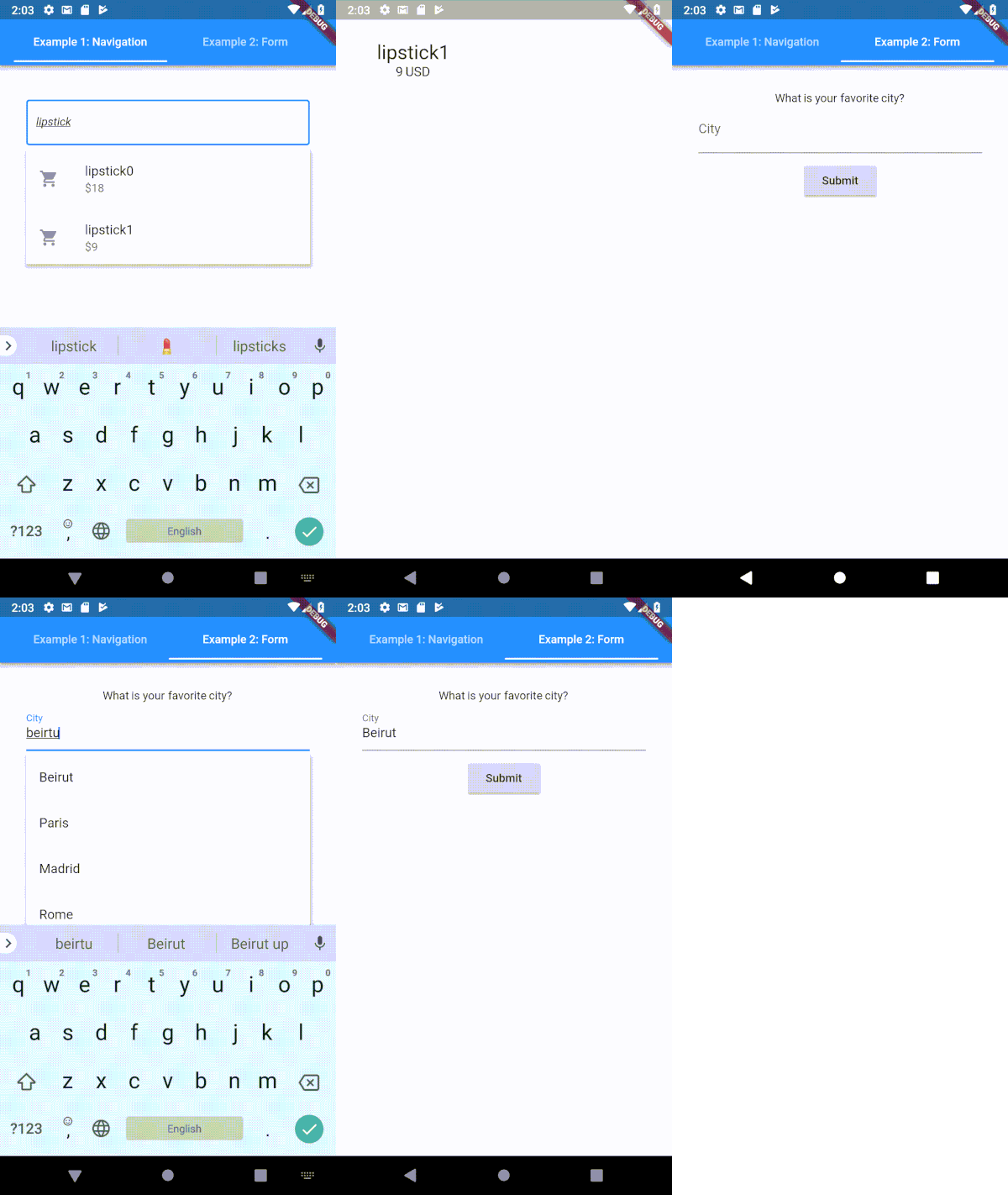
Ein hochgradig anpassbarer Typeahead-(Autocomplete-)Texteingabefeld für Flutter
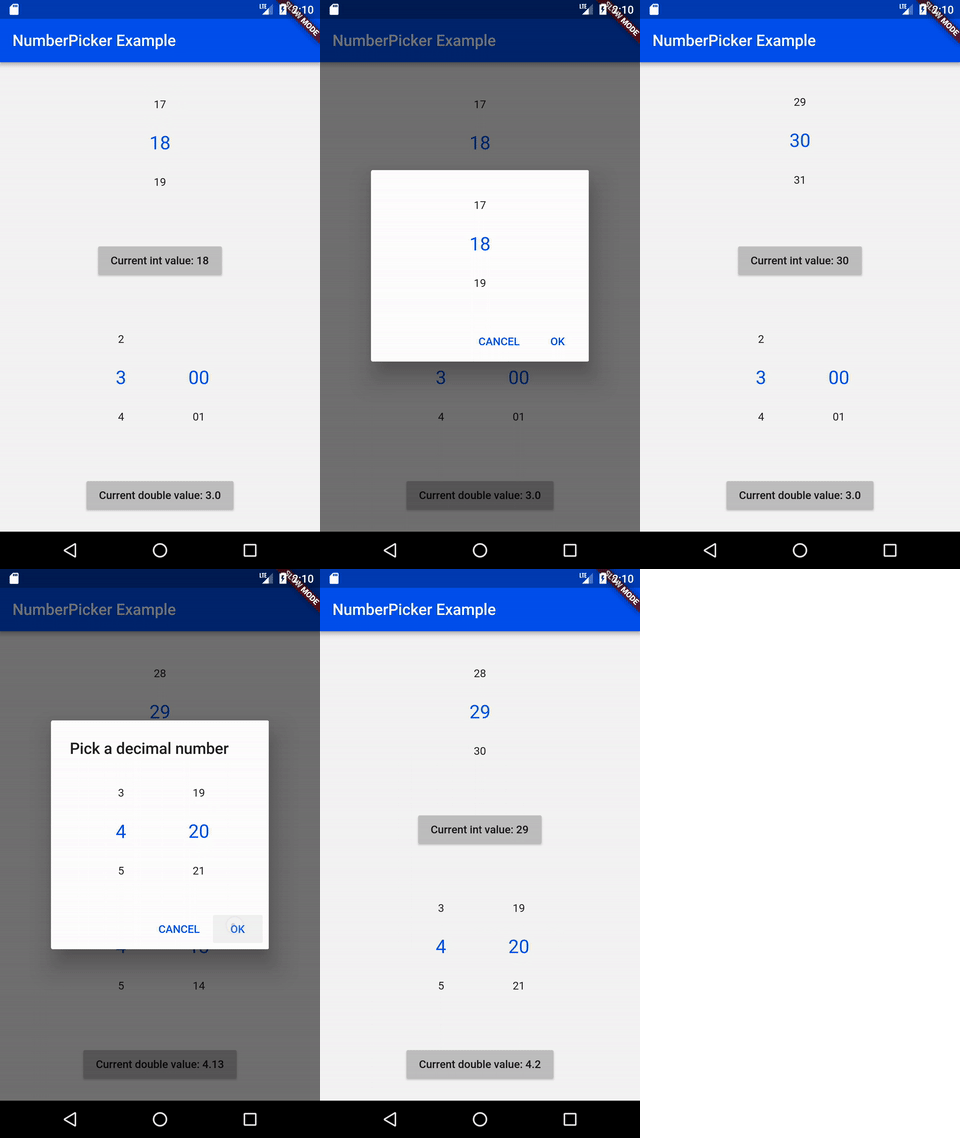 v2.1.2
NumberPicker ist ein Widget, mit dem der Benutzer durch Drehen von Spinnern Zahlen auswählen kann.
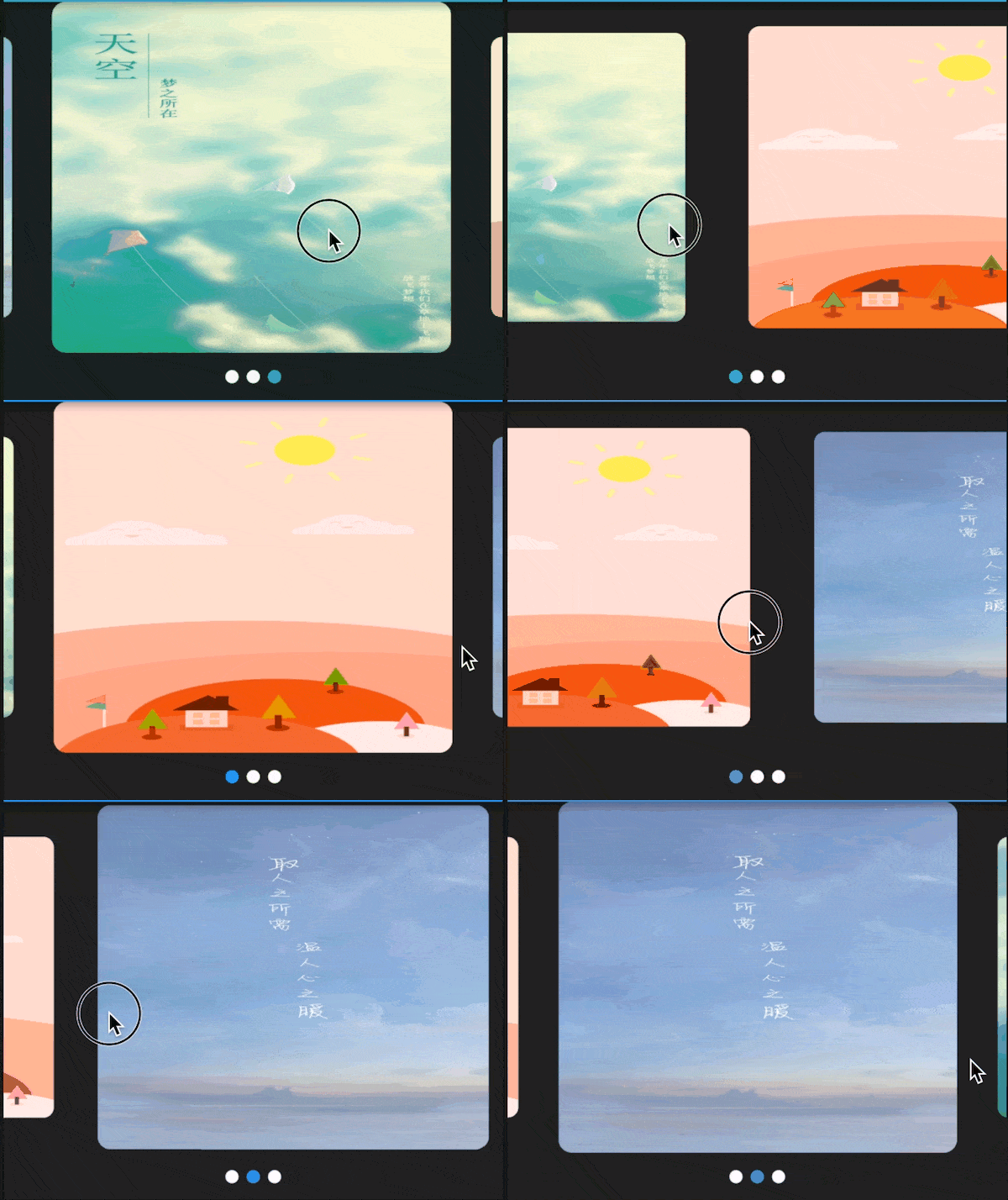 v3.0.1
Swiper/Carousel für Flutter mit mehreren Layouts und Endlosschleife. Kompatibel mit Android und iOS.
Eine hochwertige CSV-Bibliothek. CSV-Strings codieren und decodieren, mit Stream-Unterstützung (eine Zeile pro Ereignis), automatische Erkennung und Kompatibilität mit Excel. Die Zeichenkette muss durch Kommas (konfigurierbar) getrennte Werte enthalten.
Abhängigkeiten 43 Einträge
{"sdk":"flutter"}{"sdk":"flutter"}—^8.1.1^8.1.0^2.0.5^1.8.2^1.17.2^2.0.2^0.18.0^10.6.0^1.0.6-nullsafety^3.0.1^2.1.3^6.2.1^2.0.9^1.1.0+2^2.1.0^5.1.1^2.1.1^7.2.1^0.3.3^2.2.2^0.65.0^3.0.1^4.8.0^1.3.0^2.1.1^6.1.1^15.1.0^0.6.18^5.0.1^1.0.3^2.0.1^11.0.0^1.6.8^3.10.6^2.0.3^0.13.1{"sdk":"flutter"}^1.24.1{"sdk":"flutter"}{"sdk":"flutter"}Englischer Projektschnappschuss. Aktuelle Inhalte auf GitHub.
I'd rather not do time-tracking at all, but since its a necessity for my work, it's either use an app or keep track of things manually (which I'm terrible at). There are many time tracking apps on the app stores (and I have tried several of them), but each of them has at least one pain point that eventually drives me off—some cost more money than I think they should, others have (what I consider) poorly designed interfaces, some are way too complicated, some don't export data easily, most require an internet connection, I have privacy concerns with a large number of them, etc, etc.
Time tracking in and of itself is rather straightforward (hence all the apps on the app stores), so I figured “why not use this as an opportunity to practice mobile development and learn some new things?”. This app is the result of that question—its a tool that I use every day for work, but also a sample project to work off of and share with others.
.csv file, filtered by timespans and projectsMore screenshots (including dark-mode and localization demonstrations) are available in the screenshots/ folder.
I'm happy to take bug reports and pull requests if you want to help improve Time Cop, but I fundamentally want to keep this app relatively small and simple. If that's not for you, there's plenty of other options out there.
The app is created pretty much entirely in Dart using Flutter, and I tried to make heavy use of the Bloc pattern.
Here are a few resources to get you started if this is your first Flutter project:
For help getting started with Flutter, view its online documentation, which offers tutorials, samples, guidance on mobile development, and a full API reference.
After installing and setting up Flutter (ideally its latest stable version) and downloading the Time Cop code, you should be able to simply build and run this Flutter project, at least for mobile platforms. For more information, see the CONTRIBUTING.md file.
You can help translate Time Cop on Weblate. If you notice any incorrect strings, feel free to correct them. Similarly, if you want to add a language, please do!
Translations are handled using Project Fluent. Currently all translations except English, Italian, Czech, Norwegian, and Indonesian were auto-translated by Google Translate using my Translate Tool.
A list of “user stories” (and I use that term very loosely) guiding the development of this app is available in design/user-stories.md; any unchecked boxes are outstanding items on the todo list!