
v6.1.0
android_intent_plus
Flutter-Plugin zum Starten von Android-Intents. Nicht unter iOS unterstützt.
495Likes 458.00030-Tage-Downloads150Pub-Punkte
Android
Ein minimales und leistungsstarkes IDE-/Code-Editor für Android

Flutter-Plugin zum Starten von Android-Intents. Nicht unter iOS unterstützt.
 v4.2.5
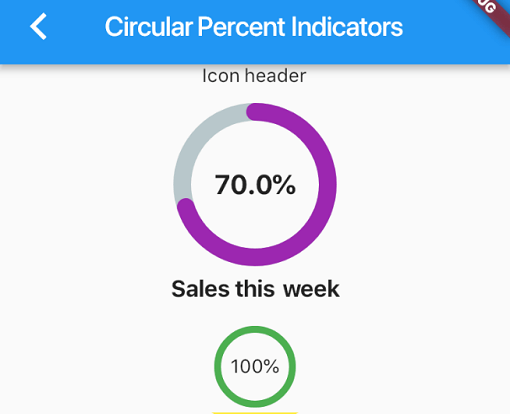
Bibliothek, die es Ihnen ermöglicht, Fortschritts-Widgets basierend auf Prozentwerten anzuzeigen, entweder kreisförmig oder linear, und die Sie nach Ihren Bedürfnissen anpassen können.
 v4.0.0
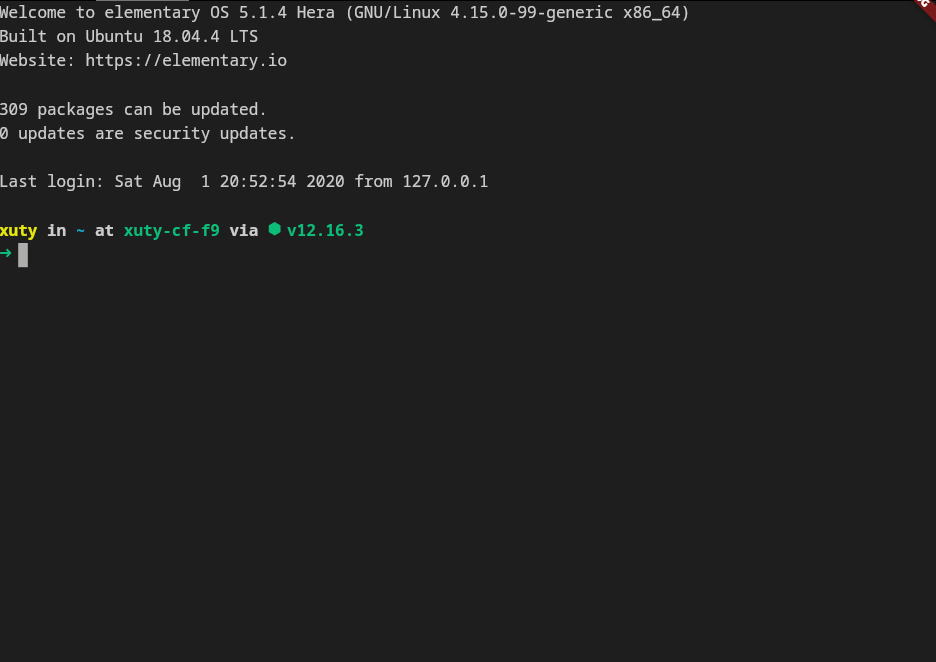
xterm.dart ist ein schneller und vollständig ausgestatteter Terminal-Emulator für Flutter-Anwendungen mit Unterstützung für mobile und Desktop-Plattformen.
 v2.3.2+8
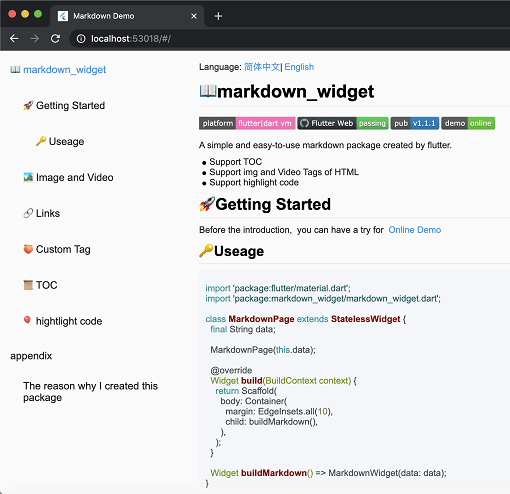
Ein neues Markdown-Paket. Es unterstützt TOC-Funktion, Code-Hervorhebung und alle Plattformen.
Eine Vektor-Mathematik-Bibliothek für 2D- und 3D-Anwendungen.
Ein Flutter-Plugin, das auf Android und iOS ein PDFView-Widget bereitstellt.
Ein anspruchsvolles Code-Editor-Paket mit KI-Vervollständigung, LSP-Unterstützung, Syntax-Highlighting und erweiterten Bearbeitungsfunktionen.
Eine in Dart geschriebene portable Markdown-Bibliothek, die Markdown in HTML parsen kann.
 v0.0.3
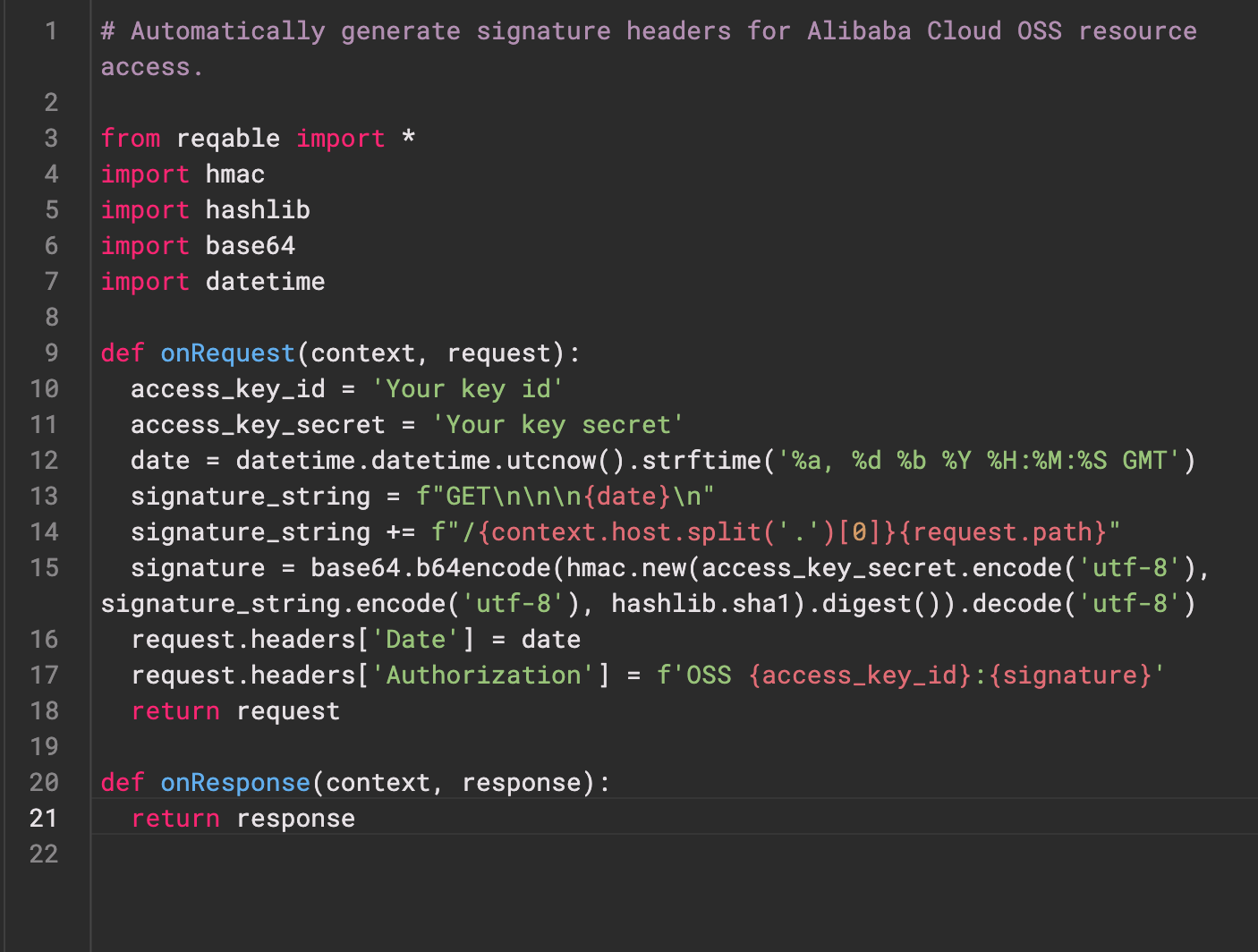
Re-Highlight ist eine leistungsstarke Bibliothek für die Syntax-Hervorhebung von Texten.
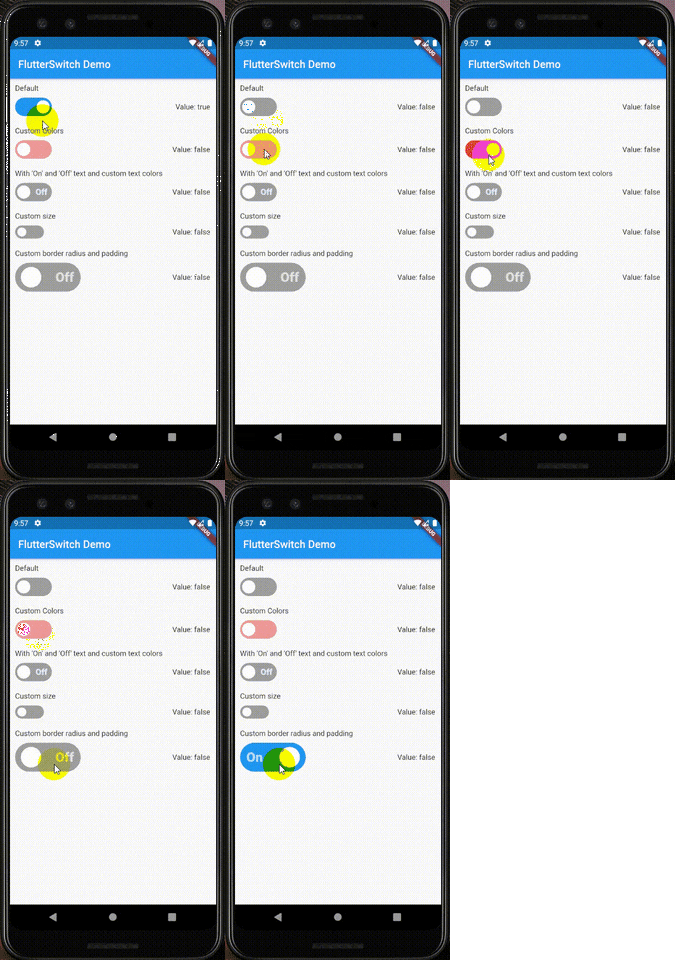 v0.3.2
Ein benutzerdefinierter Schalter-Widget, der eine benutzerdefinierte Höhe und Breite, Ränder, Eckenradius, Farben, Toggle-Größe, benutzerdefinierten Text und Symbole innerhalb des Toggles haben kann.
Flutter-Plugin zur Authentifizierung eines Benutzers mit einem Webdienst.
Erstellen und Extrahieren von ZIP-Archivdateien unter Android, iOS und macOS. Komprimieren Sie alle Dateien in einem Verzeichnis rekursiv oder eine gegebene Liste von Dateien.
Abhängigkeiten 39 Einträge
^6.0.0^9.2.1^10.14.0^2.9.0^4.1.0^0.4.1^2.1.0^12.2.0{"sdk":"flutter"}^6.3.1^9.1.1^1.1.0^2.1.1{"git":{"url":"https://github.com/pichillilorenzo/flutter_inappwebview.git","ref":"master","path":"flutter_inappwebview"}}^0.2.0^0.14.4{"sdk":"flutter"}^0.20.2^1.4.5^0.4.1^11.1.0^2.3.0^5.1.0^11.0.0^0.15.6^1.2.2{"git":"https://github.com/heckmon/Llama-Flutter.git"}^7.3.1^2.3.2+8^1.17.0^1.9.0^4.2.5^0.0.3^2.5.5^6.3.2^2.2.0^4.0.0^6.0.0{"sdk":"flutter"}Englischer Projektschnappschuss. Aktuelle Inhalte auf GitHub.
Roxum IDE is a mobile-first code editor and mini IDE for Android, built with Flutter. It combines editing, terminal workflows, Git/GitHub tooling, AI assistance, runtime downloads, and deep customization in one app.
| https://raw.githubusercontent.com/heckmon/android-arm64-shared-libraries/refs/heads/main/scrnshots/home.jpg | https://raw.githubusercontent.com/heckmon/android-arm64-shared-libraries/refs/heads/main/scrnshots/ag.jpg | https://raw.githubusercontent.com/heckmon/android-arm64-shared-libraries/refs/heads/main/scrnshots/ag_diff.jpg | https://raw.githubusercontent.com/heckmon/android-arm64-shared-libraries/refs/heads/main/scrnshots/rt-roxum.jpg |
| https://lh3.googleusercontent.com/o8_GNH3SBQnbnrJWduWE9xbW-RF8NBO3iphBx1mEc_gVYbSkyAGZyy5zEcMTGupt_1oCQipOpZMwbjlhJgbjyEs | https://raw.githubusercontent.com/heckmon/android-arm64-shared-libraries/refs/heads/main/scrnshots/ext.jpg | https://raw.githubusercontent.com/heckmon/android-arm64-shared-libraries/refs/heads/main/scrnshots/diag.jpg | https://raw.githubusercontent.com/heckmon/android-arm64-shared-libraries/refs/heads/main/scrnshots/accnt.jpg |
| https://raw.githubusercontent.com/heckmon/android-arm64-shared-libraries/refs/heads/main/scrnshots/explorer.jpg | https://raw.githubusercontent.com/heckmon/android-arm64-shared-libraries/refs/heads/main/scrnshots/lsp.jpg | https://raw.githubusercontent.com/heckmon/android-arm64-shared-libraries/refs/heads/main/scrnshots/ai_cmpl.jpg | https://raw.githubusercontent.com/heckmon/android-arm64-shared-libraries/refs/heads/main/scrnshots/themes.jpg |
| https://raw.githubusercontent.com/heckmon/android-arm64-shared-libraries/refs/heads/main/scrnshots/git_diff.jpg | https://raw.githubusercontent.com/heckmon/android-arm64-shared-libraries/refs/heads/main/scrnshots/gguf.jpg | https://raw.githubusercontent.com/heckmon/android-arm64-shared-libraries/refs/heads/main/scrnshots/termenu.jpg | https://raw.githubusercontent.com/heckmon/android-arm64-shared-libraries/refs/heads/main/scrnshots/term.jpg |
This section is intended for users from countries like China where the Play Store isn't accessible. Otherwise, it is recommended to download the full-featured APK from the Play Store as mentioned above.
Clone this repo, then:
Make sure that git-lfs is installed in your system and accessible via the path. Don't skip this step; the compilers and interpreters are stored in the GitHub large file storage.
aab bundle.[!NOTE]
To include all compilers, interpreters and extensions in the build, we build it as a standalone
aabfile, which is bigger compared to the APK downloaded from the Play Store. The Play Store build is smaller because these external dependencies are downloaded on demand when the user requests the particular compiler/interpreter/extension.
cd android && ./gradlew :app:bundleRelease
This will generate the output file in build/app/outputs/bundle/release/app-release.aab
To install aab in your device, it needs to be converted to apk first. For that, download the latest bundletool from the official repo: https://github.com/google/bundletool/releases
Then build the APK:
java -jar path/to/bundletool.jar build-apks --bundle=your_app/build/app/outputs/bundle/release/app-release.aab --output=output.apks --mode=universal
This will generate a file called output.apks in the current directory
Make sure that you are connected to an emulator or physical device via adb.
java -jar /path/to/bundletool.jar install-apks --apks=output.apks
Special Thanks ♥️