 v4.0.2
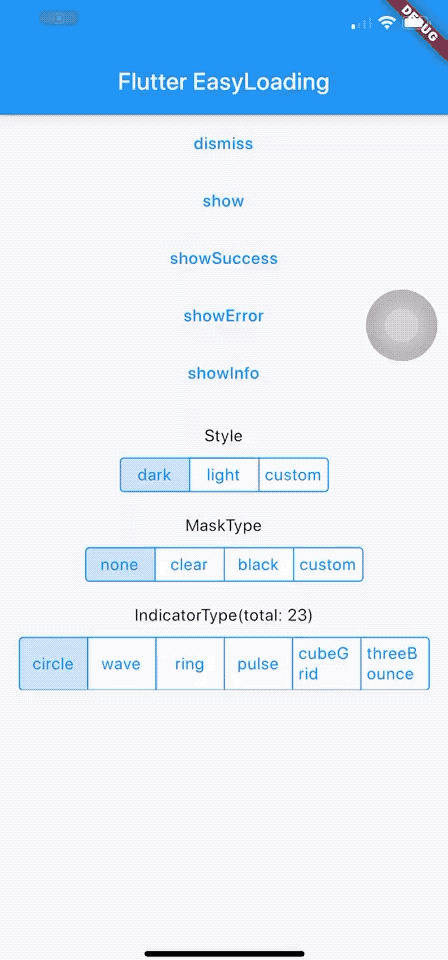
flutter_easyloading
Ein sauberer und leichter Lade-/Toast-Widget für Flutter, einfach ohne Kontext zu verwenden, unterstützt iOS, Android und Web
2290Likes 111.00030-Tage-Downloads160Pub-Punkte
AndroidiOSWebmacOSWindowsLinux
Lab+ für Gitlab ist eine App, mit der Sie Ihre Interaktionen mit Ihrer Gitlab-Instanz von Ihrem Telefon oder Desktop aus verwalten können

Englischer Projektschnappschuss. Aktuelle Inhalte auf GitHub.


Lab+ is your ultimate GitLab mobile app that lets you interact with your projects like as if you were using desktop.
Lab+ lets you see the latest happenings wherever you are, reply to issues so they can be taken care of faster, manage and organise projects with labels, browse your files, code and more !
Lab+ lets you:

Or download the latest APK from the Releases Section.
fvm install — this picks up the pinned
Flutter version from .fvmrc (currently 3.24.1). Then build with
fvm flutter ... so you get the pinned SDK rather than whatever Flutter is
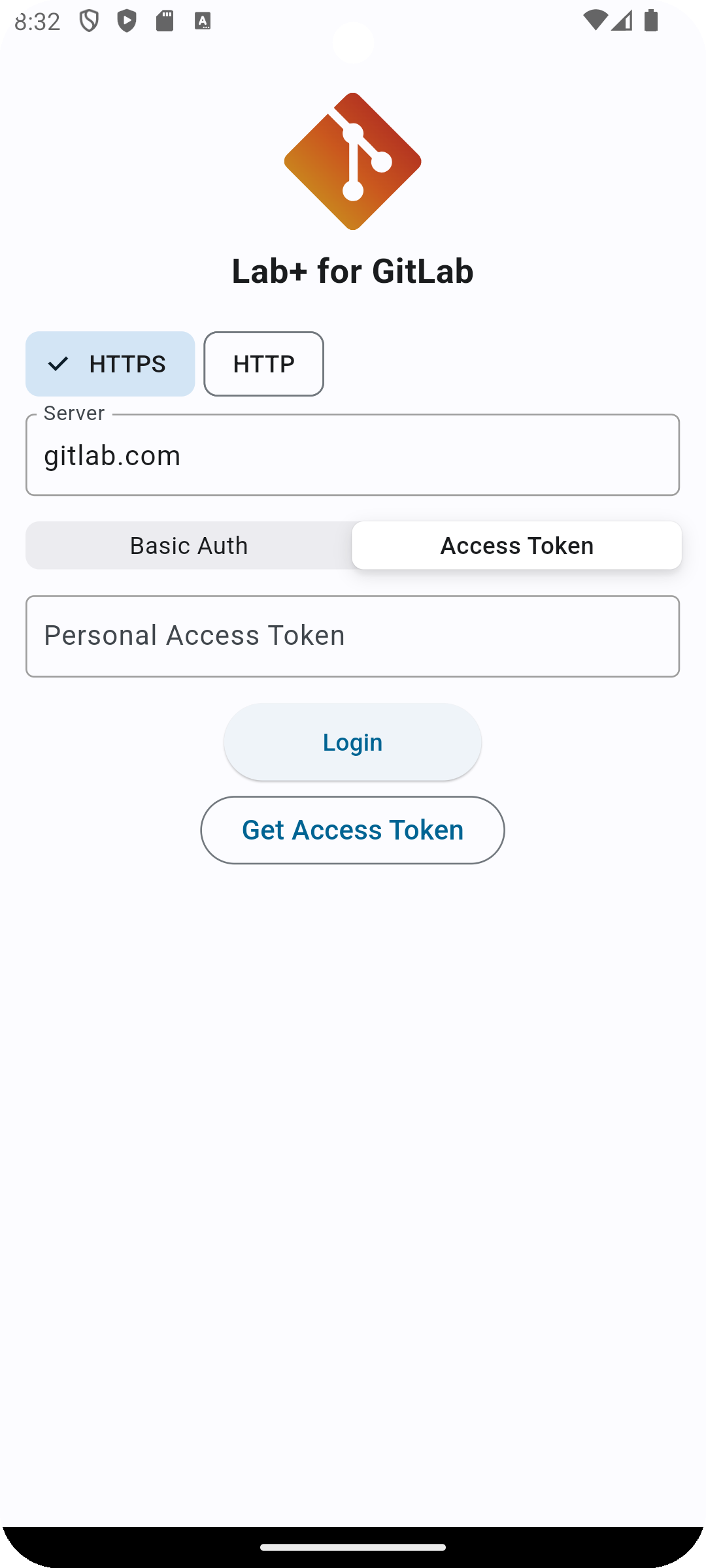
on your PATH.| Authentication |
|---|
| Light Mode |
 |
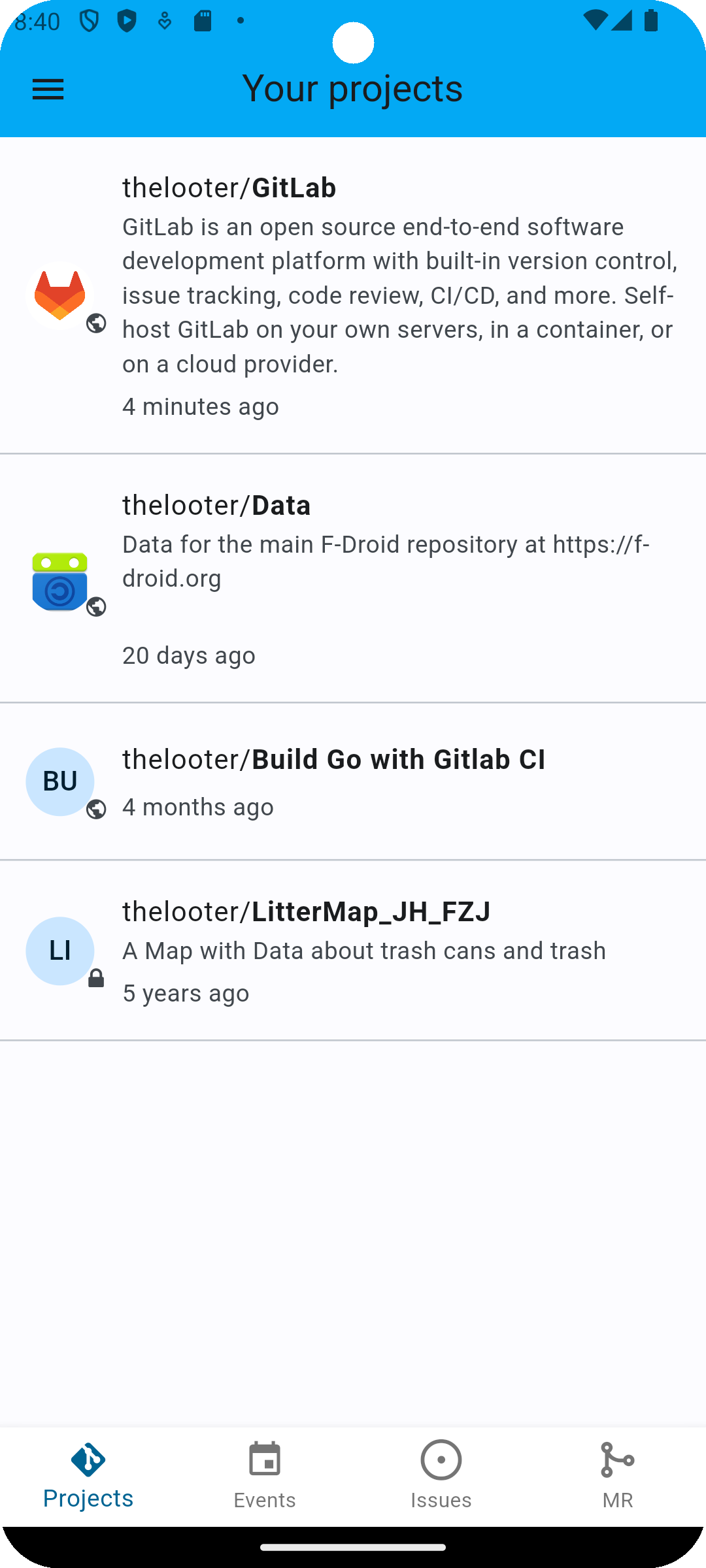
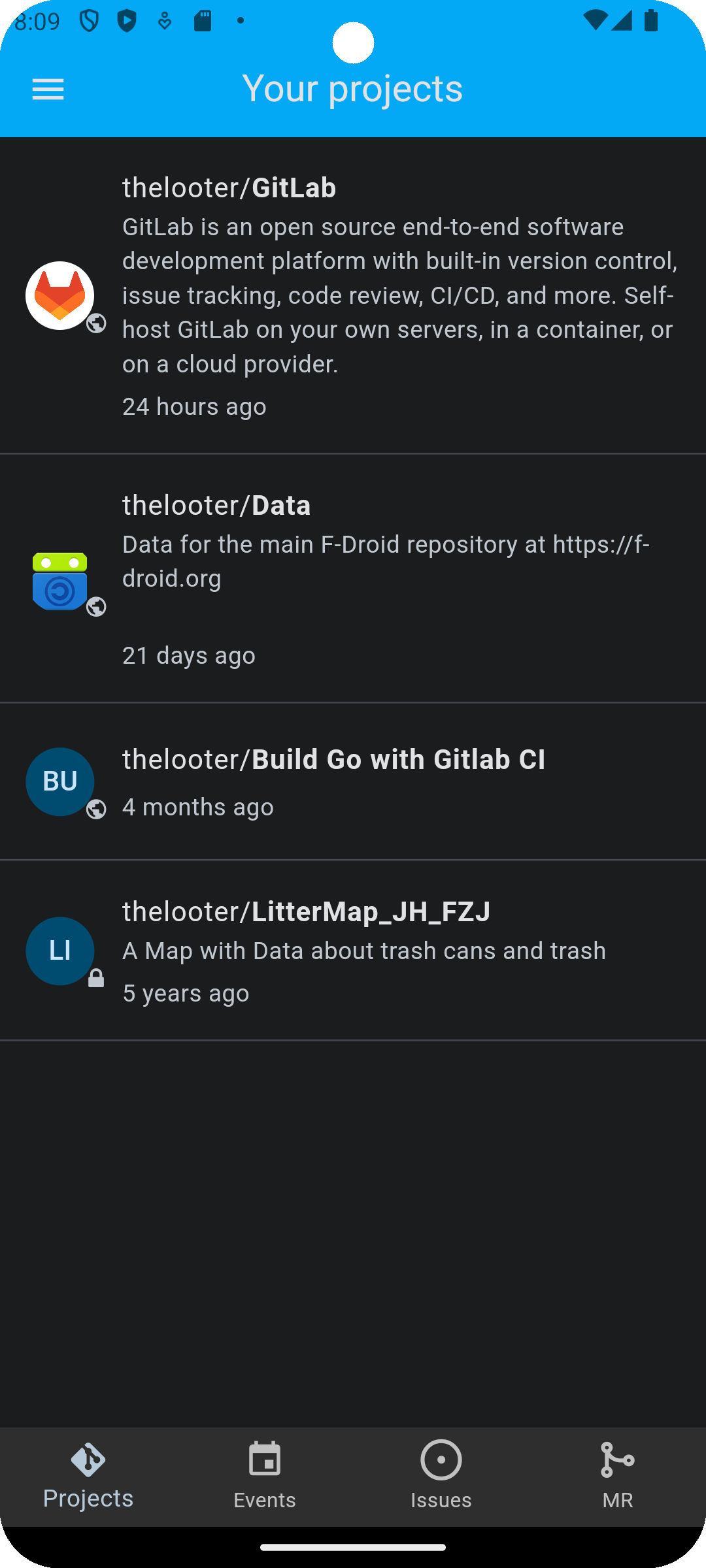
| Projects | |
|---|---|
| Light Mode | Dark Mode |
 |
 |
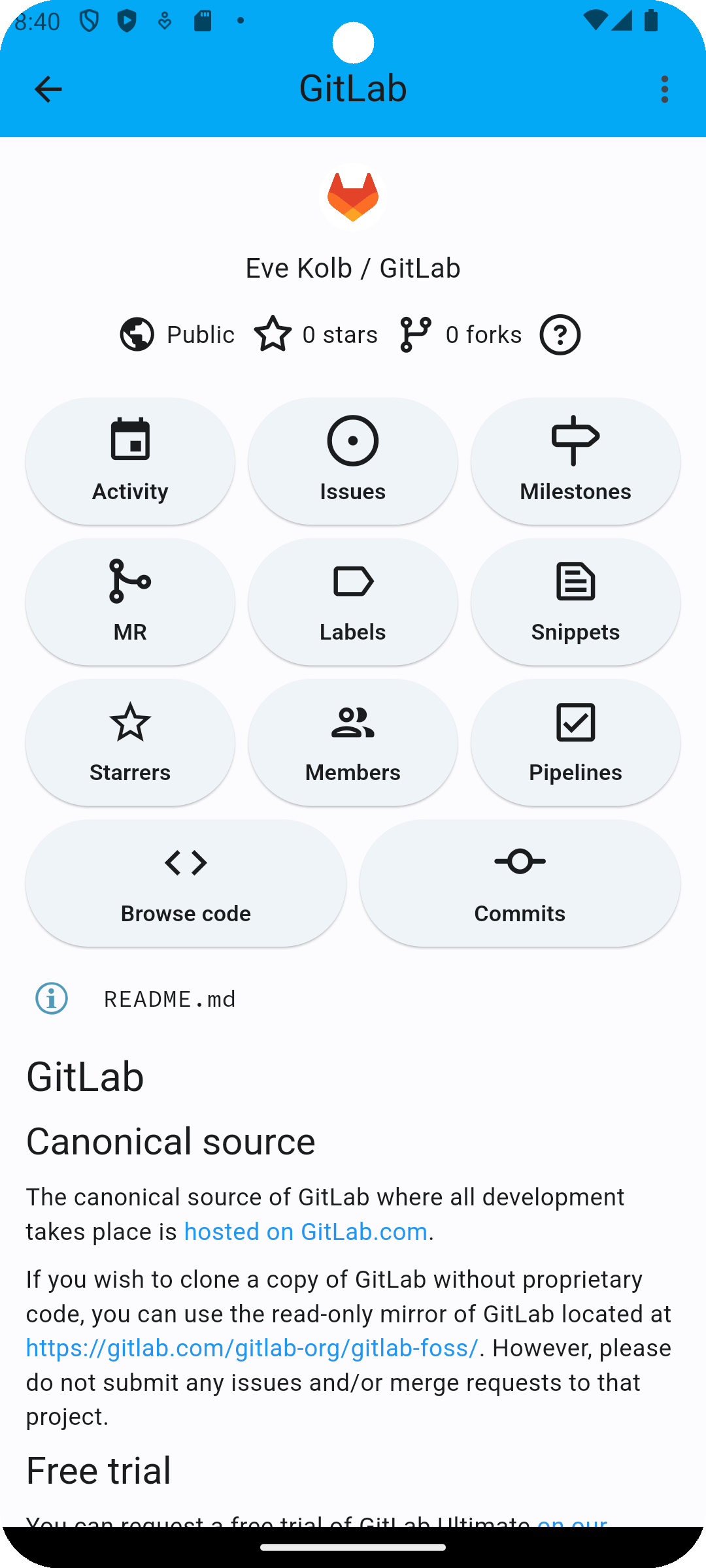
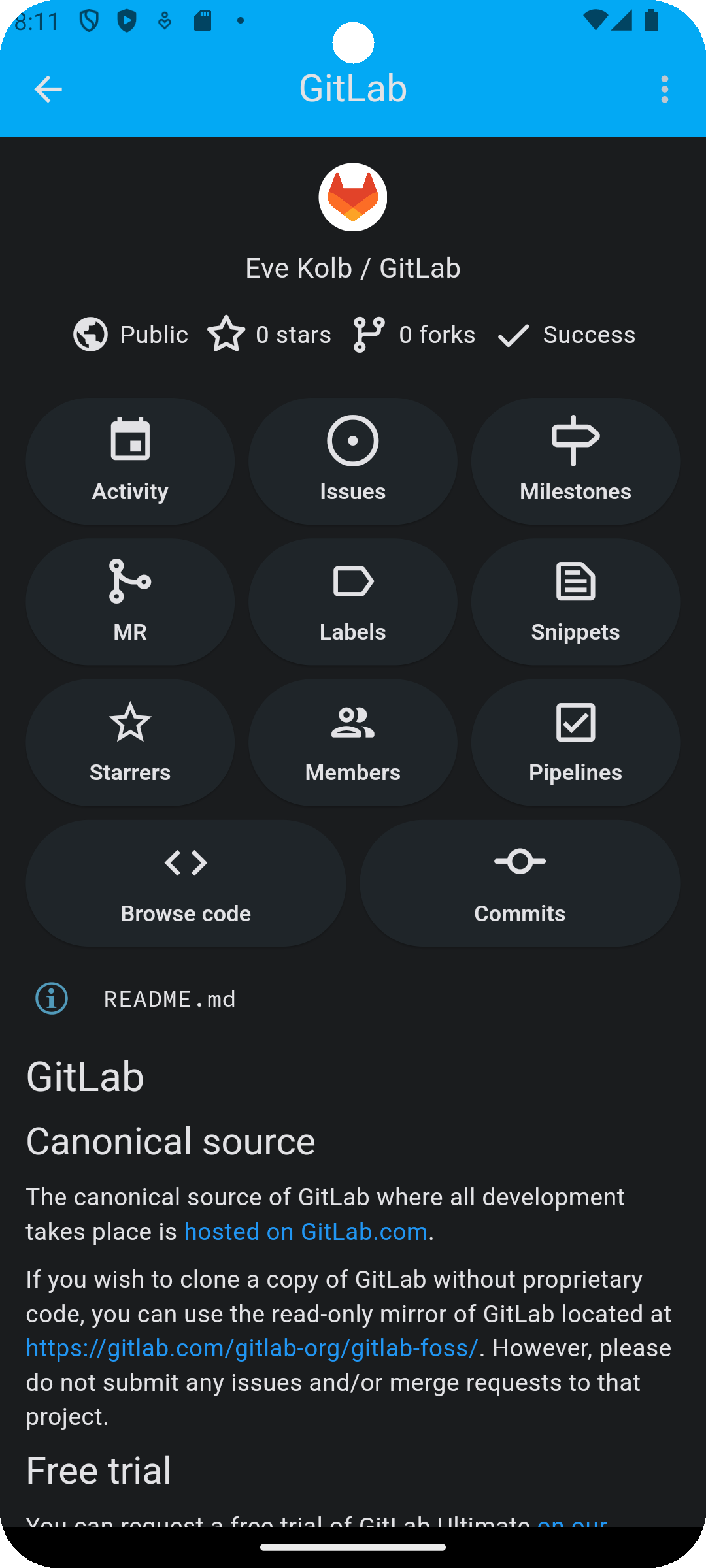
| Project | |
|---|---|
| Light Mode | Dark Mode |
 |
 |
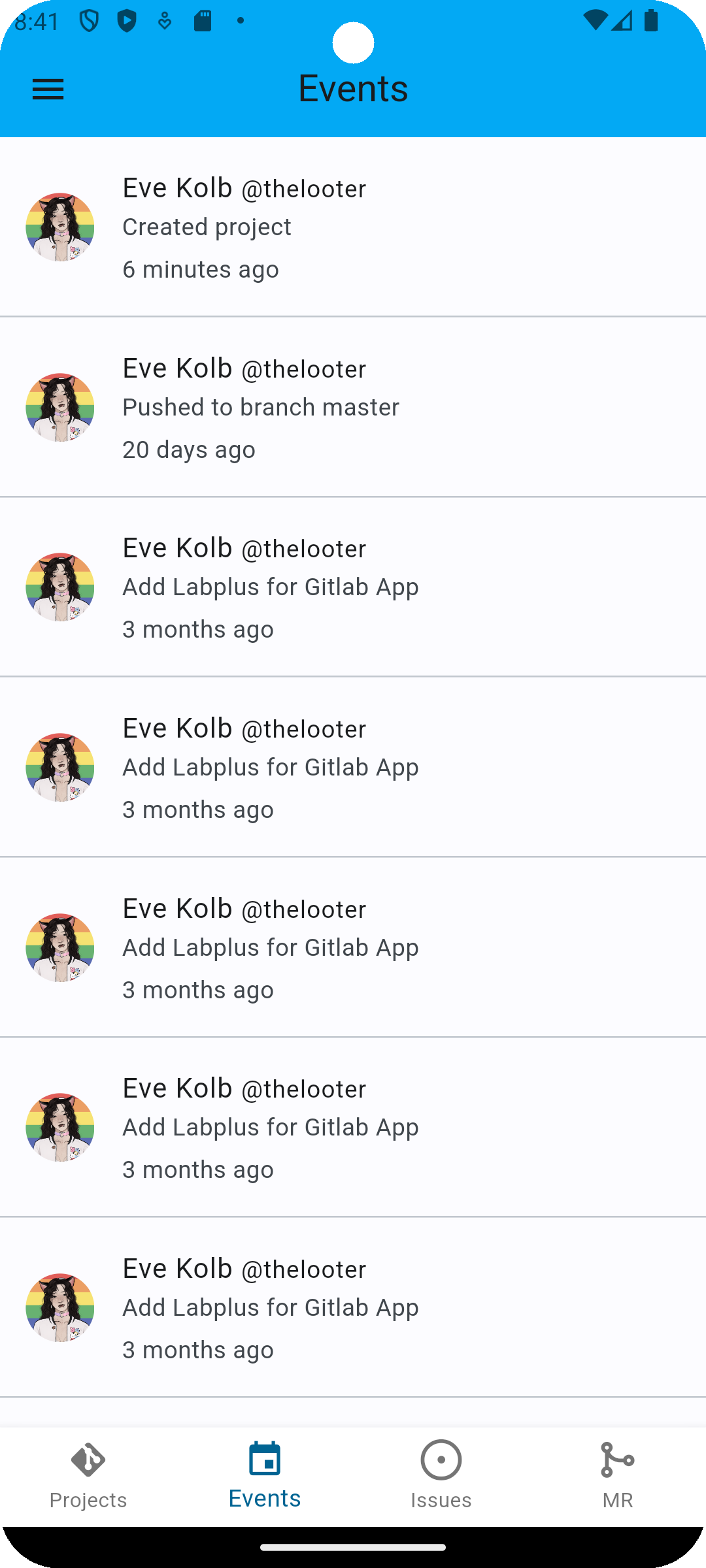
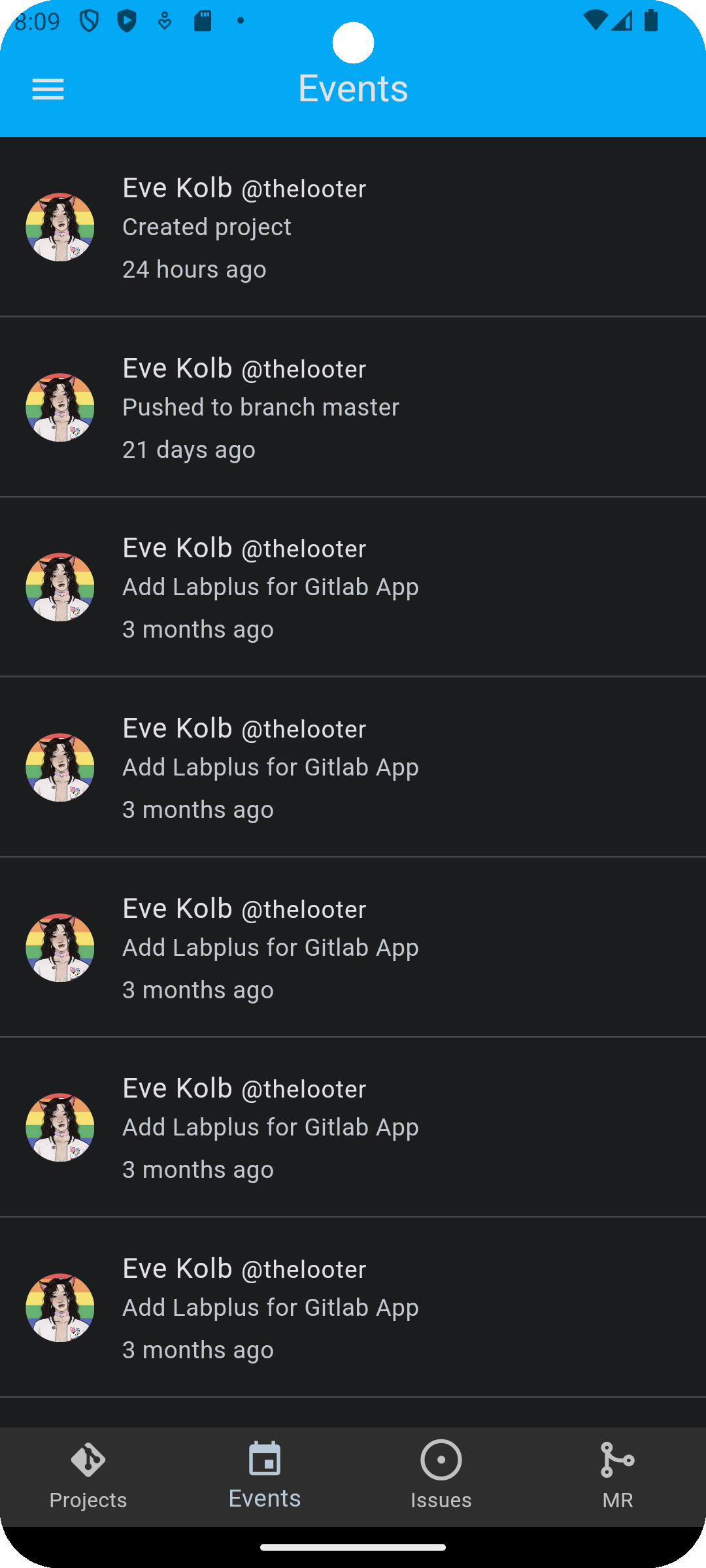
| Activity | |
|---|---|
| Light Mode | Dark Mode |
 |
 |
| Merge Requests | |
|---|---|
| Light Mode | Dark Mode |
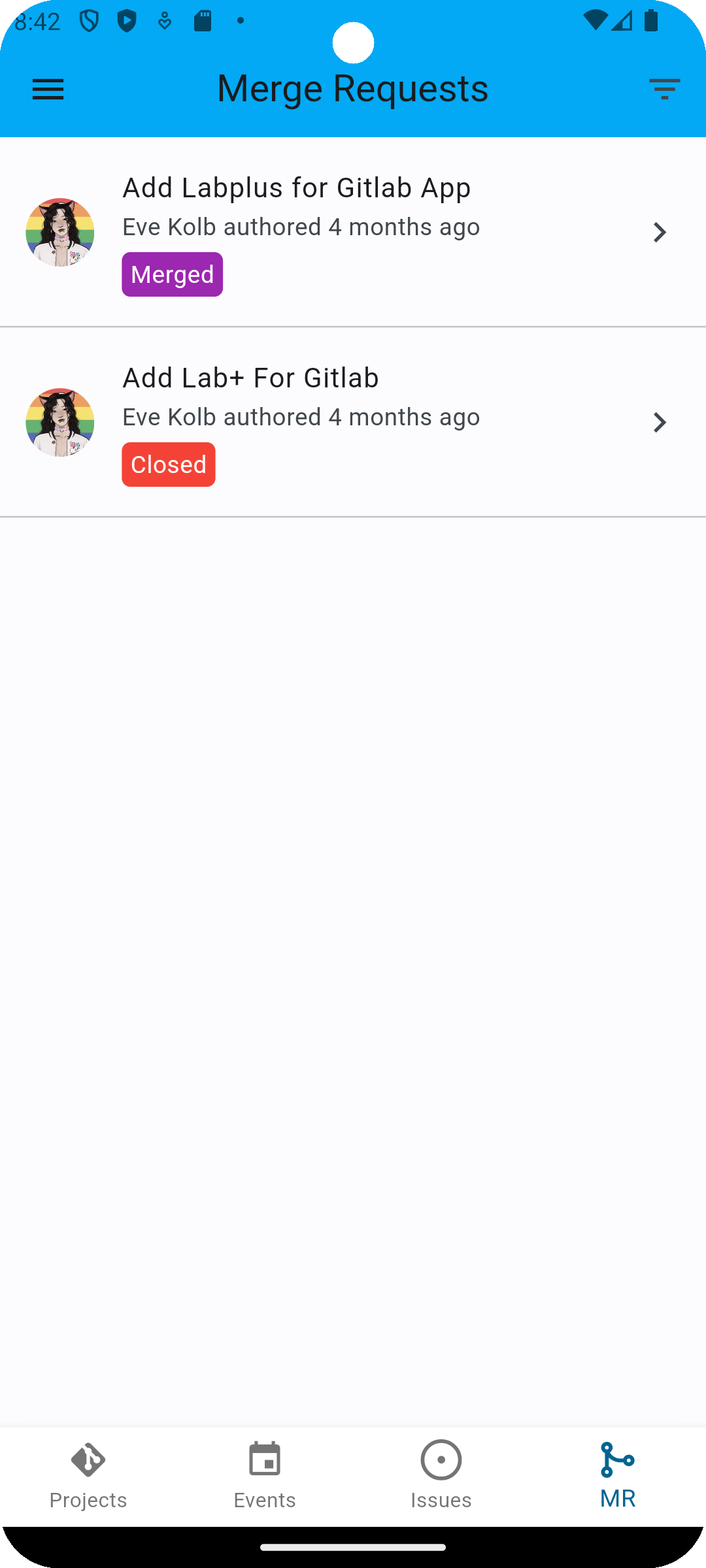 |
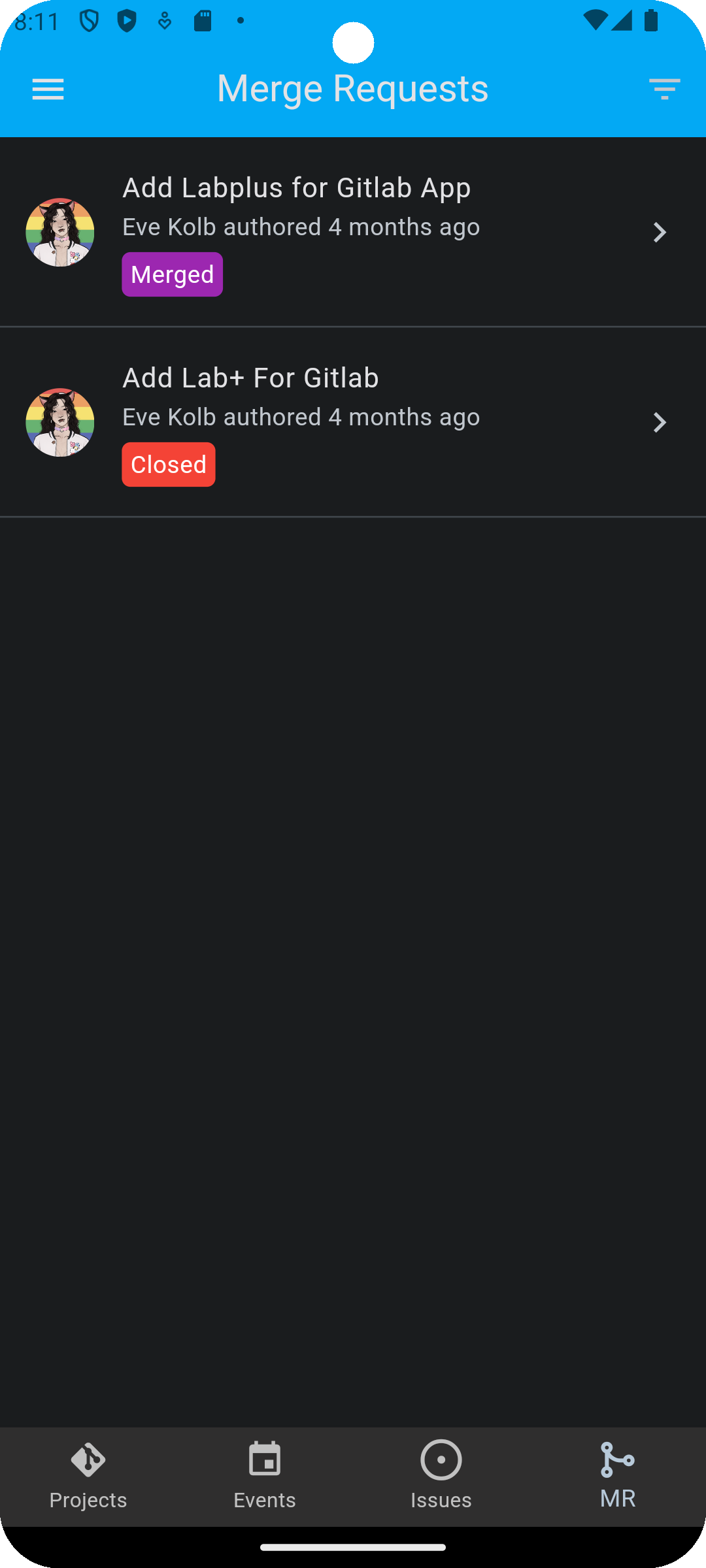 |
| Merge Request | |
|---|---|
| Light Mode | Dark Mode |
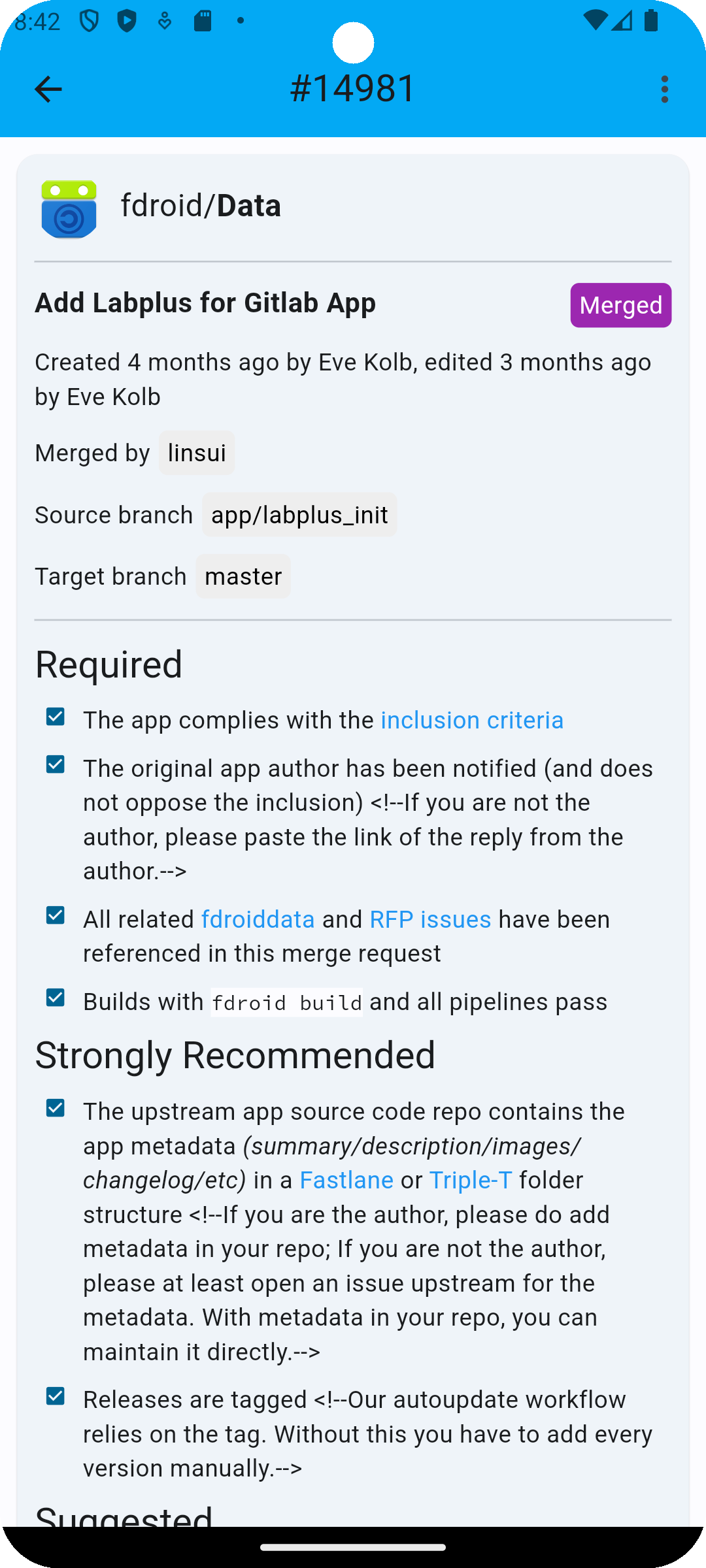 |
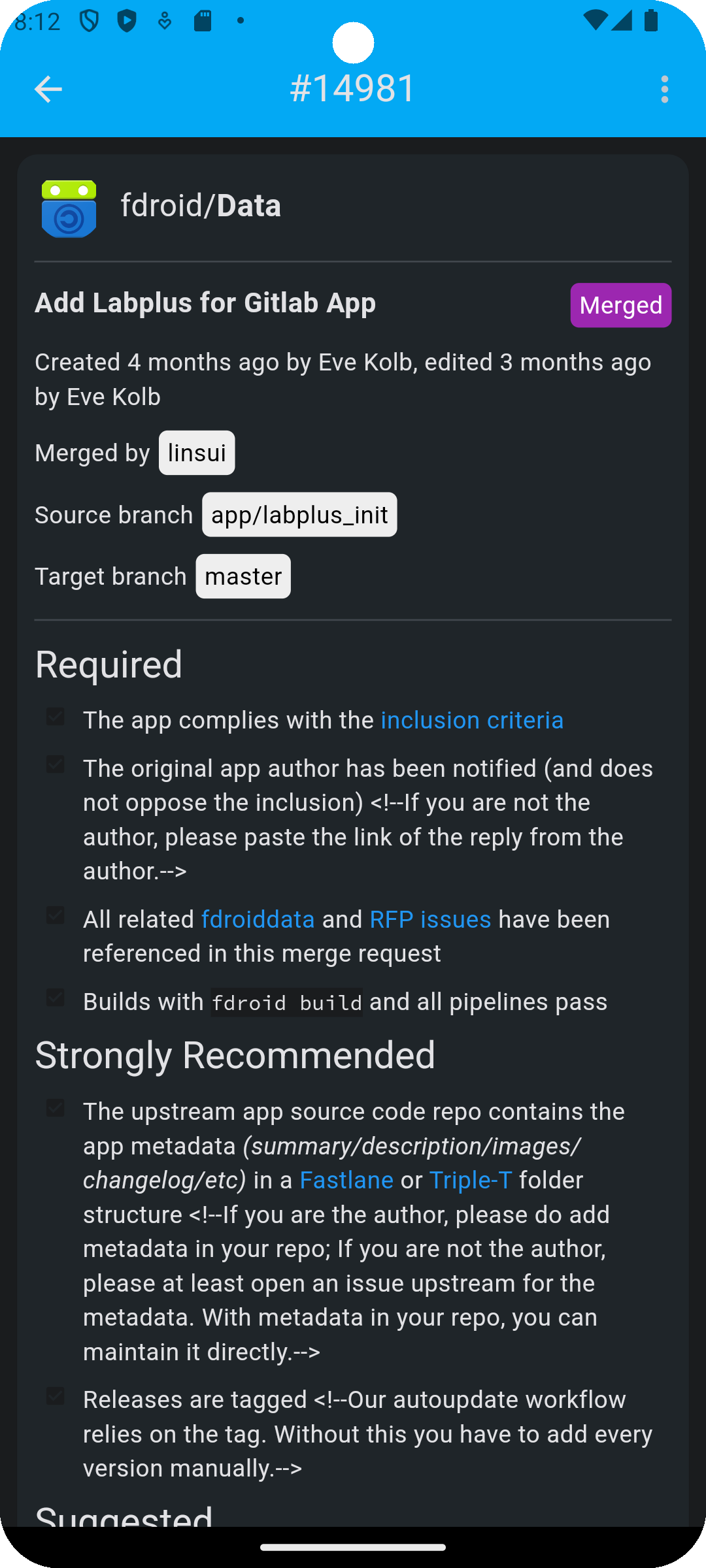 |
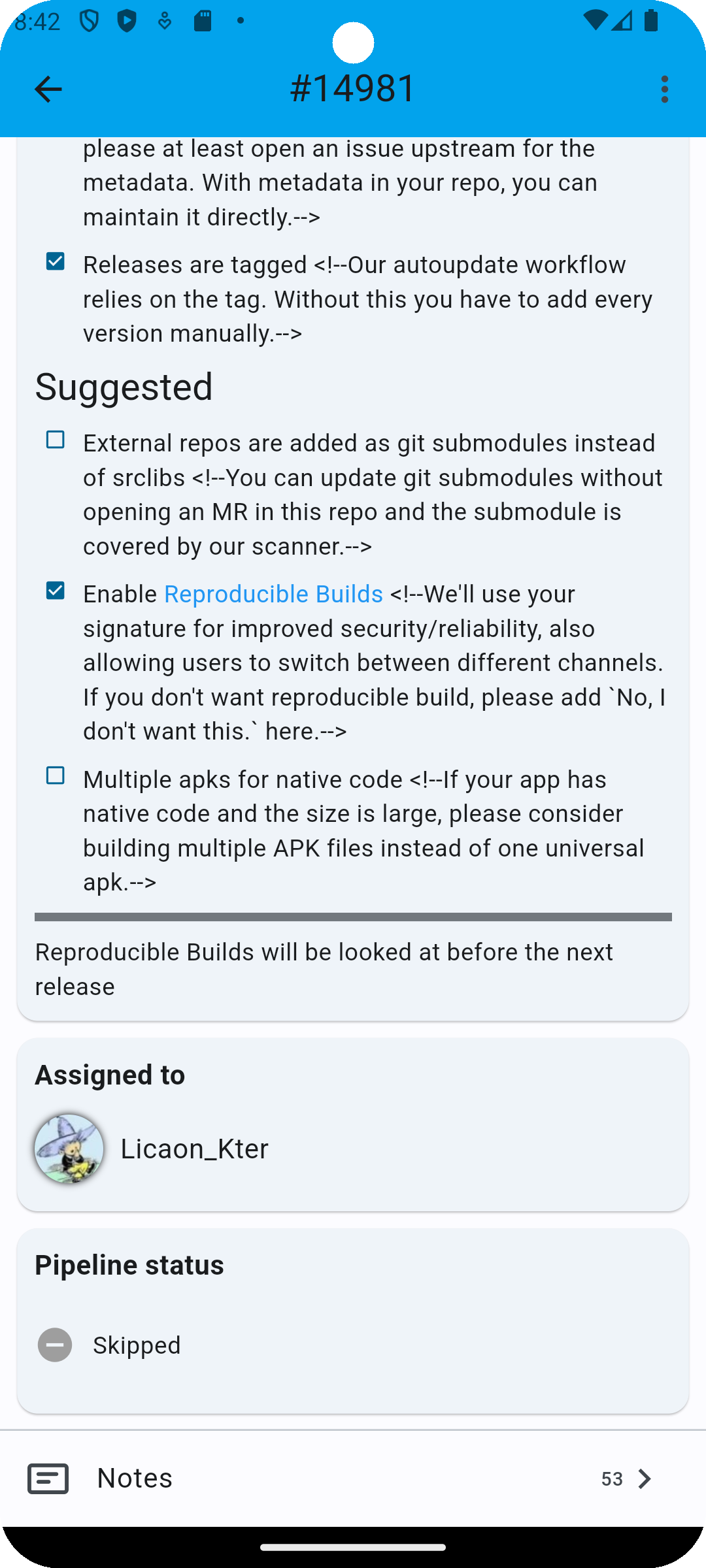
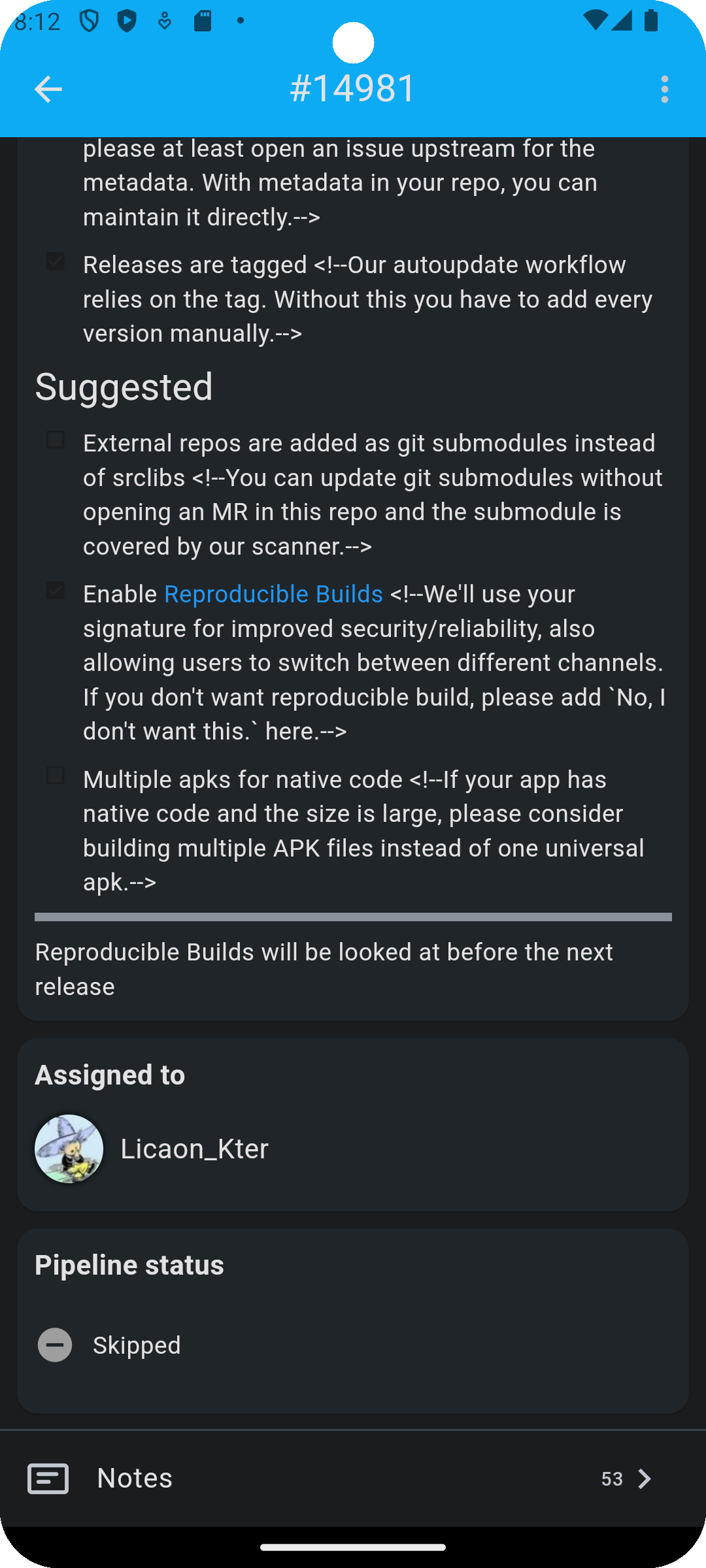
| Merge Request (Continued) | |
|---|---|
| Light Mode | Dark Mode |
 |
 |
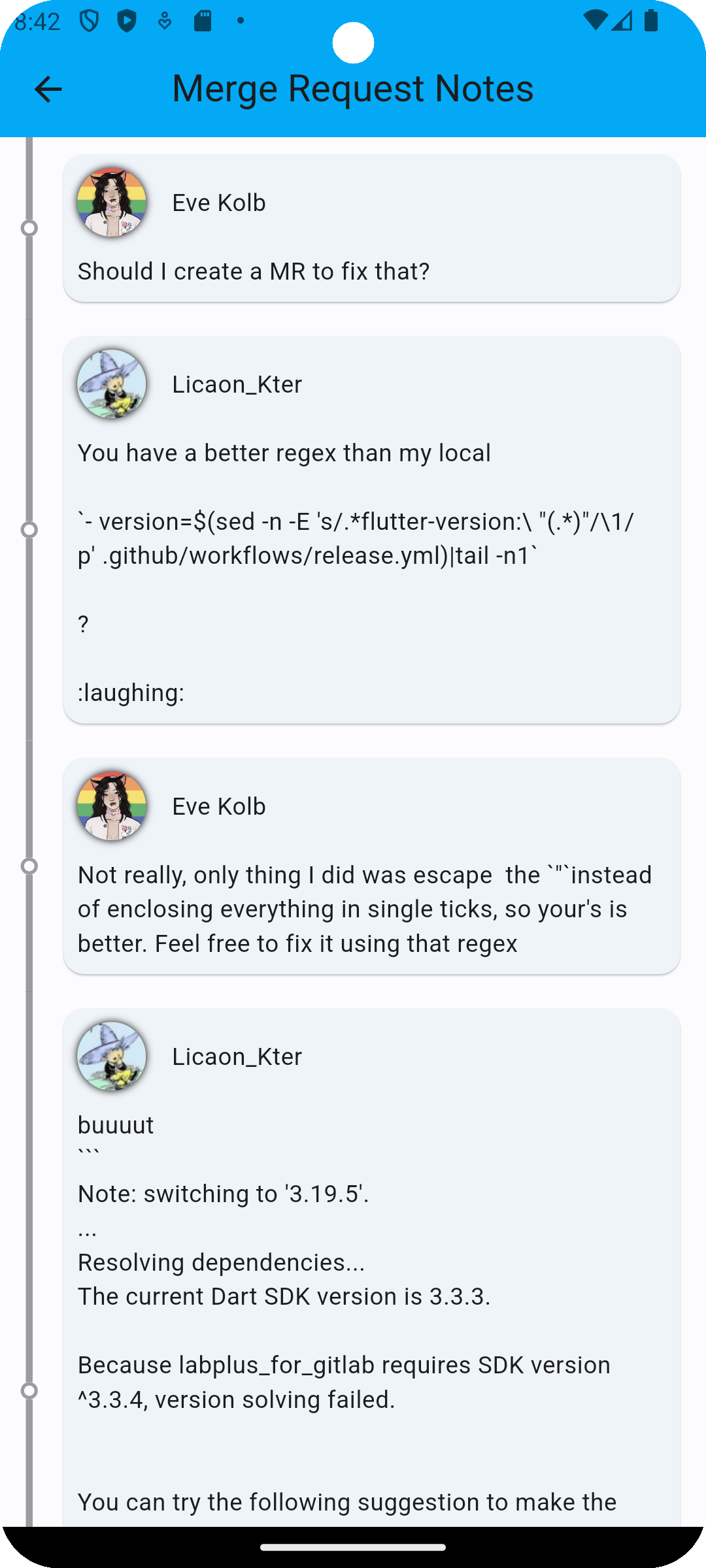
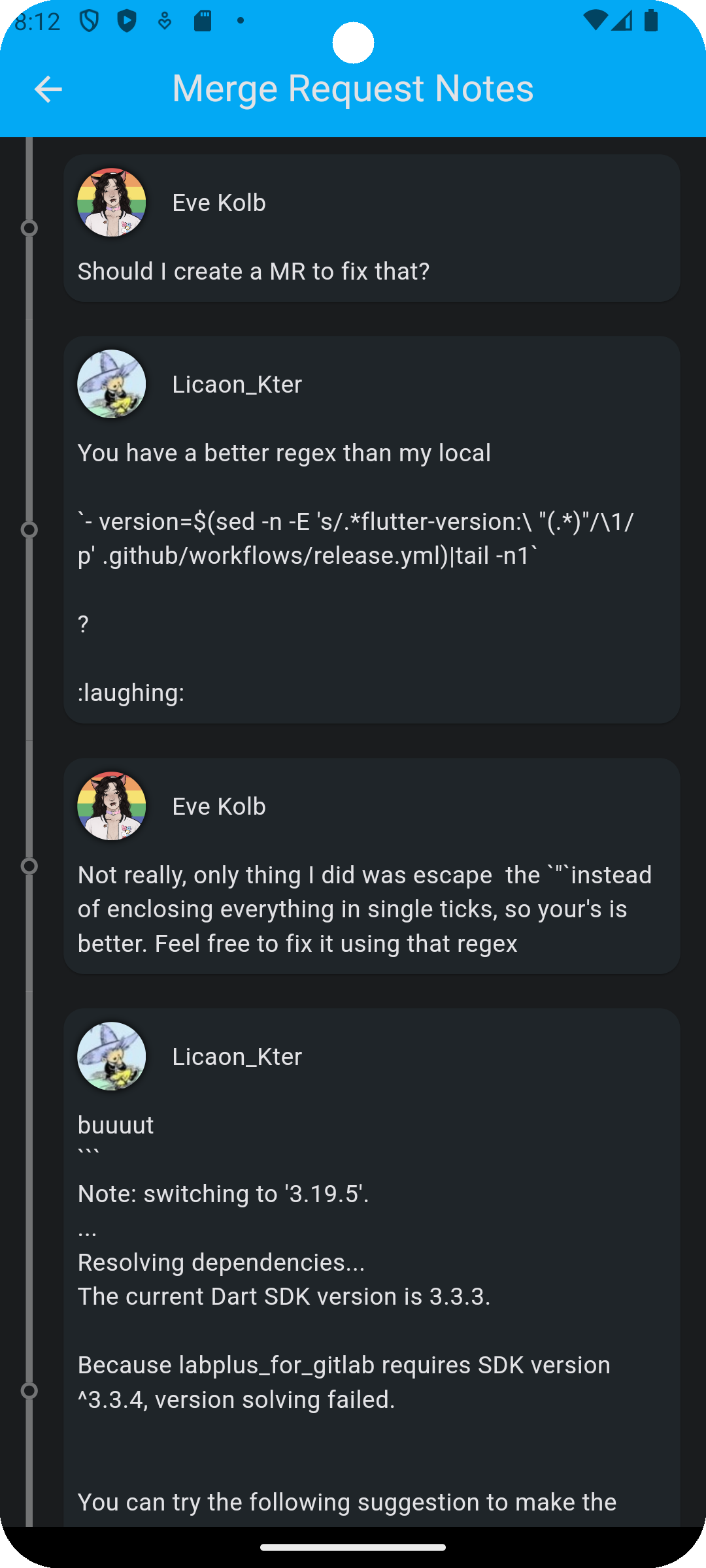
| Merge Request Notes | |
|---|---|
| Light Mode | Dark Mode |
 |
 |
Ein sauberer und leichter Lade-/Toast-Widget für Flutter, einfach ohne Kontext zu verwenden, unterstützt iOS, Android und Web
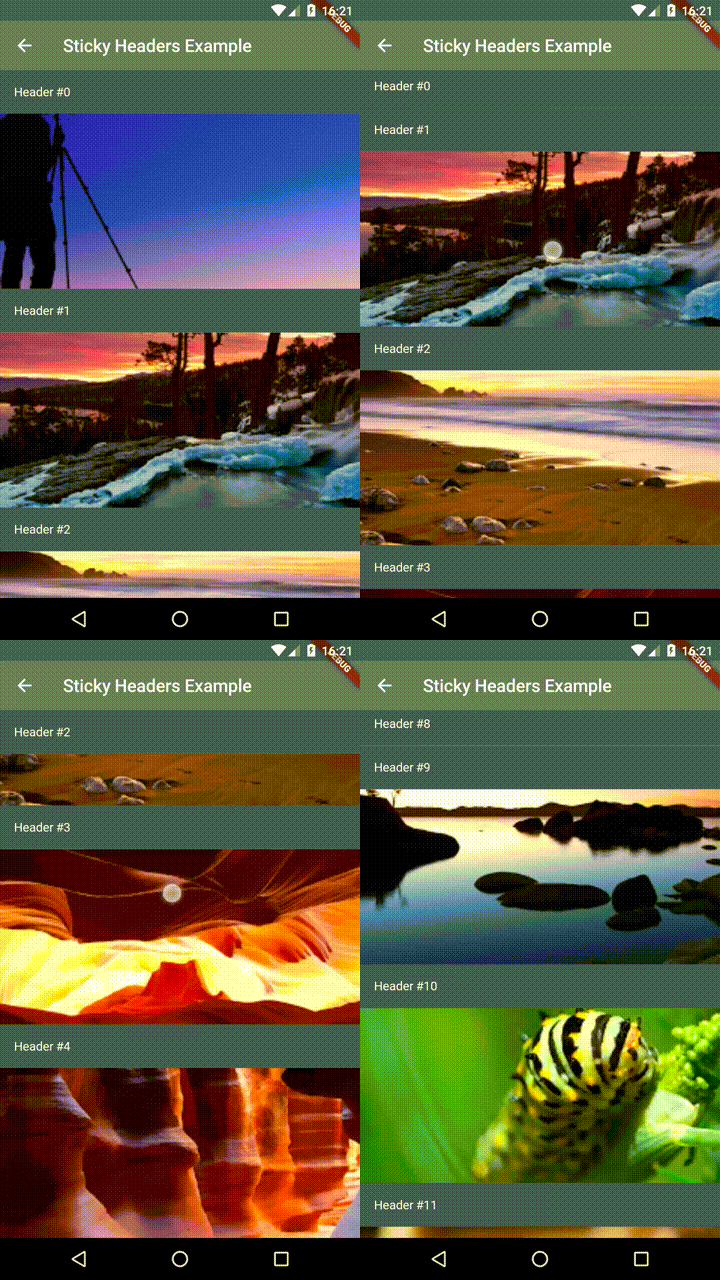
Flutter Sticky Headers - Erlaubt Ihnen, Kopfzeilen auf scrollbarem Inhalt zu platzieren, die sich während des Scrollens am oberen Rand des Containers festhalten.
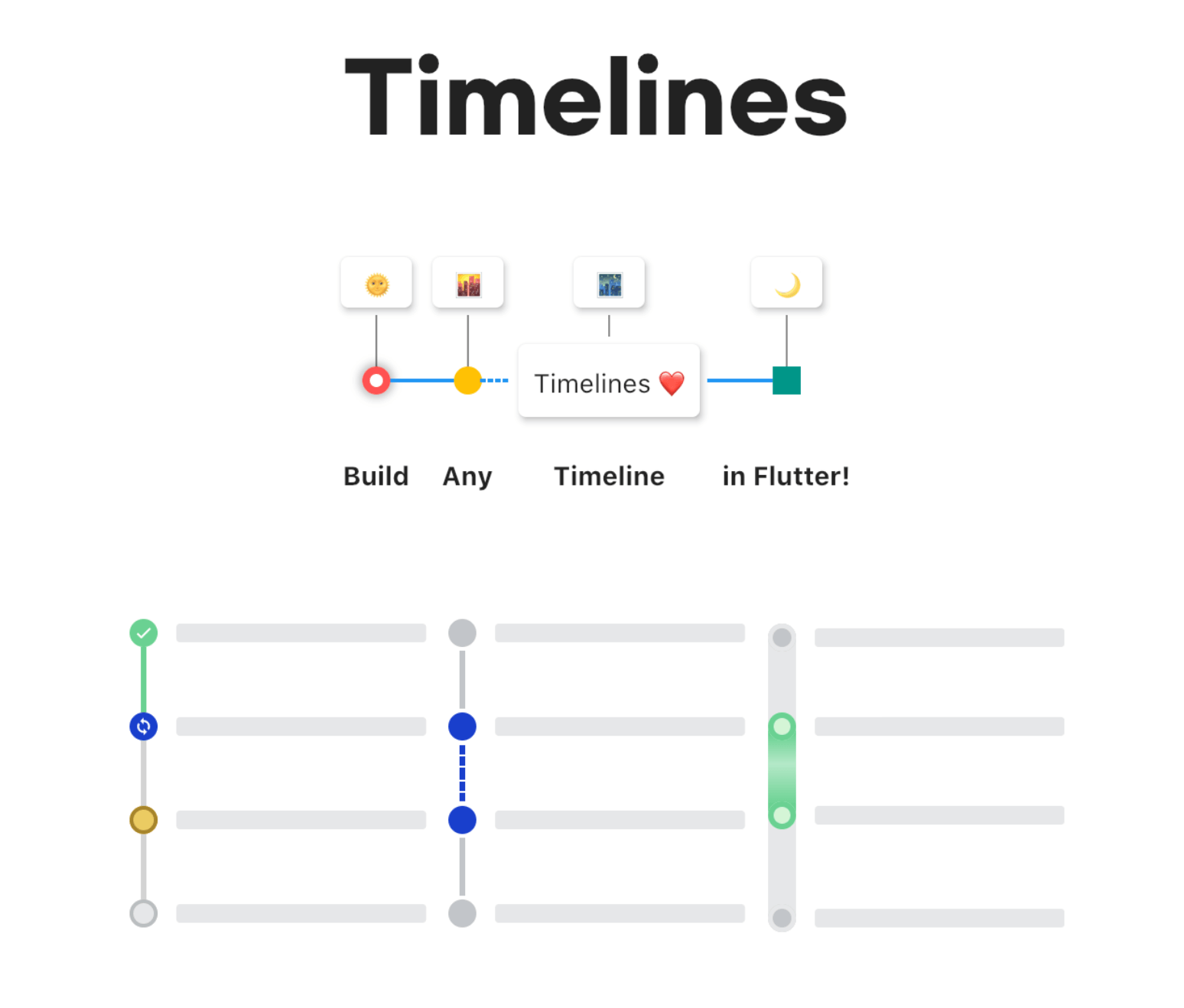
Ein leistungsstarkes und einfach zu verwendendes Timeline-Paket für Flutter. Alle Benutzeroberflächenkomponenten in diesem Paket sind separate Widgets.
Ermöglicht das dynamische Wechseln zwischen hellen und dunklen Themen und fügt Unterstützung für systemadaptive Themen hinzu.
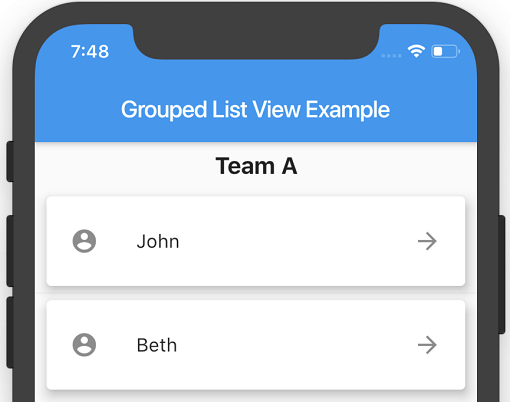
Eine Flutter ListView, bei der die Listenelemente in Abschnitte gruppiert werden können.
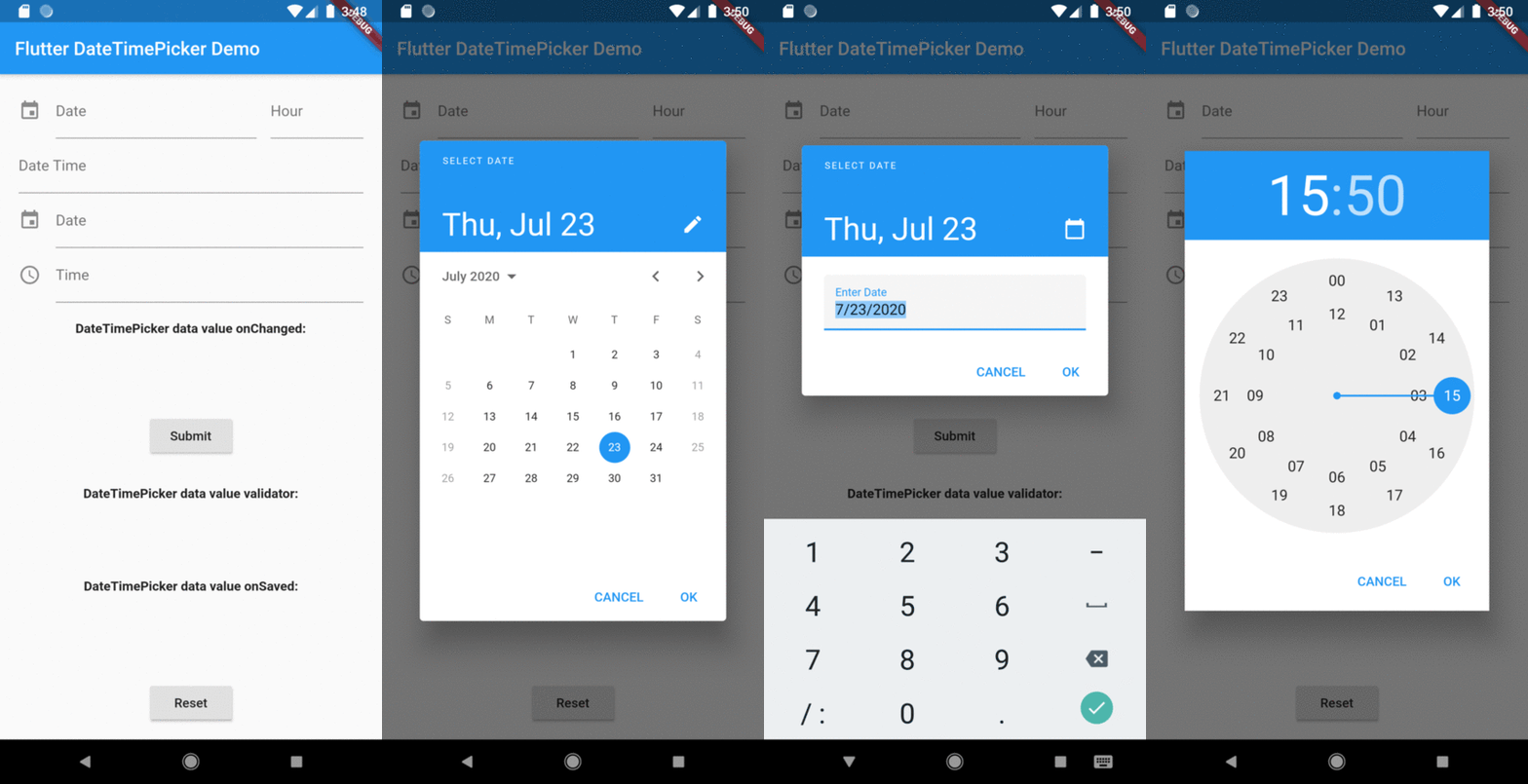
Ein Flutter-Widget, um ein Datums- und Zeitformularfeld anzuzeigen, um ein Datums- oder Uhrdialogfenster anzuzeigen.
Eine Klasse zum Parsen von Zeichenketten mithilfe einer Folge von Mustern.
Benutzerdefinierte Symbole für Flutter. Port von react-native-vector-icons
Abhängigkeiten 33 Einträge
^3.6.0^3.3.1^2.1.0^5.4.1^1.0.0{"sdk":"flutter"}^1.0.3^3.0.5^0.6.22^2.4.0^9.0.0^2.0.10+1^2.0.0^8.2.4^4.6.6^5.1.2^0.17.0^4.8.1^8.0.0^2.2.2^0.3.0+2^3.2.2^6.2.5^2.1.2^6.0.0^0.27.7^1.9.0^1.2.0^0.1.0^2.4.8^3.0.1^6.7.1{"sdk":"flutter"}Nach Anwendungsfall filtern, Aktivität vergleichen und vor der Nutzung das Originalprojekt prüfen.
“A repository is the most basic element of GitHub.”
GitHub Docs — About repositories ↗