Aus öffentlichen Paketdaten erstellte Orientierung.
FlutterToast ist ein leichtgewichtiges Flutter-Paket, das Entwicklern ermöglicht, Toast-Nachrichten mit minimalem Aufwand zu zeigen – nur eine Codezeile ist erforderlich. Es bietet eine einfache und konsistente Möglichkeit, temporäre Benachrichtigungen auf Android, iOS und Web bereitzustellen. Die Bibliothek unterstützt die Anpassung von Nachrichten-Aussehen, Position und Dauer, was sie ideal für Benutzerfeedback in Apps macht. Mit einer einfach zu verwendenden API und aktiver Pflege verbessert FlutterToast die Benutzererfahrung durch subtile, nicht störende Warnungen.
Anwendungsfälle
Erfolg- oder Fehlermeldungen anzeigen
Anzeige schneller Benutzerfeedback
Benachrichtigung der Benutzer über unternommene Maßnahmen
Status-Updates bereitstellen
Verbesserung der Benutzeroberflächen-Reaktionsfähigkeit
Hauptmerkmale
Einzeilige Toast-Erstellung
Anpassbare Nachrichtenformatierung
Plattformübergreifende Unterstützung
Konfigurierbare Dauer und Position
Einfache API mit minimalem Setup
Geeignet für
Anfänger-Flutter-Entwickler
Apps, die schnelle Rückmeldung benötigen
Leichte Benachrichtigungssysteme
Projekte mit minimalen Abhängigkeiten
Benutzeroberflächenverbesserungen ohne Komplexität
Hinweise
Beschränkt auf einfache Toast-Gestaltung
Keine erweiterten Animationsoptionen
Abhängig von externem Repository
Nicht geeignet für dauerhafte Benachrichtigungen
Kann manuelle Behandlung von Randfällen erfordern
Original-README
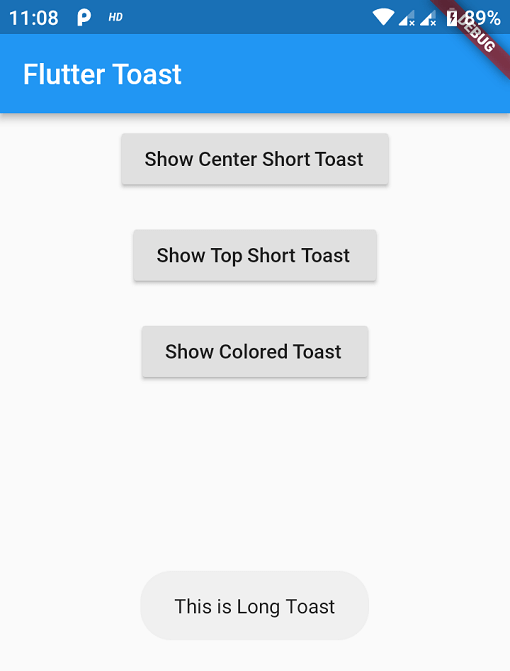
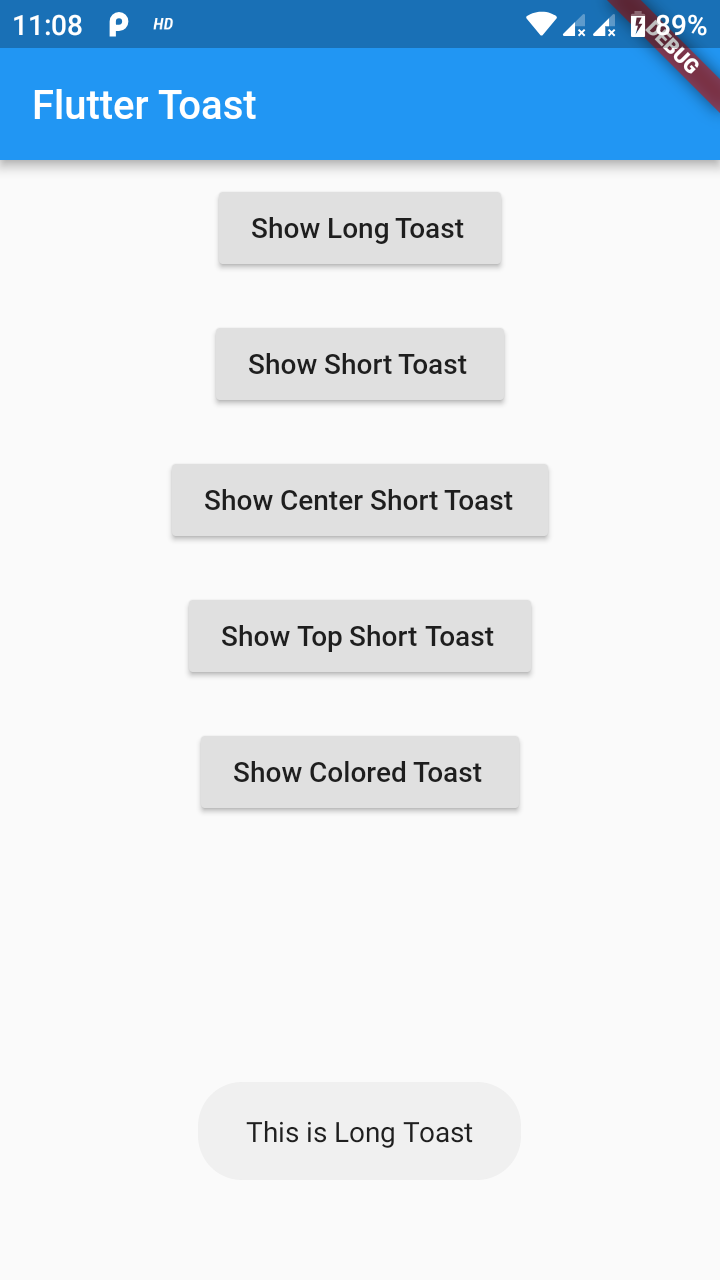
Originaler README-Schnappschuss aus dem verknüpften Quell-Repository. Aktuelle Inhalte finden Sie im Repository.
This one has limited features and no control over UI
Toast Which requires BuildContext
Supported Platforms
ALL
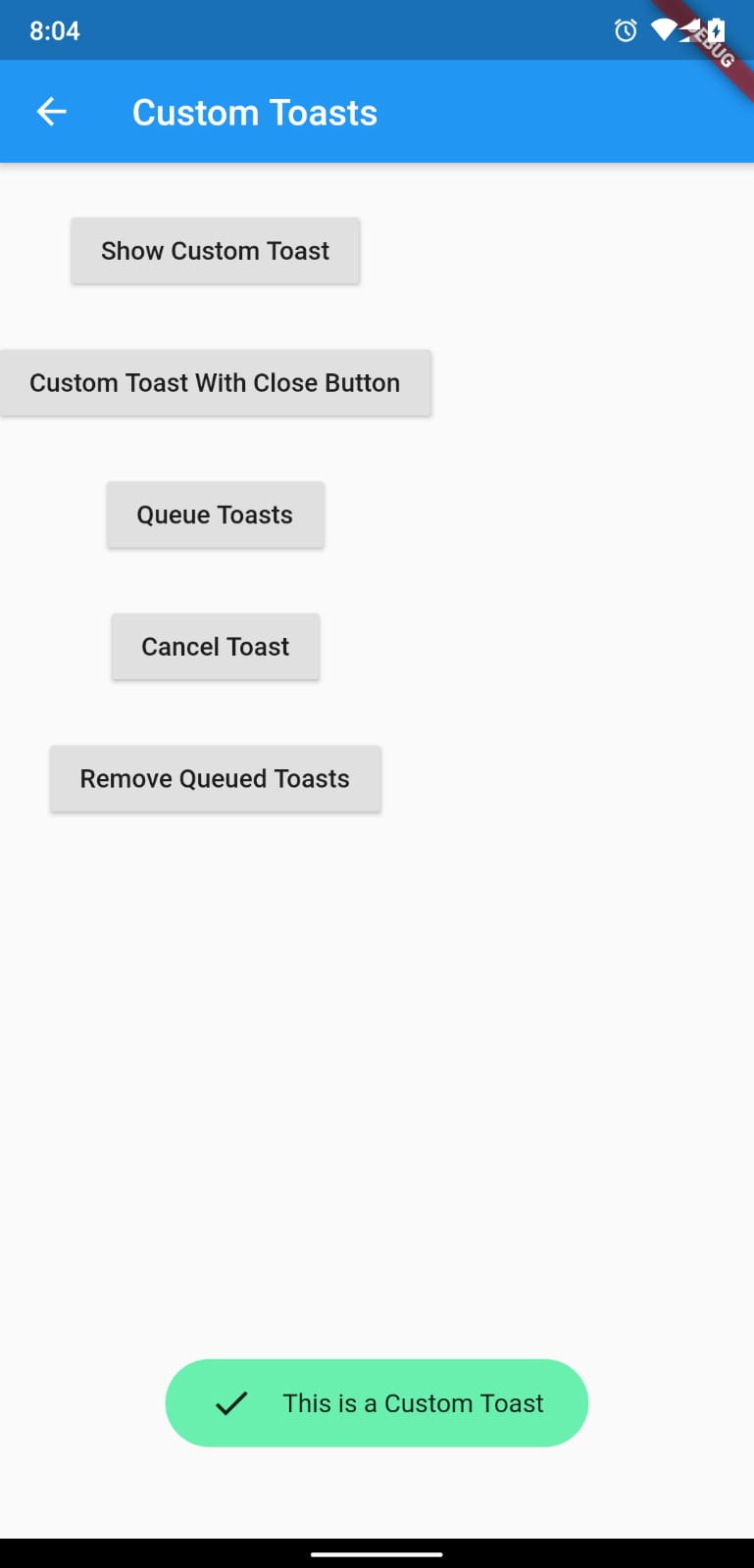
Full Control of the Toast
Toasts will be queued
Remove a toast
Clear the queue
How to Use
# add this line to your dependenciesfluttertoast:^10.0.0
import'package:fluttertoast/fluttertoast.dart';
Toast with No Build Context (Android & iOS)
Fluttertoast.showToast(
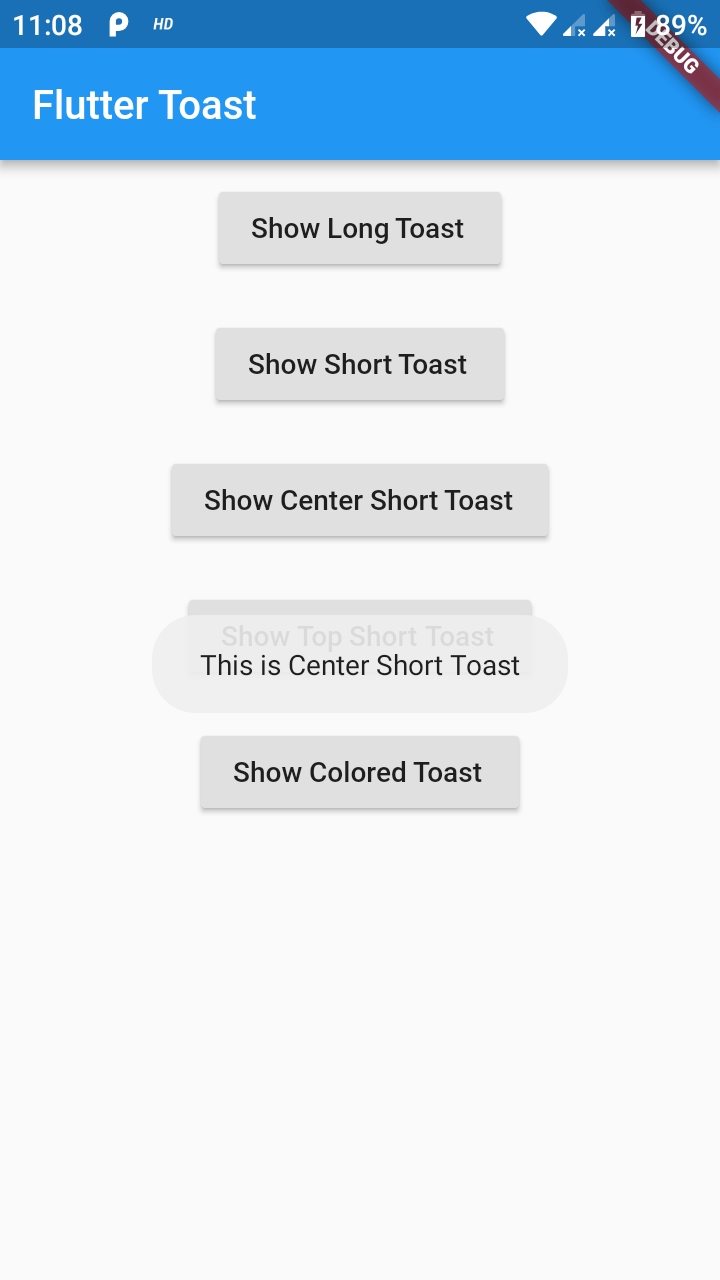
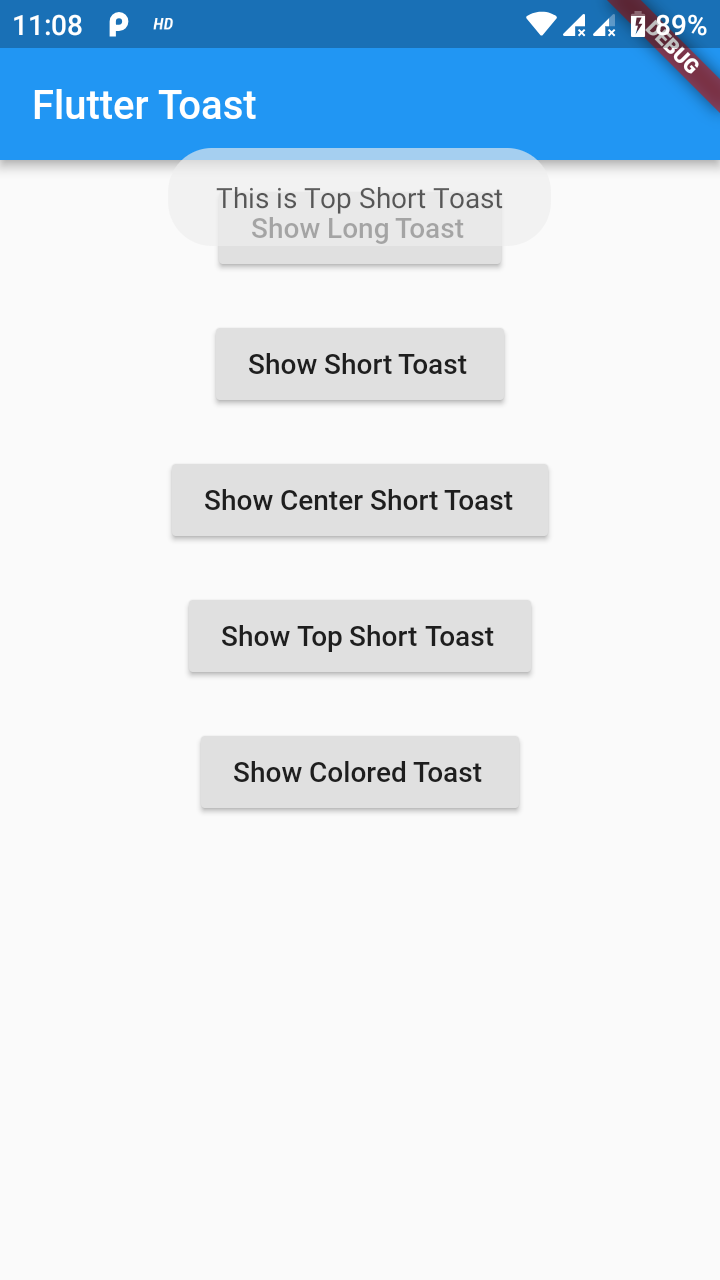
        msg: "This is Center Short Toast",
        toastLength: Toast.LENGTH_SHORT,
        gravity: ToastGravity.CENTER,
        timeInSecForIosWeb: 1,
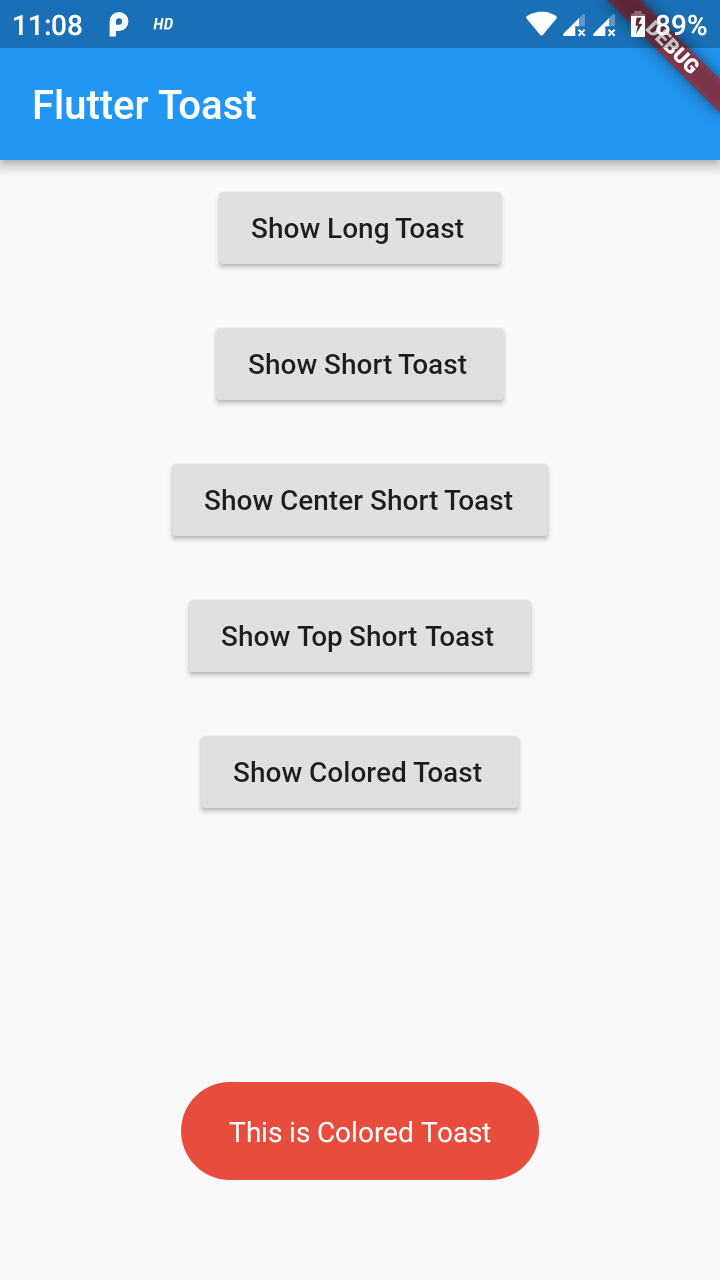
        backgroundColor: Colors.red,
        textColor: Colors.white,
        fontSize: 16.0
    );
property
description
default
msg
String (Not Null)(required)
required
toastLength
Toast.LENGTH_SHORT or Toast.LENGTH_LONG (optional)
Toast.LENGTH_SHORT
gravity
ToastGravity.TOP (or) ToastGravity.CENTER (or) ToastGravity.BOTTOM (Web Only supports top, bottom)
ToastGravity.BOTTOM
timeInSecForIosWeb
int (for ios & web)
1 (sec)
backgroundColor
Colors.red
null
textcolor
Colors.white
null
fontSize
16.0 (float)
null
fontAsset
Path to a font file in the Flutter app assets folder, e.g. 'assets/path/to/some-font.ttf' (String)
null
webShowClose
false (bool)
false
webBgColor
String (hex Color)
linear-gradient(to right, #00b09b, #96c93d)
webPosition
String (left, center or right)
right
To cancel all the toasts call
Fluttertoast.cancel()
Note Android
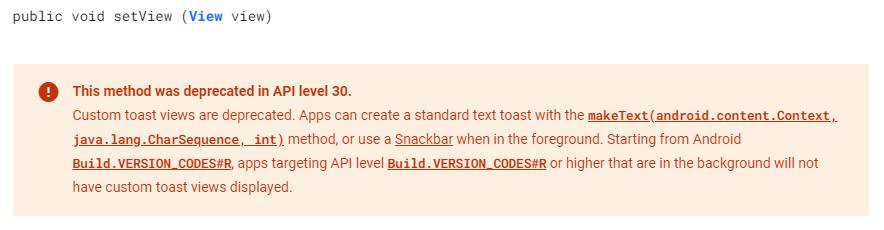
Custom Toast will not work on android 11 and above, it will only use msg and toastLength remaining all properties are ignored
Custom Toast For Android
Create a file named toast_custom.xml in your project app/res/layout folder and do custom styling
<?xml version="1.0" encoding="utf-8"?><FrameLayoutxmlns:android="http://schemas.android.com/apk/res/android"xmlns:tools="http://schemas.android.com/tools"android:layout_width="wrap_content"android:layout_height="wrap_content"android:layout_gravity="center_horizontal"android:layout_marginStart="50dp"android:background="@drawable/corner"android:layout_marginEnd="50dp"><TextViewandroid:id="@+id/text"android:layout_width="wrap_content"android:layout_height="wrap_content"android:background="#CC000000"android:paddingStart="16dp"android:paddingTop="10dp"android:paddingEnd="16dp"android:paddingBottom="10dp"android:textStyle="bold"android:textColor="#FFFFFF"tools:text="Toast should be short." /></FrameLayout>
Toast with BuildContext (All Platforms)
Update your MaterialApp with builder like below for the use of Context globally check doc section Use NavigatorKey for Context(to access context globally)