v6.0.1
firebase_crashlytics
Flutter plugin for Firebase Crashlytics. It reports uncaught errors to the Firebase console.
1.3KLikes 2.6M30-day downloads160Pub points
AndroidiOSmacOS
A mobile music streaming app with a complex UI built with Flutter and the Deezer API🚀

English project snapshot. Visit GitHub for the latest content.


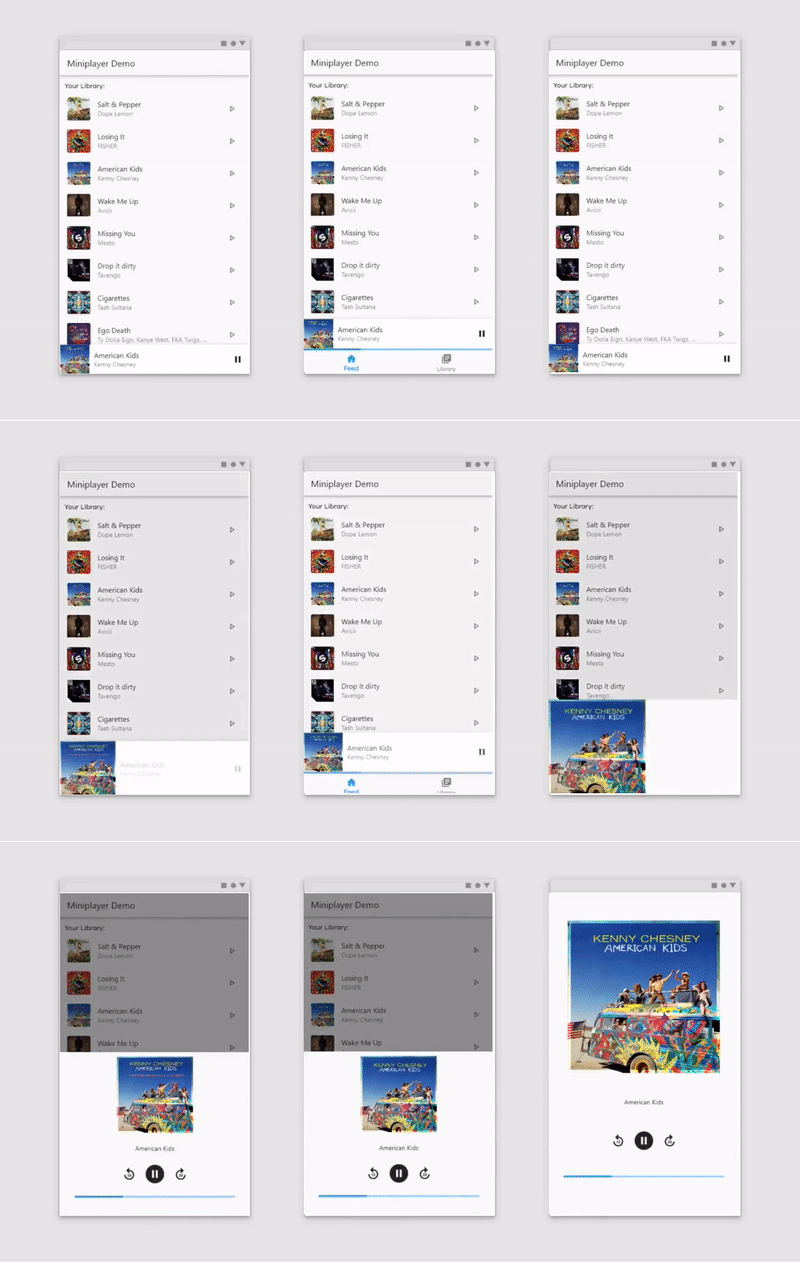
Sap is a music streaming & discovery app built with the Deezer API for iOS and Android. It includes a mini player, search and local storage. Be sure to leave a star 🌟.
The API for getting the music and other information are courtesy of Deezer.
To build the app I utilized the Flutter SDK as the UI Framework and that uses Dartlang as the programming language. The list of packages the app uses can be found here under the dependencies indent. My UI Package I use to curate the UI can be found here, however I will not be publishing the package on pub.dev anytime soon. This project is null safe. I also used Firebase Analytics and Crashlytics to better understand the users who use the app. There is no form of authentication or database usage.
Assuming Flutter is installed and setup on your device (If not, follow the steps to do so here), Fork, clone, or download the code for this repository and navigate to the enclosing folder inside your terminal. Then use this command to run:
flutter run
If you would like a TestFlight version for the iOS app, please consult with me via this email: carltonaikins7@gmail.com, and I will add you to the test group. Google Play testing will be coming soon. You can also download the IPA & APK files from here and inject it into your phone yourself.
| Light Mode | ||
|---|---|---|

|

|

|

|

|

|

|

|

|
| Dark Mode | ||
|---|---|---|

|

|

|

|

|

|

|

|

|
If you have any questions, you can reach me here:
In God we trust🙏🏾
Flutter plugin for Firebase Crashlytics. It reports uncaught errors to the Firebase console.
Flutter plugin for Google Performance Monitoring for Firebase, an app measurement solution that monitors traces and HTTP/S network requests on Android and iOS.
A lightweight flutter package to simplify the creation of a miniplayer.
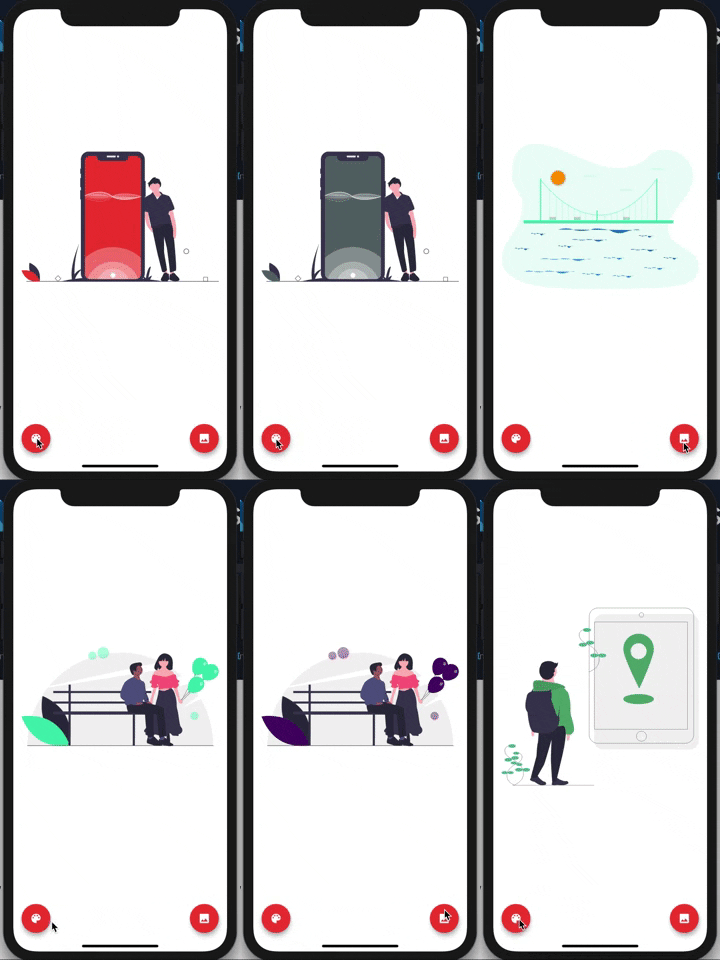
Updated UnDraw library. These illustrations are designed by Katerina Limpitsouni.
Dependency list 18 items
{"sdk":"flutter"}{"git":{"url":"git://github.com/31Carlton7/canton_design_system.git","ref":"master"}}^3.0.1+1^0.14.0+3^1.7.0^8.3.3^0.7.1+1^2.2.3^2.0.4^1.1.0^4.0.0^0.13.3^0.9.12^1.0.1^0.9.2^1.2.4^0.17.0{"sdk":"flutter"}Start with your use case, compare repository activity, and check the original project before adopting it.
“A repository is the most basic element of GitHub.”
GitHub Docs — About repositories ↗