
 v1.0.1
iconly
Flutter package for using Iconly Icons.
126Likes 4K30-day downloads50Pub points
AndroidiOSWebmacOSWindowsLinux
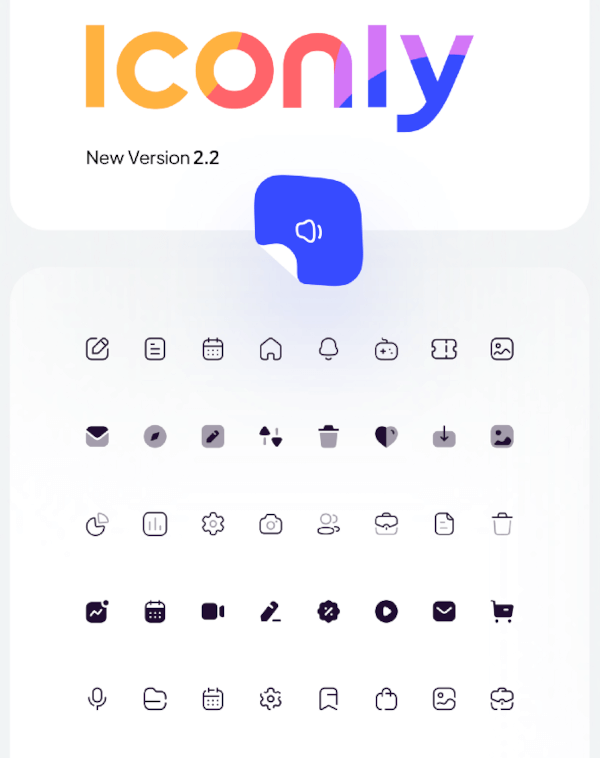
The Flutter implementation of Iconly icon sets.

Dependency list 2 items
{"sdk":"flutter"}{"sdk":"flutter"}English project snapshot. Visit GitHub for the latest content.
Flutter package for using Iconly Icons. Iconly is totally free, and you can use this package to bring these awesome icons to your Flutter project.
This package has made from Iconly v2.3 version. following sets are currently available in this package:
note: since Flutter does not support multicolor Icons, we can not support Bulk Icon set. but we are going to implement that in the future.
Add the following line to your pubspec.yaml file, under the dependencies: section:
dependencies:
  iconly: <latest_version>
import 'package:font_awesome_flutter/font_awesome_flutter.dart';

class IconlyWidget extends StatelessWidget {

  Widget build(BuildContext context) {
    return IconButton(
      icon: Icon(IconlyLight.search),
      onPressed: () { print("Pressed"); }
     );
  }

}
We have created a sample project where you can find the icon you want and add it to your project. you can also run the example folder on mobile platforms and web. Checkout This Link for more info.