Search packages, repositories and app categories

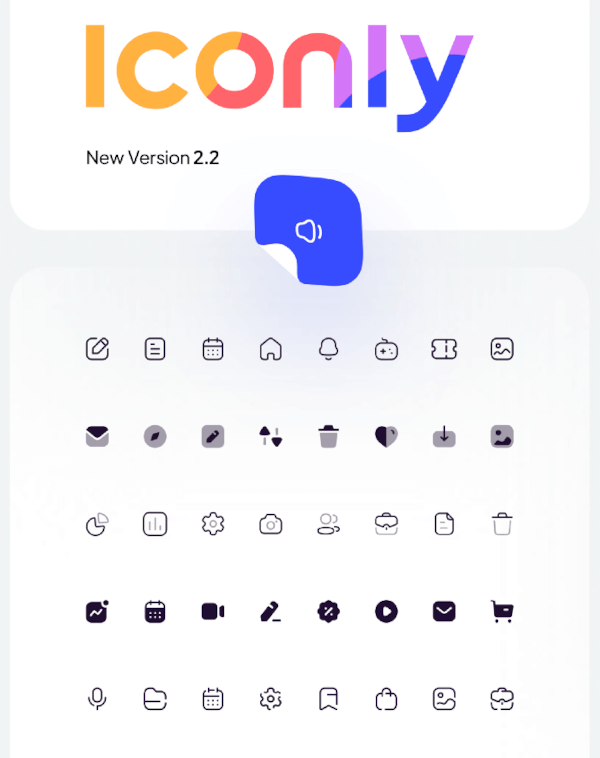
iconly cover
Package detailsv1.0.1

iconly

Flutter package for using Iconly Icons.

AndroidiOSWebmacOSWindowsLinux
30-day downloads
3.5K
Likes
126
Pub points
50

Install package

flutter pub add iconly

Package Overview

Package selection guidance compiled from public package information, community data, and project usage.

Iconly is a Flutter package that provides a comprehensive collection of customizable, scalable icons designed for modern app interfaces. Built specifically for Flutter, it supports multiple platforms including Android, iOS, Web, macOS, Windows, and Linux. The package offers a wide range of icon styles and variants, enabling developers to easily integrate consistent and visually appealing icons into their applications. With simple integration via pub.dev and active maintenance, Iconly enhances UI development efficiency.

Use cases

  • App icon integration
  • UI/UX design consistency
  • Cross-platform apps
  • Customizable icon themes
  • Mobile and web interfaces

Key features

  • Extensive icon library
  • Multi-platform support
  • Scalable vector icons
  • Easy Flutter integration
  • Customizable icon colors and sizes

Suitable for

  • Flutter developers
  • Design-focused apps
  • Cross-platform projects
  • Apps needing consistent iconography

Considerations

  • Requires internet for initial setup
  • Limited to provided icon set
  • No built-in icon search functionality

Original README

Original README snapshot from the linked source repository. Visit the repository for the latest content.

Iconly

pub

Flutter package for using Iconly Icons. Iconly is totally free, and you can use this package to bring these awesome icons to your Flutter project.

This package has made from Iconly v2.3 version. following sets are currently available in this package:

  • Light
  • Bold
  • Broken

note: since Flutter does not support multicolor Icons, we can not support Bulk Icon set. but we are going to implement that in the future.

installation:

Add the following line to your pubspec.yaml file, under the dependencies: section:

dependencies:
  iconly: <latest_version>

Usage

import 'package:font_awesome_flutter/font_awesome_flutter.dart';

class IconlyWidget extends StatelessWidget {

  Widget build(BuildContext context) {
    return IconButton(
      icon: Icon(IconlyLight.search), 
      onPressed: () { print("Pressed"); }
     );
  }
  
}

Check the Example and find your Icon

We have created a sample project where you can find the icon you want and add it to your project. you can also run the example folder on mobile platforms and web. Checkout This Link for more info.

Categories

Source repository

Projects using this package