
v0.7.0
flutter_highlight
Syntax highlighting widget for Flutter with lots of languages and themes support.
158Likes 350K30-day downloads130Pub points
AndroidiOSWebmacOSWindowsLinux
Explore Code Editor & Syntax Highlighter Flutter packages and compare platform support and community metrics.
23 packages
Syntax highlighting widget for Flutter with lots of languages and themes support.
Syntax highlighting for Dart with lots of languages and themes support.
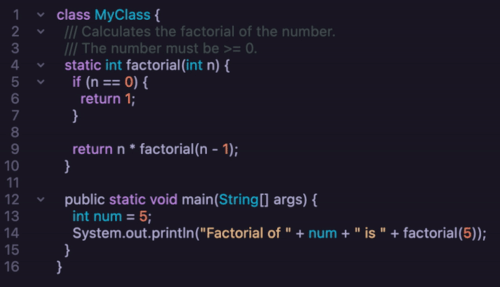 v0.3.5
A customizable code field supporting syntax highlighting and code folding.
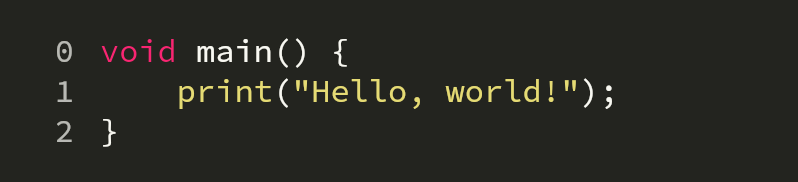 v1.1.0
A customizable code field supporting syntax highlighting, bi-directionnal scrolling and code modifiers
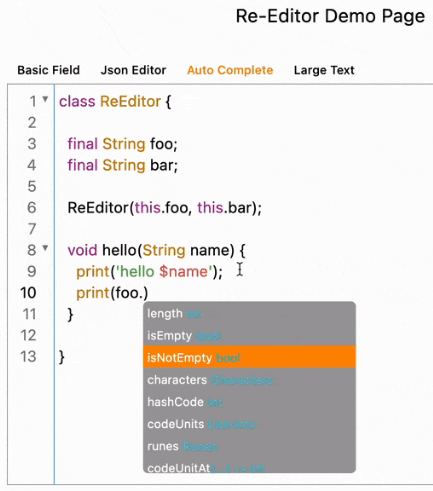 v0.10.0
Re-Editor is a powerful lightweight text and code editor widget.
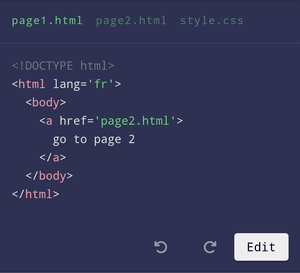 v3.0.0
A code editor (dart, js, html,...) for Flutter with syntax highlighting and custom theme.
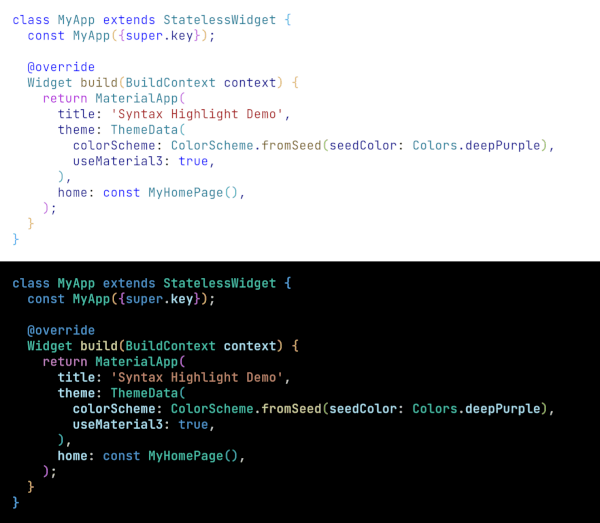 v0.5.0
Syntax highlighting in the style of VSCode for Flutter, takes a string and returns a formatted TextSpan.
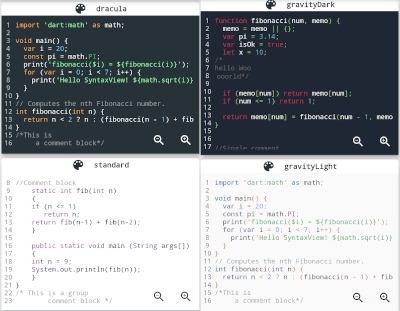 v4.1.7
A static syntax highlighter widget which highlights code text according to the programming language syntax using native Dart code.
A sophisticated code editor package with AI completion, LSP support, syntax highlighting, and advanced editing capabilities.
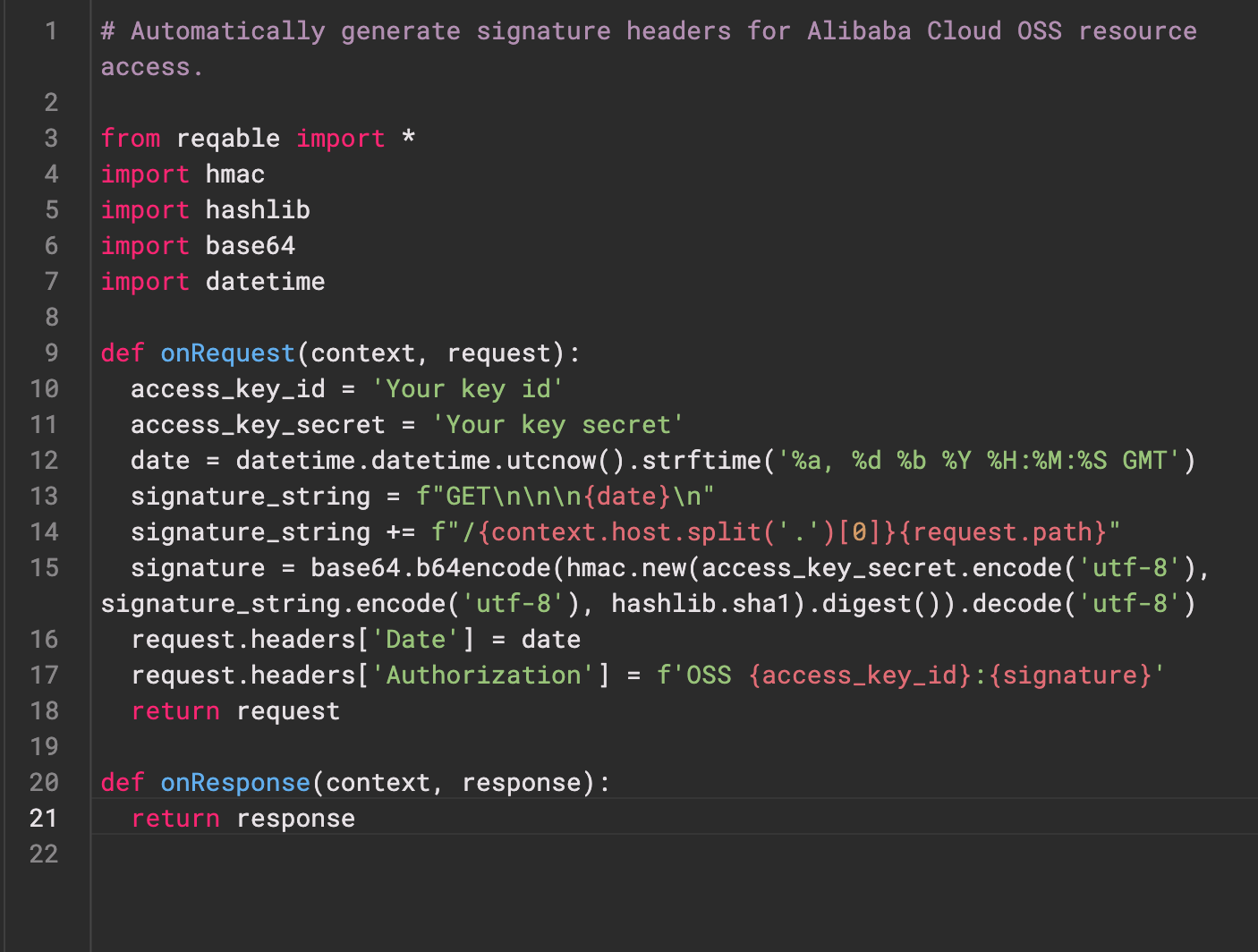 v0.0.3
Re-Highlight is a powerful text syntax highlighting library.
Syntax highlighting widget for Flutter with lots of languages and themes support.
Syntax highlighting for Dart with lots of languages and themes support.
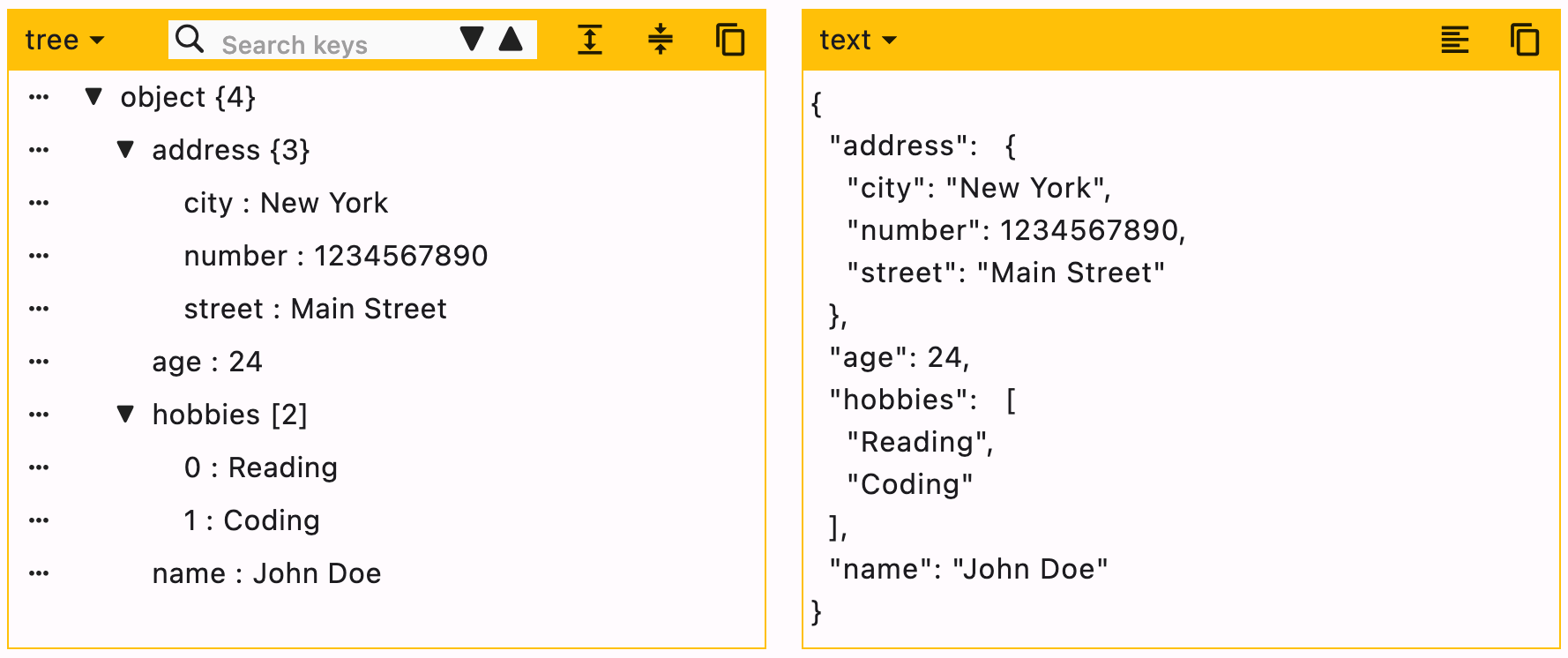 v1.4.2
Edit your JSON object with the help of this package. Create and delete objects using this user friendly widget.
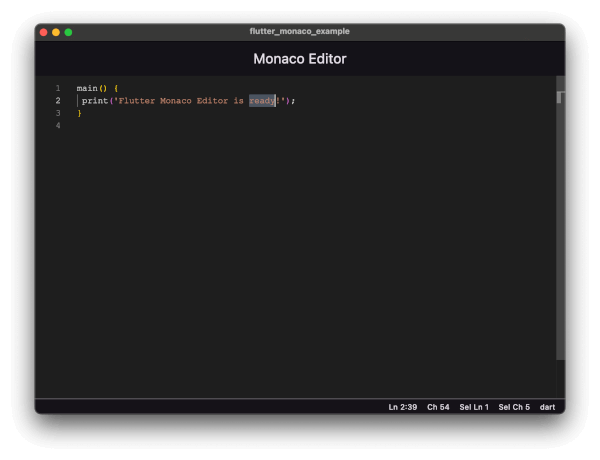 v4.0.0
Integrate Monaco Editor (VS Code's editor) in Flutter apps. Features 100+ languages, syntax highlighting, themes, and full API.
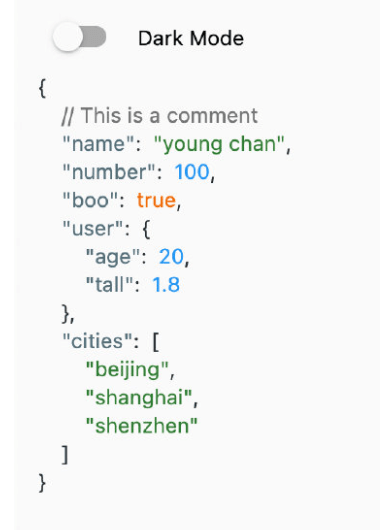 v0.0.8
A json editor on flutter.
A Dartpad widget which can be embed with mobile application. It supports all the designs provided in dartpad embedding guide.
A Dart wrapper around the CodeMirror text editor.
A Flutter package for displaying and highlighting code snippets with syntax highlighting and customizable themes.
Now create your own rich code editor with syntax highlight support in Flutter.
syntax highlighter for show your dart code in the application.
LaTeX math typesetting in pure Dart: a TeX parser, macros, TeX layout with line breaking and right-to-left math, OpenType math fonts, and speech output.
Syntax highlighting for 55 languages in pure Dart. Incremental updates, themes, VS Code theme import, and HTML output. Runs on every platform.
Flutter widgets for syntax-highlighted code: CodeView for display and CodeField for editing, with 55 languages, themes and smooth large files.
Check the required features and target platforms first, then compare versions, downloads, and Pub points. Open package details to consult the original documentation and test compatibility in your project.
Flutter is an open-source framework for building beautiful, natively compiled, multi-platform applications from a single codebase.
Check versions and package metadata on pub.dev, and source code, licensing, and maintenance in the project’s GitHub repository. The official Dart documentation explains that package metadata lives in pubspec.yaml.
pub.dev · GitHub · Dart — The pubspec file
All of this metadata goes in the package's pubspec