Package selection guidance compiled from public package information, community data, and project usage.
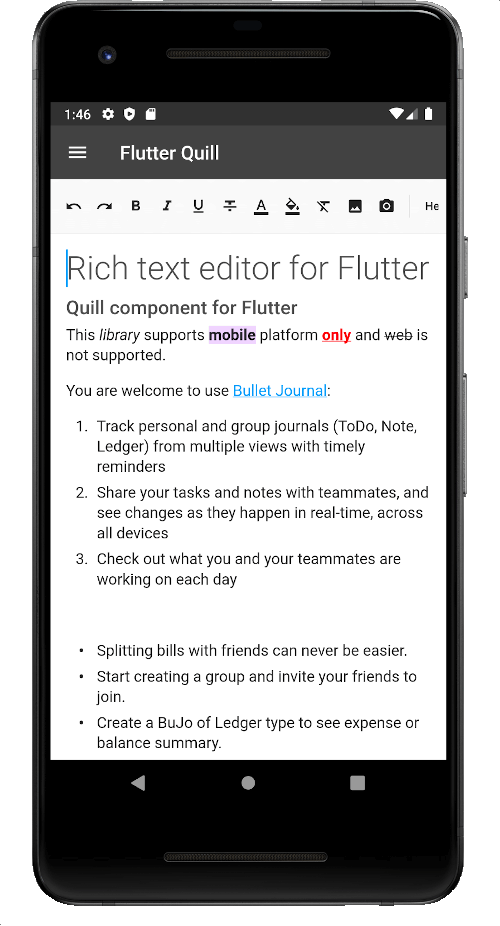
Flutter Quill is a cross-platform rich text editor for Flutter, supporting Android, iOS, web, macOS, Windows, and Linux. It provides a WYSIWYG interface and integrates the Quill editor engine, enabling users to create and edit formatted text with features like bold, italic, lists, and images. The package supports Markdown and HTML output, making it ideal for note-taking apps, content management systems, and collaborative editing tools. It's actively maintained and designed for seamless integration into Flutter applications.
Use cases
Note-taking apps
Content management systems
Collaborative editing tools
Blog post editors
Rich text messaging
Key features
WYSIWYG editing
Cross-platform support
Markdown and HTML export
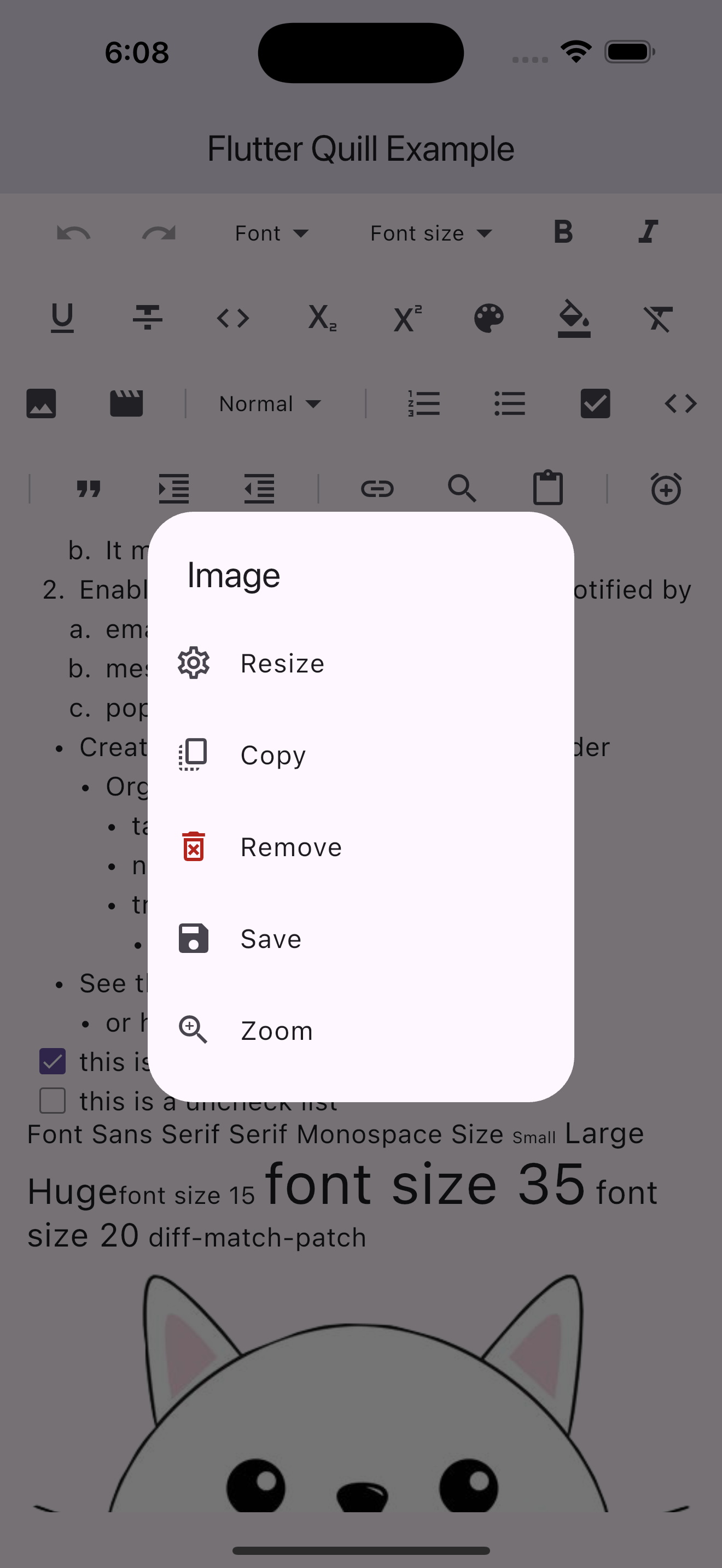
Image and link insertion
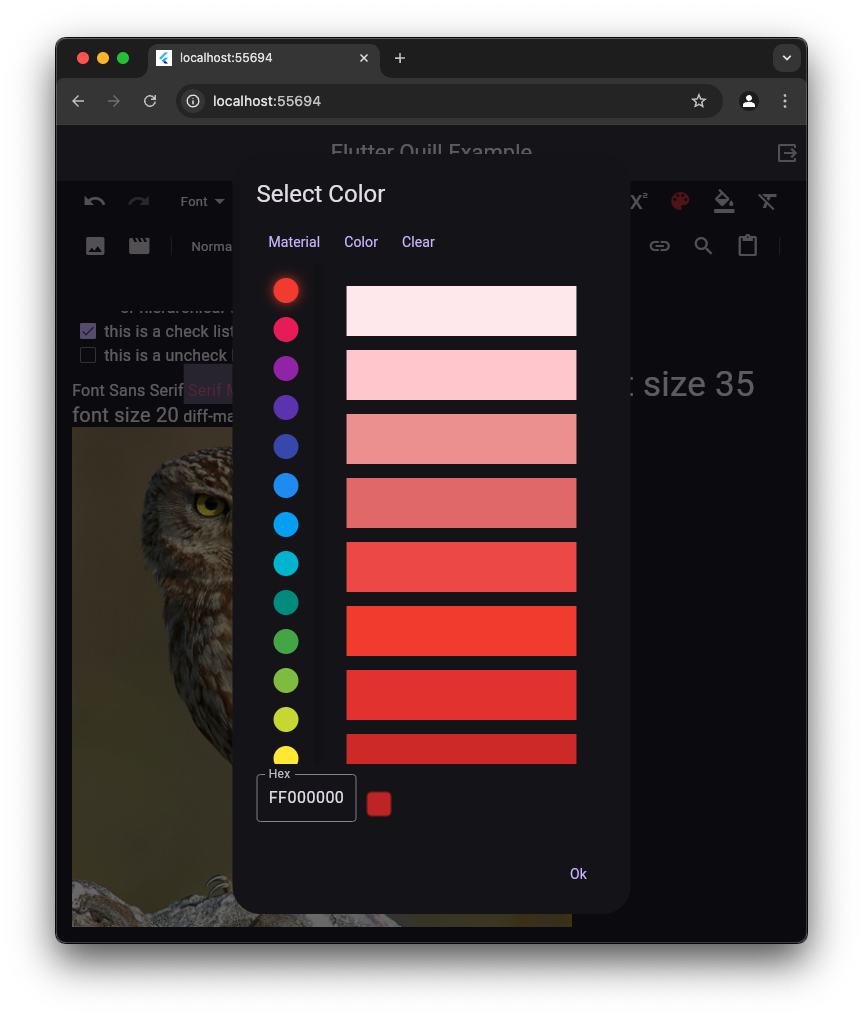
Customizable toolbar
Suitable for
Developers building rich text features
Apps requiring formatted text input
Teams needing consistent UI across platforms
Educational or productivity applications
Considerations
Requires careful handling of HTML/Markdown parsing
May have performance overhead with large documents
Custom styling requires additional configuration
Limited built-in spell checking
Dependent on Quill's underlying engine stability
Original README
Original README snapshot from the linked source repository. Visit the repository for the latest content.
Flutter Quill
A rich text editor for Flutter
Flutter Quill is a rich text editor and a Quill component for Flutter.
This library is a WYSIWYG (What You See Is What You Get) editor built
for the modern Android, iOS, web and desktop platforms.
To support copying images to the clipboard to be accessed by other apps, you need to configure your Android project.
If not set up, a warning will appear in the log during debug mode only.
[!TIP]
This is only required on Android for this optional feature.
You should be able to copy images and paste them inside the editor without any additional configuration.
1. Update AndroidManifest.xml
Open android/app/src/main/AndroidManifest.xml and add the following inside the <application> tag:
Create the file android/app/src/main/res/xml/file_paths.xml with the following content:
<paths><cache-pathname="cache"path="." /></paths>
[!NOTE]
Starting with Flutter Quill 10.8.4, super_clipboard is no longer required in flutter_quill or flutter_quill_extensions.
The new default is an internal plugin quill_native_bridge.
If you want to continue using super_clipboard, you can use the quill_super_clipboard package (support may be discontinued).
This library utilizes Quill Delta to represent document content.
The Delta format is a compact and versatile method for describing document changes through a series of operations that denote insertions, deletions, or formatting changes.
Use _controller.document.toDelta() to extract the deltas.
Use _controller.document.toPlainText() to extract plain text.
To save the document:
finalString json = jsonEncode(_controller.document.toDelta().toJson());
// Stores the JSON Quill Delta
To use your own fonts, update your Assets directory and pass in items to QuillToolbarFontFamilyButton's options.
More details
on this commit,
this article
and this.
📦 Embed Blocks
The flutter_quill package provides an interface for all the users to provide their own implementations for embed
blocks.
[!CAUTION]
Storing the Delta as HTML in the database to convert it back to Delta when
loading the document is not recommended due to the structural and functional differences between HTML and Delta (see this comment).
We recommend storing the Document as Delta JSON
instead of other formats (e.g., HTML, Markdown, PDF, Microsoft Word, Google Docs, Apple Pages, XML).
Converting Delta from/to HTML is not a standard feature in Quill JS
or Flutter Quill.
Converts Quill Delta into a simplified document format, making it easier to manage and manipulate text attributes.
[!TIP]
You might want to convert between HTML and Delta for some use cases:
Migration: If you're using an existing system that stores the data in HTML and want to convert the document
data to Delta.
Sharing: For example, if you want to share the Document Delta somewhere or send it as an email.
Save as: If your app has a feature that allows converting Documents to other formats.
Rich text pasting: If you copy some content from websites or apps, and want to paste it into the app.
SEO: In case you want to use HTML for SEO support.
📝 Rich Text Paste
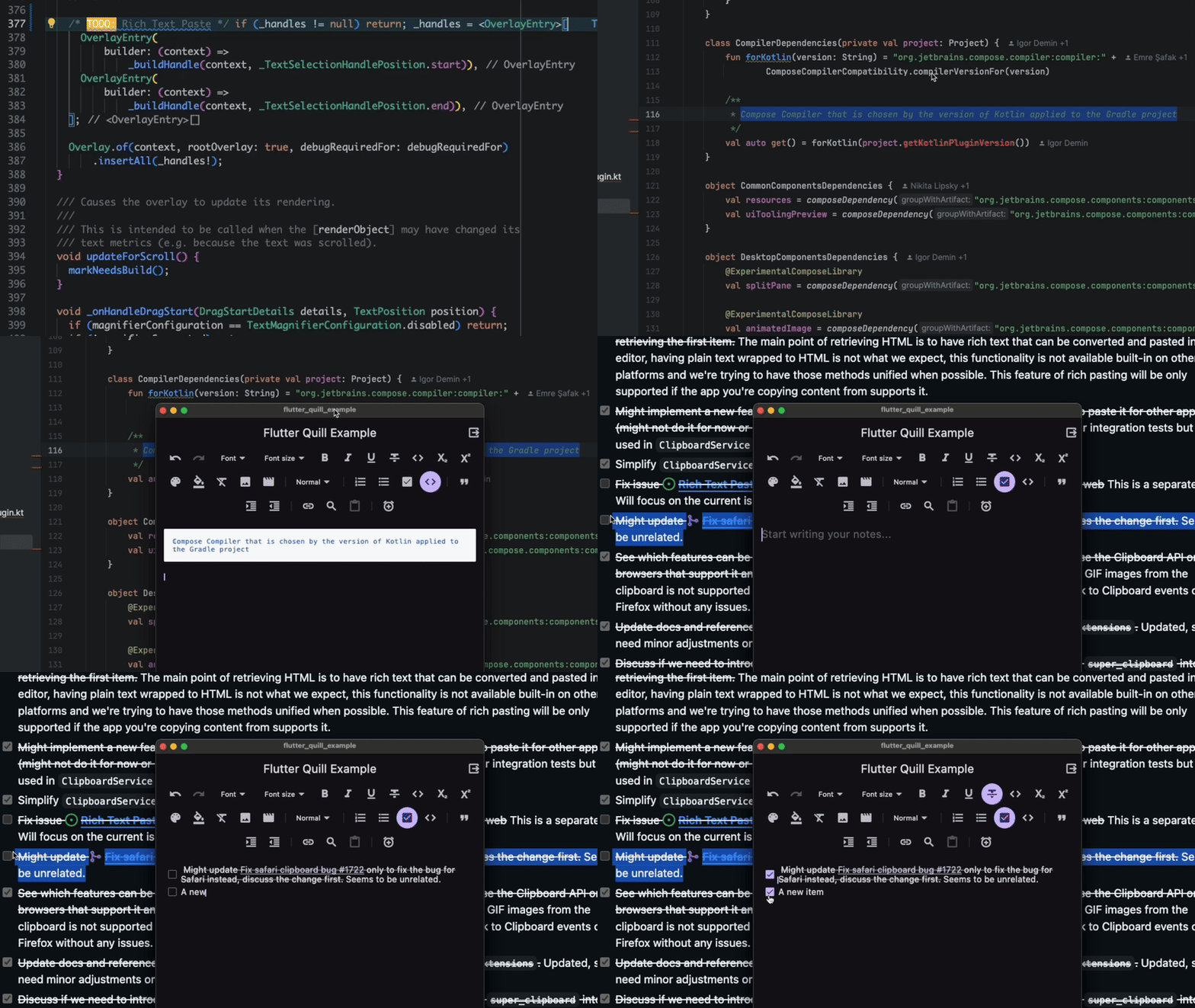
This feature allows the user to paste the content copied from other apps into the editor as rich text.
The plugin quill_native_bridge provides access to the system Clipboard.
[!IMPORTANT]
Currently this feature is unsupported on the web.
See issue #1998 and issue #2220
for more details.
🌐 Translation
The package offers translations for the toolbar and editor widgets, it will follow the system locale unless you set your
own locale.
[!IMPORTANT]
At this time, we prioritize bug fixes and code quality improvements over new features.
Please refrain from submitting large changes to add new features, as they might
not be merged, and exceptions may made.
We encourage you to create an issue or reach out beforehand,
explaining your proposed changes and their rationale for a higher chance of acceptance. Thank you!
We greatly appreciate your time and effort.
To keep the project consistent and maintainable, we have a few guidelines that we ask all contributors to follow.
These guidelines help ensure that everyone can understand and work with the code easier.
Thanks to the welcoming community, the volunteers who helped along the journey, developers, contributors
and contributors who put time and effort into everything including making all the libraries, tools, and the
information we rely on
We are incredibly grateful to many individuals and organizations who have played a
role in the project.
This includes the welcoming community, dedicated volunteers, talented developers and
contributors, and the creators of the open-source tools we rely on.