
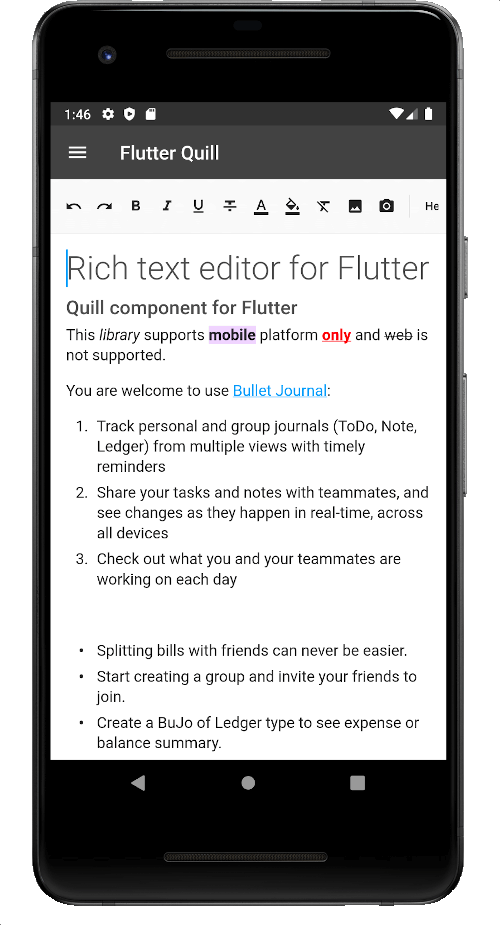
 v11.6.0
flutter_quill
A rich text editor built for Android, iOS, Web, and desktop platforms. It's the WYSIWYG editor and a Quill component for Flutter.
2.2KLikes 250K30-day downloads150Pub points
AndroidiOSmacOSWindowsLinux
The app for Universite Claude Bernard
 v11.6.0
A rich text editor built for Android, iOS, Web, and desktop platforms. It's the WYSIWYG editor and a Quill component for Flutter.
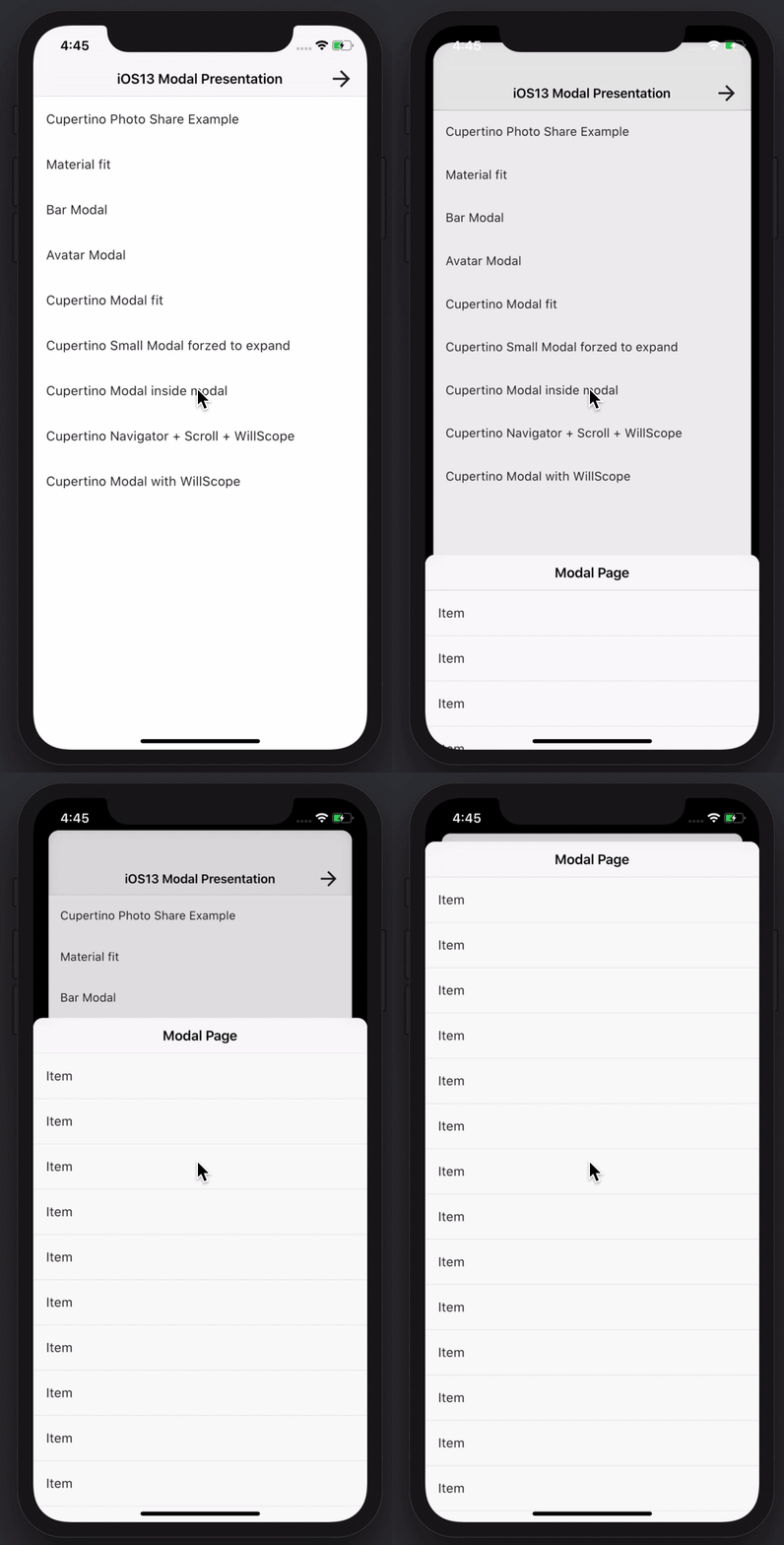 v3.0.0
Create awesome and powerful modal bottom sheets. Material, Cupertino iOS 13 or create your own style
NoSQL persistent embedded file system document-based database for Dart VM and Flutter with encryption support.
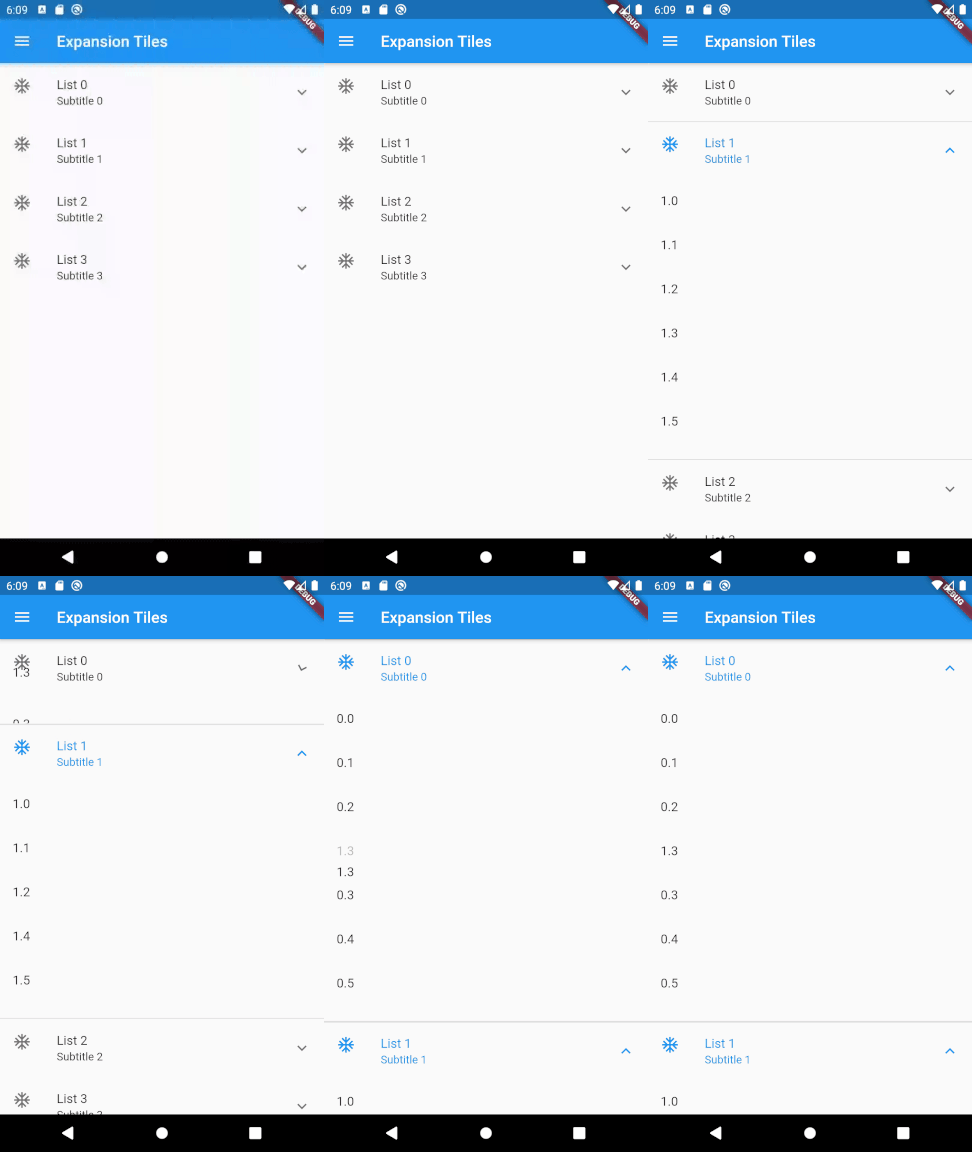 v0.4.2
A flutter package to allow drag-and-drop reordering of two-level lists.
Flutter Screenshot Package (Runtime). Capture any Widget as an image.
Improved json serialization and data classes with full support for generics, inheritance, customization and more.
Secure Storage: Encrypted data store optionally secured by biometric lock with support for iOS, Android, MacOS. Partial support for Linux, Windows and web (localStorage).
A DB cache store agnostic HTTP client implementation with hive_ce.
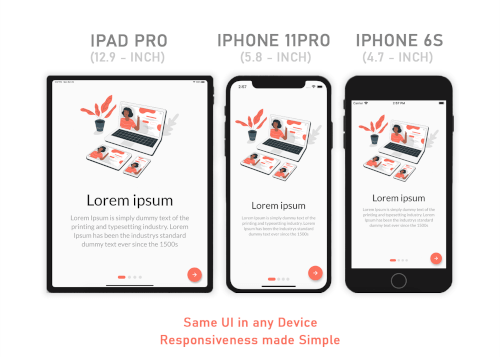 v3.3.1
Responsive Sizer helps implement a reponsive layout by providing helper widgets and extensions.
IMAP, POP3 and SMTP for email developers. Choose between a low level and a high level API for mailing. Parse and generate MIME messages. Discover email settings.
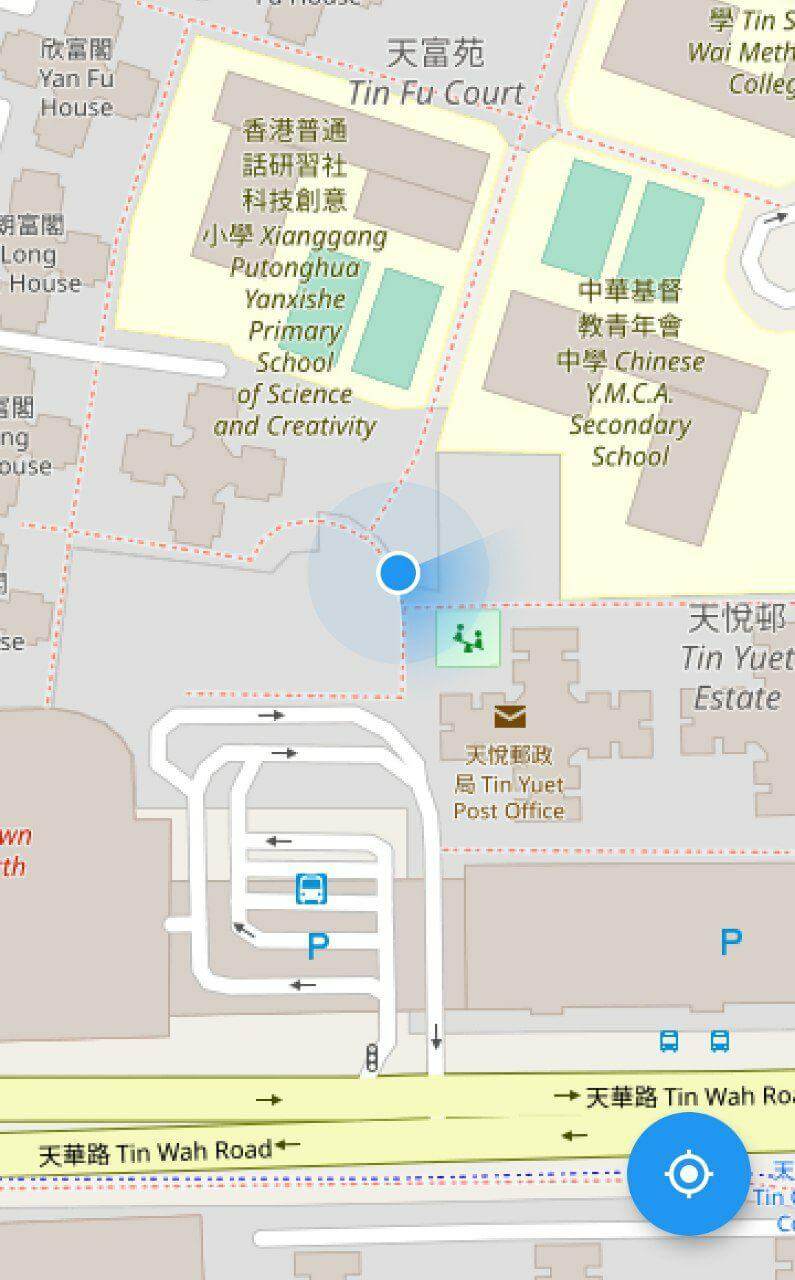 v10.3.0
A flutter map plugin for displaying device current location.
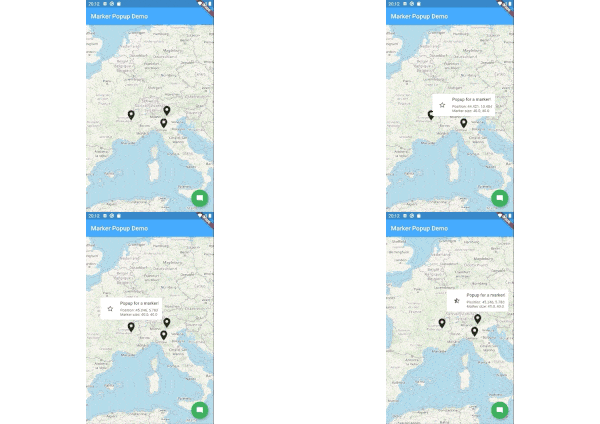 v8.1.2
Marker popups for flutter_map.
^6.3.2English project snapshot. Visit GitHub for the latest content.
Releases Playstore License Discord
Features | Download | Contribute | Build | License
Banner
Onyx is an unofficial, open-source application that lets you access all Université Claude Bernard Lyon 1 services from your phone.
Calendar Screenshot Email Screenshot Grades Screenshot Map Screenshot Izly Screenshot
An application for students, by students. Feel free to contribute to this project by opening issues or pull requests. We really appreciate any help. You can also chat with us on Discord.
https://contrib.rocks/image?repo=onyx-lyon1/onyx
Thanks to weblate for the translation platform !
To build the app, follow these steps:
Install Flutter from flutter.dev.
You will need those libraries:
On Debian/Ubuntu like distros, they can be installed with this single command :
sudo apt install pkg-config libgtk-3-dev libglib2.0-dev libsecret-1-dev zenity
You will need a recent version of Android Sdk.
You can then run flutter doctor to check if it's detected by flutter.
Please make sure you are on the main branch before proceeding with the build process.
Navigate to the apps/onyx directory and execute the following command based on your
target platform:
flutter build apk --profile --no-tree-shake-icons (the --profile flag build the app without the signing key but with
full optimizations)
apps/onyx/build/app/outputs/flutter-apk/app-release.apk.flutter build linux --no-tree-shake-icons
apps/onyx/build/linux/x64/release/bundle/Onyx.flutter build appbundle --profile --no-tree-shake-icons (the --profile flag build the app without the signing
key but with full optimizations)
apps/onyx/build/app/outputs/bundle/release/app-release.aab.To set up your development environment:
packages/ directory.dart pub global activate melos.melos bs or melos bootstrap to link the local libraries in the app and retrieve all dependencies.apps/onyx directory and run flutter clean to ensure a clean environment.flutter run to start the app.melos generate to generate automatically generated files (usually not needed unless you
modify them).melos test to run unit tests for all the libraries.melos analyze to perform static analysis on the libraries and the Onyx app.melos clean.git update-index --assume-unchanged apps/onyx/assets/key.txt
and git update-index --assume-unchanged apps/onyx/assets/iv.txt to ignore
changes to this file.if you are using the flake, to create an virtual device, run : avdmanager create avd --force --name phone --package 'system-images;android-33;google_apis_playstore;x86_64'
then to run it simply run : emulator -avd phone -skin 720x1280
To run end-to-end tests:
curl -Ls "https://get.maestro.mobile.dev" | bash (Applicable for Mac
OS, Linux, or Windows with WSL)apps/onyx/integration_test directory.
4. After installing the app on an Android device (physical or virtual), run the following command to execute the
tests: maestro test general_test.yaml Maestro will automatically run the tests.Now, you're all set to build and test your Flutter app. 🎉
This work is licensed under the GPL-3.0 License. To view a copy of this license, visit https://www.gnu.org/licenses/
powered by the cat