
v1.19.0
meta
Annotations used to express developer intentions that can't otherwise be deduced by statically analyzing source code.
479Likes 15.3M30-day downloads150Pub points
AndroidiOSWebmacOSWindowsLinux
The cross-platform open-source app built for handwriting

Annotations used to express developer intentions that can't otherwise be deduced by statically analyzing source code.
 v3.0.0
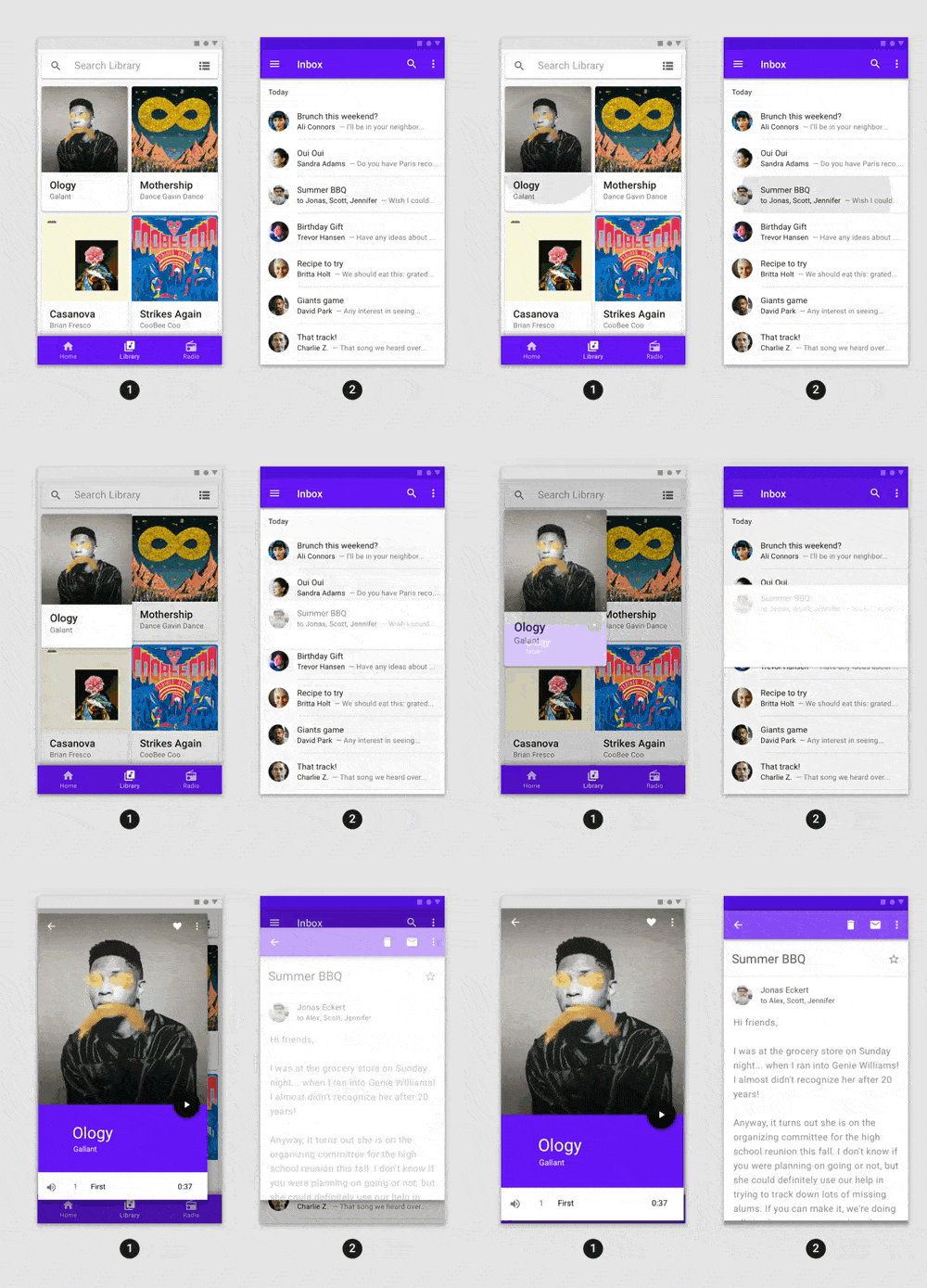
Fancy pre-built animations that can easily be integrated into any Flutter application.
 v2.0.0
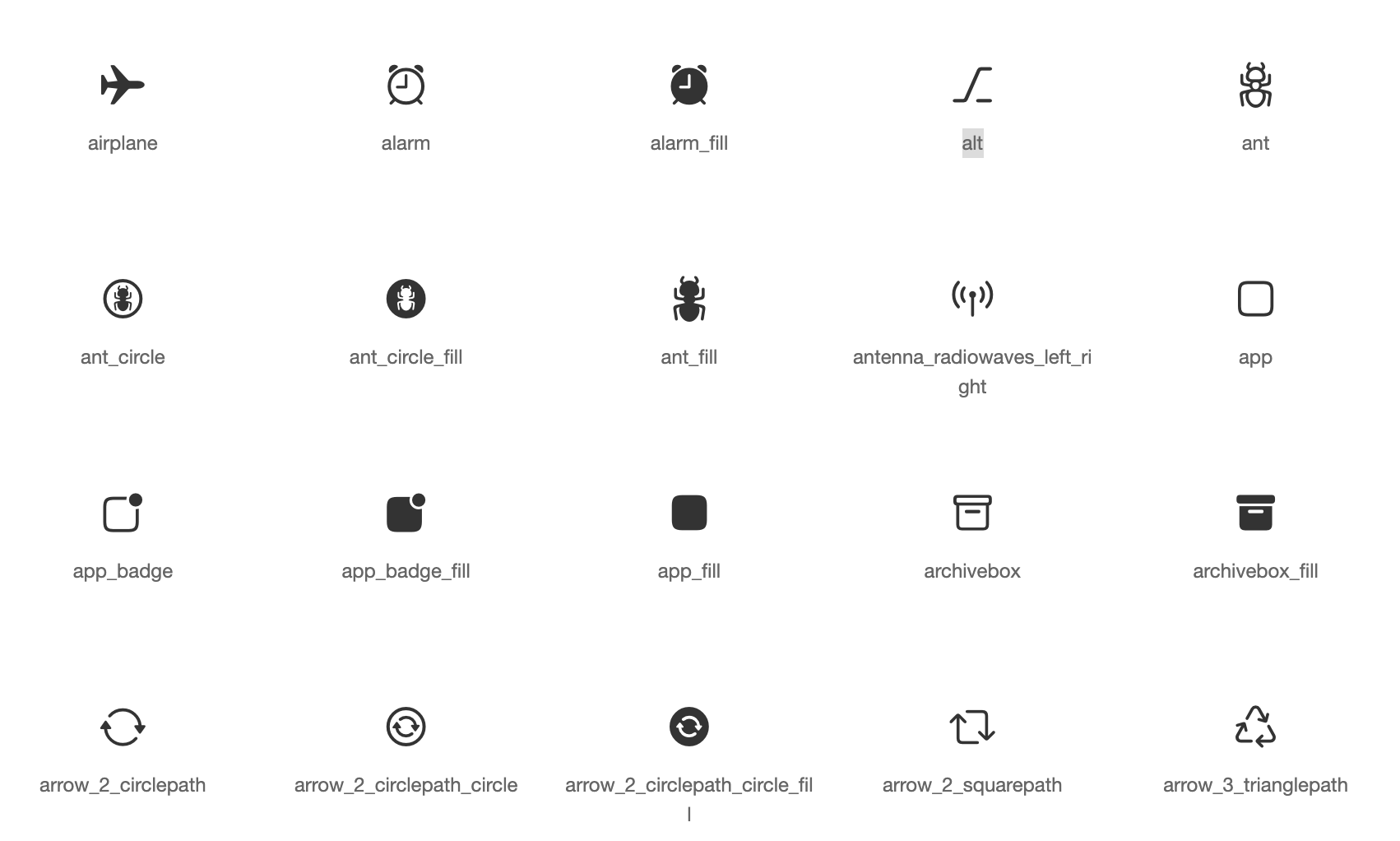
Default icons asset for Cupertino widgets based on Apple styled icons
An SVG rendering and widget library for Flutter, which allows painting and displaying Scalable Vector Graphics 1.1 files.
 v18.0.2
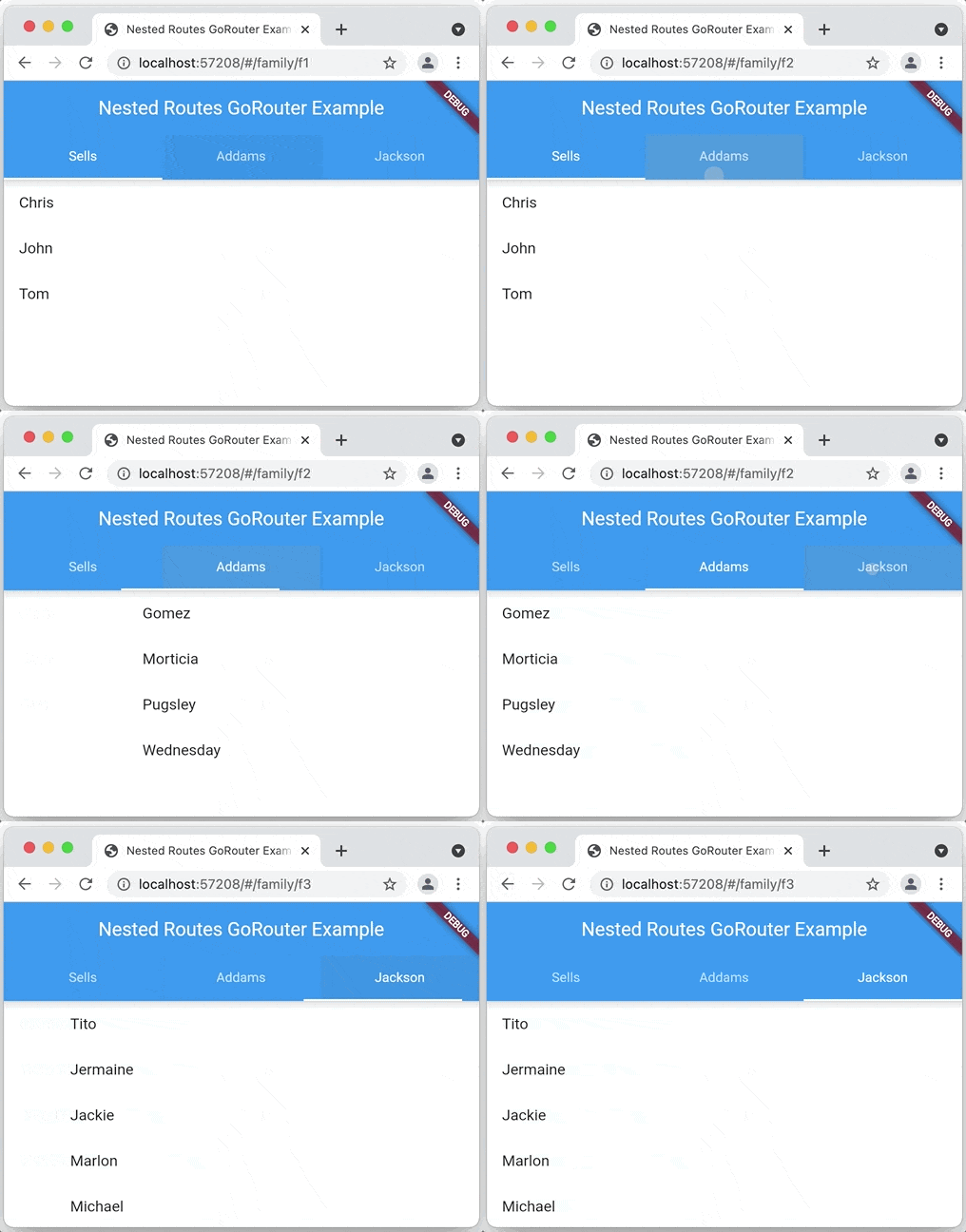
A declarative router for Flutter based on Navigation 2 supporting deep linking, data-driven routes and more
Flutter plugin for reading and writing simple key-value pairs. Wraps NSUserDefaults on iOS and SharedPreferences on Android.
A flutter implementation of React hooks. It adds a new kind of widget with enhanced code reuse.
 v0.7.0
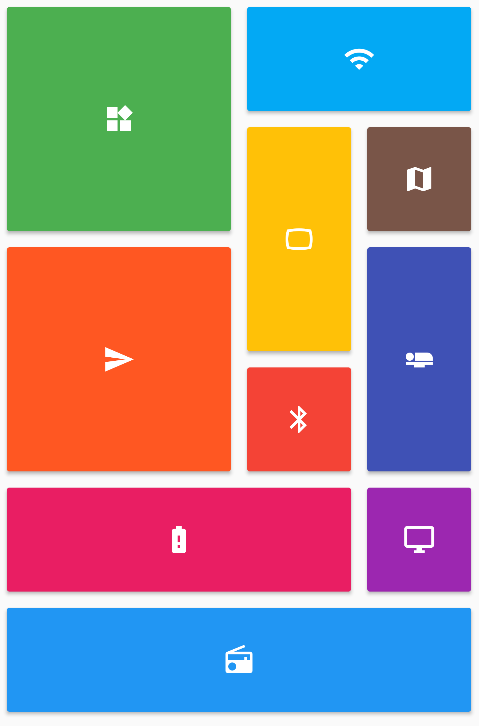
Provides a collection of Flutter grids layouts (staggered, masonry, quilted, woven, etc.).
 v11.6.0
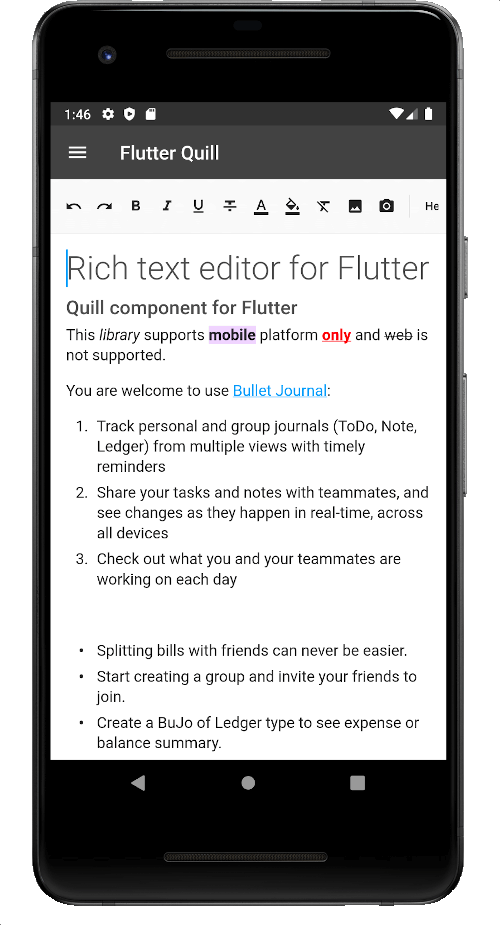
A rich text editor built for Android, iOS, Web, and desktop platforms. It's the WYSIWYG editor and a Quill component for Flutter.
Permission plugin for Flutter. This plugin provides a cross-platform (iOS, Android) API to request and check permissions.
Flutter plugin providing detailed information about the device (make, model, etc.), and Android or iOS version the app is running on.
Flutter plugin for sharing content via the platform share UI, using the ACTION_SEND intent on Android and UIActivityViewController on iOS.
{"sdk":"flutter"}{"sdk":"flutter"}^1.0.5^4.2758.0{"path":"packages/sbn"}^1.5.4^0.7.0^17.0.0^0.4.0^2.5.1^2.0.11^11.0.0^6.1.8^9.0.0^1.0.0^2.1.2any^3.0.2^5.0.1^1.1.0^1.0.1^3.8.4^13.3.0^13.0.0—^2.0.0+1^4.12.1—^3.4.1^11.0.0^2.0.0+1^0.0.2^13.0.0^5.1.0^2.0.7^11.5.1^0.5.1^7.0.1^0.10.7^4.0.3^2.0.4{"path":"packages/onyxsdk_pen"}^3.0.0^1.0.1^5.13.2^4.0.0^0.10.0-dev.2^0.0.2^5.0.0^7.0.0^1.2.0^1.1.0^13.2.0^10.2.0^1.1.1^1.0.0^3.1.0^1.0.0^1.3.2^2.5.0^5.0.1>=2.4.2 <2.5.0^1.9.1^0.6.0^0.6.0^0.7.0^1.4.0^9.21.0^9.5.0^9.2.6^0.21.3+1^0.2.0^4.8.0^1.5.2{"sdk":"flutter"}{"sdk":"flutter"}^6.0.0^3.0.0^3.1.2^11.1.0^3.1.1English project snapshot. Visit GitHub for the latest content.
Get it on Google Play Get it on F-Droid Download on the App Store Download for Windows Download on Flathub Get it as an AppImage
English | čeština | Deutsch | 中文 (简体中文, 中国) | 中文 (繁體, 台灣) | العربية | Tiếng Việt
Saber is the notes app built for handwriting.
It's designed to be as simple and intuitive as possible, while still delivering unique features that you'll actually use. Additionally, Saber is available across all your devices, large and small, and syncs between them seamlessly.
Notably, it can invert your notes when you're in dark mode. This allows you to write with white ink on a black background, which is much easier on the eyes in low-light environments like when the teacher turns off the lights in class. Images and PDFs are also inverted, so you can still use a digital printout or a textbook without the fuss.
Saber uses a dual-password system to protect your notes from anyone but you, even if they have complete control over the server. You can safely store your notes on the official Saber server, another server, or even host your own!
The app is completely open-source so that anyone can view the source code and see exactly what it's doing and how it handles your data. Many other note-taking apps are closed-source and proprietary, meaning that their inner workings are a mystery to the public.
As someone who studies maths, highlighting multi-line equations was always a hassle with other apps, where the highlighter would change color when it overlapped with itself. Another problem I had was that in some apps, the highlighter would render on top of the text, fading it out and making it hard to read. Saber's highlighter has no such issues. It utilizes canvas compositing to render the highlighter in a way that is consistent with/better than traditional paper, where it handles overlaps and maintains color consistency.
Saber has everything you need to keep your notes organized. Create folders inside folders inside folders to your heart's content with no limit on the number of nested folders. And even though a note may be buried deep within a nested folder, you can still access it easily with your most recent notes always available on the home screen.
Discover a whole new way to capture and organize your thoughts with Saber. Whether you're a student, professional, or creative mind, Saber is your trusted companion for digital handwriting. Download now and let your ideas flow freely!
Latest release Flathub F-Droid GitHub downloads Flathub downloads GitHub Sponsors License Translation status Codecov
Please see #1 Saber progress.
Please see Install Saber on the wiki.
Please see Build Saber on the wiki.
All translations are thanks to our community of contributors.
If you'd like to help out translating Saber, head to Weblate!
Note: To avoid falling back to English, any gaps in the translations are filled in by machine translation until a human can contribute.
If you like Saber, please consider supporting it by:
Please see Maintainer notes on the wiki.