v10.0.0
bloc_test
A testing library which makes it easy to test blocs. Built to be used with the bloc state management package.
669Likes 1.4M30-day downloads160Pub points
AndroidiOSWebmacOSWindowsLinux
A map based social network for introverts

English project snapshot. Visit GitHub for the latest content.
A mobile diary app that is as simple as recording emotion at anytime any place

Refer to this link how to setup and run your project: Setup project
This app is going to record daily activities in form of location checking and emotion sharing. It will keep track of user's location through out the day, and allow user to add emoji to each location, immediately when user is at the location, or later when user check their day activity at home.
The full idea of Interactive Diary can be summarized in this mindmap

There are 5 part of this project:
Location refers to user's current location at anything point of time during the day. This can be broken down as in mindmap below:

This is the main feature of ID, and it is tied losely to Location feature, which means, it still works even if location is not available.

This is a good to have feature, base on the type of location the user is in, there can be a prediction of what activity he can have there.

Detail of Authentication can be found here
Future: social network (Who I met)
Can be treated as an attribute attached to all above info
A testing library which makes it easy to test blocs. Built to be used with the bloc state management package.
A simple cli to manage Flutter SDK versions per project. Support channels, releases, and local cache for fast switching between versions.
A Flutter plugin for controlling the camera. Supports previewing the camera feed, capturing images and video, and streaming image buffers to Dart.
A Flutter plugin for integrating Google Maps in iOS and Android applications.
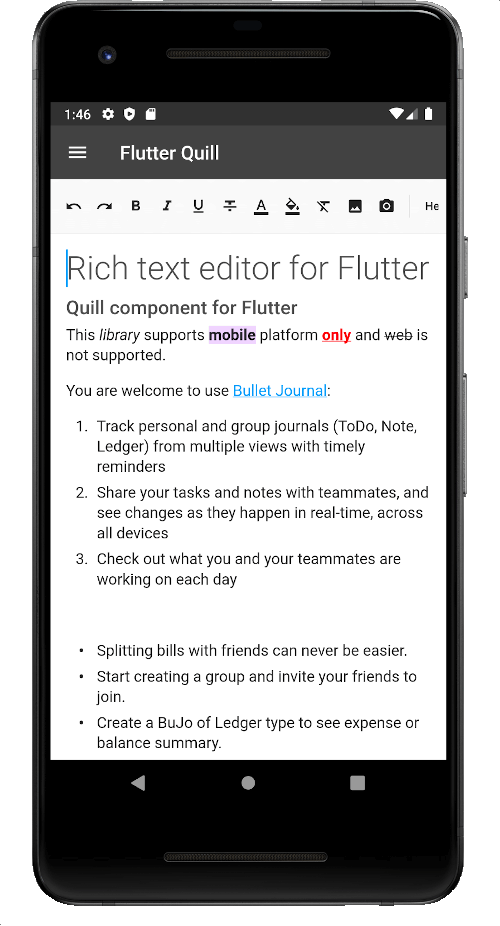
A rich text editor built for Android, iOS, Web, and desktop platforms. It's the WYSIWYG editor and a Quill component for Flutter.
The Flutter code generator for your assets, fonts, colors, … — Get rid of all String-based APIs.
Dots indicator to show progression of a PageView for example
intl_utils is a dart library that generates Dart localization code from ARB file. Generated code relies on Intl library.
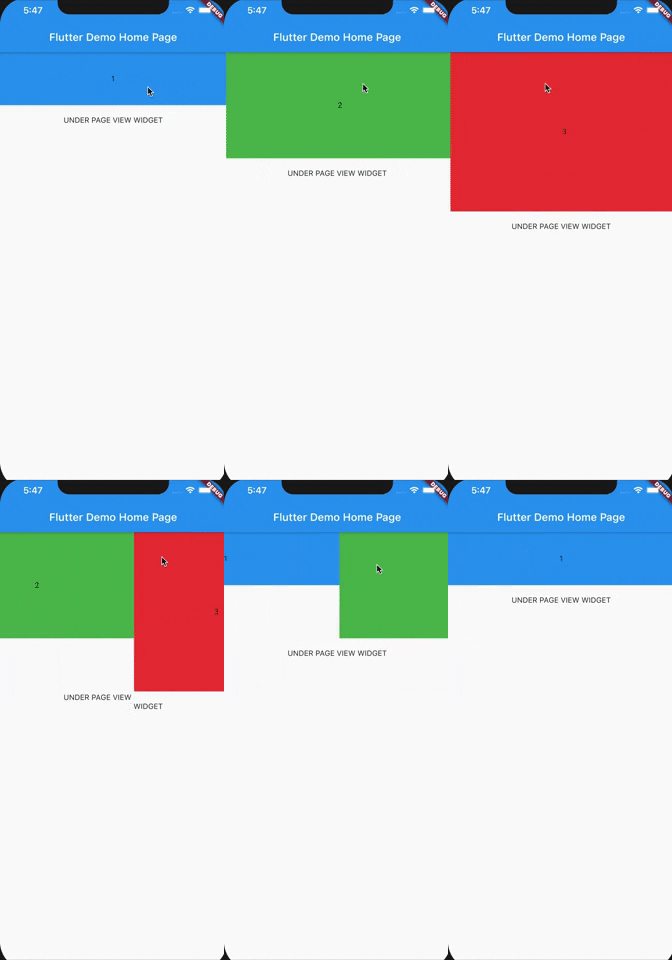
A PageView widget adjusting it's height to currently displayed page
A flutter package to detect phone shakes. Adjustable G-force and reset periods.
Utility for providing mocked Image.network response in Flutter widget tests.
Dependency list 38 items
{"sdk":"flutter"}^1.0.5^2.1.10^8.0.1^0.18.0^2.0.5^2.0.0+1{"path":"packages/nartus_ui_package"}{"path":"packages/nartus_location"}{"path":"packages/nartus_geocoder"}{"path":"packages/nartus_authentication"}{"path":"packages/nartus_connectivity"}{"path":"packages/nartus_storage"}{"path":"packages/nartus_remote_config"}{"path":"packages/nartus_app_settings"}{"path":"packages/nartus_media"}^5.1.1^2.4.1^2.4.3^2.2.5^2.7.0^7.2.0^7.2.0^2.2.0^2.0.0^1.0.17^0.10.5+2^2.6.1{"sdk":"flutter"}^9.0.3^5.4.12.3.3^4.5.1^2.7.0^5.0.3^2.0.1^2.1.1^6.1.0Start with your use case, compare repository activity, and check the original project before adopting it.
“A repository is the most basic element of GitHub.”
GitHub Docs — About repositories ↗