 v11.6.0
flutter_quill
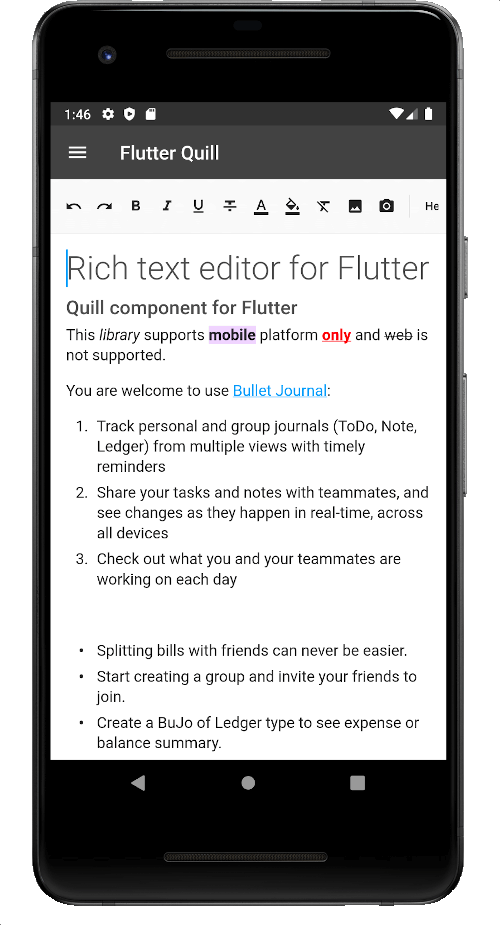
A rich text editor built for Android, iOS, Web, and desktop platforms. It's the WYSIWYG editor and a Quill component for Flutter.
2.2KLikes 320K30-day downloads150Pub points
AndroidiOSmacOSWindowsLinux
The Virlow Flutter Recorder is an open-source Flutter application that can transcribe recorded audio, plus it includes TL;DR and Short Hand Notes for your transcription. It also consists of a rich text editor that allows you to edit the transcription plus add any additional notes you require.

English project snapshot. Visit GitHub for the latest content.
Version 2.2.0-beta
The Virlow Flutter Recorder is an open-source Flutter application that can transcribe recorded audio, plus it includes TL;DR and Short Hand Notes for your transcription. It also consists of a rich text editor that allows you to edit the transcription plus add any additional notes you require.
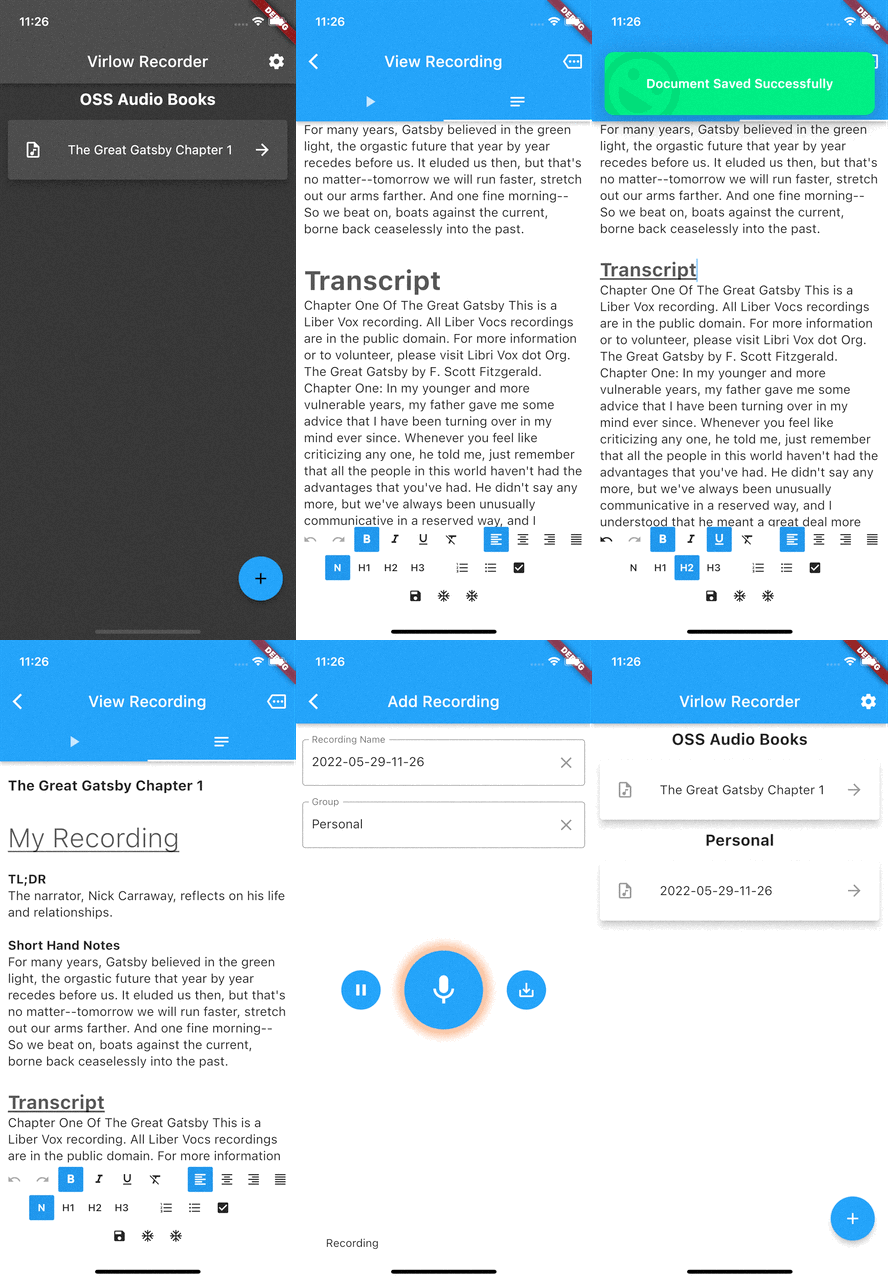
The Virlow Flutter Recorder leverages the Virlow Speech-to-Text API for transcription as well as TL;DR and Short Hand Notes. The Virlow API can automatically convert audio/video files and live audio streams to text with Virlow’s Speech-to-Text APIs. Powered by cutting edge AI models.
Find instructions for setting up your development machine with the Flutter framework on Flutter’s Get started page. The specific steps vary by platform
This project uses the Virlow Speech-to-Text API. You will need to register and generate an API key to use this within your own project.
To run your project, you’ll need to use one of the following options:
Clone this repository.
Update the assets/cfg/app_settings.json with your Virlow API key.
Run flutter pub get.
In VS Code select a platform — for example, the Pixel mobile emulator — and wait while the emulator launches.
Once the emulator is ready, build and run by pressing F5, by selecting Debug ▸ Start Debugging from the menu or by clicking the triangular Play icon in the top right.
A rich text editor built for Android, iOS, Web, and desktop platforms. It's the WYSIWYG editor and a Quill component for Flutter.
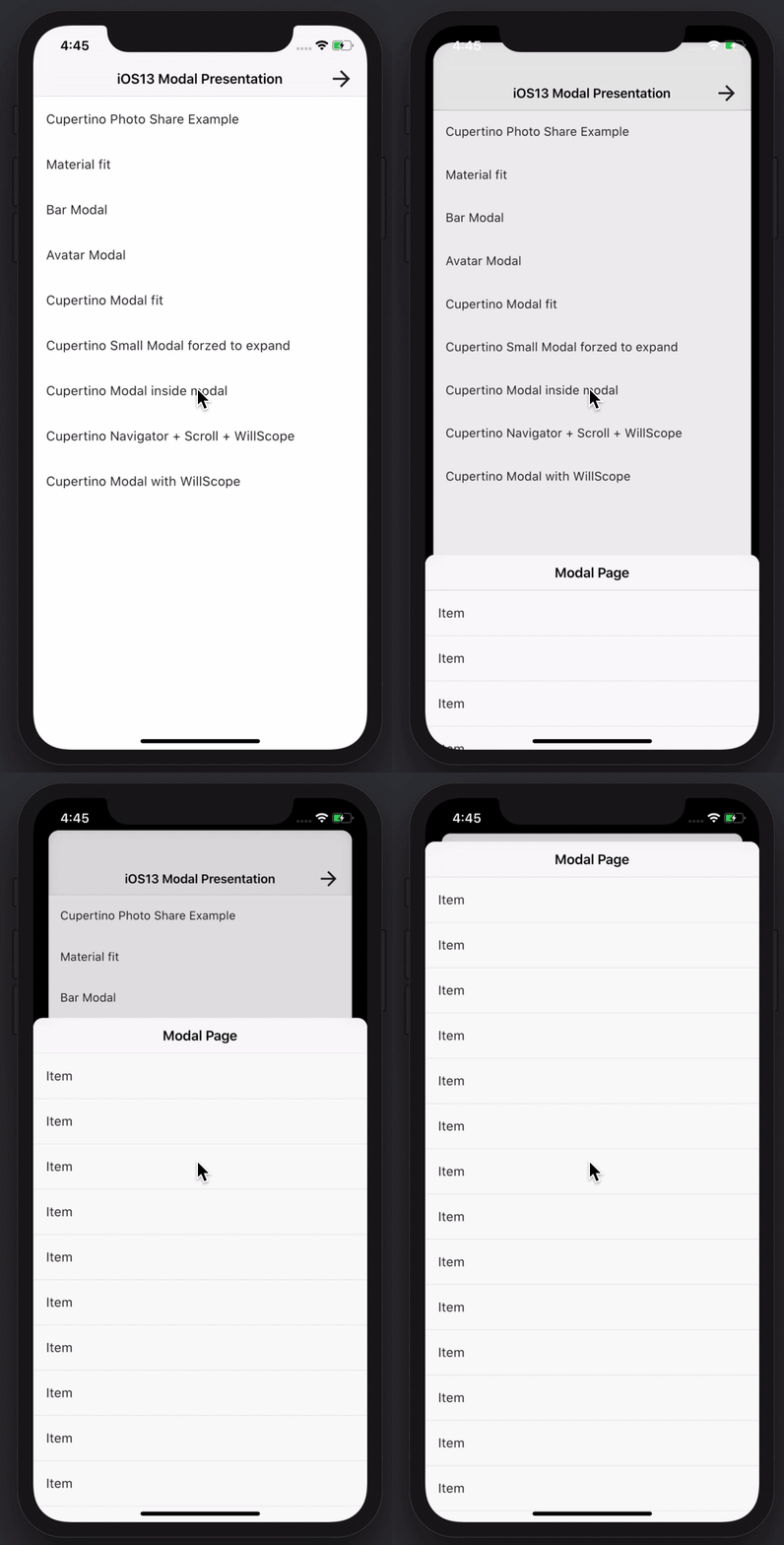
Create awesome and powerful modal bottom sheets. Material, Cupertino iOS 13 or create your own style
The Amplify Flutter API category plugin, supporting GraphQL and REST operations.
The Amplify Flutter Auth category plugin using the AWS Cognito provider.
A prebuilt Sign In and Sign Up experience for the Amplify Auth category
The top level Flutter package for the AWS Amplify libraries.
A complete api for audio playback and recording. Member of the `Tau` Family. Audio player, audio recorder. Pray for Ukraine.
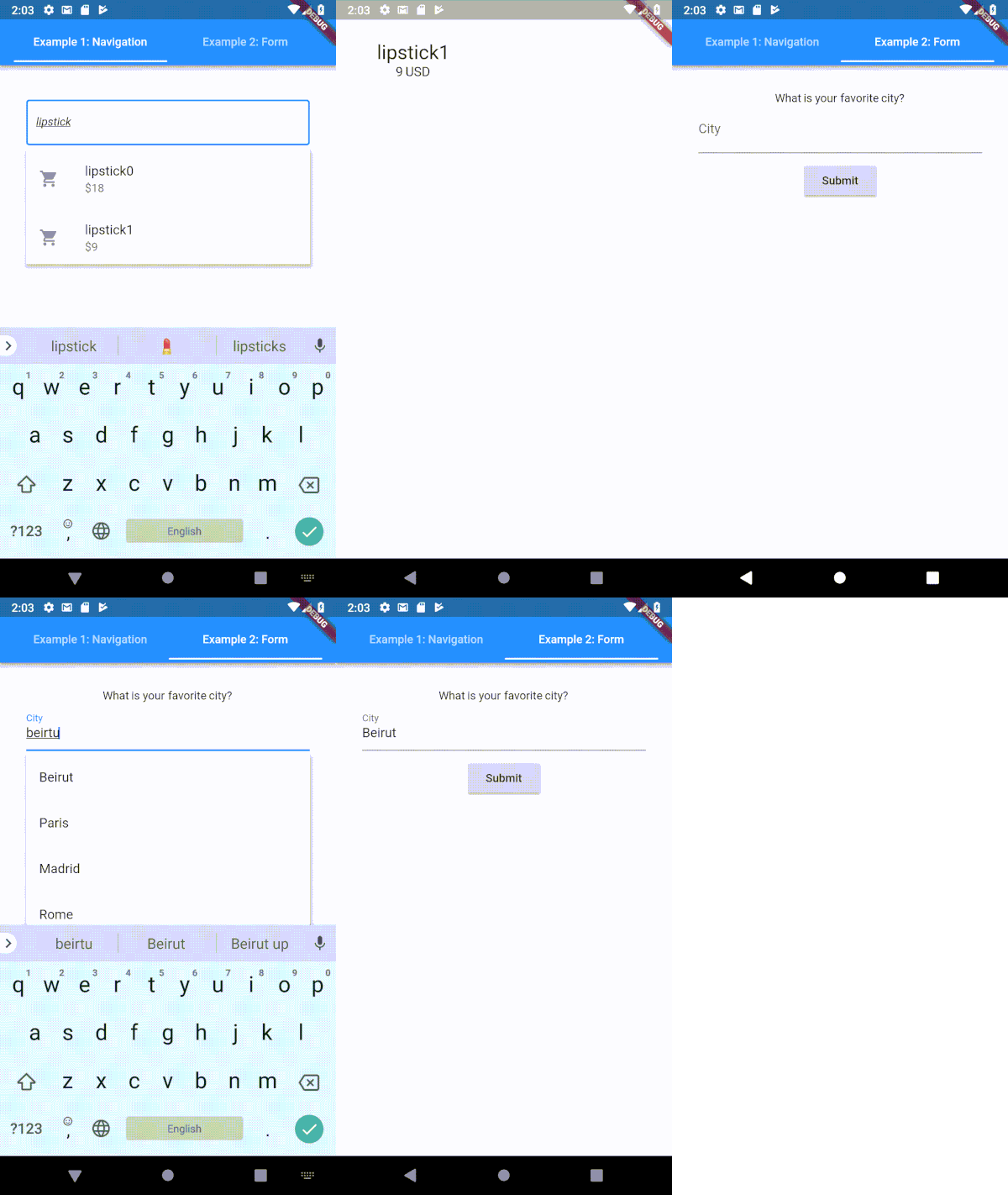
A highly customizable typeahead (autocomplete) text input field for Flutter
Dartlang port of socket.io-client for web, flutter, dartvm to use
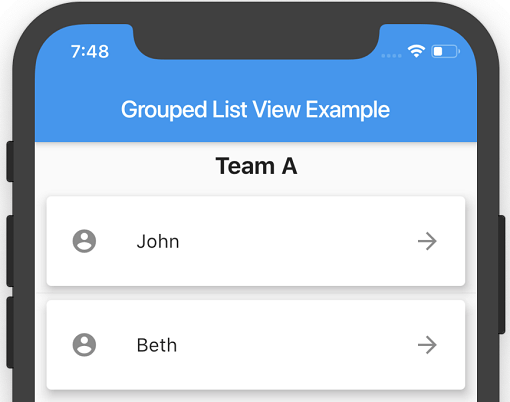
A Flutter ListView where the list items can be grouped into sections.
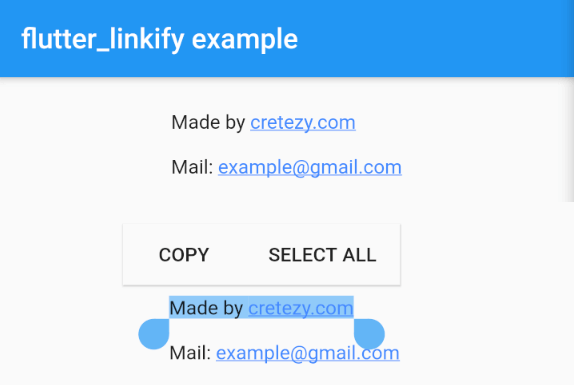
Turns text URLs and emails into clickable inline links in text for Flutter.
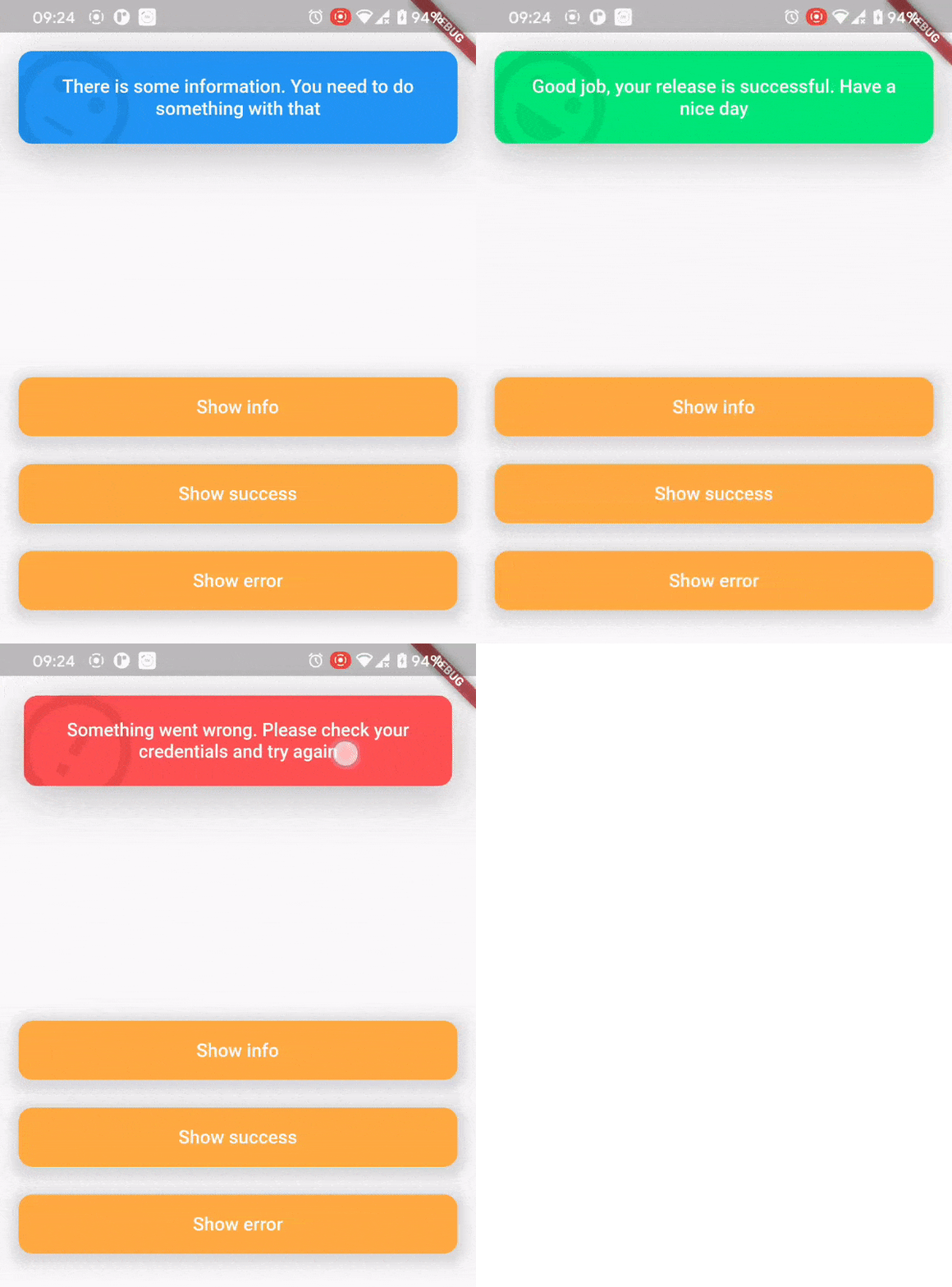
Top snack bar package was created for nice and convenient way to inform users about what happened.
Dependency list 30 items
^0.1.6+1{"sdk":"flutter"}^1.0.4^5.0.2^2.0.0^5.0.3^2.0.0^9.2.13^4.0.0^5.1.1^2.2.1^1.1.0^0.13.4^0.17.0^0.9.21^2.0.1^9.2.0^2.0.0-beta.4-nullsafety.0^1.1.1^6.1.2^3.0.6^0.27.3{"git":{"url":"https://github.com/virlow-voice/flutter-sound-stream"}}^0.6.0^0.6.0^0.2.0^0.6.0^2.1.0{"sdk":"flutter"}^2.0.1Start with your use case, compare repository activity, and check the original project before adopting it.
“A repository is the most basic element of GitHub.”
GitHub Docs — About repositories ↗