v1.1.0
file_selector
Flutter plugin for opening and saving files, or selecting directories, using native file selection UI.
440Likes 979K30-day downloads160Pub points
AndroidiOSWebmacOSWindowsLinux
Encrypted peer-to-peer IM for data security. Own data, own privacy. (Rust+Flutter)

English project snapshot. Visit GitHub for the latest content.

Do you have watched "Black Mirror" The first episode of the second season? The story of the “rebirth” to accompany the lover based on the text, photos, videos and other information posted on the Internet.
So is this "data" accessible to everyone or some companies?
What we want to do is protect this data and privacy. you can see details what we are doing.
ESSE (Encrypted Symmetrical Session Engine) An open source encrypted peer-to-peer system for own data security, and allow data to be sent securely from one terminal to another without going through third-party services. Also provides data visualization and interactive entry. With a friendly interface for users, it transforms abstract data concepts into software that everyone can actually experience.
Slogan: My place, my rules.

ESSE, positioned as an engine. The engine is coded in Rust language based on TDN framework, and the cross-platform user interface is built using Flutter.
It is recommended to use rust.sh to auto-compile the Rust code
cargo build --releasecp target/release/libesse.a core/linux/share/libesse.acp target/release/libesse.a core/macos/share/libesse.acp target/release/esse.dll core/windows/share/esse.dllcp target/release/esse.dll.lib core/windows/share/esse.dll.librustup target add aarch64-linux-androidrustup target add armv7-linux-androideabirustup target add x86_64-linux-androidConfigure your NDK
Build the jniLibs
cargo build --release --target=aarch64-linux-androidcp target/aarch64-linux-android/release/libesse.so core/android/src/main/jniLibs/arm64-v8a/cargo lipo --releasecp target/universal/release/libesse.a core/ios/share/libesse.aflutter run or flutter run --release in terminal, orflutter build apk, orflutter build linux, orflutter build macos, orflutter build windowsThis project is licensed under
ESSE is still in its infancy, both technical and financial support are welcome. Thank you for your support.
ETH:0xbB64D716FAbDEC3a106bb913Fb4f82c1EeC851b8
Flutter plugin for opening and saving files, or selecting directories, using native file selection UI.
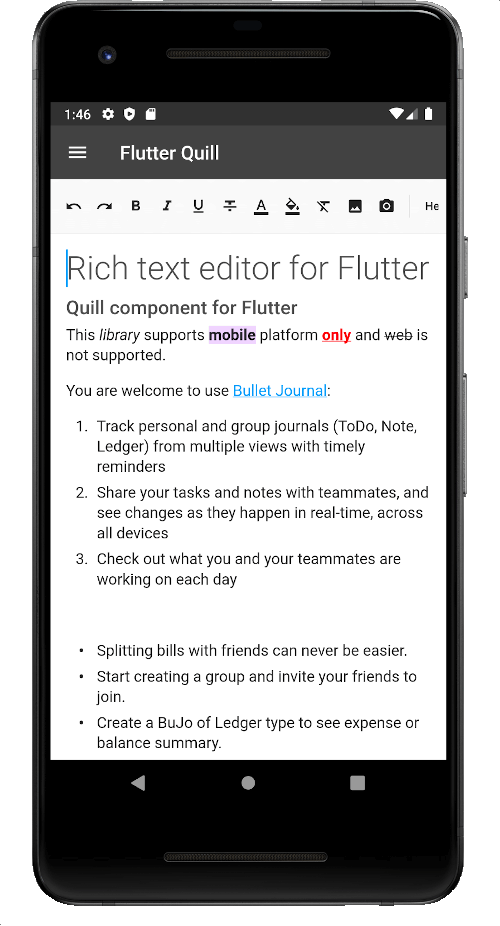
A rich text editor built for Android, iOS, Web, and desktop platforms. It's the WYSIWYG editor and a Quill component for Flutter.
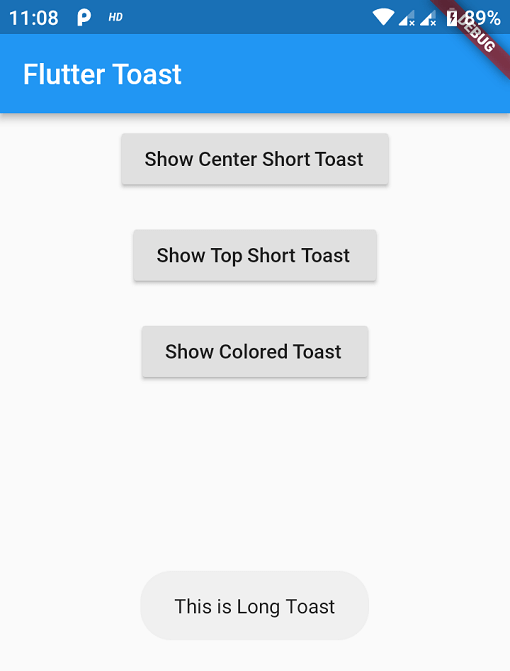
Toast Library for Flutter, Easily create toast messages in single line of code
A feature-rich audio player for Flutter. Loop, clip and sequence any sound from any source (asset/file/URL/stream) in gapless playlists.
StreamChannel wrappers for WebSockets. Provides a cross-platform WebSocketChannel API, a cross-platform implementation of that API that communicates over an underlying StreamChannel.
A beautiful and animated bottom navigation. The navigation bar uses your current theme, but you are free to customize it.
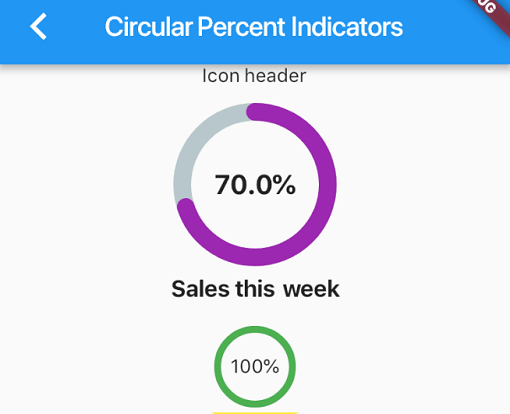
Library that allows you to display progress widgets based on percentage, can be Circular or Linear, you can also customize it to your needs.
Audio recorder from microphone to file or stream with multiple codecs, bit rate and sampling rate options.
A command-line tool that create Msix installer from your flutter windows-build files.
Crop for Flutter. Crop any widget/image in Android, iOS, Web and Desktop with fancy and customizable UI, in 100% pure Dart code.
A plug-in that can call native APP to open files with string result in flutter, support iOS(UTI) / android(intent) / PC(ffi) / web(dart:html)
You could use this package to save image to album or sandbox, support Android and iOS.
Dependency list 33 items
{"sdk":"flutter"}{"path":"./core"}any{"sdk":"flutter"}^2.0.3^6.0.5^2.0.20^2.0.11^6.1.6^10.2.0^0.8.6^5.0.0^5.2.6^0.9.2+2^4.3.2^0.5.4^0.2.0^4.0.0^1.0.1^2.3.0^4.4.4^0.9.32^4.2.2^6.0.0^7.0.1^8.1.2^0.3.1{"sdk":"flutter"}^2.0.0{"sdk":"flutter"}^0.12.0^2.2.16^3.7.0Start with your use case, compare repository activity, and check the original project before adopting it.
“A repository is the most basic element of GitHub.”
GitHub Docs — About repositories ↗