Package selection guidance compiled from public package information, community data, and project usage.
FlutterToast is a lightweight Flutter package that enables developers to display toast messages with minimal effort, requiring just one line of code. It provides a simple and consistent way to show temporary notifications across Android, iOS, and Web platforms. The library supports customization of message appearance, positioning, and duration, making it ideal for user feedback in apps. With an easy-to-use API and active maintenance, FlutterToast enhances user experience by delivering subtle, non-intrusive alerts.
Use cases
Displaying success or error messages
Showing quick user feedback
Informing users of actions taken
Providing status updates
Enhancing UI responsiveness
Key features
Single-line toast creation
Customizable message styling
Cross-platform support
Configurable duration and position
Simple API with minimal setup
Suitable for
Beginner Flutter developers
Apps needing quick feedback
Lightweight notification systems
Projects with minimal dependencies
UI enhancements without complexity
Considerations
Limited to basic toast designs
No advanced animation options
Depends on external repository
Not suitable for persistent notifications
May require manual handling of edge cases
Original README
Original README snapshot from the linked source repository. Visit the repository for the latest content.
This one has limited features and no control over UI
Toast Which requires BuildContext
Supported Platforms
ALL
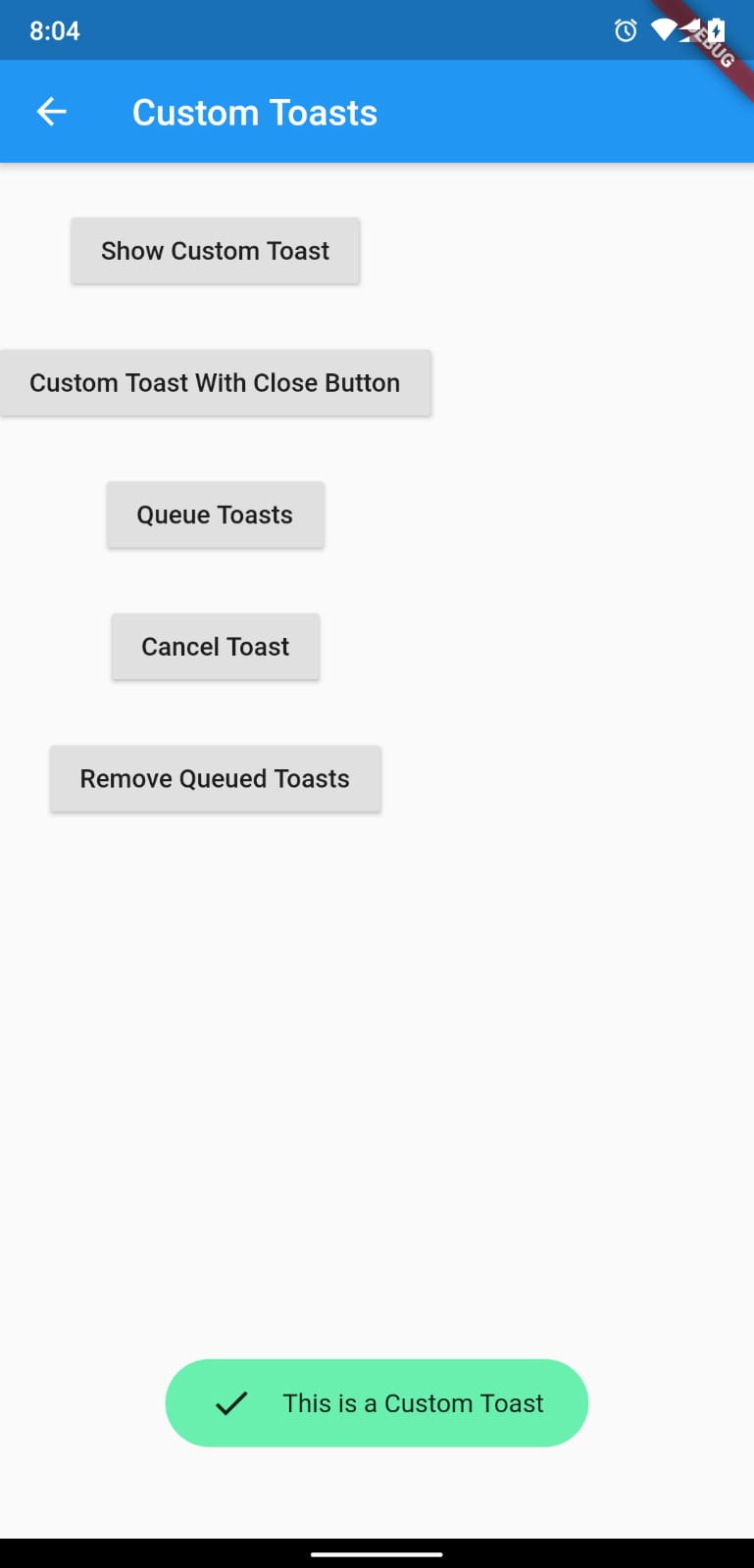
Full Control of the Toast
Toasts will be queued
Remove a toast
Clear the queue
How to Use
# add this line to your dependenciesfluttertoast:^10.0.0
import'package:fluttertoast/fluttertoast.dart';
Toast with No Build Context (Android & iOS)
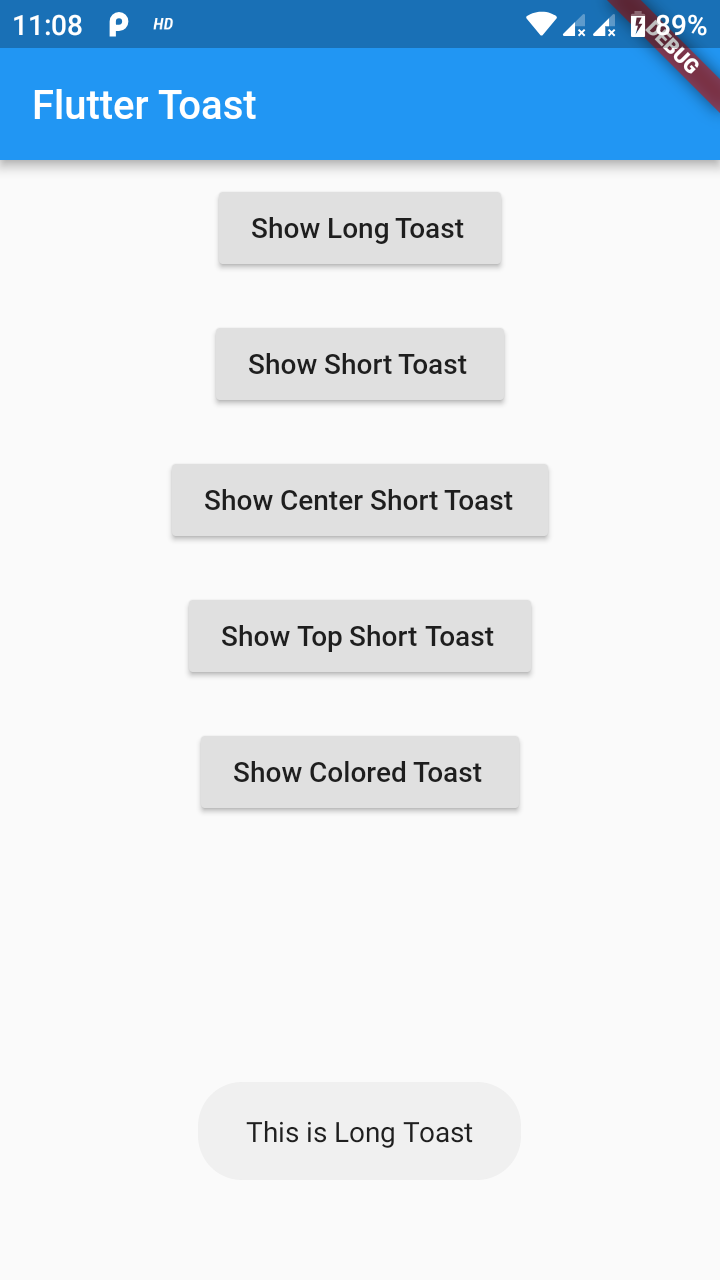
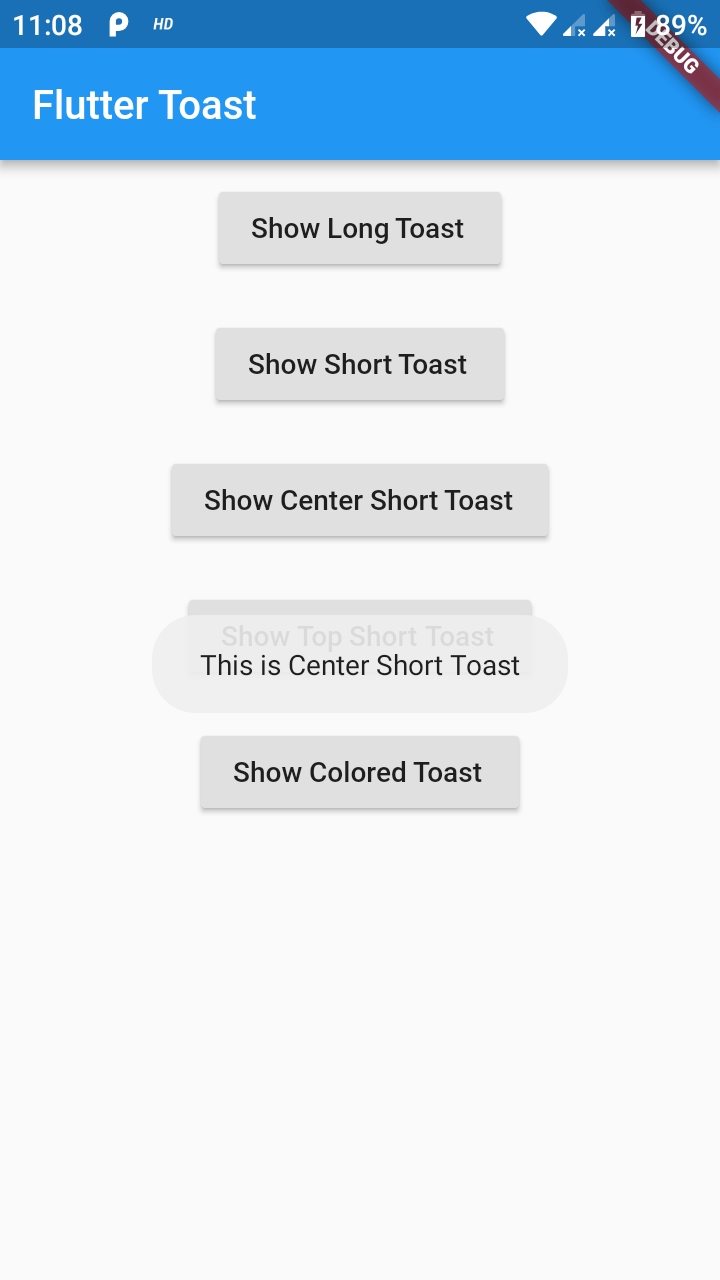
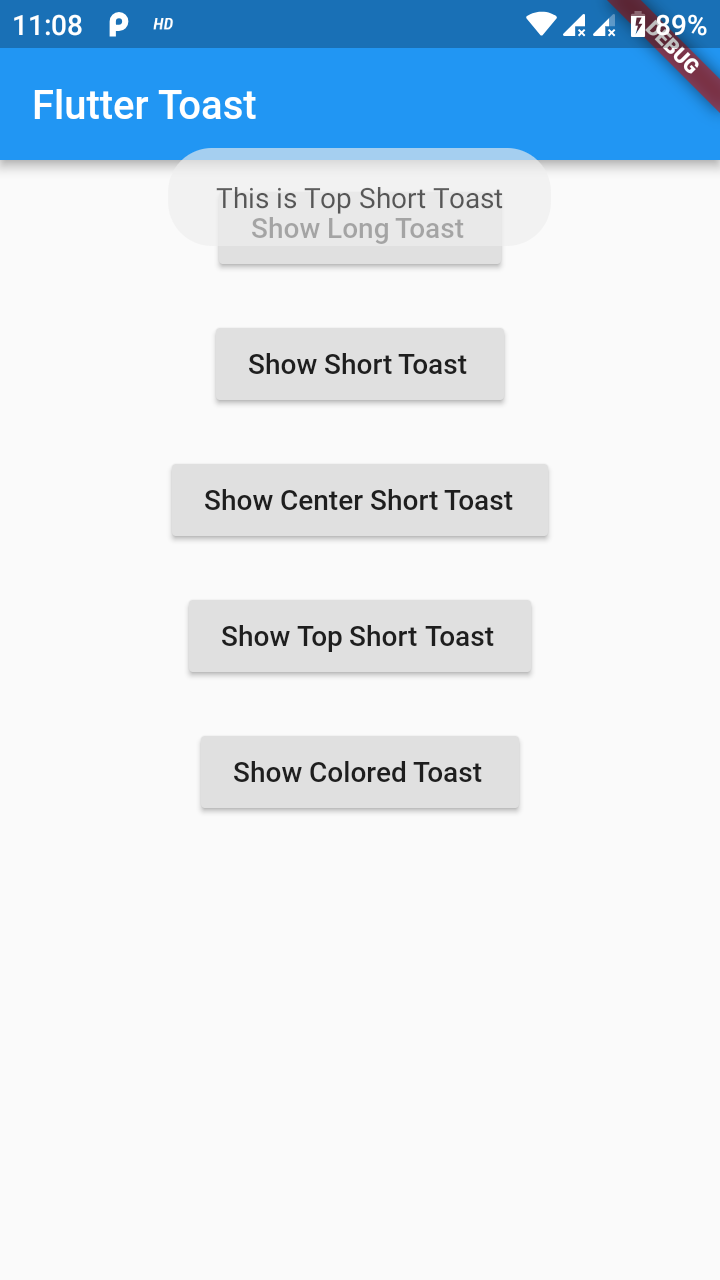
Fluttertoast.showToast(
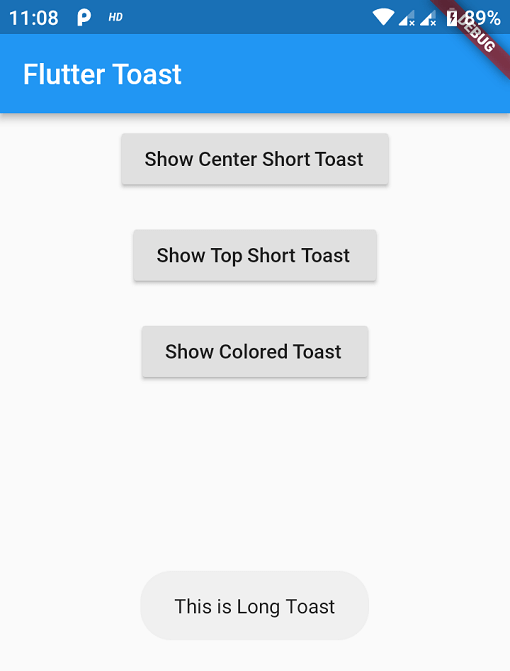
        msg: "This is Center Short Toast",
        toastLength: Toast.LENGTH_SHORT,
        gravity: ToastGravity.CENTER,
        timeInSecForIosWeb: 1,
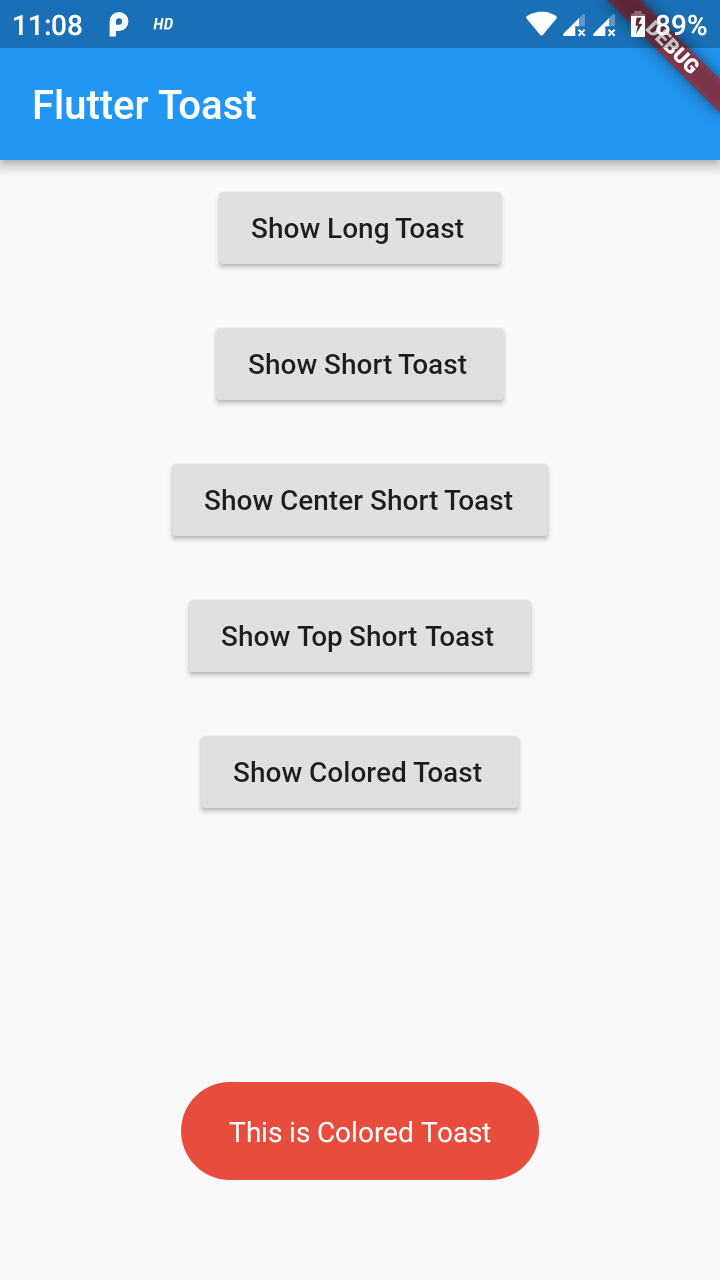
        backgroundColor: Colors.red,
        textColor: Colors.white,
        fontSize: 16.0
    );
property
description
default
msg
String (Not Null)(required)
required
toastLength
Toast.LENGTH_SHORT or Toast.LENGTH_LONG (optional)
Toast.LENGTH_SHORT
gravity
ToastGravity.TOP (or) ToastGravity.CENTER (or) ToastGravity.BOTTOM (Web Only supports top, bottom)
ToastGravity.BOTTOM
timeInSecForIosWeb
int (for ios & web)
1 (sec)
backgroundColor
Colors.red
null
textcolor
Colors.white
null
fontSize
16.0 (float)
null
fontAsset
Path to a font file in the Flutter app assets folder, e.g. 'assets/path/to/some-font.ttf' (String)
null
webShowClose
false (bool)
false
webBgColor
String (hex Color)
linear-gradient(to right, #00b09b, #96c93d)
webPosition
String (left, center or right)
right
To cancel all the toasts call
Fluttertoast.cancel()
Note Android
Custom Toast will not work on android 11 and above, it will only use msg and toastLength remaining all properties are ignored
Custom Toast For Android
Create a file named toast_custom.xml in your project app/res/layout folder and do custom styling
<?xml version="1.0" encoding="utf-8"?><FrameLayoutxmlns:android="http://schemas.android.com/apk/res/android"xmlns:tools="http://schemas.android.com/tools"android:layout_width="wrap_content"android:layout_height="wrap_content"android:layout_gravity="center_horizontal"android:layout_marginStart="50dp"android:background="@drawable/corner"android:layout_marginEnd="50dp"><TextViewandroid:id="@+id/text"android:layout_width="wrap_content"android:layout_height="wrap_content"android:background="#CC000000"android:paddingStart="16dp"android:paddingTop="10dp"android:paddingEnd="16dp"android:paddingBottom="10dp"android:textStyle="bold"android:textColor="#FFFFFF"tools:text="Toast should be short." /></FrameLayout>
Toast with BuildContext (All Platforms)
Update your MaterialApp with builder like below for the use of Context globally check doc section Use NavigatorKey for Context(to access context globally)