v9.2.1
bloc
A predictable state management library that helps implement the BLoC (Business Logic Component) design pattern.
3.2KLikes 2.5M30-day downloads160Pub points
AndroidiOSWebmacOSWindowsLinux
A third party Android application for the Pi-Hole® dashboard.

English project snapshot. Visit GitHub for the latest content.


FlutterHole is a free third party Android application for interacting with your Pi-Hole® server.
Note: Currently archived. Check the
webbranch to check the archived beta release.

FlutterHole is developed using Android Studio, which offers a complete, integrated IDE experience for Flutter.
Testing is done using a local Pi-hole installation on an internal network. Due to this, support for other network setups relies heavily on user feedback.
If you want to improve the network support for FlutterHole by testing against your own setups, you can build the app locally and debug any issues.
After cloning this repository, perform the following steps before building your project.
All snippets assume your initial working directory is the root of the project.
Skip the questions, and confirm with yes.
#!/bin/bash
cd android/app
keytool -genkey -v -keystore keystore.jks -storepass android -alias androiddebugkey -keypass android -keyalg RSA -keysize 2048 -validity 10000
#!/bin/bash
cd android
touch key.properties
After creating the file, populate it with plaintext describing the debug key.
storePassword=android
keyPassword=android
keyAlias=androiddebugkey
storeFile=keystore.jks
#!/bin/bash
flutter pub get
flutter pub run flutter_launcher_icons:main
To generate freezed classes, injectable injections etc.:
flutter pub run build_runner build --delete-conflicting-outputs
Or, build continuously:
flutter pub run build_runner watch --delete-conflicting-outputs
You can now build and run the app on either an emulator or a physical device using flutter run.
To run the default integration test:
flutter drive --target=test_driver/app.dart
This application interacts with the Pi-hole PHP API.
A new API is in the works from the Pi-hole team. For progress, check the pull request on GitHub.
A predictable state management library that helps implement the BLoC (Business Logic Component) design pattern.
A testing library which makes it easy to test blocs. Built to be used with the bloc state management package.
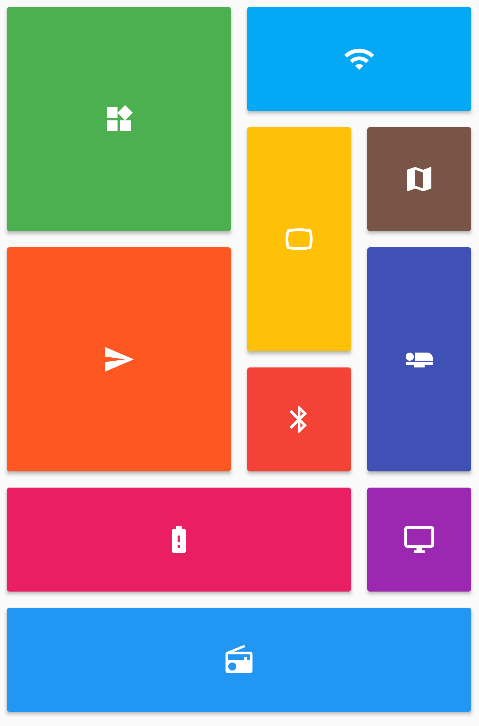
Provides a collection of Flutter grids layouts (staggered, masonry, quilted, woven, etc.).
A collection of loading indicators animated with flutter. Heavily inspired by @tobiasahlin's SpinKit.
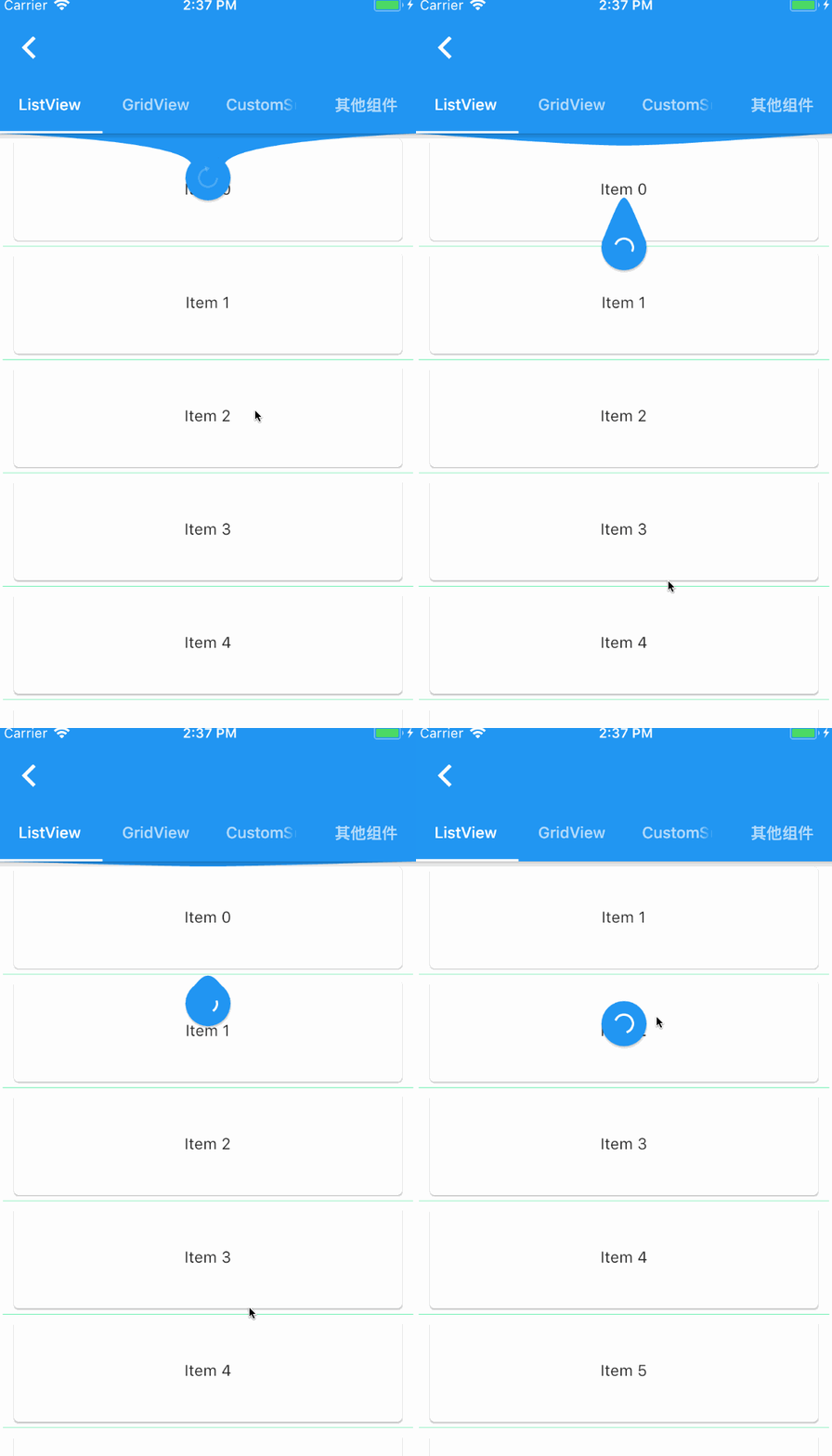
a widget provided to the flutter scroll component drop-down refresh and pull up load.
This package helps in creation of forms in Flutter by removing the boilerplate code, reusing validation, react to changes, and collect final user input.
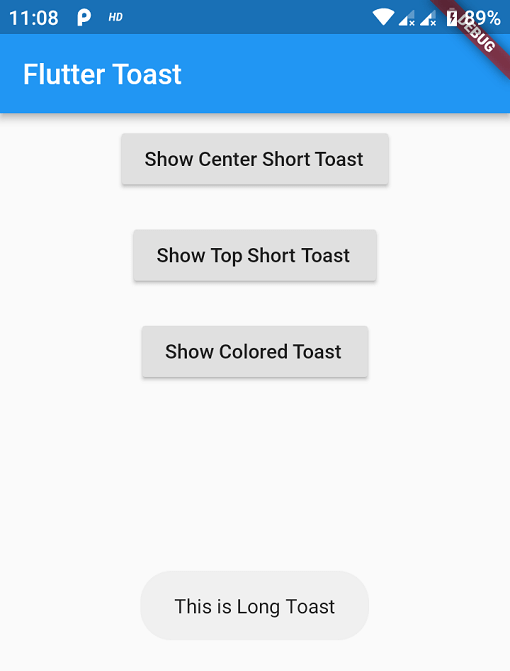
Toast Library for Flutter, Easily create toast messages in single line of code
A beautiful and animated bottom navigation. The navigation bar uses your current theme, but you are free to customize it.
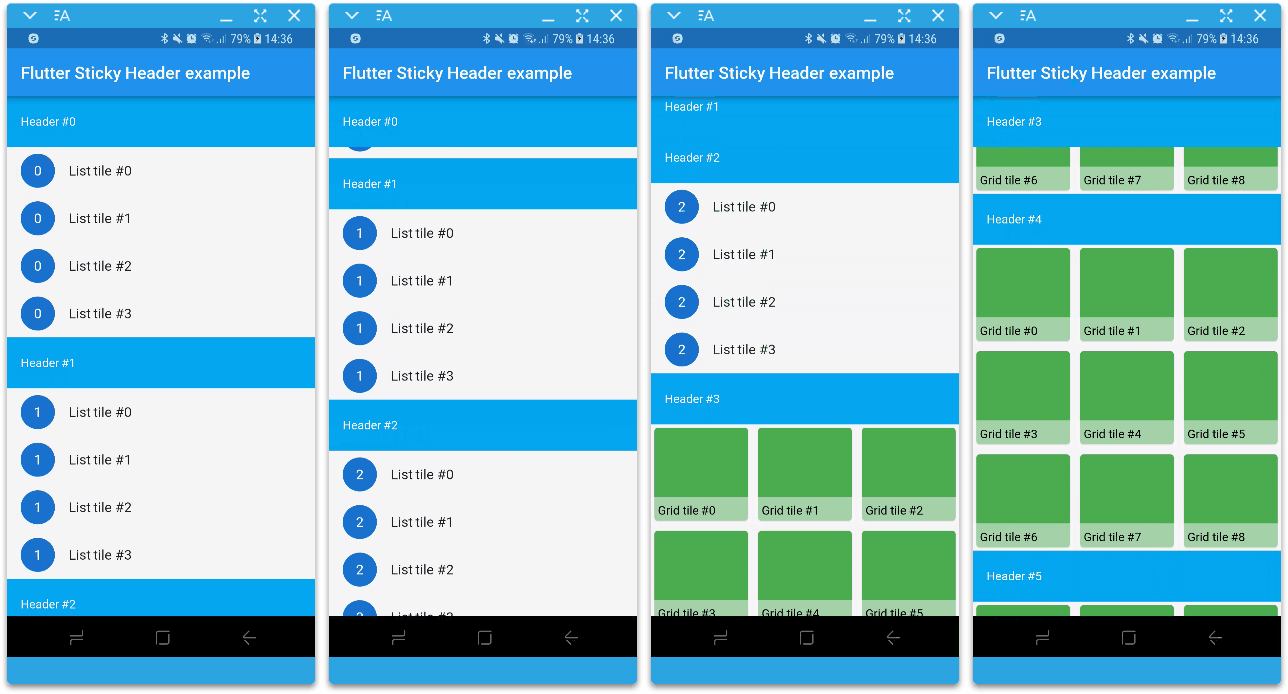
Flutter implementation of sticky headers as a sliver. Use it in a CustomScrollView.
Functional Programming in Dart. Purify your Dart code using efficient immutable data structures, monads, lenses and other FP tools.
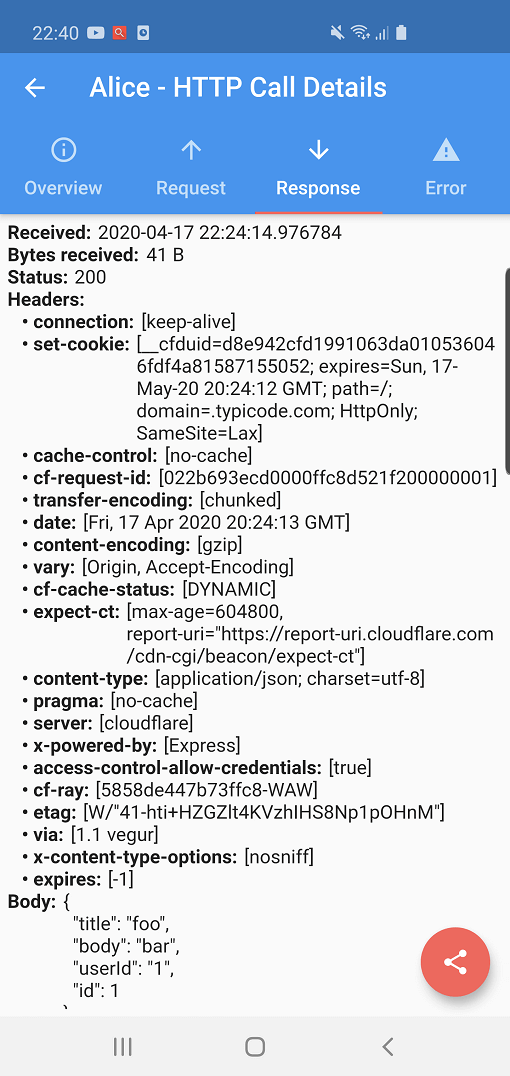
Alice is an HTTP Inspector tool which helps debugging http requests. It catches and stores http requests and responses, which can be viewed via simple UI.
Jiffy is a Flutter (Android, IOS and Web) date time package for parsing, manipulating, querying and formatting dates and time
Dependency list 53 items
{"sdk":"flutter"}^0.9.1^4.0.4^1.0.4^6.0.1^4.3.2^3.0.10^0.2.8^0.14.0+3^1.4.3^0.3.1^0.11.0+1^3.0.1^0.7.1^0.16.1^1.0.1^1.9.0^6.0.1^3.13.2^3.0.1^5.2.0^3.0.1^1.6.11^5.5.0^0.2.1^0.3.2^1.1.2^4.1.2+10.9.4^0.4.5^1.10.4^7.0.2^1.6.1^0.1.3^0.4.1^3.2.0^0.6.4+3^2.0.0^5.5.00.3.5^0.5.5{"sdk":"flutter"}{"sdk":"flutter"}any1.10.1^0.11.5^1.0.4^3.4.0^4.1.1^7.0.0^1.1.0^0.7.52.2.3Start with your use case, compare repository activity, and check the original project before adopting it.
“A repository is the most basic element of GitHub.”
GitHub Docs — About repositories ↗