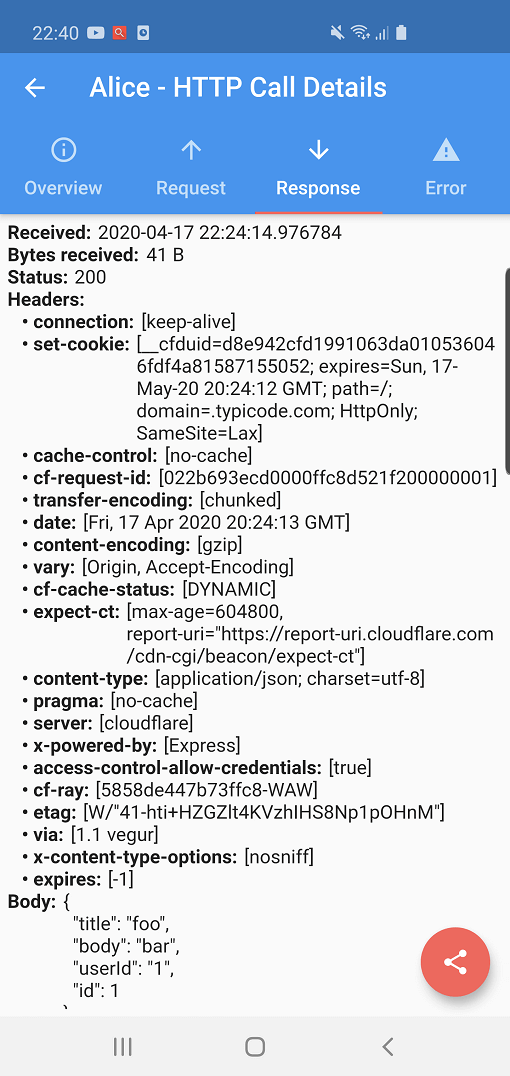
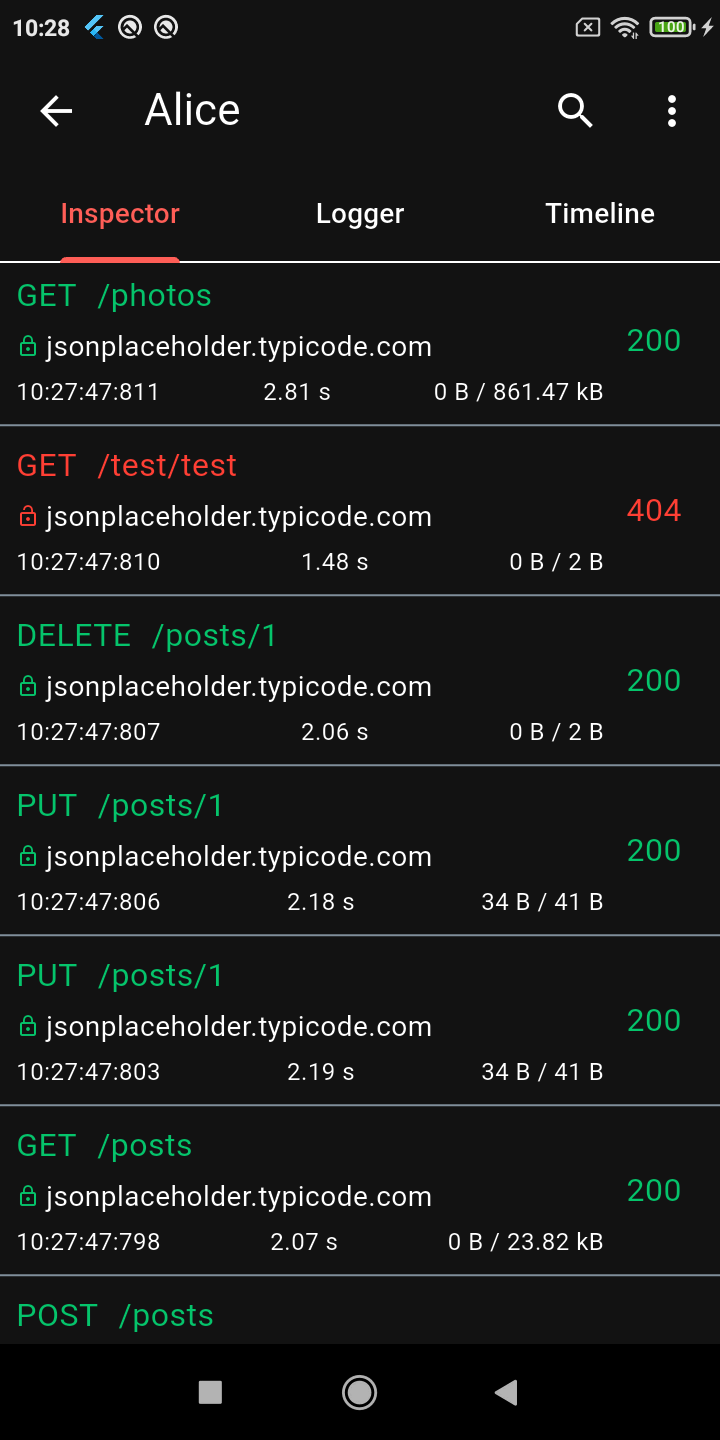
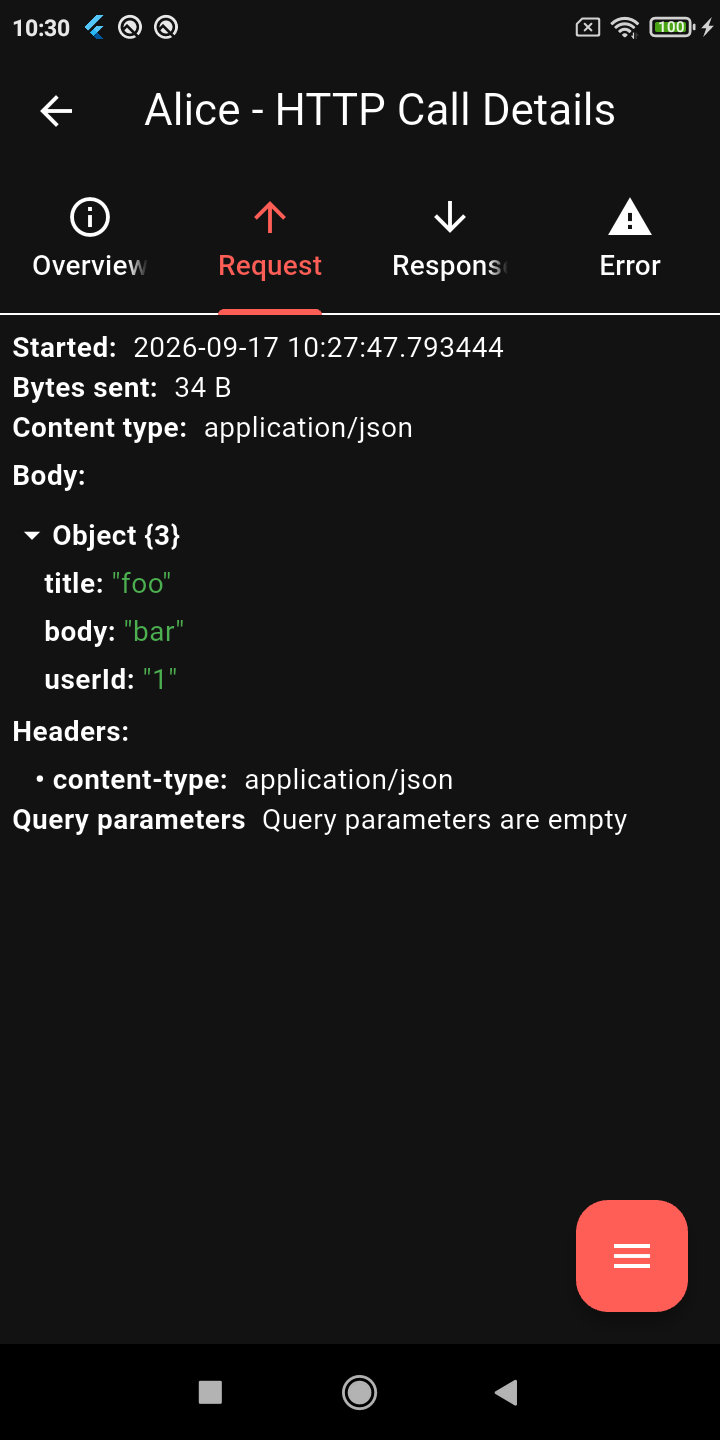
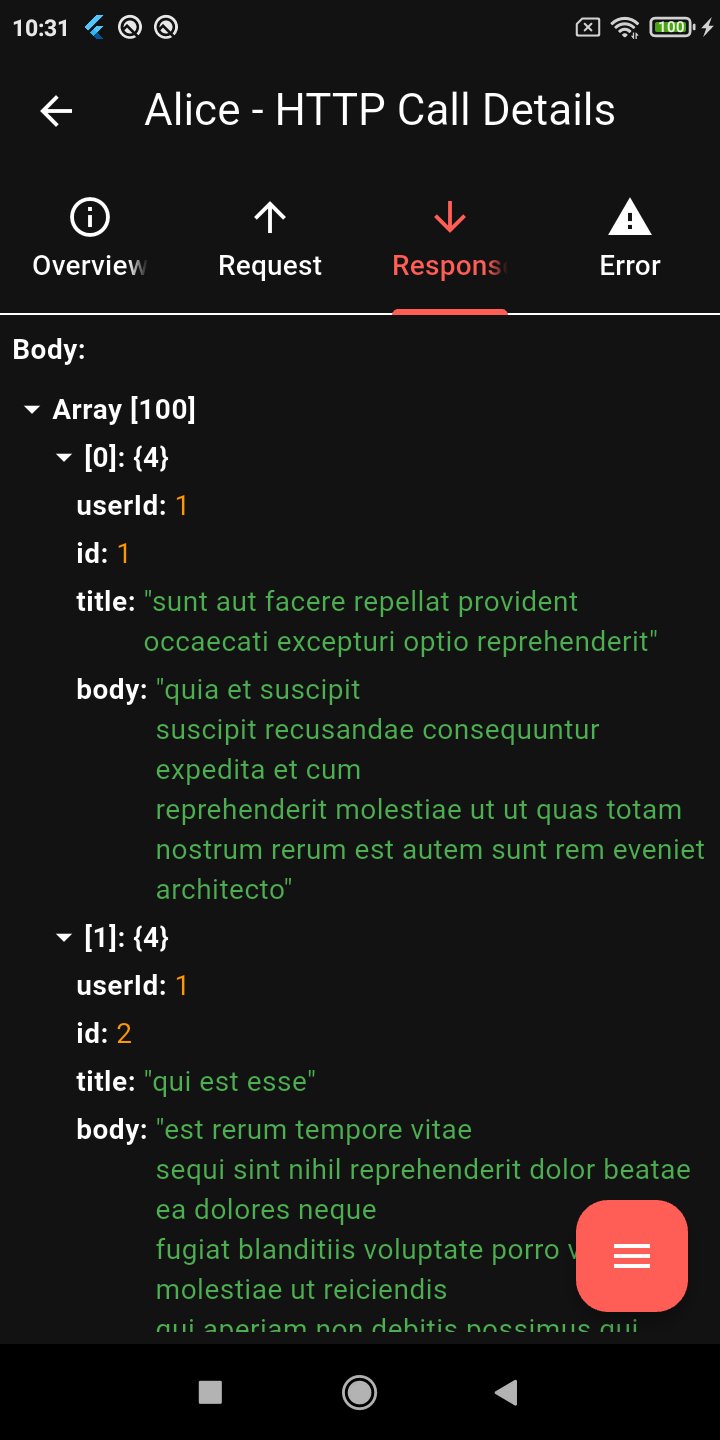
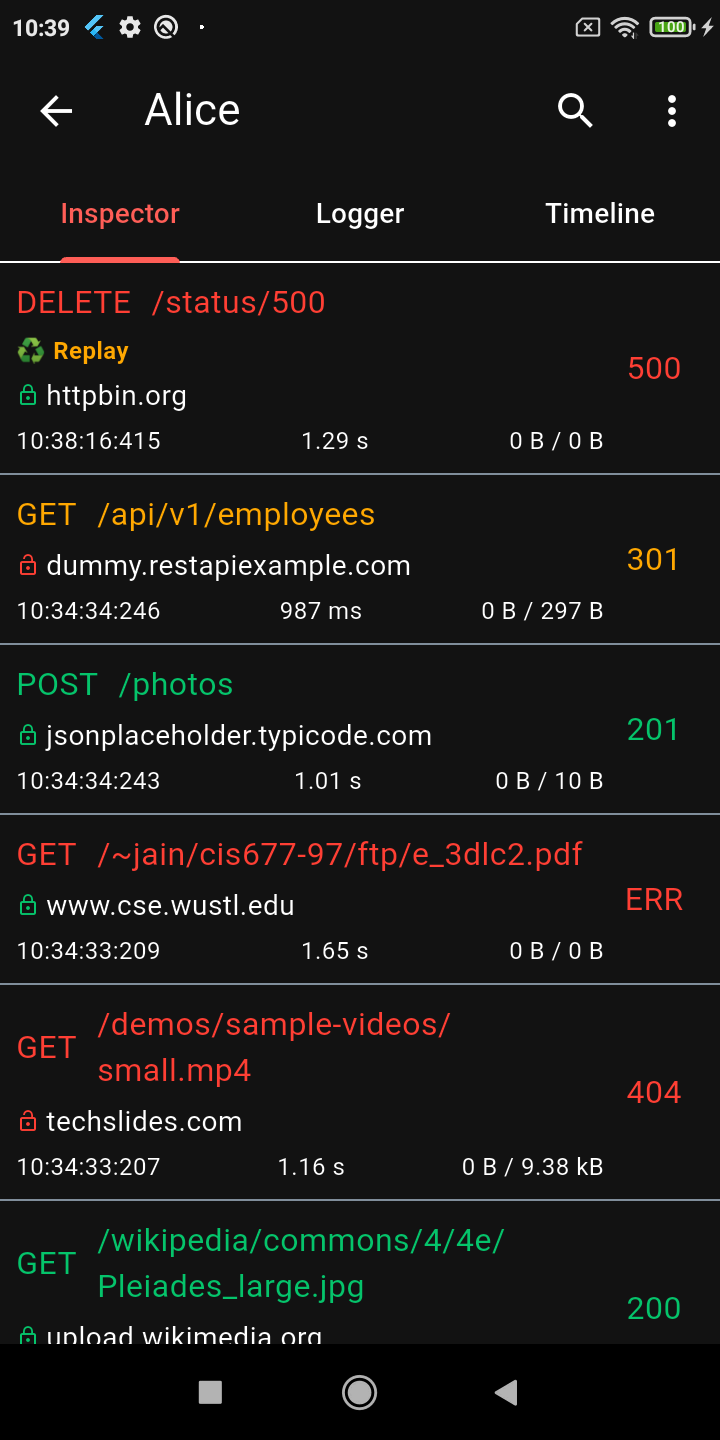
Alice is an HTTP Inspector tool which helps debugging http requests. It catches and stores http requests and responses, which can be viewed via simple UI.
Package selection guidance compiled from public package information, community data, and project usage.
Alice is a debugging tool for Flutter applications that inspects HTTP requests and responses. It intercepts network traffic, stores the data, and provides a simple UI to view detailed request and response information, including headers, bodies, and timestamps. Ideal for developers troubleshooting API integrations or analyzing network behavior during development. The tool is easy to integrate via pub add and supports both Android and iOS platforms.
Use cases
Debugging API calls
Inspecting request/response payloads
Monitoring network performance
Testing backend integrations
Real-time HTTP logging
Key features
Real-time HTTP request interception
Simple and intuitive UI
Supports headers and body inspection
Cross-platform (Android & iOS)
Easy integration with Flutter apps
Suitable for
Flutter developers
API testers
Mobile app debuggers
Frontend engineers
Dev teams using HTTP clients
Considerations
Not intended for production use
May impact performance in debug mode
Requires manual activation
Limited to HTTP traffic only
UI not customizable
Original README
Original README snapshot from the linked source repository. Visit the repository for the latest content.
Alice - HTTP Inspector for Flutter
Why Alice?
Alice is an advanced HTTP Inspector tool for Flutter that helps you debug network requests effortlessly. It catches and stores HTTP requests and responses, allowing you to view detailed network logs directly within your app via a simple and intuitive UI.
Whether you are hunting down a broken API payload, checking headers, or monitoring performance, Alice provides all the details you need without requiring a proxy or external desktop tools. It's inspired by Chuck and Chucker.
Screenshots
Calls List
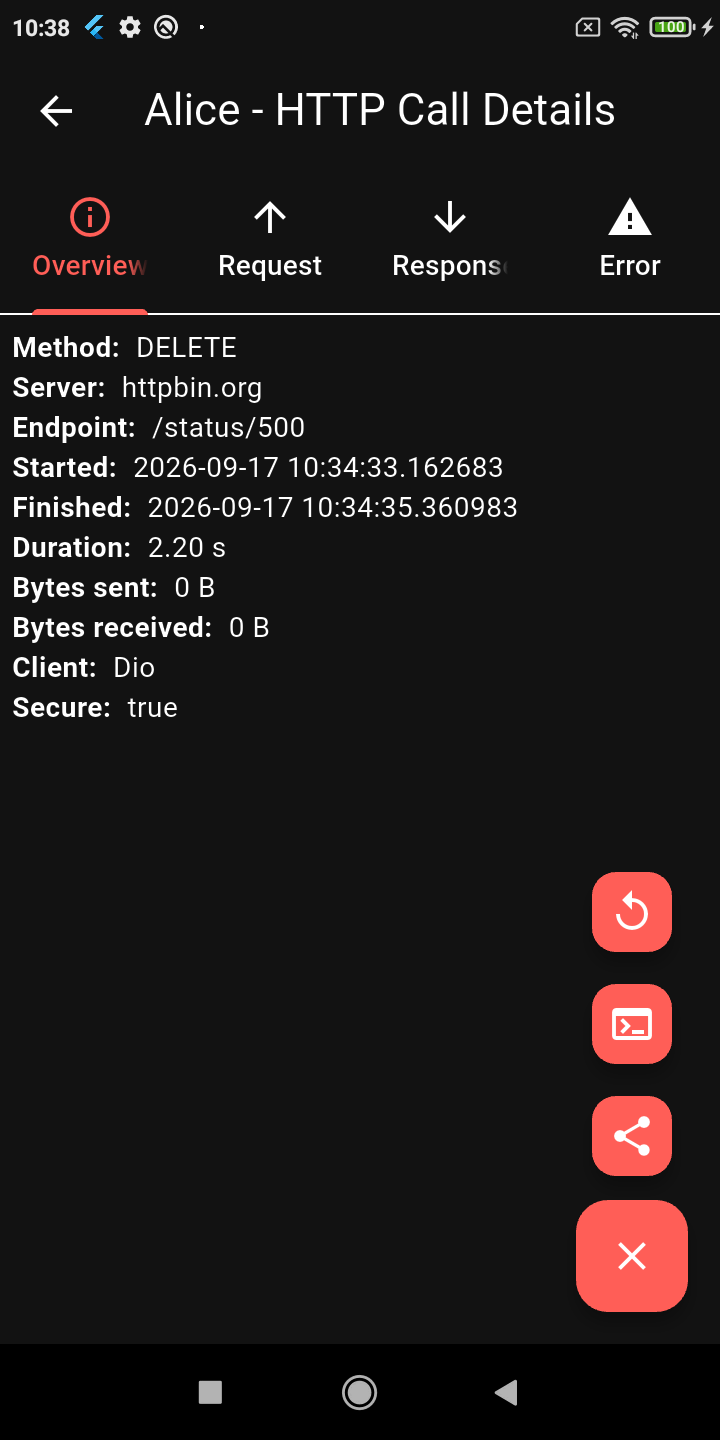
Request Details
JSON Viewer
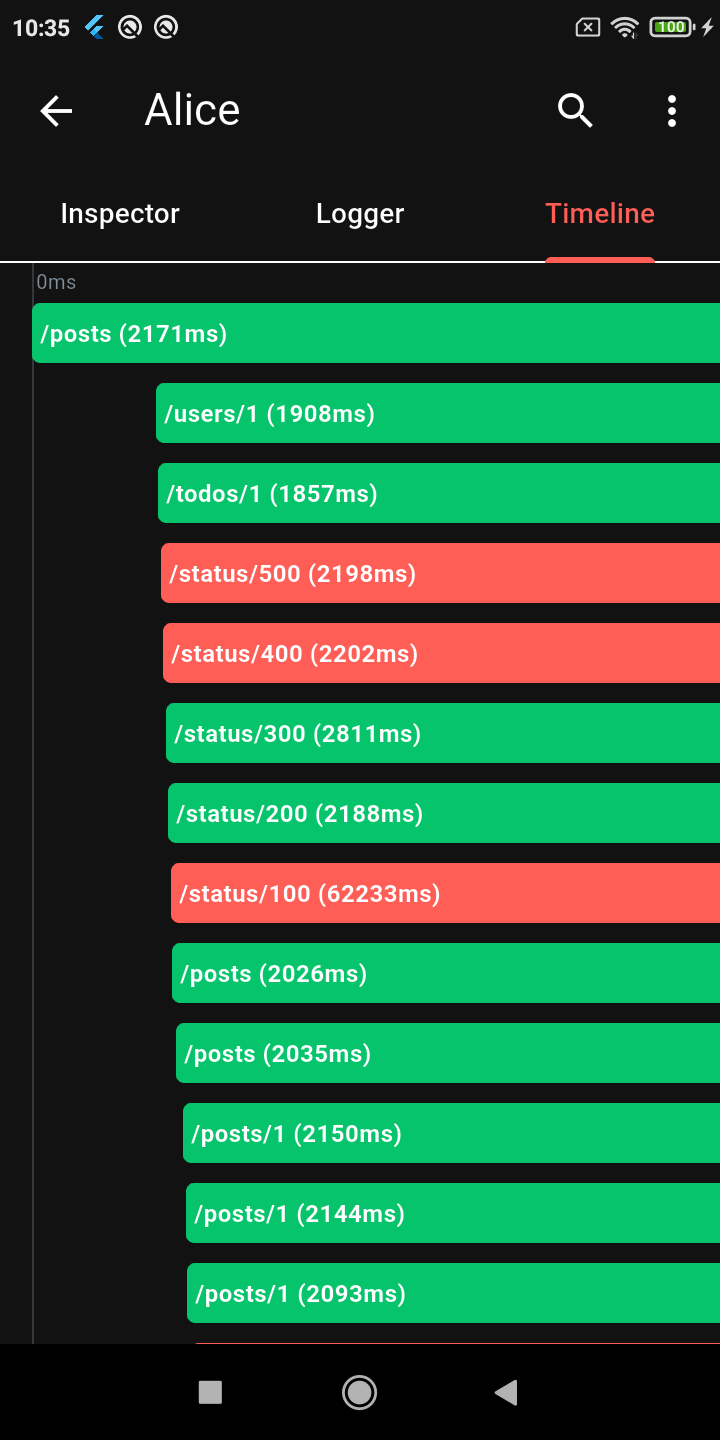
Timeline
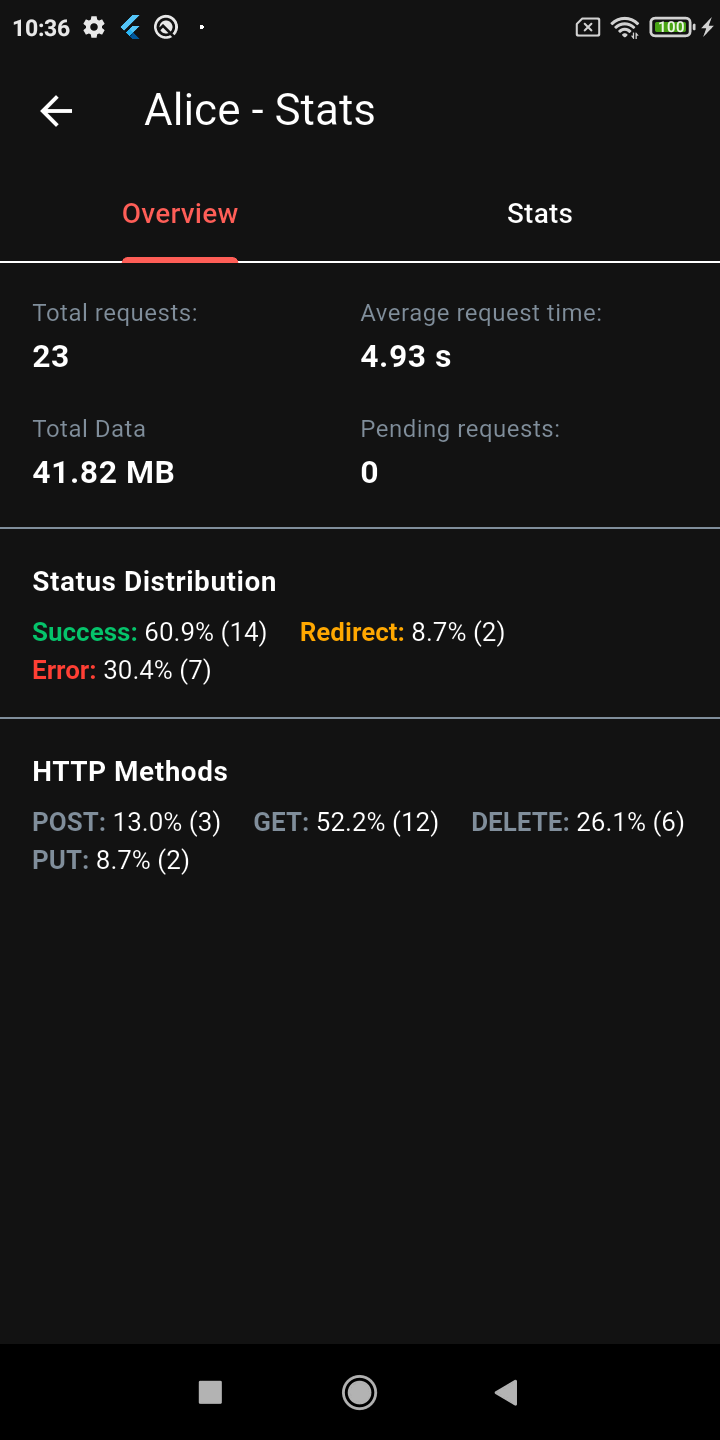
Stats Dashboard
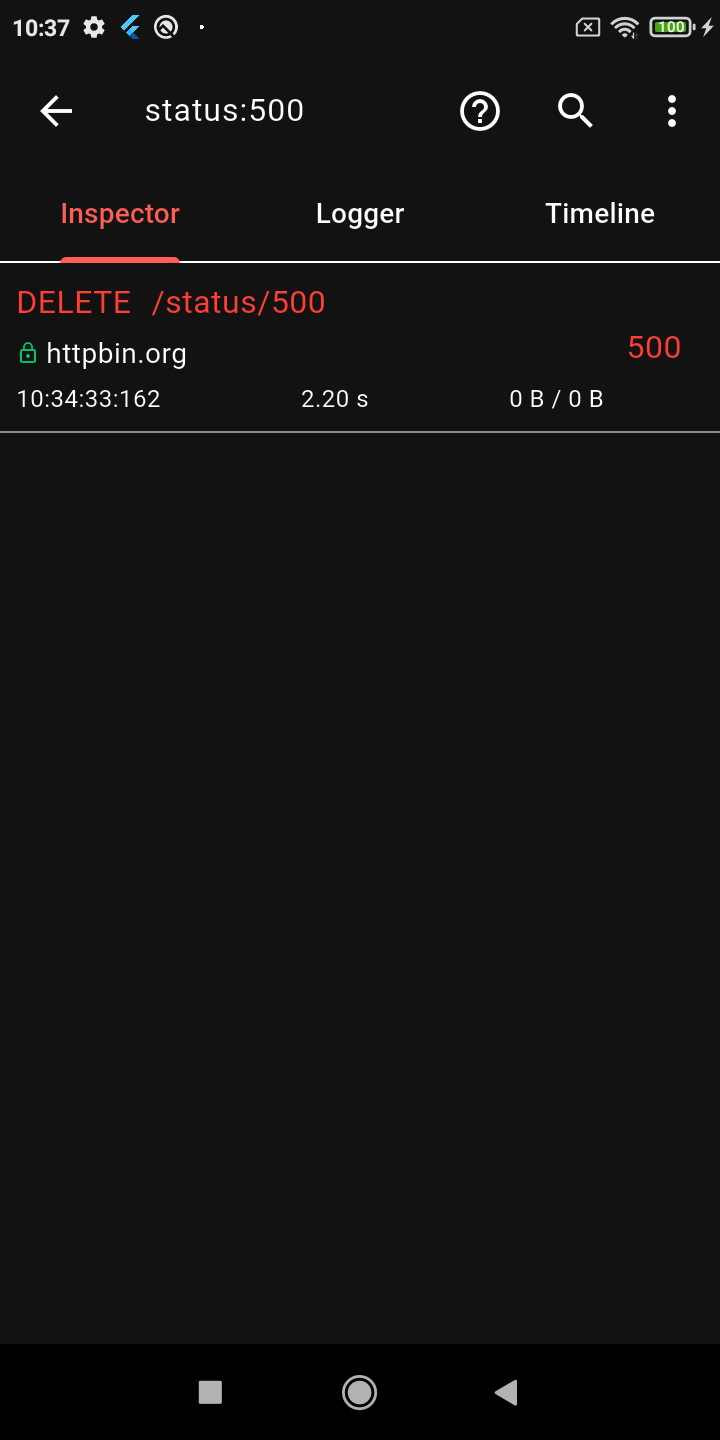
Advanced Search
Request Replay
Dark Mode
Key Features
🔍 Deep Inspection
Detailed logs for every HTTP call (Headers, Body, Query Parameters, Timestamps)
Interactive tree-based JSON viewer for request and response bodies
Gantt chart Timeline to visually inspect staggered HTTP calls
Powerful HTTP calls search (with advanced syntax filters) and filtering
Alice works by attaching an interceptor to your HTTP client. For example, using Dio:
import'package:dio/dio.dart';
import'package:alice_dio/alice_dio_adapter.dart';
Dio dio = Dio();
dio.interceptors.add(AliceDioAdapter().getInterceptor(alice));
// Now make requests! Alice will automatically record them.
dio.get("https://jsonplaceholder.typicode.com/posts");
For instructions on how to attach Alice to Chopper, standard http, or GraphQL, see the full documentation.
Architecture: Why Multiple Packages?
You may notice that Alice uses a multi-package architecture (e.g., alice_dio, alice_http, alice_chopper). This is a deliberate design choice!
Many similar inspector packages force you to pull in a massive dependency tree (Dio, HTTP, Chopper, GraphQL, etc.) all at once, even if your app only uses one of them. This is a bad pattern that bloats your app size, slows down build times, and causes version conflicts.
With Alice, you only install the core alice package and the specific adapter you need (e.g., alice_dio). We strictly avoid enforcing unnecessary dependencies on your project.
Documentation
For complete setup instructions, advanced configuration, and plugin details, please check the Full Documentation.
Custom Integrations & Enterprise Support
Alice has been the go-to Flutter HTTP inspector since its first release, and the ecosystem keeps growing. If your team needs something beyond what's here — a custom adapter for an internal HTTP client, a bespoke export format, enterprise storage backend, or anything else — I'm available for consulting.