 v1.5.1
graphview
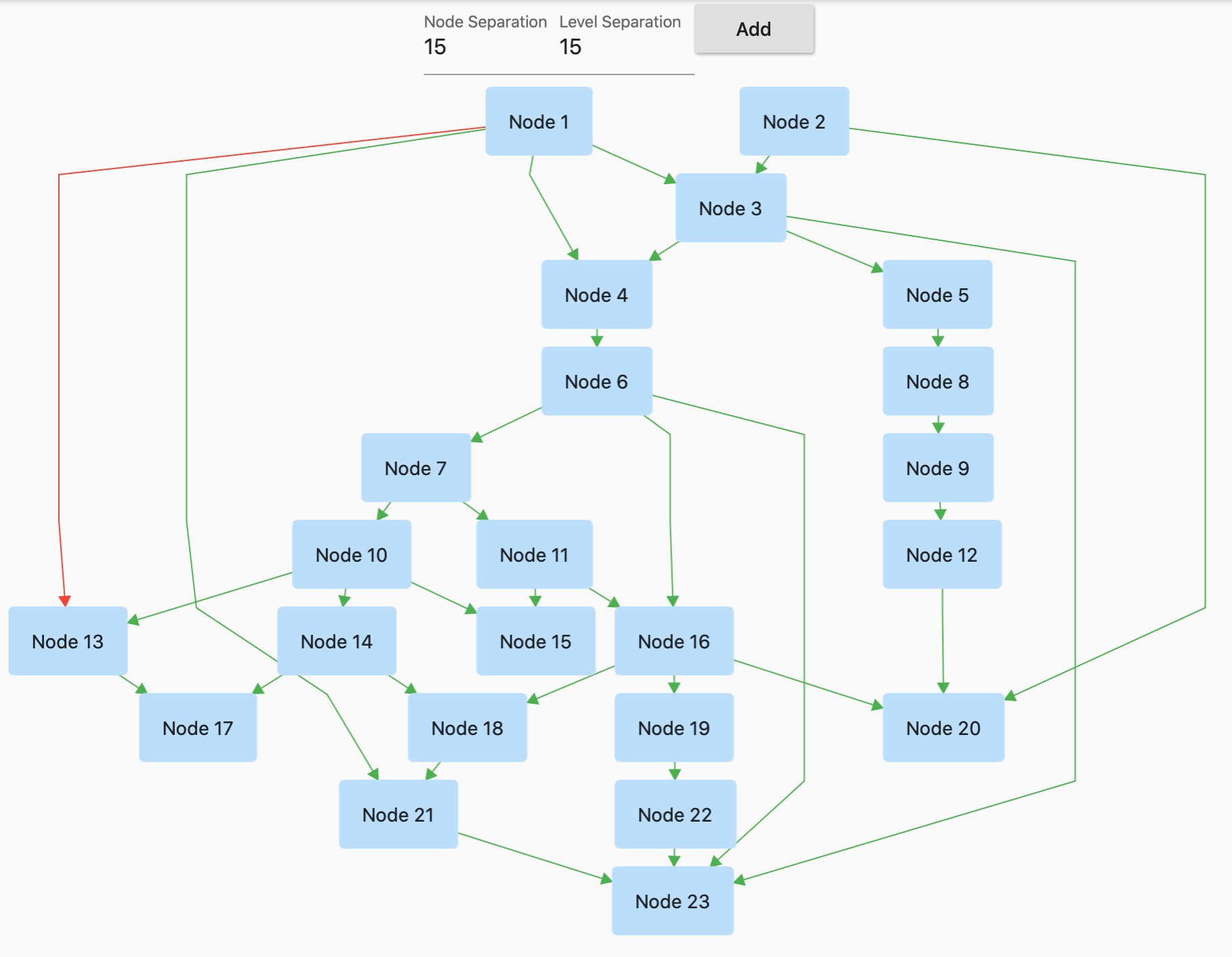
GraphView is used to display data in graph structures. It can display Tree layout, Directed and Layered graph. Useful for Family Tree, Hierarchy View.
518Likes 49.7K30-day downloads130Pub points
AndroidiOSWebmacOSWindowsLinux
Explore Tree View Flutter packages and compare platform support and community metrics.
13 packages
GraphView is used to display data in graph structures. It can display Tree layout, Directed and Layered graph. Useful for Family Tree, Hierarchy View.
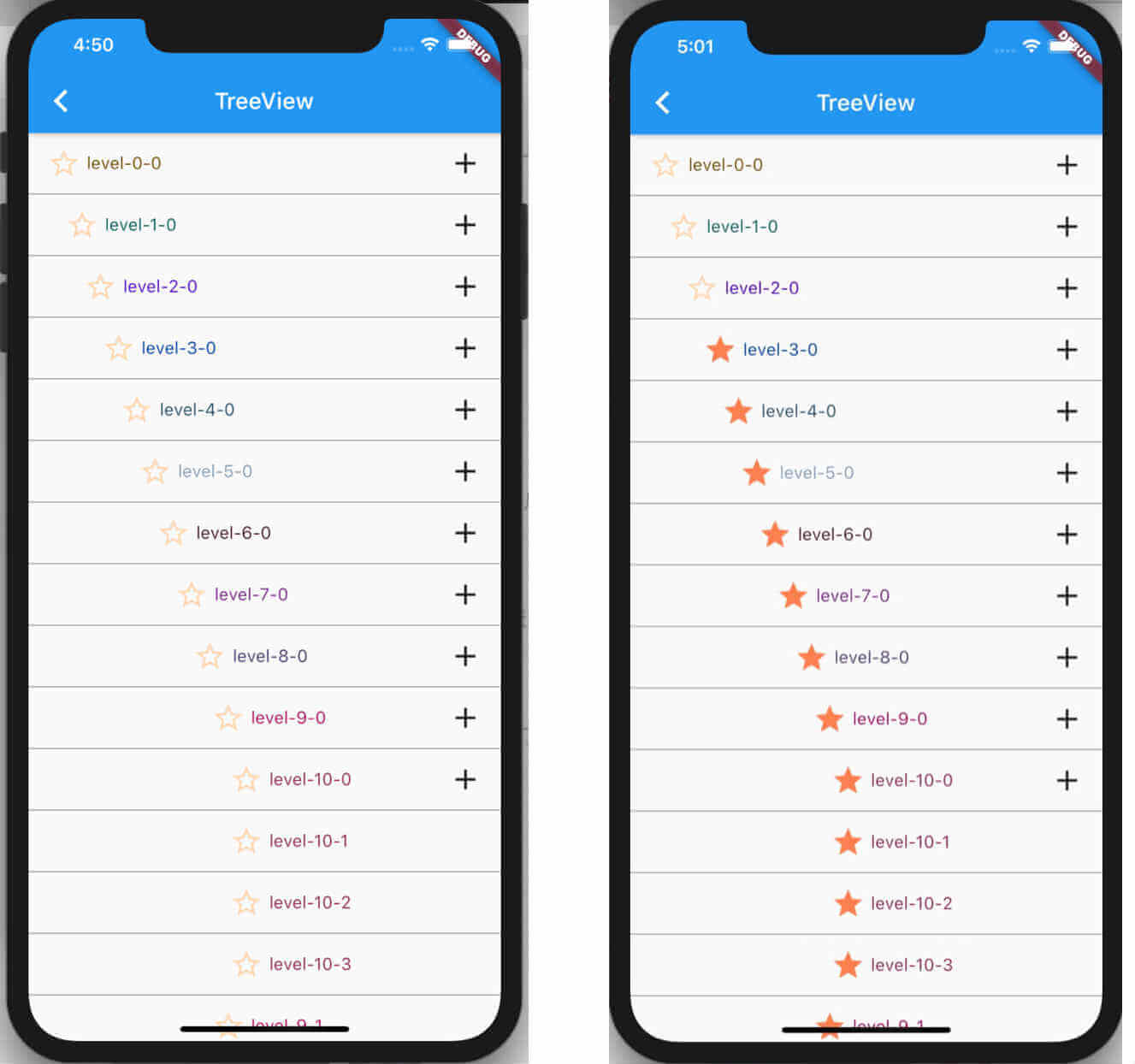
Animated TreeView based on AnimatedList that allows building fully customizable Nodes that can be nested to infinite levels and children.
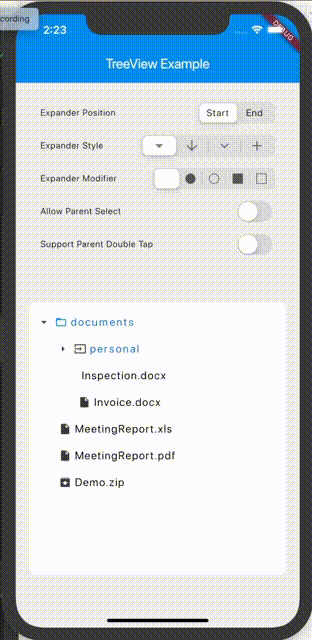
A widget, that visualises a tree structure, where a node can be any widget.
Flutter tree widget plugin, you can use this plugin to show a tree like layout, some thing a department tree.
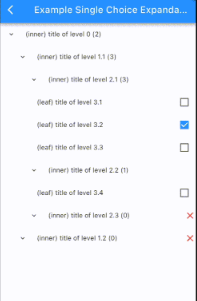
Tree of menu-nodes that can be expanded/collapsed to review more menu nodes, built from a recursive list of nodes.
A tree-view package which focuses on tree data structure and displays it into UI.
A treeview for Flutter. Based on the listview. Infinitely increasing child levels and child nodes.
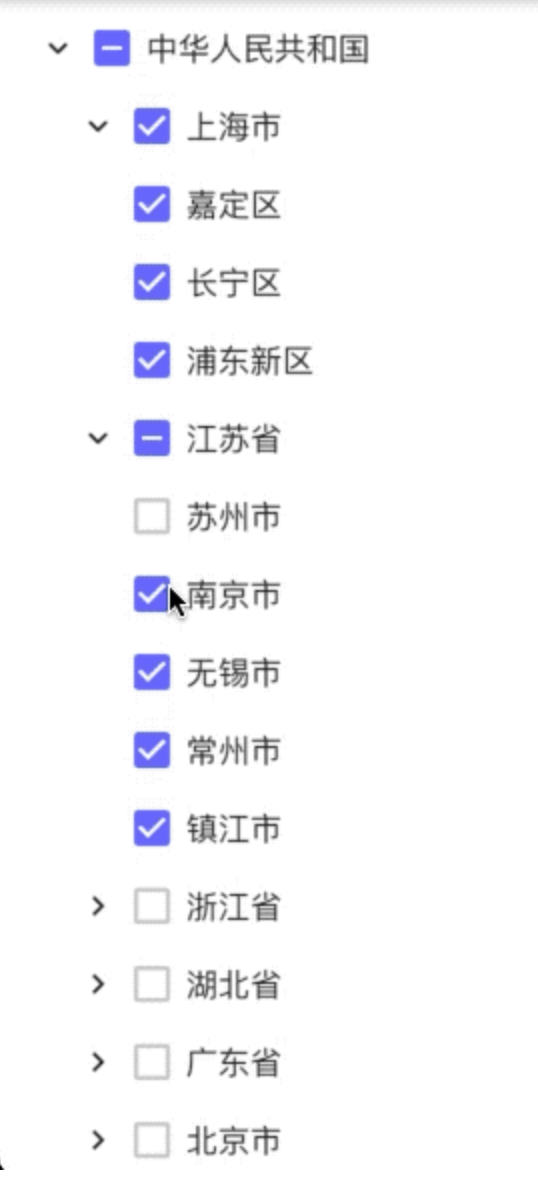
Flutter tree select widget.You can use it to select tree nodes.This is also support RTL.
An elegant, flexible Treeview with Animation. Display hierarchical data in Flutter.
A customizable Flutter widget for displaying hierarchical tree structures with automatic layout algorithms.
A customizable Flutter widget for displaying hierarchical data in tree and folder views with rich theming support.
A tree widget for Flutter that can be used to display nested, hierarchical data. It includes a number of features like styling labels, icons, and import and export utilities.
A Dynamic treeview that can be build using dynamic parent/child relationship. It supports indefinite category/subcategory lists with horizontal and vertical scrolling
Check the required features and target platforms first, then compare versions, downloads, and Pub points. Open package details to consult the original documentation and test compatibility in your project.
Flutter is an open-source framework for building beautiful, natively compiled, multi-platform applications from a single codebase.
Check versions and package metadata on pub.dev, and source code, licensing, and maintenance in the project’s GitHub repository. The official Dart documentation explains that package metadata lives in pubspec.yaml.
pub.dev · GitHub · Dart — The pubspec file
All of this metadata goes in the package's pubspec