 v5.1.0
showcaseview
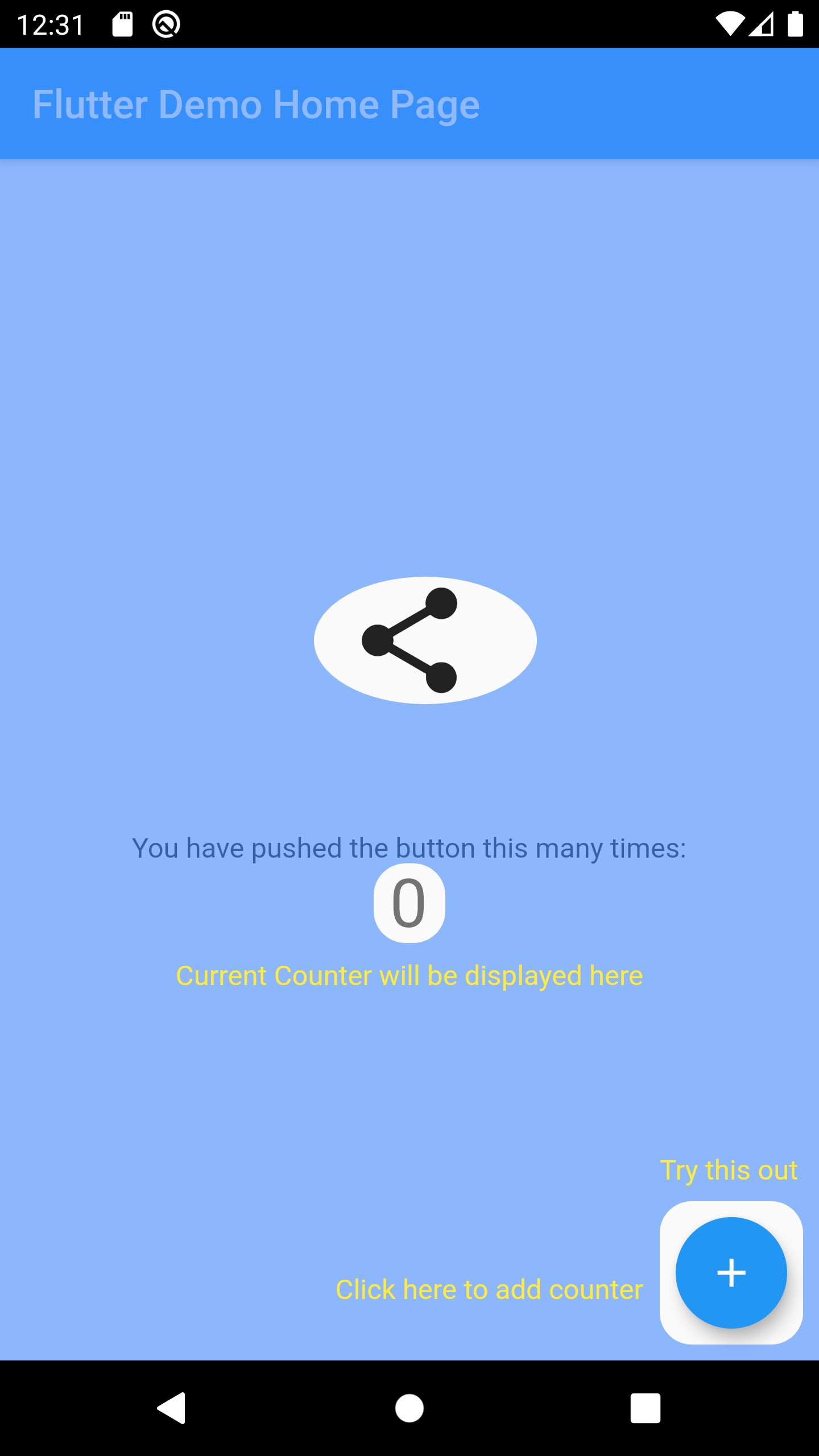
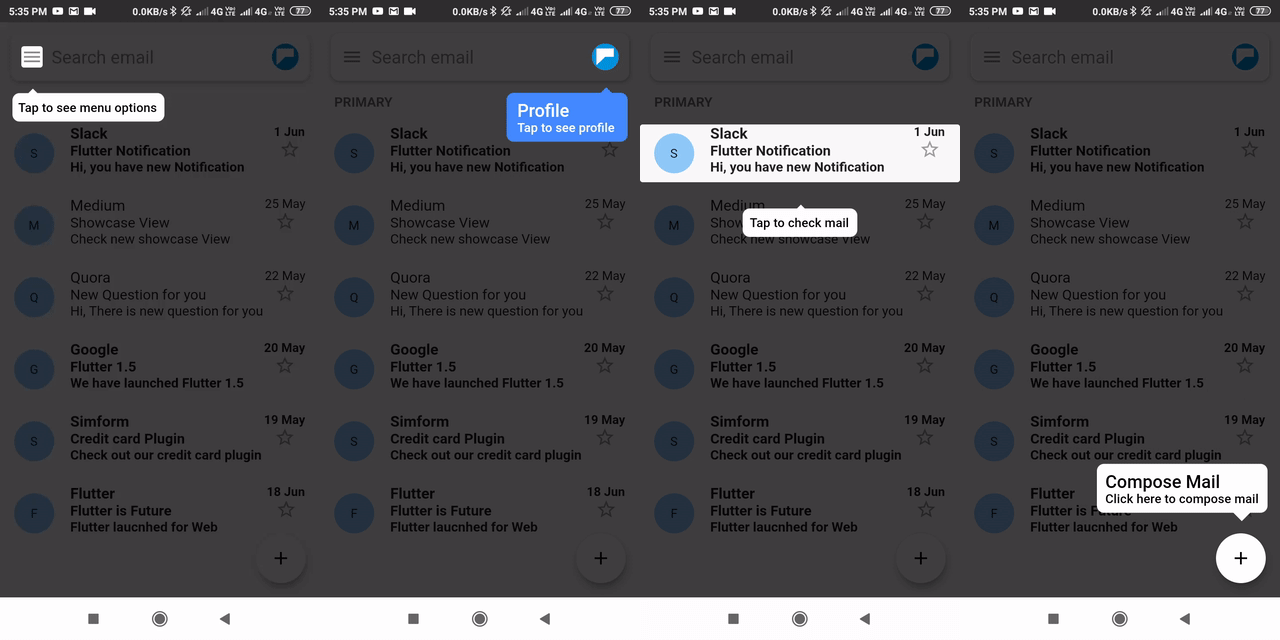
A Flutter package to Showcase/Highlight widgets step by step.
3.1KLikes 263K30-day downloads150Pub points
AndroidiOSWebmacOSWindowsLinux
Explore Feature Discovery - Coach Marks Flutter packages and compare platform support and community metrics.
15 packages
A Flutter package to Showcase/Highlight widgets step by step.
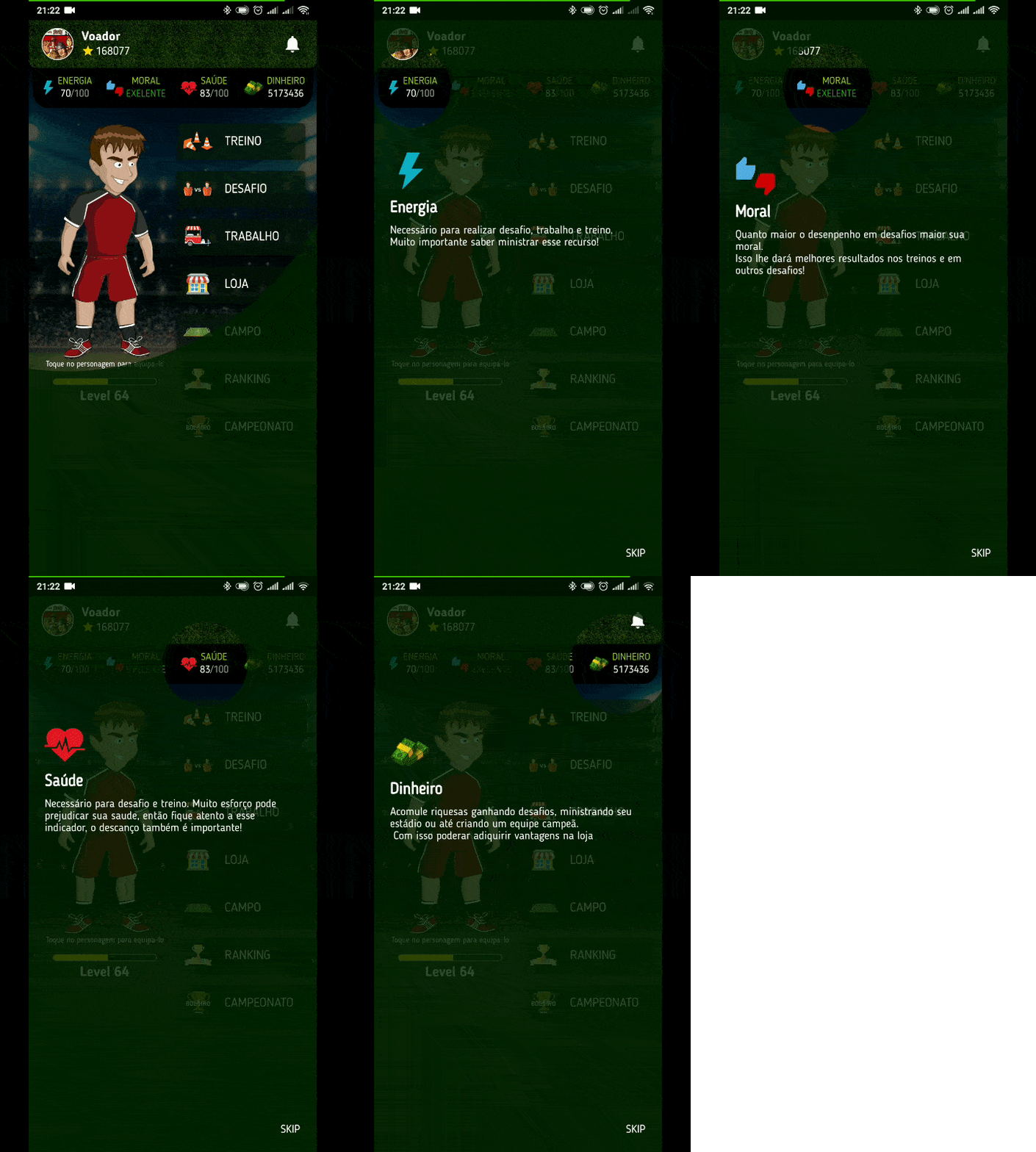
Guide that helps you to present your app and its features in a beautiful, simple and customizable way. Tutorial | Guide | Coach.
A Flutter package that implements Material Design Feature discovery to show a description of specific features to new users. See https://tinyurl.com/FeatureDiscovery
A better way for new feature introduction and step-by-step users guide for your Flutter project.
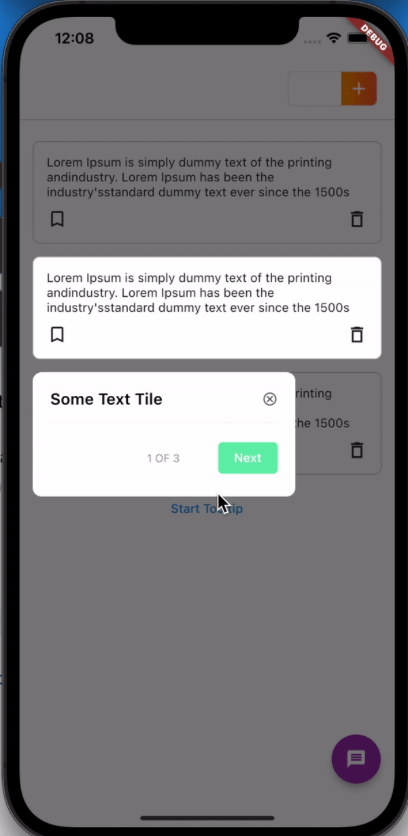
An overlay tooltip handler for onboarding
Simple tours, coachmarks, and tutorials. Just tag your Widgets!
THE BEST AND SIMPLE THE TUTORIAL OVERLAY .
Simple coach marks with step and dynamic position for your application (coach mark/showcase/tooltip/etc...)
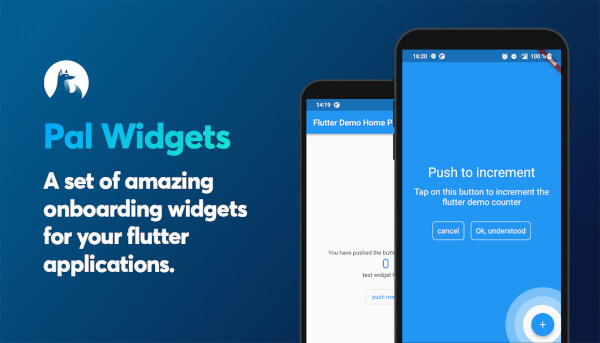
A set of amazing onboarding widgets for your flutter applications.
A step-by-step wizard, which can help you to introduce your product or to demonstrate the usage of your application.
A Flutter package for displaying overlay tutorial by cutting a hole on widget. It allows also to add hint aside the hole.
Features Tour is a package that enables you to easily create tours to introduce your widget features in your app with order.
Package for creating onboarding flows for your app to explain the features of the app in a seamless ways to you users.
Coach Mark shows provided tips or inctructions in overlay by blurring background and highlighting target element.
A Flutter package to Showcase/Highlight widgets step by step.
Check the required features and target platforms first, then compare versions, downloads, and Pub points. Open package details to consult the original documentation and test compatibility in your project.
Flutter is an open-source framework for building beautiful, natively compiled, multi-platform applications from a single codebase.
Check versions and package metadata on pub.dev, and source code, licensing, and maintenance in the project’s GitHub repository. The official Dart documentation explains that package metadata lives in pubspec.yaml.
pub.dev · GitHub · Dart — The pubspec file
All of this metadata goes in the package's pubspec