Search packages, repositories and app categories

coachmaker cover
Package detailsv0.2.1

coachmaker

Simple coach marks with step and dynamic position for your application (coach mark/showcase/tooltip/etc...)

AndroidiOSWebmacOSWindowsLinux
30-day downloads
88
Likes
94
Pub points
140

Install package

flutter pub add coachmaker

Package Overview

Package selection guidance compiled from public package information, community data, and project usage.

CoachMaker is a Flutter package that provides simple, customizable coach marks (also known as walkthroughs, showcases, or tooltips) to guide users through your app's features. It supports dynamic positioning and step-by-step navigation, making it ideal for onboarding flows. The package works across all major platforms including Android, iOS, Web, macOS, Windows, and Linux. With minimal setup and intuitive APIs, CoachMaker helps highlight key UI elements in a clean, interactive way.

Use cases

  • Onboarding new users
  • Highlighting new features
  • Guiding users through workflows
  • Improving user engagement
  • Educating users about app functionality

Key features

  • Dynamic position adjustment
  • Step-by-step navigation
  • Customizable appearance
  • Cross-platform support
  • Simple API integration
  • Support for multiple platforms

Suitable for

  • App onboarding screens
  • Feature introduction flows
  • User education tools
  • Interactive tutorials
  • Product walkthroughs

Considerations

  • May require careful placement to avoid overlapping UI
  • Performance impact with many steps
  • Limited built-in animations
  • Not designed for complex interactions
  • Best used in controlled user flow scenarios

Original README

Original README snapshot from the linked source repository. Visit the repository for the latest content.

Coachmaker

Coach marks are temporary messages that educate users through new or unfamiliar product experiences. They can be chained into a sequence to form a tour.

Adobe Said 👨‍🎓

coachmaker stars license

Stt..... this package simple to use 🤫

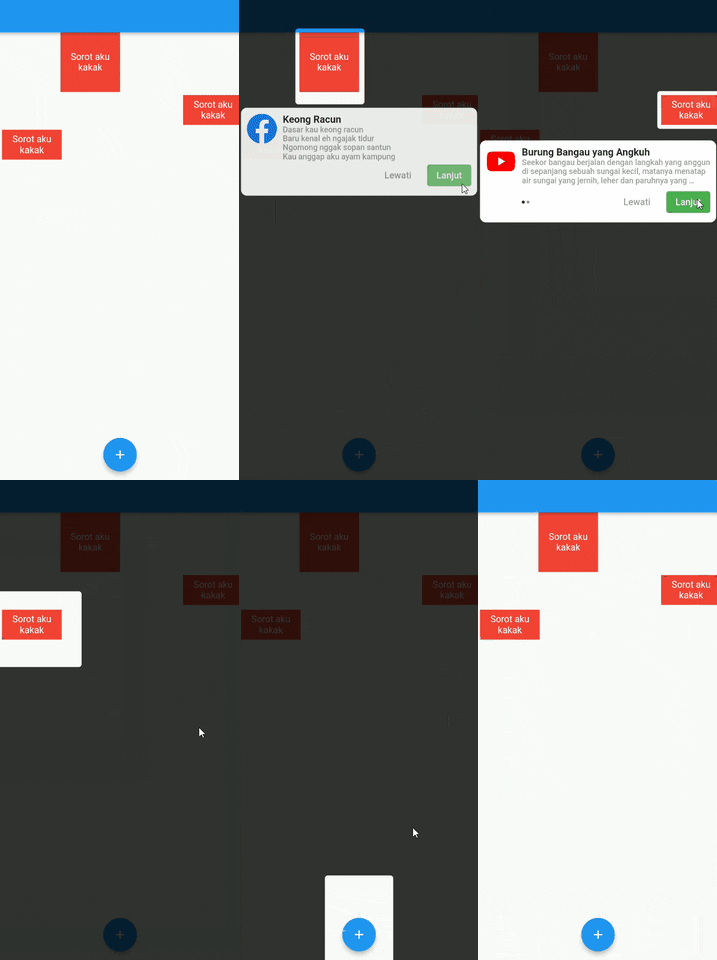
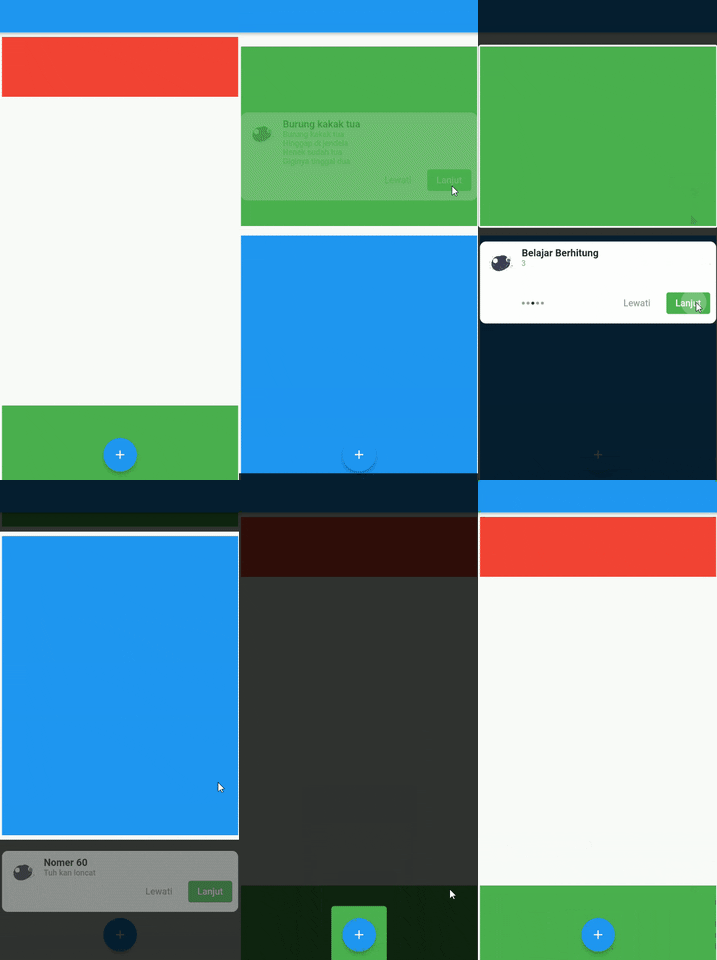
Demo 😎

Full Demo

Full Demo

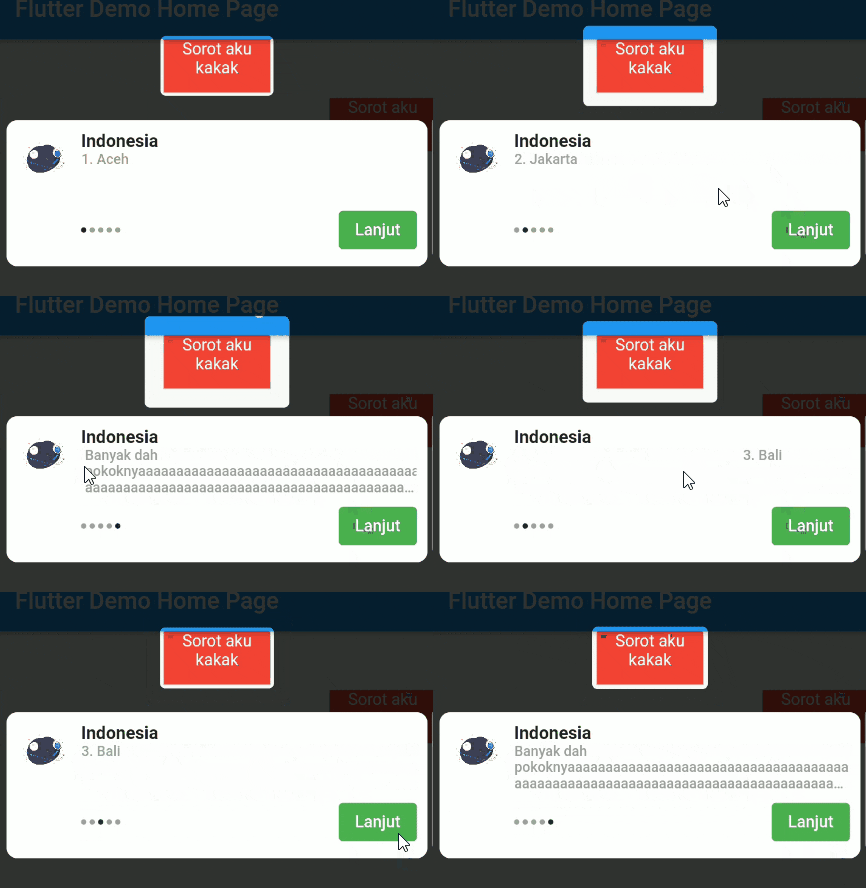
Pageview Slider

Pageview Slider

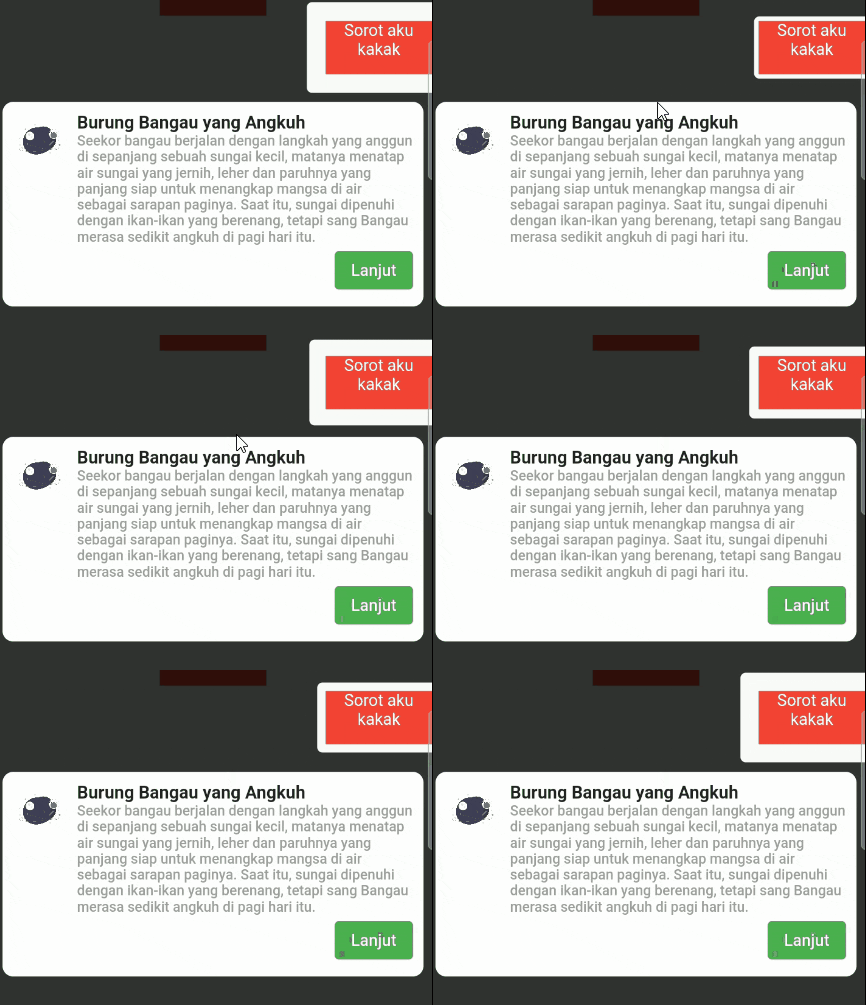
Single Page

Single Page

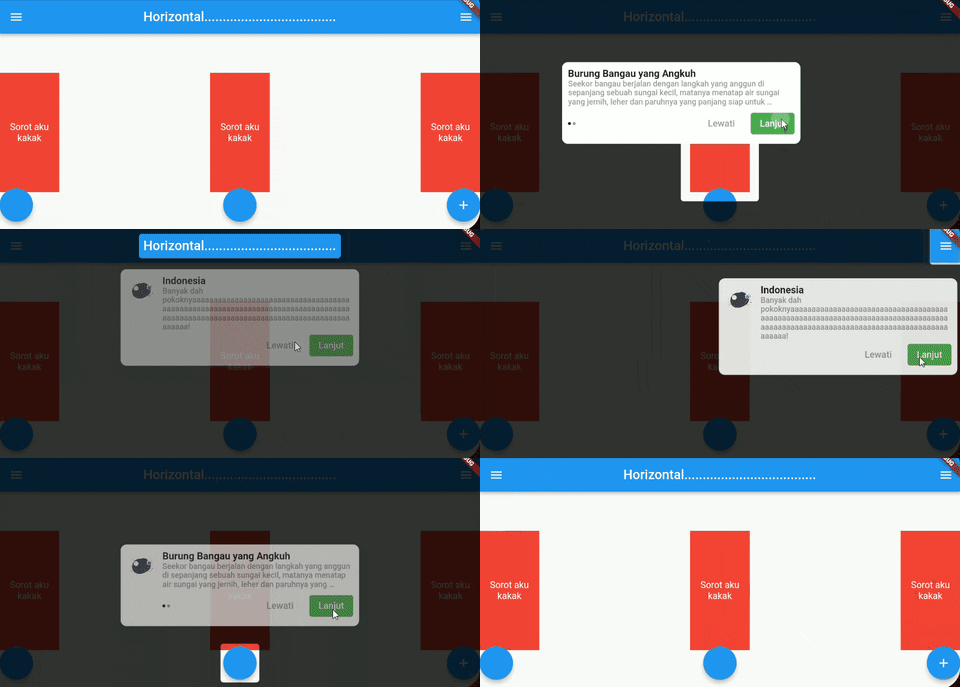
Landscape Page

landscape

Usage 🍽️

Time to fight🥊 :

#1. add coachmaker as a dependency in your pubspec.yaml file.

#2. import package on your file, import 'package:coachmaker/coachmaker.dart';

#3. Wrap your widget with CoachPoint

Example :

CoachPoint(
	initial: '1',
	child: Container(
	          color: Colors.red,
              height: 50,
              width: 100,
              child: Text(
                  'Sorot aku kakak',
                  textAlign: TextAlign.center,
                  style: TextStyle(color: Colors.white),
           ),
   ),
),

*Create a initial with a unique name unique name

#4. Call this method for show coachmaker

initial

Example :

FloatingActionButton(
          onPressed: () {
            CoachMaker(context,
                    ///coachmaker will show from index 0 to n of initialList
                    ///
                    initialList: [
                      ///initial name of CoachPoint from previous example ☝️ (inital: '1') 
                      ///
                      CoachModel(
                          initial: '1',
                          title: 'Indonesia',
                          maxWidth: 400,
                          ///if subtitle length > 1 will show pageview slider
                          ///
                          subtitle: [
                            '1. Aceh',
                            '2. Jakarta',
                            '3. Bali',
                            '4. Papua',
                          ],
                          header: Image.asset(
                            'images/logo.png',
                            height: 50,
                            width: 50,
                          )),
                      ///other initials name available
                      ///
                      CoachModel(
                          initial: '2',
                          title: 'Burung perkutut, burung kuthilang',
                          maxWidth: 400,
                          alignment: Alignment.centerRight,
                          subtitle: [
                            'kamu kentut enggak bilang bilang ',
                          ],
                          header: Image.asset(
                            'images/logo.png',
                            height: 50,
                            width: 50,
                          )),
                    ],
                    nextStep: CoachMakerControl.next,
                    buttonOptions: CoachButtonOptions(
                        buttonTitle: 'Lanjut',
                        buttonStyle: ButtonStyle(
                            backgroundColor:
                                MaterialStateProperty.all(Colors.green),
                            elevation: MaterialStateProperty.all(0))))
                .show();
          },
          tooltip: 'Increment',
          child: Icon(Icons.add),
),

#5. Running your project 🚗

Full example : Example Coachmaker

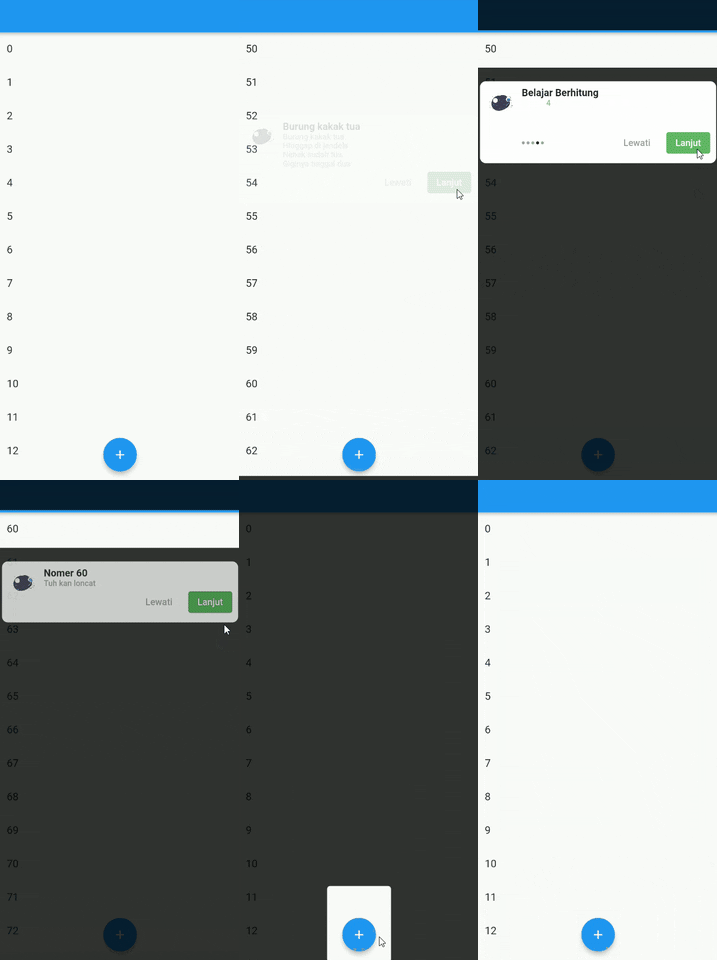
List Controller

Now you can auto scroll of list and coach the item

2 way to use it :

#1 Using Index

same height of list

used when all list items are the same height size .

CoachModel(
  initial: '60',
  title: 'Nomer 60',
  maxWidth: 400,
  subtitle: [
    'Tuh kan loncat',
  ],
  scrollOptions: ScrollOptions(
    scrollController: _scrollController,
    isLast: true
  ),
  header: Image.asset(
    'images/logo.png',
    height: 50,
    width: 50,
  )
),

confused? you can check this Example Here

#2 Using Manual Height

Manual Height

Sometimes, maybe your list item haven't same height, you can using manualHeight for sliding to item

CoachModel(
  initial: '1',
  title: 'Burung kakak tua',
  maxWidth: 400,
  subtitle: [
    'Burung kakak tua\nHinggap di jendela\nNenek sudah tua\nGiginya tinggal dua',
  ],
  header: Image.asset('images/logo.png',
    height: 50,
    width: 50,
  ),
  scrollOptions: ScrollOptions(
    scrollController: _scrollController,
    manualHeight: 600
  ),
),

confused? you can check this Example Here

Contribution 🆘

If you find any errors or want to add improvements, you can open a issue or develop the fix and open a pull request. Thank you!

Support Me 🙏

buymeacoffee.com/saddamnur

Bisa pake Gopay, Dana, Link Aja, OVO, dan QRIS loh gaes....

klik gambar dibawah ya

enter image description here

Categories

Source repository

Projects using this package

No data available yet.