Package selection guidance compiled from public package information, community data, and project usage.
A Flutter widget that provides syntax highlighting for code snippets using pure Dart implementation. It supports multiple programming languages and renders highlighted text efficiently without relying on external dependencies. Ideal for displaying code in documentation, tutorials, or development tools within Flutter apps. The widget is lightweight and compatible across all major platforms including mobile, web, and desktop.
Use cases
Displaying code examples in apps
Highlighting syntax in documentation
Building code editor components
Educational apps with code snippets
Showcasing programming tutorials
Key features
Pure Dart implementation
Supports multiple programming languages
Cross-platform compatibility
Lightweight and efficient
No native dependencies
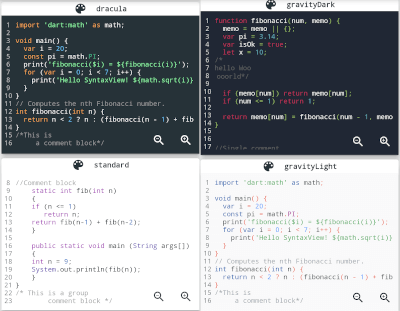
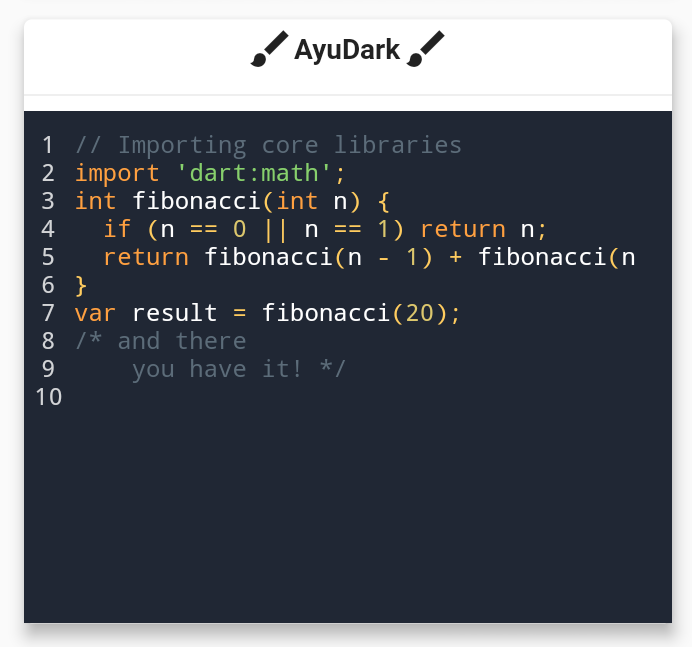
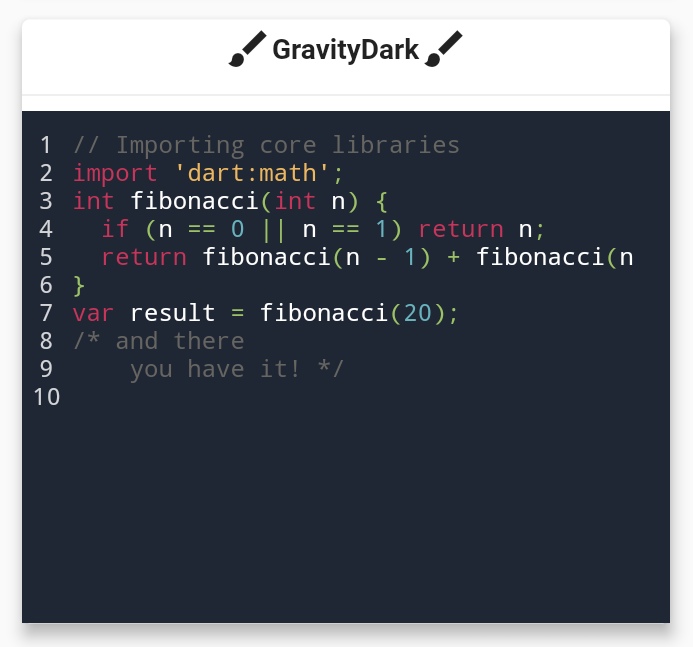
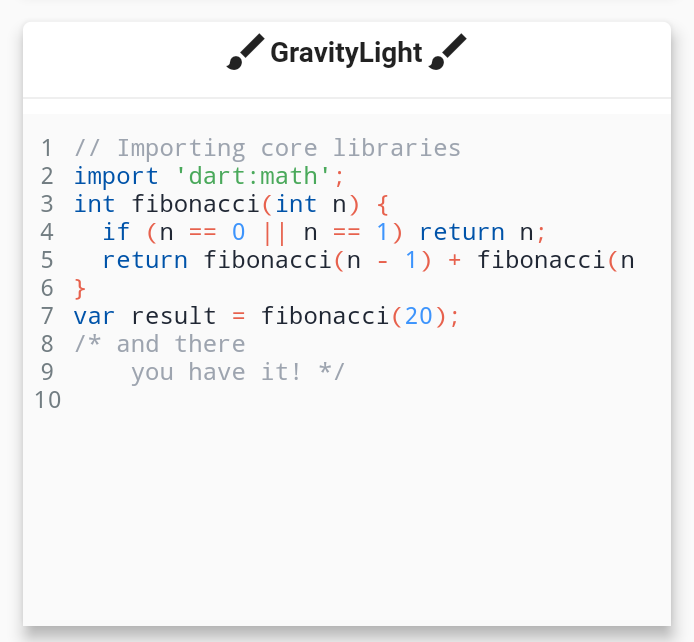
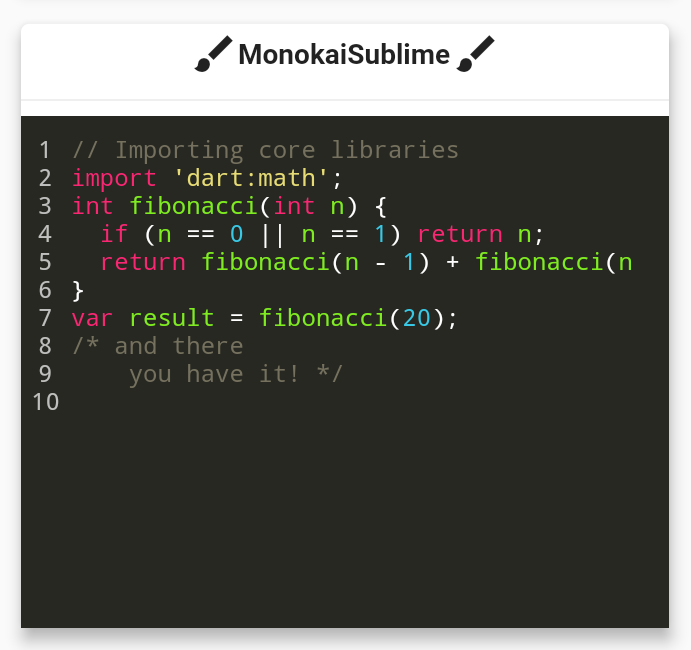
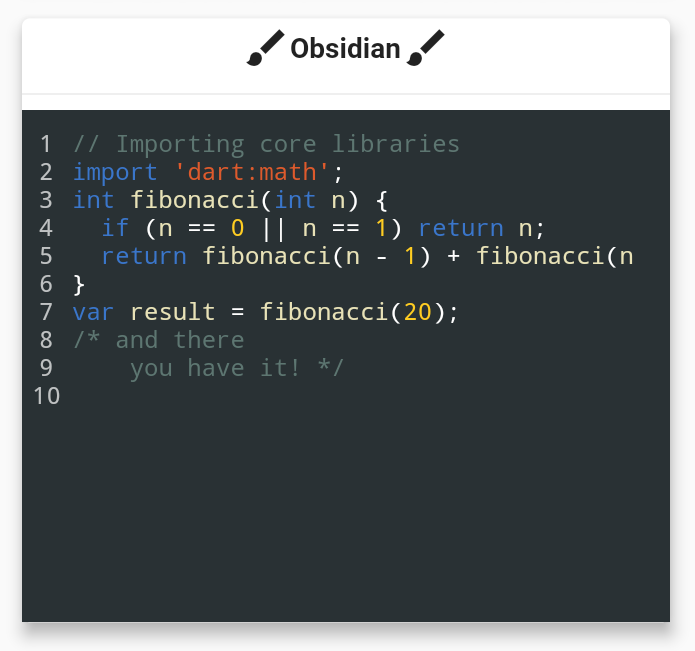
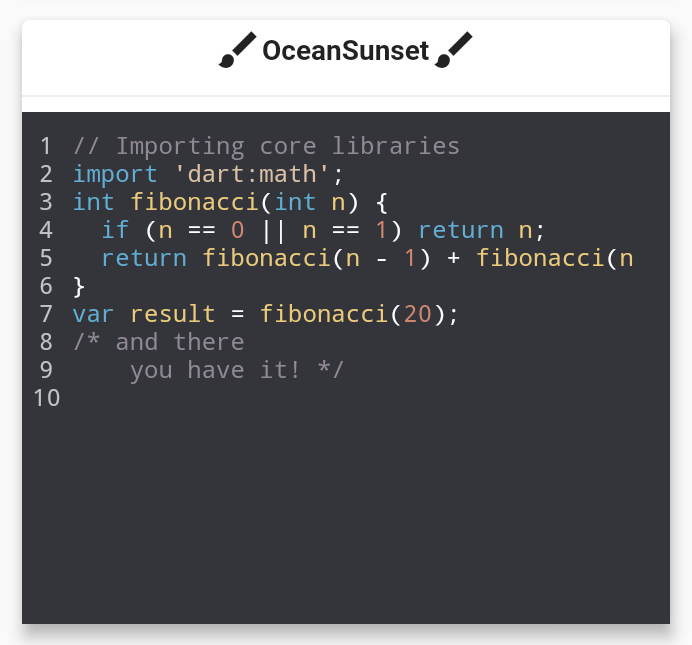
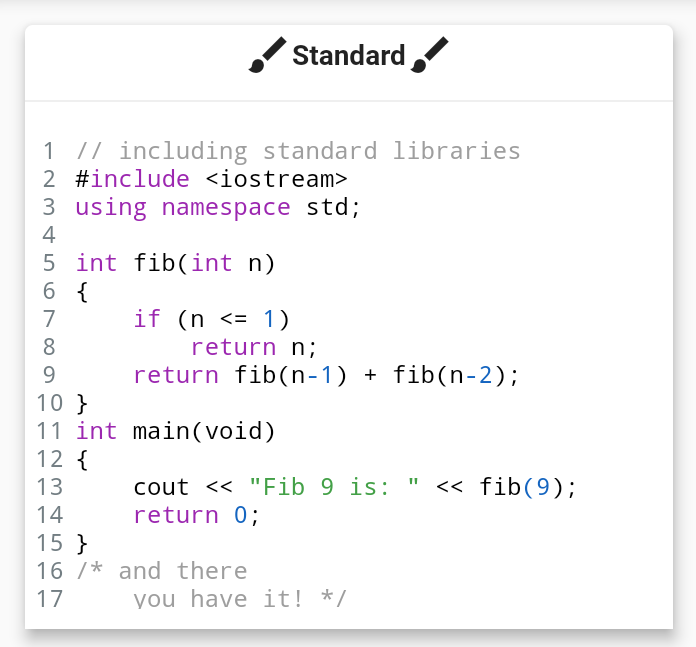
Customizable themes
Suitable for
Developers building educational apps
Documentation and tutorial apps
Code-sharing platforms
Internal developer tools
UIs requiring syntax-highlighted code
Considerations
Limited to static text (not editable)
Does not support real-time editing
Theme customization requires manual configuration
Performance may vary with very large code blocks
Original README
Original README snapshot from the linked source repository. Visit the repository for the latest content.
flutter_syntax_view
Flutter Syntax Highlighter
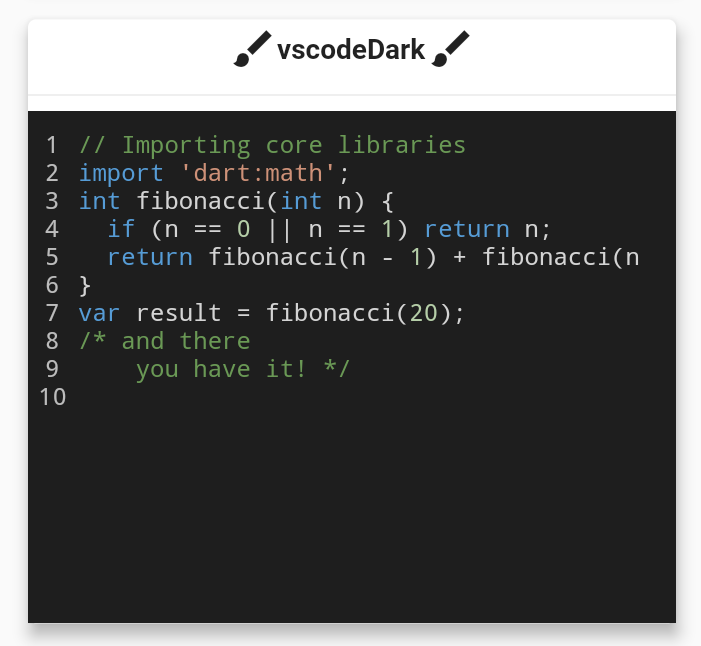
Basic Usage
classHomePageextendsStatelessWidget{
constHomePage({super.key});
finalString code = """
// Importing core libraries
import 'dart:math';
int fibonacci(int n) {
if (n == 0 || n == 1) return n;
return fibonacci(n - 1) + fibonacci(n - 2);
}
final int result = fibonacci(20);
/* and there
you have it! */
""";
@overrideWidgetbuild(BuildContext context) {
returnScaffold(
body: Center(
child: SyntaxView(
code: code, // Code text
syntax: Syntax.DART, // Language
syntaxTheme: SyntaxTheme.vscodeDark(), // Theme
fontSize: 12.0, // Font size
withZoom: true, // Enable/Disable zoom icon controls
withLinesCount: true, // Enable/Disable line number
expanded: false, // Enable/Disable container expansion
selectable: true// Enable/Disable code text selection
),
),
);
}
}
Create a Custom SyntaxTheme
classAppColors{
staticconstColor backgroundColor = Color(0xff1A1A19);
staticconstColor linesCountColor = Color(0xffEFE9D5);
staticconstColor commentStyle = Color(0xffEEDF7A);
staticconstColor zoomIconColor = Color(0xff77CDFF);
staticconstColor stringStyle = Color(0xffF87A53);
staticconstColor baseStyle = Color(0xffF5F5F5);
staticconstColor keywordStyle = Color(0xffCAE0BC);
staticconstColor classStyle = Color(0xffB9E5E8);
}
classHomePageextendsStatelessWidget{
HomePage({super.key});
staticconstString code = r"""
import 'dart:math' as math;
// Coffee class is the best!
class Coffee {
late int _temperature;
void heat() => _temperature = 100;
void chill() => _temperature = -5;
void sip() {
final bool isTooHot = math.max(37, _temperature) > 37;
if (isTooHot)
print("myyy liiips!");
else
print("mmmmm refreshing!");
}
int? get temperature => temperature;
}
void main() {
var coffee = Coffee();
coffee.heat();
coffee.sip();
coffee.chill();
coffee.sip();
}
/* And there
you have it */""";
finalSyntaxTheme myCustomTheme = SyntaxTheme.standard().copyWith(
backgroundColor : AppColors.backgroundColor,
linesCountColor : AppColors.linesCountColor,
commentStyle : constTextStyle(color: AppColors.commentStyle),
zoomIconColor : AppColors.zoomIconColor,
stringStyle : constTextStyle(color: AppColors.stringStyle),
baseStyle : constTextStyle(color: AppColors.baseStyle),
keywordStyle : constTextStyle(color: AppColors.keywordStyle),
punctuationStyle: constTextStyle(color: AppColors.keywordStyle),
classStyle : constTextStyle(color: AppColors.classStyle),
);
@overrideWidgetbuild(BuildContext context) {
returnScaffold(
body: Center(
child: SyntaxView(
code: code, // Code text
syntax: Syntax.DART, // Language
syntaxTheme: myCustomTheme, // Theme
fontSize: 12.0, // Font size
withZoom: true, // Enable/Disable zoom icon controls
withLinesCount: true, // Enable/Disable line number
expanded: false, // Enable/Disable container expansion
selectable: true// Enable/Disable code text selection
),
),
);
}
}
if you are familiar with Regular Expressions in Dart and would like contribute in adding further syntax support. it will be very appreciated!
Contributors ✨
Thanks goes to these wonderful people!
Features and bugs
If you face any problems feel free to open an issue at the issue tracker. If you feel the library is missing a feature, please raise a ticket on Github. Pull request are also welcome.