Package selection guidance compiled from public package information, community data, and project usage.
Re-Highlight is a robust Flutter library designed for syntax highlighting in text, supporting multiple programming languages across all major platforms. It enables developers to render code with accurate colorization and formatting, enhancing readability in code editors, documentation displays, or educational apps. Built with performance and customization in mind, it integrates seamlessly into Flutter projects via a simple package addition. The library leverages efficient parsing and supports dynamic theme updates, making it ideal for real-time code rendering.
Use cases
Code editor widgets
Documentation viewers
Educational coding apps
Live code previews
Syntax-aware text displays
Key features
Multi-language support
Customizable themes
Real-time highlighting
Cross-platform compatibility
Lightweight parsing engine
Dynamic theme switching
Suitable for
Developers building code editors
Apps requiring syntax-aware text rendering
Educational tools with code examples
Documentation interfaces
Considerations
May require tuning for very large code blocks
Limited built-in language detection
Theme customization requires manual configuration
Performance depends on text size and complexity
Original README
Original README snapshot from the linked source repository. Visit the repository for the latest content.
Re-Highlight is a powerful syntax highlighter, which is a sub-module of the Reqable project. Re-Highlight can highlight a text by simply defining a syntax file. And Re-Highlight has built-in syntax highlighting rules for dozens of programming languages, it is easy to make your text syntax highlighting in just a few lines of code.
The implementation code of Re-Highlight is all written in the Dart, translated from the highlightjs project. The implementation idea and inspiration of Re-Highlight come from the highlight.dart project. We are grateful for these great open-source projects. Due to some issues with the highlight.dart project and its discontinuation, this project was born.
👏👏👏 Re-Highlight has been synchronized with the latest version v11.9.0 of highlightjs and has passed all test cases.
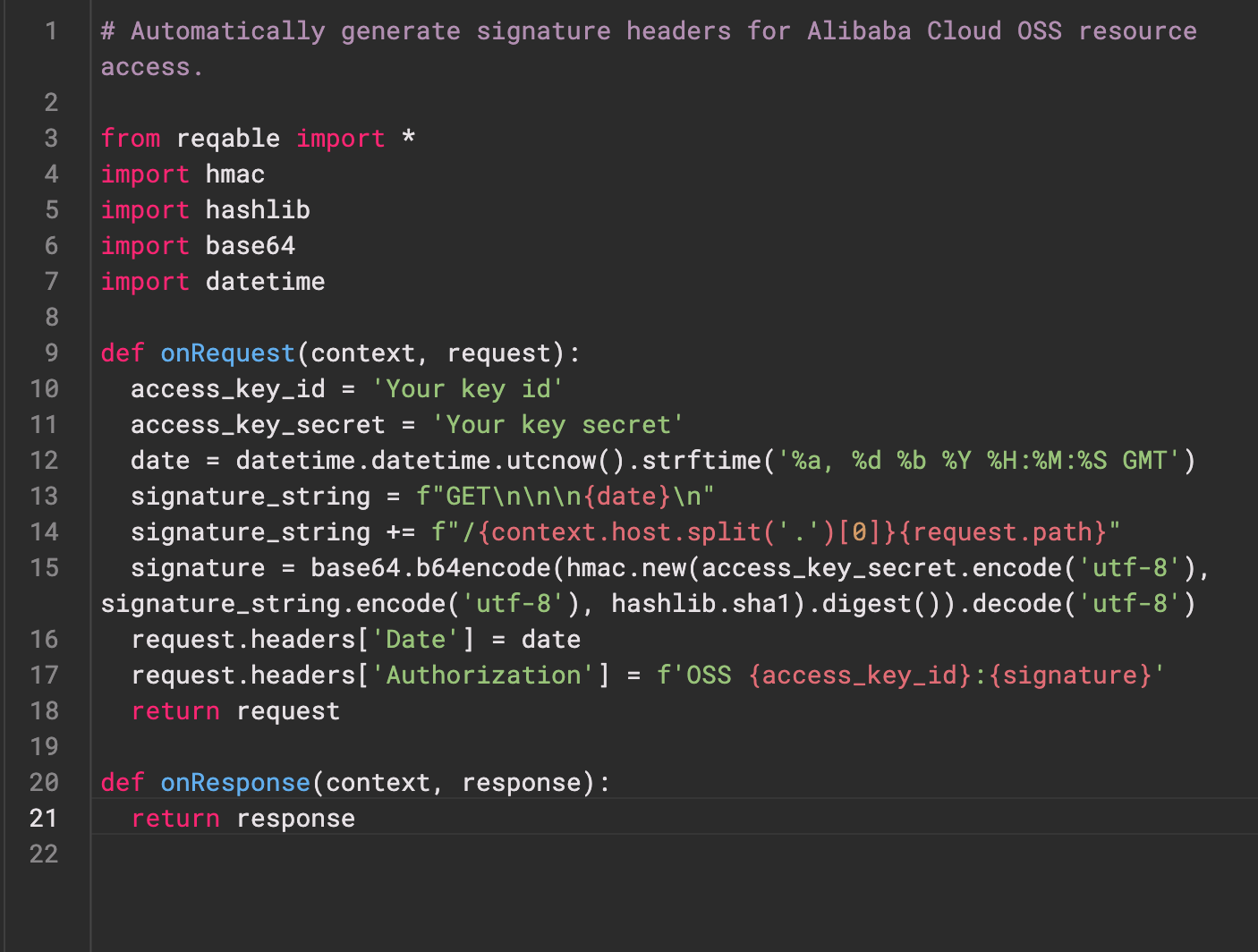
The below shows the highlighting effect. For more styles and languages, please refer to example.
Getting Started
Add the followings in pubspec.yaml.
dependencies:re_highlight:^0.0.3
Highlight yout text or code.
finalHighlight highlight = Highlight();
highlight.registerLanguages(builtinAllLanguages);
const languages = [
'json',
'python',
// other language
];
// Highlight your text or code.finalHighlightResult result = _highlight.highlightAuto('Your text or code', languages);
// Define your styles.finalTextStyle defaultStyle = TextStyle();
finalMap<String, TextStyle> yourTheme = rainbowTheme;
// Convert highlight result to TextSpanfinalTextSpanRenderer renderer = TextSpanRenderer(defaultStyle, yourTheme);
result.render(renderer);
finalTextSpan? span = renderer.span;
// Pass the span to your Text Widget or TextEditingController.
More codes please see example.
Principle and Build
The Re-Highlight project is divided into three parts: syntax highlighting rule interpreter, syntax highlighting rule files, and theme style files. The rule interpreter is located in the src directory, the syntax highlighting rule files are located in the lib\languages directory, and the theme style files are located in the lib\styles directory. The latter two are automatically generated based on the files in highlightjs and do not require manual modification.
Install gulp.
npm install gulp -g
Sync highlightjs modules.
git submodule update --remote --init
Auto generated rule files.
cd tool
npm install
gulp generate
Run unit-tests.
flutter test
The code in the syntax highlighting rule interpreter part is translated directly from highlightjs, and we have tried to keep the consistency of file structure, class names, function names, and code logic as much as possible to facilitate future upgrades and synchronization.
Used By
re-editor A powerful lightweight text and code editor widget.
Issues and Features
The syntax and logic of Re-Highlight are strictly translated from the highlightjs project. If you find any syntax issues or need support for new languages, we suggest submitting them to highlightjs, and we will try to synchronize them as soon as possible.
If it's related to Dart or Flutter, it is welcome to submit an issue or PR in this project.
Sponsor
If you would like to sponsor this project, please consider sponsoring the highlightjs project first. If you still have the capacity, you can support us by purchasing a Reqable license.