Search packages, repositories and app categories

Package detailsv1.0.5

rich_code_editor

Now create your own rich code editor with syntax highlight support in Flutter.

30-day downloads
47
Likes
34
Pub points
30

Install package

flutter pub add rich_code_editor

Package Overview

Package selection guidance compiled from public package information, community data, and project usage.

The rich_code_editor package enables developers to build custom, feature-rich code editors within Flutter applications, featuring built-in syntax highlighting. It provides a flexible foundation for creating interactive coding environments with support for multiple programming languages. Designed for integration into educational tools, IDEs, or developer dashboards, it allows real-time code input and visual feedback. The package is lightweight and extensible, making it ideal for projects requiring code editing capabilities without full IDE complexity.

Use cases

  • Interactive coding tutorials
  • Lightweight IDEs
  • Code snippet viewers
  • Real-time collaboration tools
  • Developer dashboards

Key features

  • Syntax highlighting
  • Customizable themes
  • Extensible architecture
  • Real-time input handling
  • Support for multiple languages

Suitable for

  • Educational apps
  • Developer tools
  • Code sharing platforms
  • Internal admin interfaces
  • Prototyping code editors

Considerations

  • Limited to basic editor features
  • No built-in auto-completion
  • Requires manual configuration for advanced functionality
  • Not optimized for large files
  • No native mobile keyboard integration

Original README

Original README snapshot from the linked source repository. Visit the repository for the latest content.

rich_code_editor

A simple package that supports creating code editors in Flutter.

Flutter version supported: Flutter 1.22.5

Getting Started

There are two main components of the rich code editor:

  1. Editor
  2. Syntax Highlighter

The editor is a text area which is identical to Flutter's TextField widget. However, unlike a regular TextField the editor uses an instance of syntax highlighter object to parse and highlight code syntax.

Since the editor itself is independent of the syntax highlighting rules, the same editor can be used for any other programming langugages. Only the syntax highlighter implementation needs to be created separately for each new programming language.

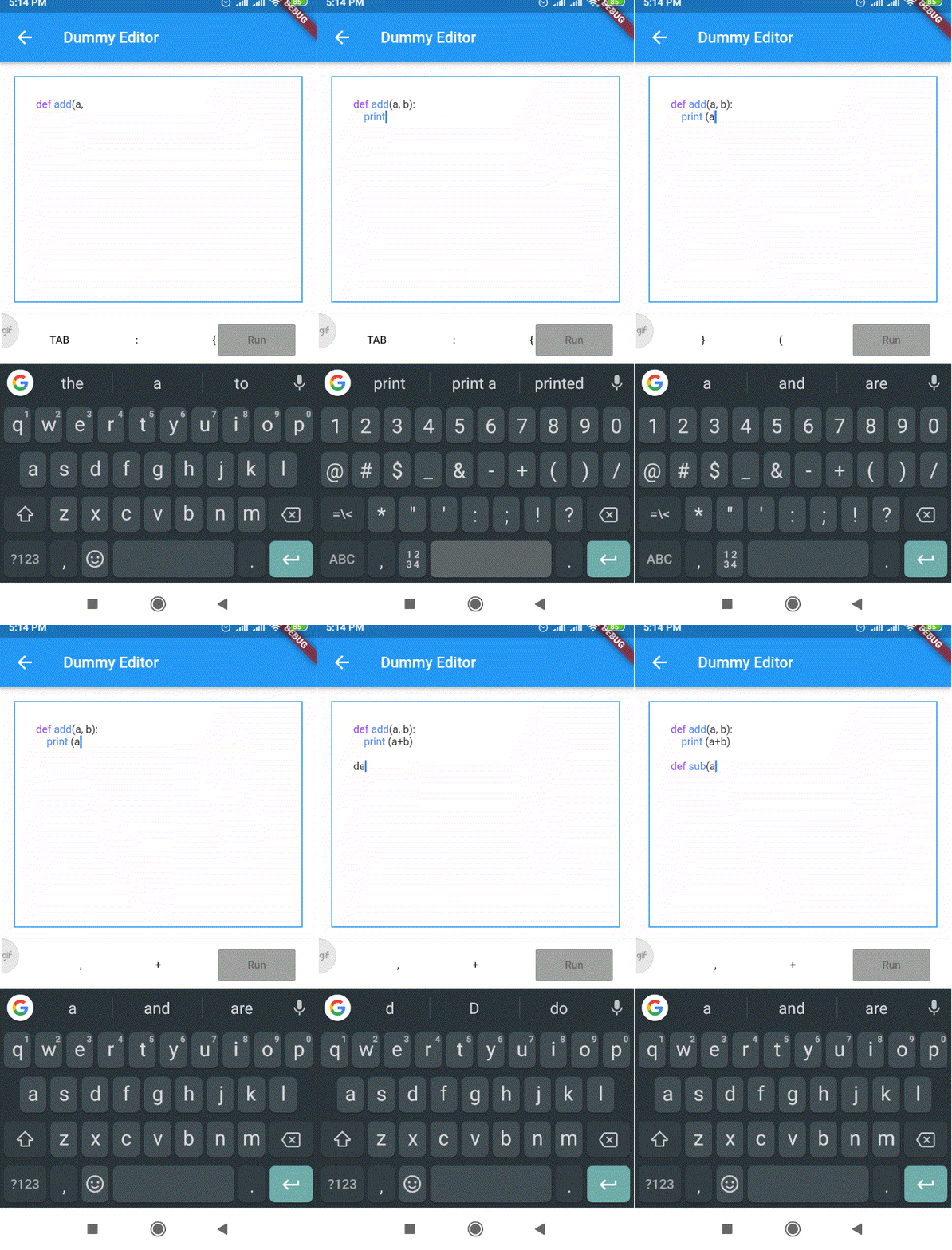
The example demo uses a dummy syntax highlighter implementation DummySyntaxHighlighter.

Get Started by creating your own implementation for SyntaxHighlighterBase class.

The syntax highlight logic part is not much implemented in this package as that will change as per the choice of programming language.

Categories

Source repository

Projects using this package