Search packages, repositories and app categories

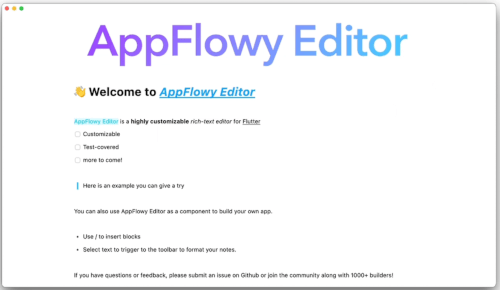
appflowy_editor cover
Package detailsv6.2.0

appflowy_editor

A highly customizable rich-text editor for Flutter. The AppFlowy Editor project for AppFlowy and beyond.

AndroidiOSWebmacOSWindowsLinux
30-day downloads
15.6K
Likes
517
Pub points
60

Install package

flutter pub add appflowy_editor

Package Overview

Package selection guidance compiled from public package information, community data, and project usage.

AppFlowy Editor is a highly customizable rich-text editor built for Flutter, designed to support advanced text editing capabilities across multiple platforms. It enables seamless integration of markdown, HTML, and structured content with a focus on extensibility and performance. Ideal for applications requiring dynamic document editing, it powers AppFlowy’s core functionality while remaining adaptable for broader use cases. The editor supports real-time collaboration features and offers a modular architecture for developers to extend behavior and appearance.

Use cases

  • Document creation and editing
  • Markdown-rich content rendering
  • Collaborative note-taking apps
  • Customizable content management systems
  • Extensible UI components for text workflows

Key features

  • Highly customizable design and behavior
  • Cross-platform support (Android, iOS, Web, macOS, Windows, Linux)
  • Built-in markdown and HTML parsing
  • Modular plugin architecture
  • Real-time collaboration readiness
  • Extensible event system

Suitable for

  • Developers building rich-text editors
  • Teams creating collaborative productivity tools
  • Apps requiring structured document handling
  • Projects needing cross-platform consistency
  • Customizable UI components in content-heavy apps

Considerations

  • Requires understanding of Flutter's widget tree
  • Steeper learning curve due to modularity
  • May need additional setup for real-time sync
  • Performance depends on complexity of custom plugins
  • Limited documentation beyond basic usage

Original README

Original README snapshot from the linked source repository. Visit the repository for the latest content.

AppFlowy Editor

A highly customizable rich-text editor for Flutter

Discord • Twitter

Key Features

  • Build rich, intuitive editors
  • Design and modify an ever-expanding list of customizable features including
    • block components (such as form input controls, numbered lists, and rich text widgets)
    • shortcut events
    • themes
    • selection menu
    • toolbar menu
  • Test Coverage and ongoing maintenance by AppFlowy's core team and community of more than 1,000 builders
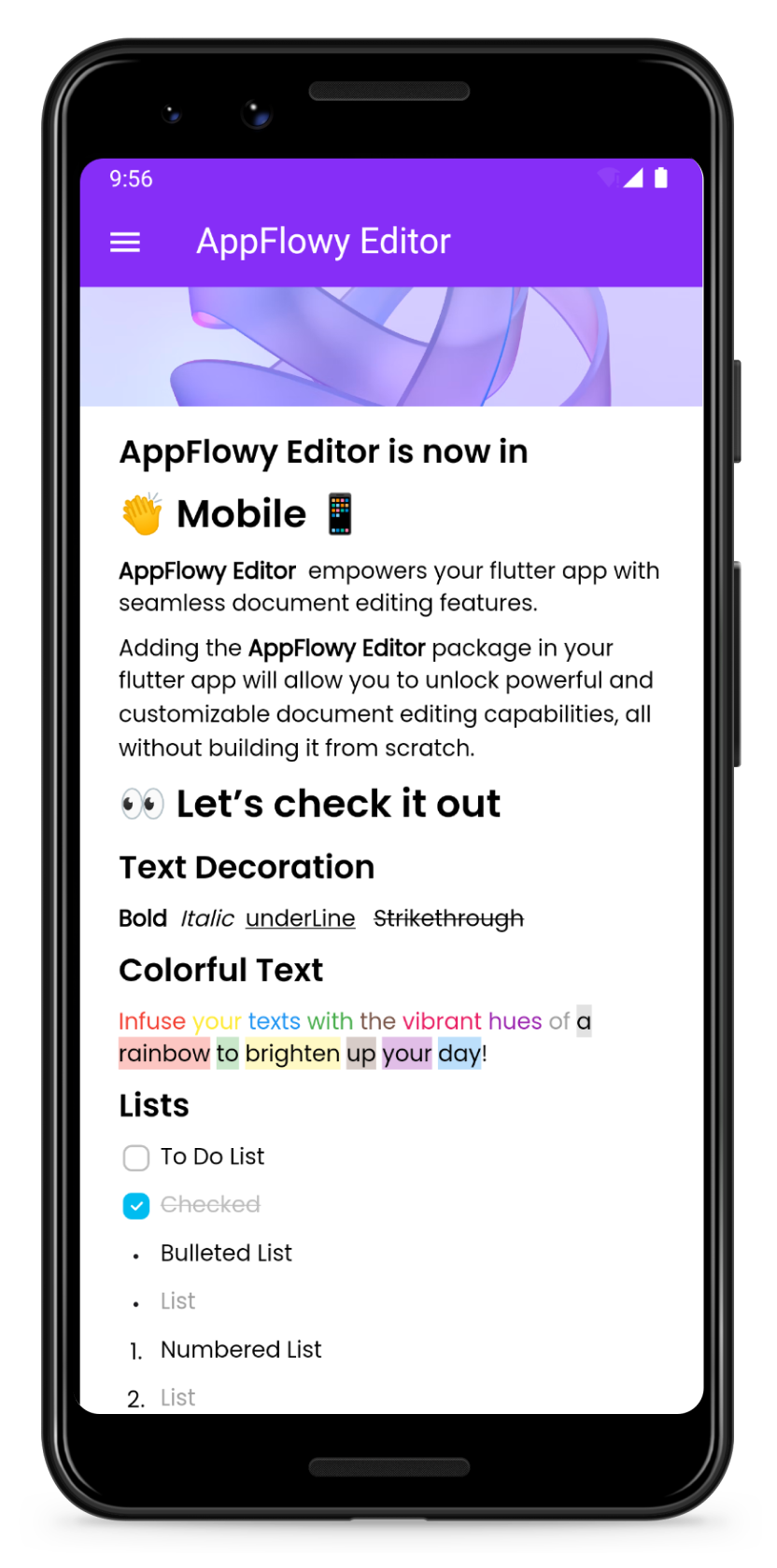
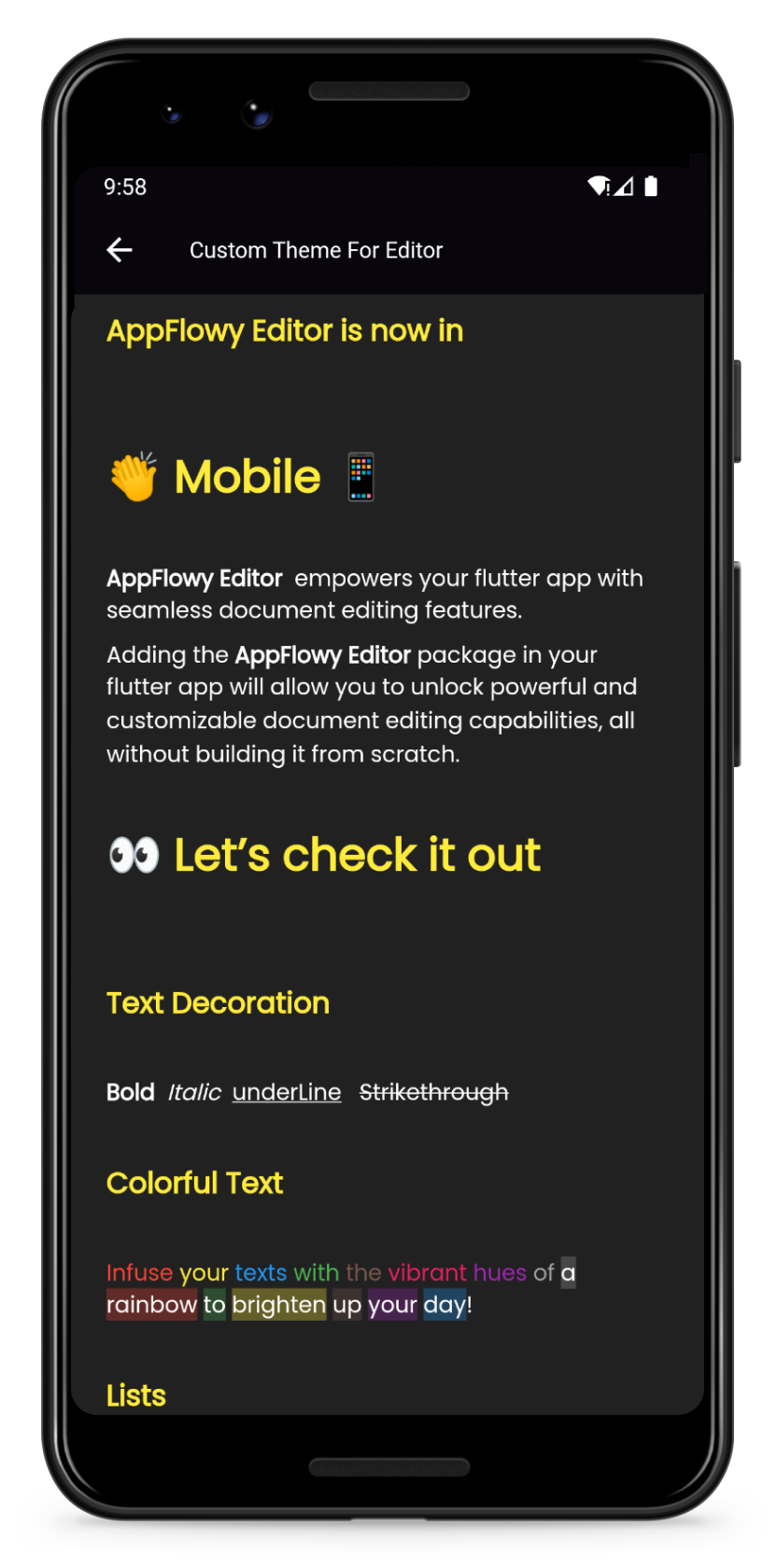
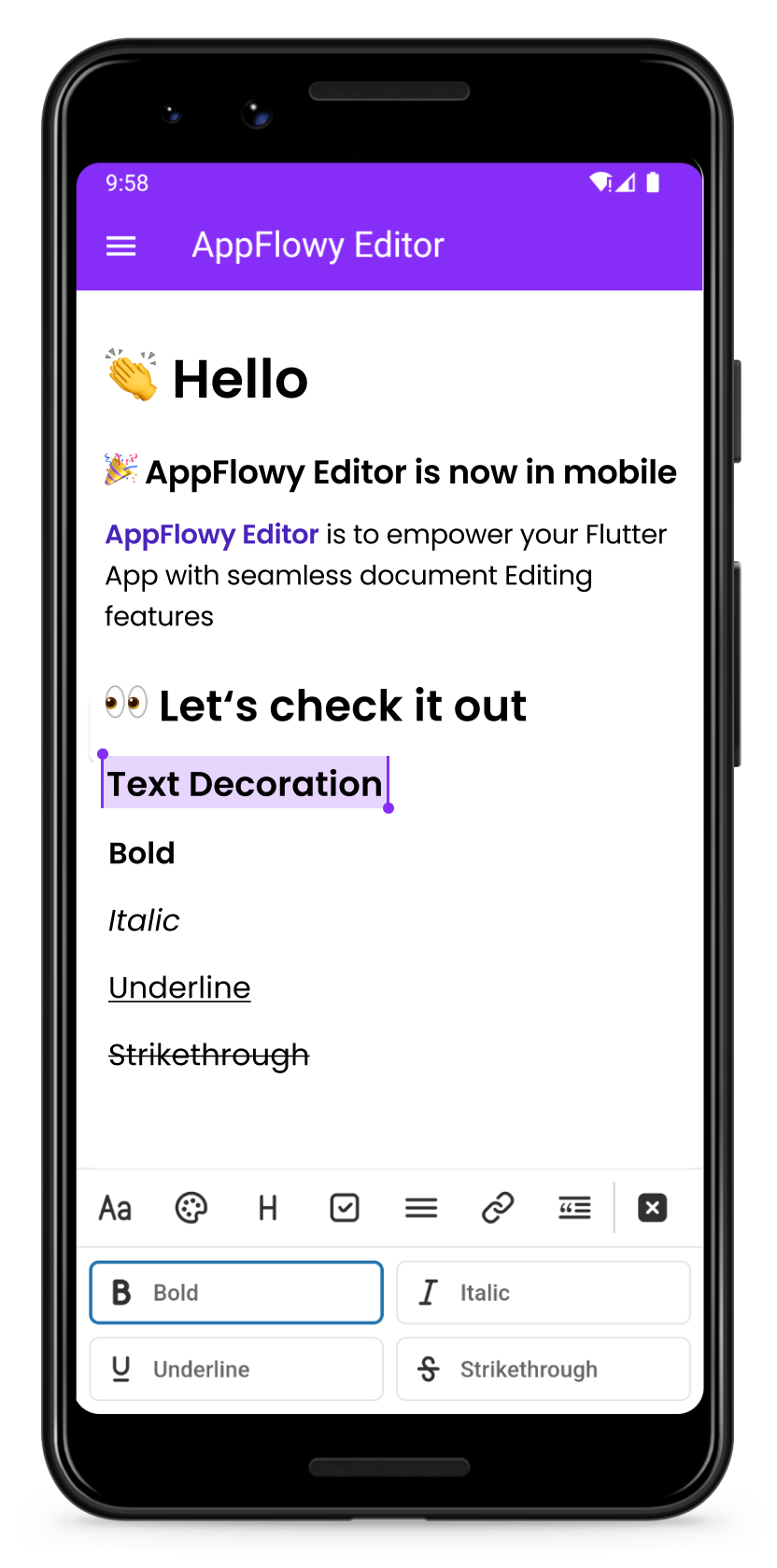
Preview Customize your own theme
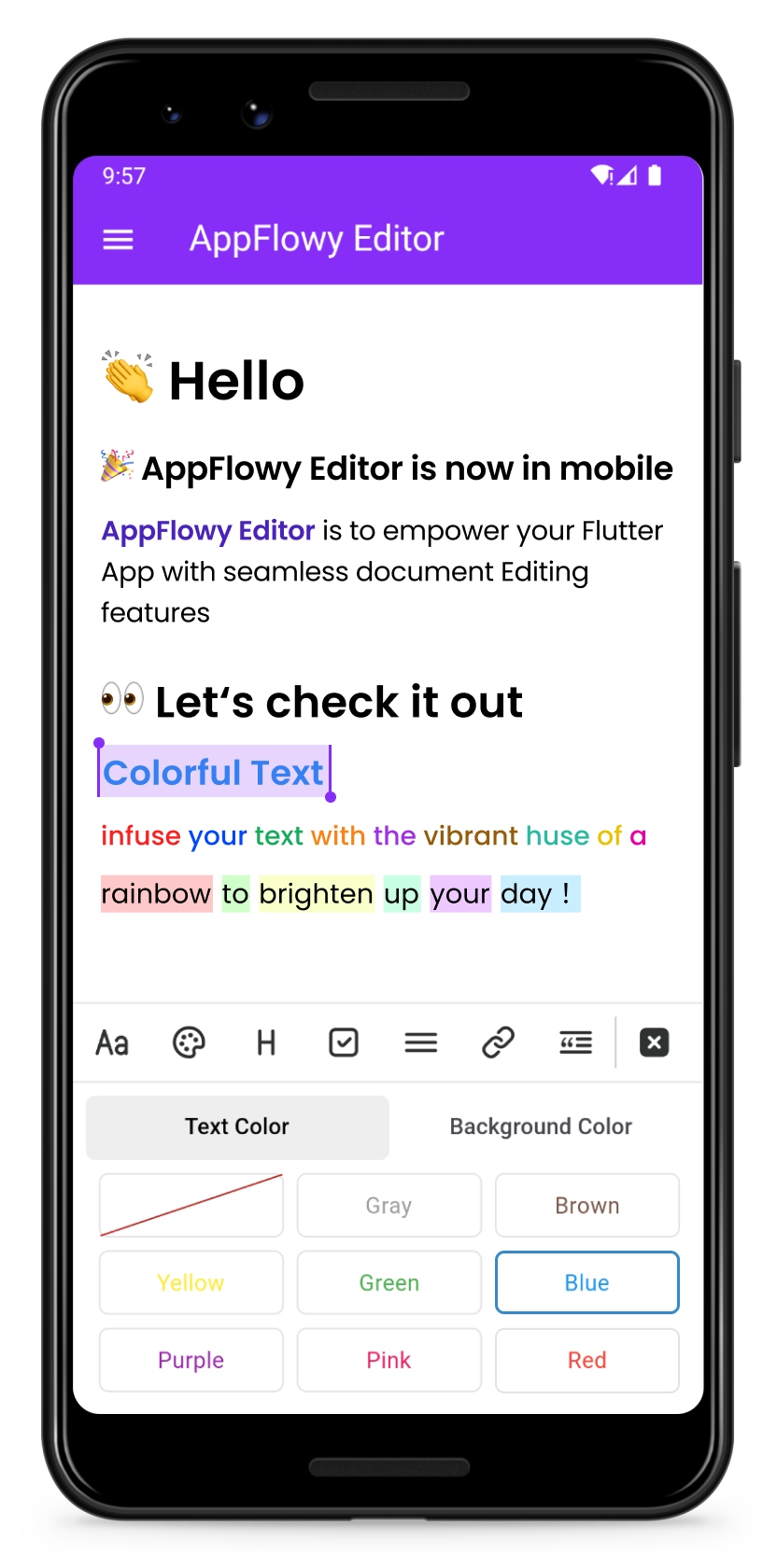
Change the color of your text Format your text
Color Format

Getting Started

Add the AppFlowy editor Flutter package to your environment.

flutter pub add appflowy_editor
flutter pub get

Creating Your First Editor

Start by creating a new empty AppFlowyEditor object.

final editorState = EditorState.blank(withInitialText: true); // with an empty paragraph
final editor = AppFlowyEditor(
  editorState: editorState,
);

You can also create an editor from a JSON object in order to configure your initial state. Or you can create an editor from Markdown or Quill Delta.

final json = jsonDecode('YOUR INPUT JSON STRING');
final editorState = EditorState(document: Document.fromJson(json));
final editor = AppFlowyEditor(
  editorState: editorState,
);

Note: The parameters localizationsDelegates need to be assigned in MaterialApp widget

MaterialApp(
  localizationsDelegates: const [
    AppFlowyEditorLocalizations.delegate,
  ],
);

To get a sense of how the AppFlowy Editor works, run our example:

git clone https://github.com/AppFlowy-IO/appflowy-editor.git
flutter pub get
flutter run

Customizing Your Editor

Customizing theme

Please refer to our documentation on customizing AppFlowy for a detailed discussion about customizing theme.

Customizing Block Components

Please refer to our documentation on customizing AppFlowy for a detailed discussion about customizing components.

Below are some examples of component customizations:

Customizing Shortcut Events

Please refer to our documentation on customizing AppFlowy for a detailed discussion about customizing shortcut events.

Below are some examples of shortcut event customizations:

  • BIUS demonstrates how to make text bold/italic/underline/strikethrough through shortcut keys
  • Need more examples? Check out shortcuts

Migration Guide

Please refer to the migration documentation.

Glossary

Please refer to the API documentation.

Contributing

Contributions are what make the open source community such an amazing place to learn, inspire, and create. Any contributions you make are greatly appreciated.

Please look at CONTRIBUTING.md for details.

License

All code contributed to the AppFlowy Editor project is dual-licensed, and released under both of the following licenses:

  1. The GNU Affero General Public License Version 3
  2. The Mozilla Public License, Version 2.0 (the “MPL”)

See LICENSE for more information.

Categories

Dependencies

Dependency list 20 items

Source repository

Projects using this package