

 v6.2.1
persistent_bottom_nav_bar
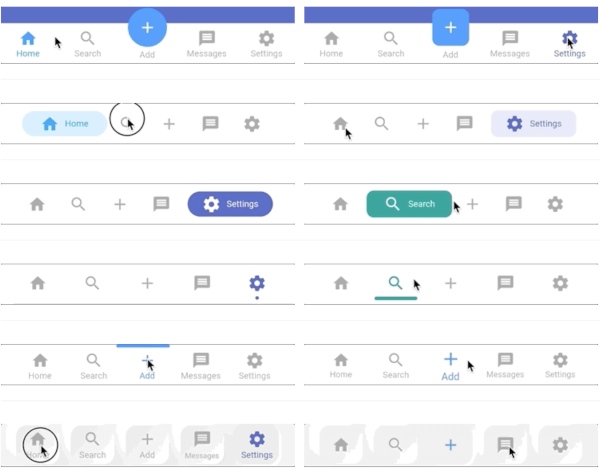
A highly customizable persistent/static bottom navigation bar for flutter. Includes up-to 20 styles.
2.4KLikes 16.7K30-day downloads150Pub points
AndroidiOSWebmacOSWindowsLinux
Marvel information app with marvel API and firebase.

English project snapshot. Visit GitHub for the latest content.
A new Flutter project with Marvel Comics api.
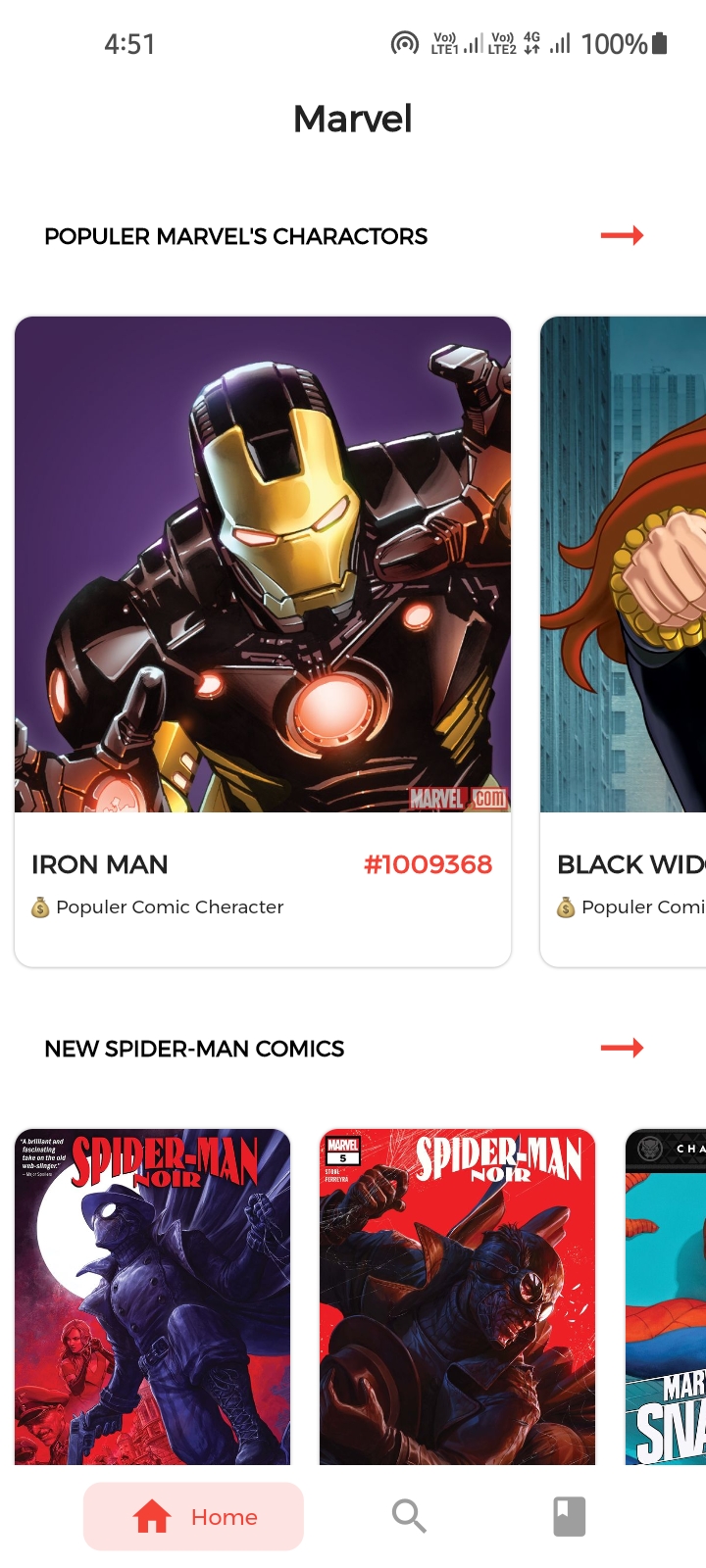
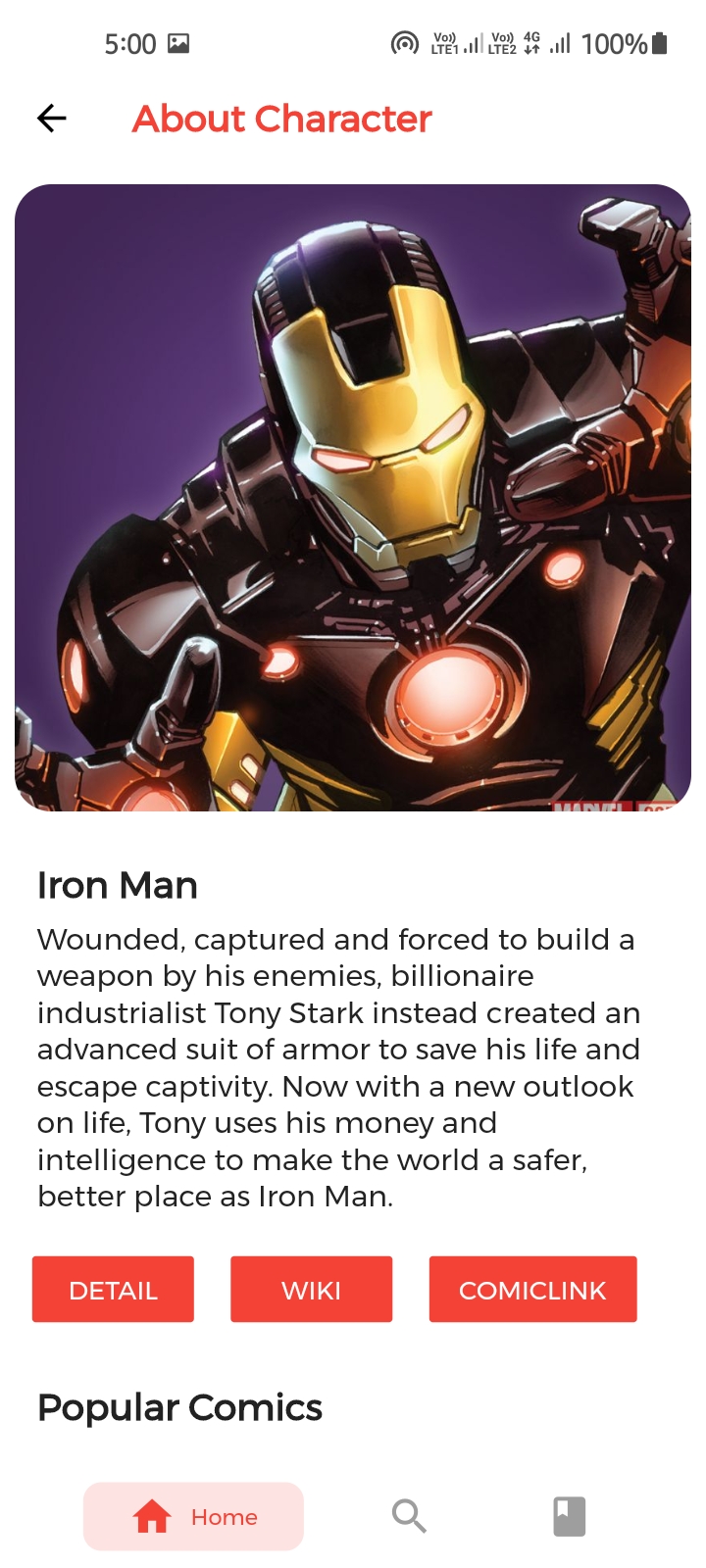
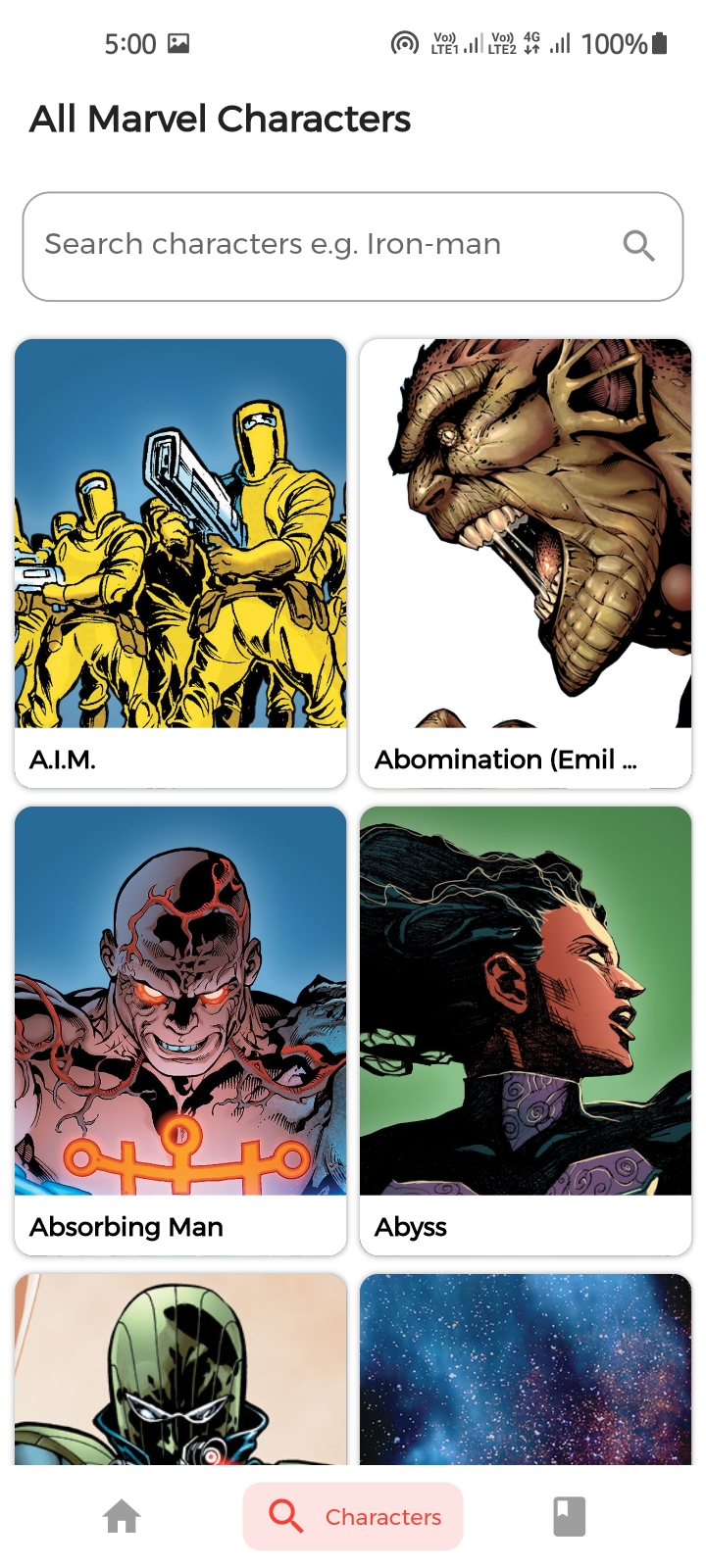
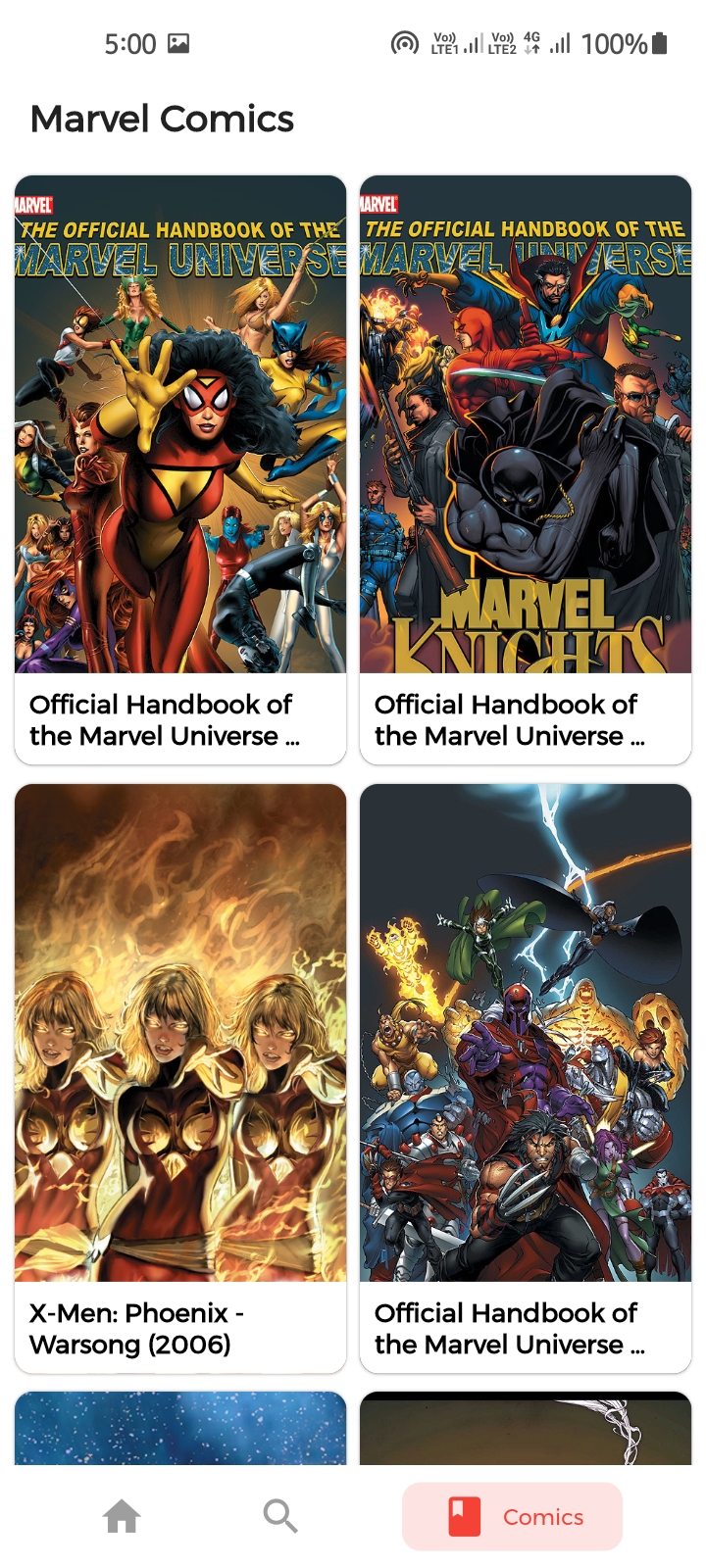
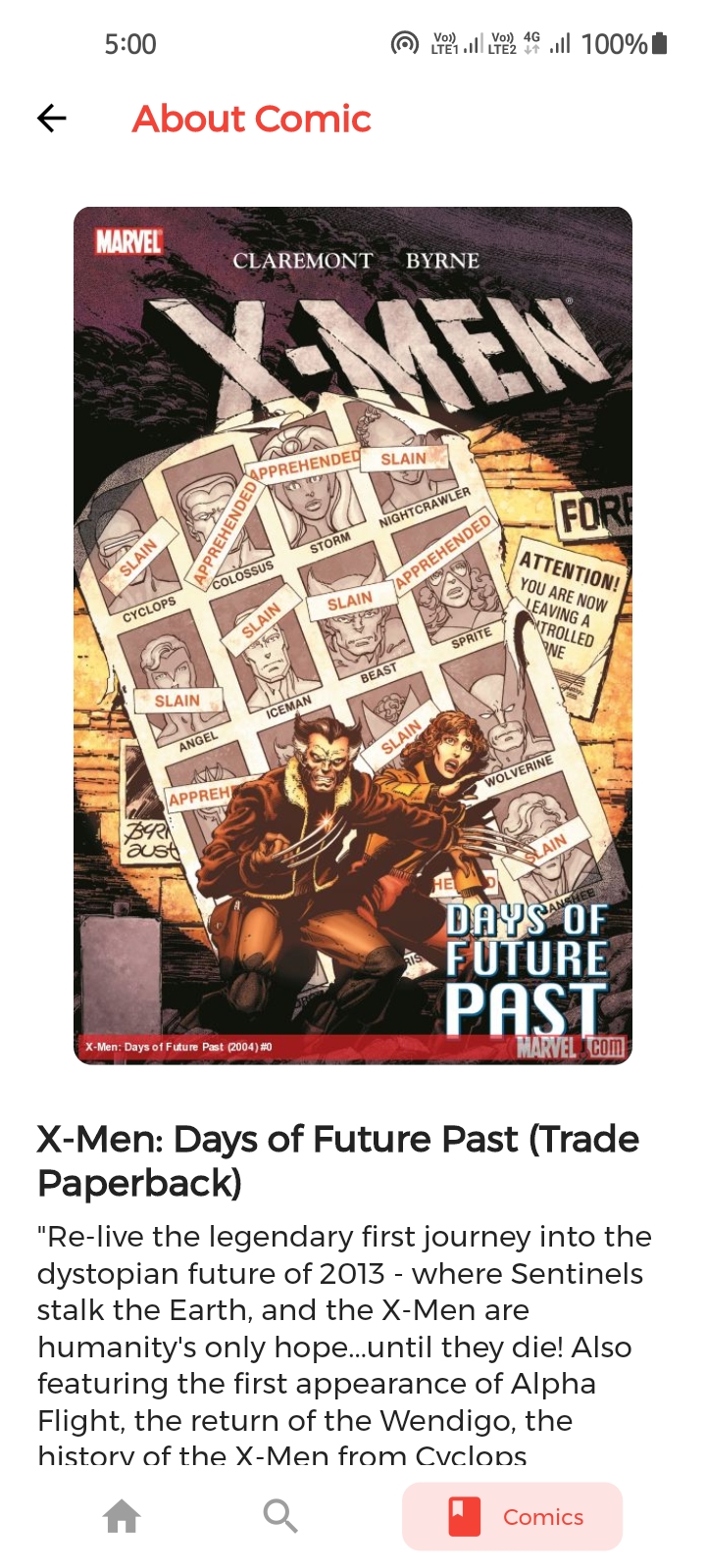
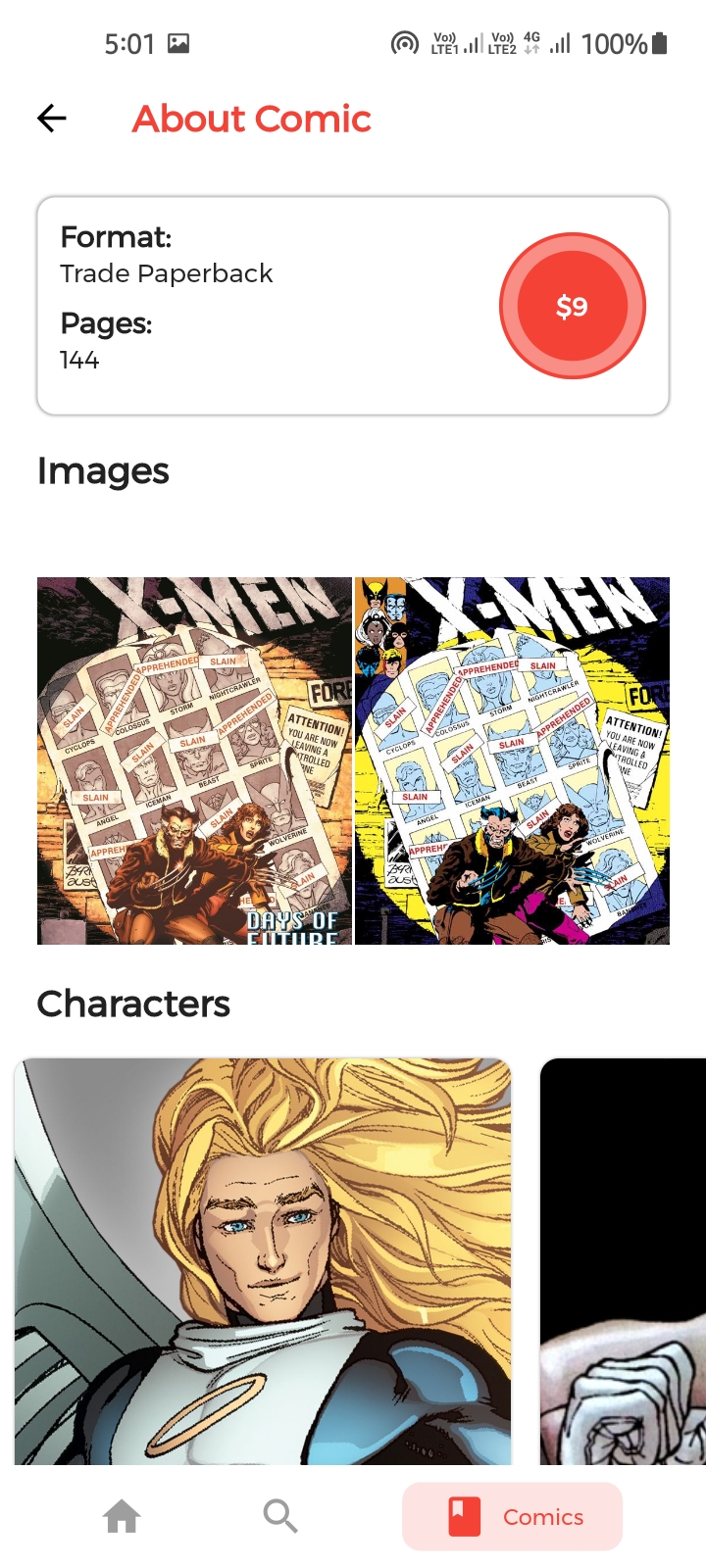
To clone and run this application, you'll need Git and Flutter installed on your computer. From your command line:
# Clone this repository
$ git clone https://github.com/Appii00/Flutter-Bloc-Marvel-App

# Go into the repository
$ cd Flutter-Bloc-Marvel-App

# Install dependencies
$ flutter packages get

# Run the app
$ flutter run
Download .apk file from Here
A highly customizable persistent/static bottom navigation bar for flutter. Includes up-to 20 styles.
A flutter AppBar widget with a switchable textfield mainly used for search
Dependency list 18 items
{"sdk":"flutter"}^1.0.1+1^3.0.4^1.0.2^5.0.0^4.0.2^0.11.1{"sdk":"flutter"}^3.0.0^2.0.0^2.0.0^1.1.0^8.0.5^7.0.0^2.0.0^0.15.0^0.13.3^6.0.3Start with your use case, compare repository activity, and check the original project before adopting it.
“A repository is the most basic element of GitHub.”
GitHub Docs — About repositories ↗