

 v0.0.9
thanos_snap_effect
High-performance, high-customizable, and easy-to-use "Thanos Snap" effect for Flutter.
54Likes 2.4K30-day downloads160Pub points
AndroidiOSWebmacOSWindowsLinux
ArkhipenkaPiotr/thanos_snap_effect open-source repository details.

English project snapshot. Visit GitHub for the latest content.
High-performance, high-customizable, and easy-to-use "Thanos Snap" effect for Flutter.
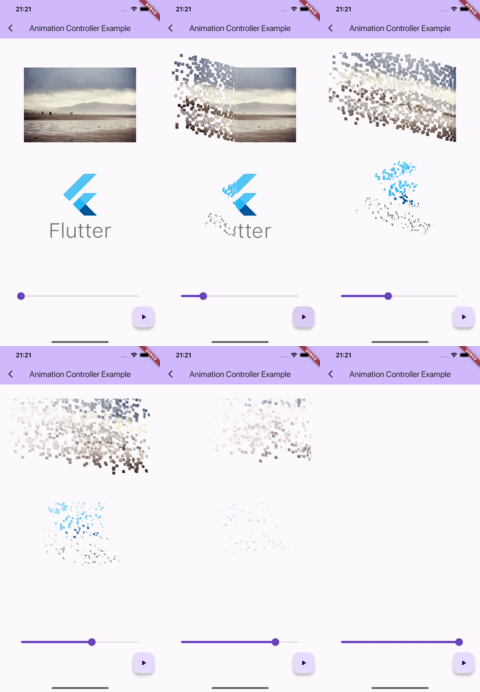
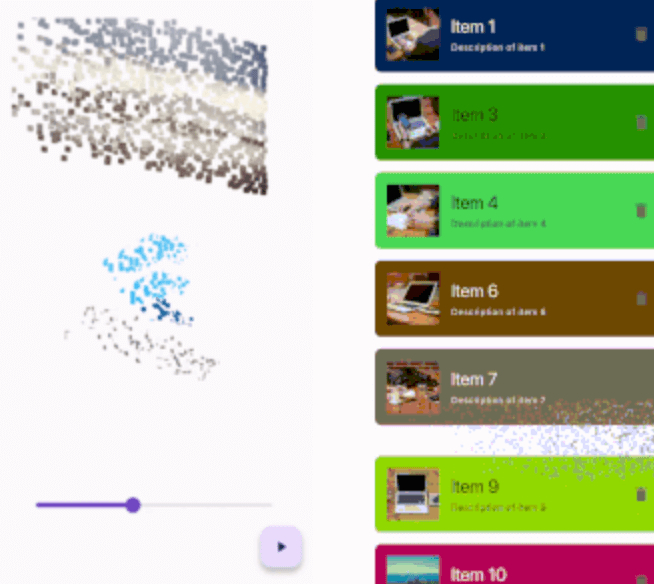
IMPORTANT: This package uses the custom fragment shader, so you should include the shader file in your pubspec.yaml file.
flutter:
  shaders:
    - packages/thanos_snap_effect/shader/thanos_snap_effect.glsl
This package provides a 'Snappable' widget. The principle of using this widget is similar to "Transition" widgets, like "FadeTransition", "ScaleTransition", etc.
Just wrap your widget with the Snappable widget and pass the AnimationController (or any Animation descendant) object to the "animation" property. Then just start the animation and see the magic!
Snappable(
  animation: animationController, // AnimationController object, or any other animation object with double tween from 0.0 to 1.0
  child: MyWidget(), // Your widget that you want to animate
);
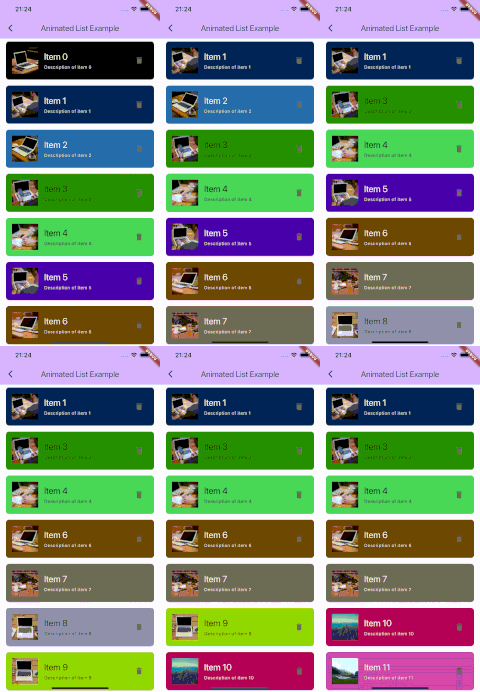
Check the example for more complex examples.
You can customize the effect by passing the "outerPadding" or "style" properties to the Snappable widget.
Snappable(
  animation: _animationController,
  child: MyWidget(),
  outerPadding: const EdgeInsets.all(40.0), // The padding around the widget where particles can appear. Default value is EdgeInsets.all(40.0)
  style: SnappableStyle(
    particleLifetime: 0.6, // Lifetime of particle before it disappears. Default value is 0.6. Must be between 0.0 and 1.0
    fadeOutDuration: 0.3, // Duration of fade out animation of particle. Fade out effect starts in particleLifetime - fadeOutDuration and ends when particleLifetime ends. Default value is 0.3. Must be between 0.0 and particleLifetime
    particleSpeed: 1.0, // Speed of particles. Default value is 1.0
    particleSize: const SnappableParticleSize.squareFromRelativeWidth(0.01), // Size of 1 particle
  ),
);
There are 2 ways to define the size of particles:
Relative to the size of the widget
SnappableParticleSize.relative(width: 0.01, height: 0.02) // 1% of the width and 2% of the height of the widget
SnappableParticleSize.squareFromRelativeWidth(0.01) // 1% of the width of the widget. The height will be calculated to keep the square shape
SnappableParticleSize.squareFromRelativeHeight(0.01) // 1% of the height of the widget. The width will be calculated to keep the square shape
Absolute size (in dp)
SnappableParticleSize.absoluteDp(width: 16, height: 8) // 16dp width and 8dp height
Dependency list 3 items
{"sdk":"flutter"}{"sdk":"flutter"}^2.0.0Start with your use case, compare repository activity, and check the original project before adopting it.
“A repository is the most basic element of GitHub.”
GitHub Docs — About repositories ↗