Search packages, repositories and app categories

thanos_snap_effect cover
Package detailsv0.0.9

thanos_snap_effect

High-performance, high-customizable, and easy-to-use "Thanos Snap" effect for Flutter.

AndroidiOSWebmacOSWindowsLinux
30-day downloads
2.4K
Likes
54
Pub points
160

Install package

flutter pub add thanos_snap_effect

Package Overview

Package selection guidance compiled from public package information, community data, and project usage.

The thanos_snap_effect package delivers a high-performance, customizable "Thanos Snap" animation for Flutter apps. It enables developers to easily implement the iconic snap effect—where elements vanish in a dramatic fashion—across multiple platforms including Android, iOS, Web, macOS, Windows, and Linux. With smooth transitions and extensive customization options, it enhances user engagement in games, interactive UIs, or playful app features. The package is lightweight, well-documented, and designed for simplicity without sacrificing flexibility.

Use cases

  • Game UI effects
  • Interactive app animations
  • Playful user interfaces
  • Digital storytelling
  • App onboarding sequences

Key features

  • High-performance rendering
  • Cross-platform support
  • Customizable animation speed
  • Configurable fade and scale effects
  • Easy integration with existing widgets
  • Support for multiple screen sizes

Suitable for

  • Flutter developers seeking fun animations
  • Apps targeting younger audiences
  • Gamified applications
  • UI/UX designers exploring dynamic effects

Considerations

  • May not suit minimalist design styles
  • Requires careful timing for optimal UX
  • Not ideal for accessibility-critical interfaces
  • Performance may vary on low-end devices
Original README

Original README snapshot from the linked source repository. Visit the repository for the latest content.

High-performance, high-customizable, and easy-to-use "Thanos Snap" effect for Flutter.

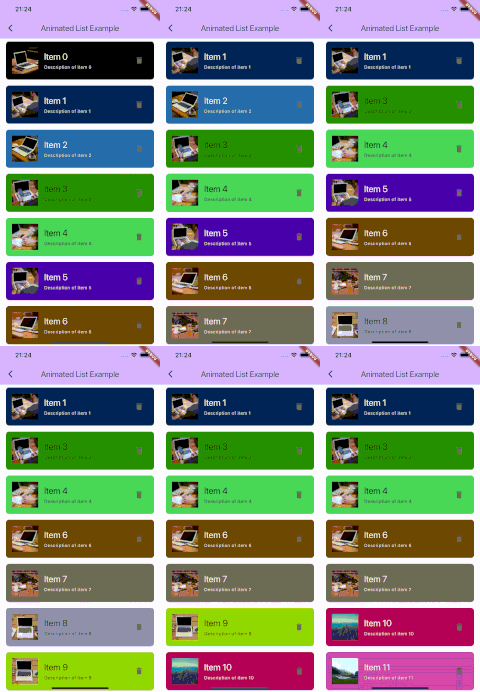
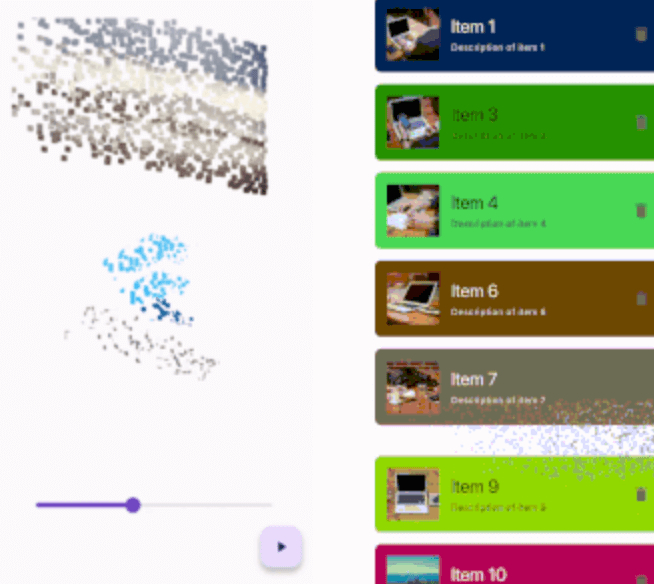
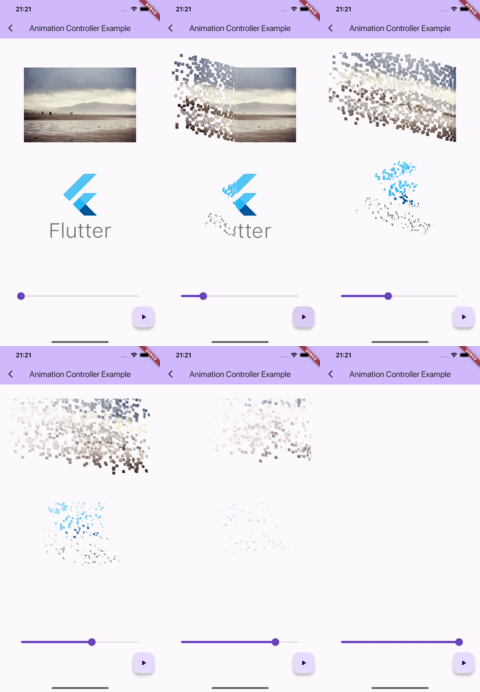
Simple controller example      Animated list example

Getting started

IMPORTANT: This package uses the custom fragment shader, so you should include the shader file in your pubspec.yaml file.

flutter:
  shaders:
    - packages/thanos_snap_effect/shader/thanos_snap_effect.glsl

Usage

This package provides a 'Snappable' widget. The principle of using this widget is similar to "Transition" widgets, like "FadeTransition", "ScaleTransition", etc.

Just wrap your widget with the Snappable widget and pass the AnimationController (or any Animation descendant) object to the "animation" property. Then just start the animation and see the magic!

Snappable(
  animation: animationController, // AnimationController object, or any other animation object with double tween from 0.0 to 1.0
  child: MyWidget(), // Your widget that you want to animate
);

Check the example for more complex examples.

Customization

You can customize the effect by passing the "outerPadding" or "style" properties to the Snappable widget.

Snappable(
  animation: _animationController,
  child: MyWidget(),
  outerPadding: const EdgeInsets.all(40.0), // The padding around the widget where particles can appear. Default value is EdgeInsets.all(40.0) 
  style: SnappableStyle(
    particleLifetime: 0.6, // Lifetime of particle before it disappears. Default value is 0.6. Must be between 0.0 and 1.0
    fadeOutDuration: 0.3, // Duration of fade out animation of particle. Fade out effect starts in particleLifetime - fadeOutDuration and ends when particleLifetime ends. Default value is 0.3. Must be between 0.0 and particleLifetime
    particleSpeed: 1.0, // Speed of particles. Default value is 1.0
    particleSize: const SnappableParticleSize.squareFromRelativeWidth(0.01), // Size of 1 particle
  ),
);
Mastering the particleSize property

There are 2 ways to define the size of particles:

Relative to the size of the widget

SnappableParticleSize.relative(width: 0.01, height: 0.02) // 1% of the width and 2% of the height of the widget
SnappableParticleSize.squareFromRelativeWidth(0.01) // 1% of the width of the widget. The height will be calculated to keep the square shape
SnappableParticleSize.squareFromRelativeHeight(0.01) // 1% of the height of the widget. The width will be calculated to keep the square shape

Absolute size (in dp)

SnappableParticleSize.absoluteDp(width: 16, height: 8) // 16dp width and 8dp height

Categories

Source repository

Projects using this package