

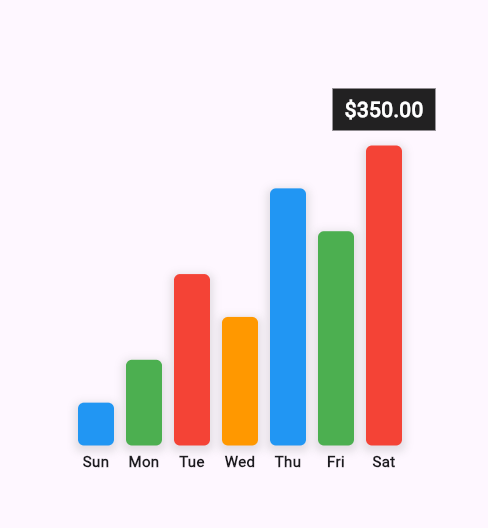
 v0.0.5
flutter_sales_graph
A Flutter package for displaying sales data in a bar chart format.
9Likes 3630-day downloads150Pub points
AndroidiOSWebmacOSWindowsLinux
AsherAyub80/flutter_sales_graph open-source repository details.

English project snapshot. Visit GitHub for the latest content.
A Flutter package for displaying customizable bar charts for sales data.
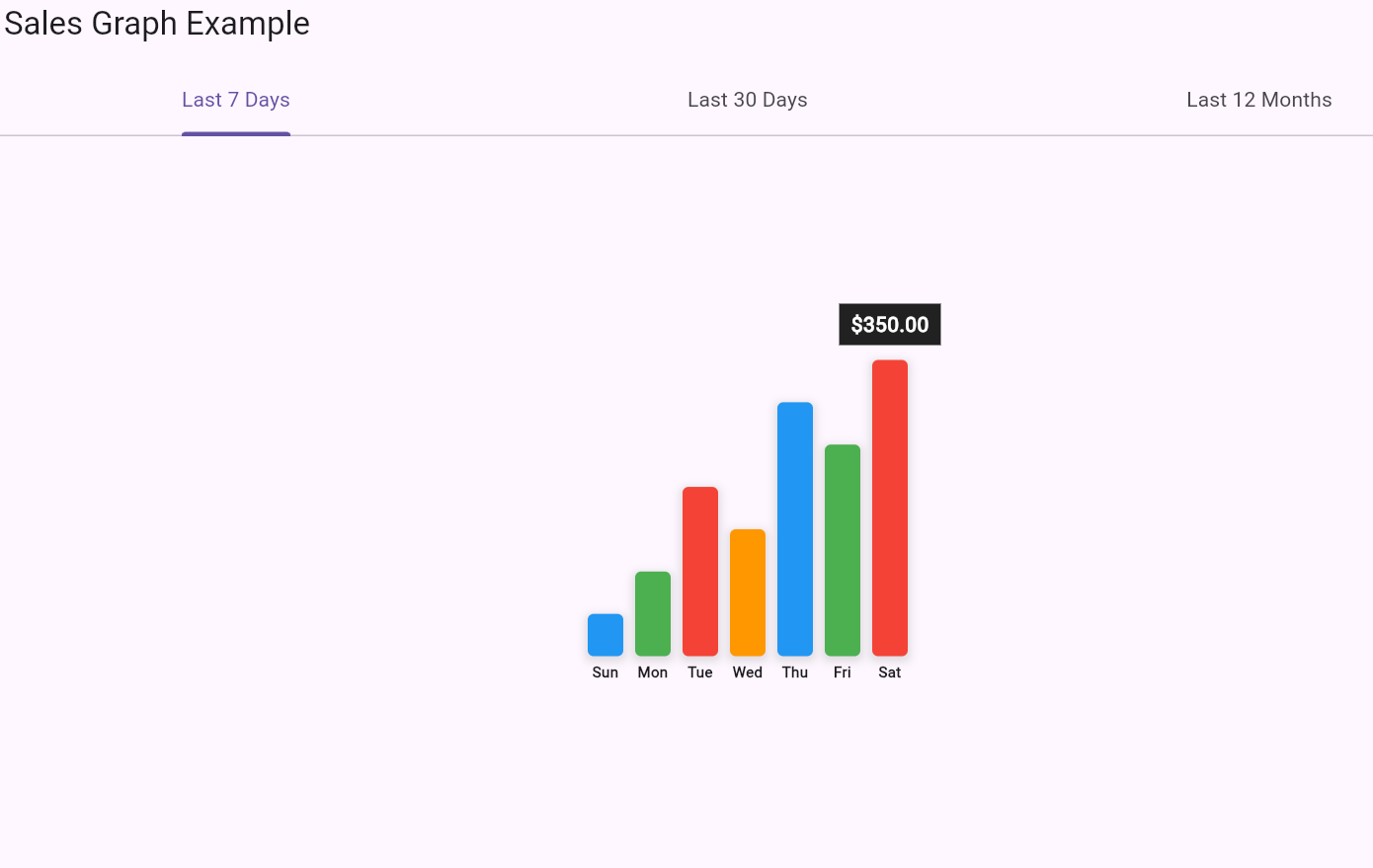
To use the flutter_sales_graph package in your Flutter project, follow these steps:
Add flutter_sales_graph to your pubspec.yaml file:
dependencies:
  flutter_sales_graph: ^0.0.5
Run flutter pub get to install the package.
Here’s a basic example of how to use the FlutterSalesGraph widget in your Flutter app:
Import the package:
import 'package:flutter_sales_graph/flutter_sales_graph.dart';
Use the FlutterSalesGraph widget:
 import 'package:flutter/material.dart';
import 'package:flutter_sales_graph/flutter_sales_graph.dart';

void main() {
runApp(MyApp()); }
class MyApp extends StatelessWidget { @override Widget build(BuildContext context) { return MaterialApp( home: Scaffold( appBar: AppBar(title: Text('Sales Graph Example')), body: Center( child: FlutterSalesGraph( salesData: [100, 200, 150, 300, 250, 350], labels: ['Jan', 'Feb', 'Mar', 'Apr', 'May', 'Jun'], maxBarHeight: 250.0, barWidth: 30.0, colors: [Colors.blue, Colors.green, Colors.red], dateLineHeight: 20.0, ), ), ), ); } }
```
salesData: A List<double> representing the sales values. Must be non-empty.labels: A List<String> representing the labels corresponding to each bar. Must be non-empty and the same length as salesData.selectedRange: A String to indicate the selected time range for the graph. (For display purposes; not functional in this package).maxBarHeight: A double specifying the maximum height of the bars in the graph.barWidth: A double specifying the width of each bar in the graph.colors: A List<Color> providing the colors for the bars.dateLineHeight: A double specifying the height of the labels below the bars.For a full example of how to use this package, see the example directory in the GitHub repository.
If you’d like to contribute to this package, please follow these guidelines:
Fork the repository:
Clone your fork:
git clone https://github.com/AsherAyub80/flutter_sales_graph.git
Create a branch for your changes:
git checkout -b feature/your-feature-name
Make your changes and commit them:
      git add .
      git commit -m "Add feature: your feature description"
Push your changes:
git push origin feature/your-feature-name
Create a pull request:
Go to the repository on GitHub and click the "New Pull Request" button.
Dependency list 3 items
{"sdk":"flutter"}{"sdk":"flutter"}^4.0.0Start with your use case, compare repository activity, and check the original project before adopting it.
“A repository is the most basic element of GitHub.”
GitHub Docs — About repositories ↗