
Flutter-ShapeOfView
CodingFries/Flutter-ShapeOfView open-source repository details.

- Stars
- 7
- Forks
- 2
- Last push (UTC)
- Aug 16, 2025
- Project status
- Active
Original README
English project snapshot. Visit GitHub for the latest content.
flutter_shape_of_view
Give a custom shape to any flutter widget, Material Design 2 ready
Note
This package is a fork of
https://pub.dev/packages/shape_of_view
with added null safety.
I reserve no rights to any of the content. Hopefully you don't sue me or anything :D I'm just trynna make this package null safe :)
dependencies:
  shape_of_view:
Give a custom shape to any android view Useful for Material Design 2
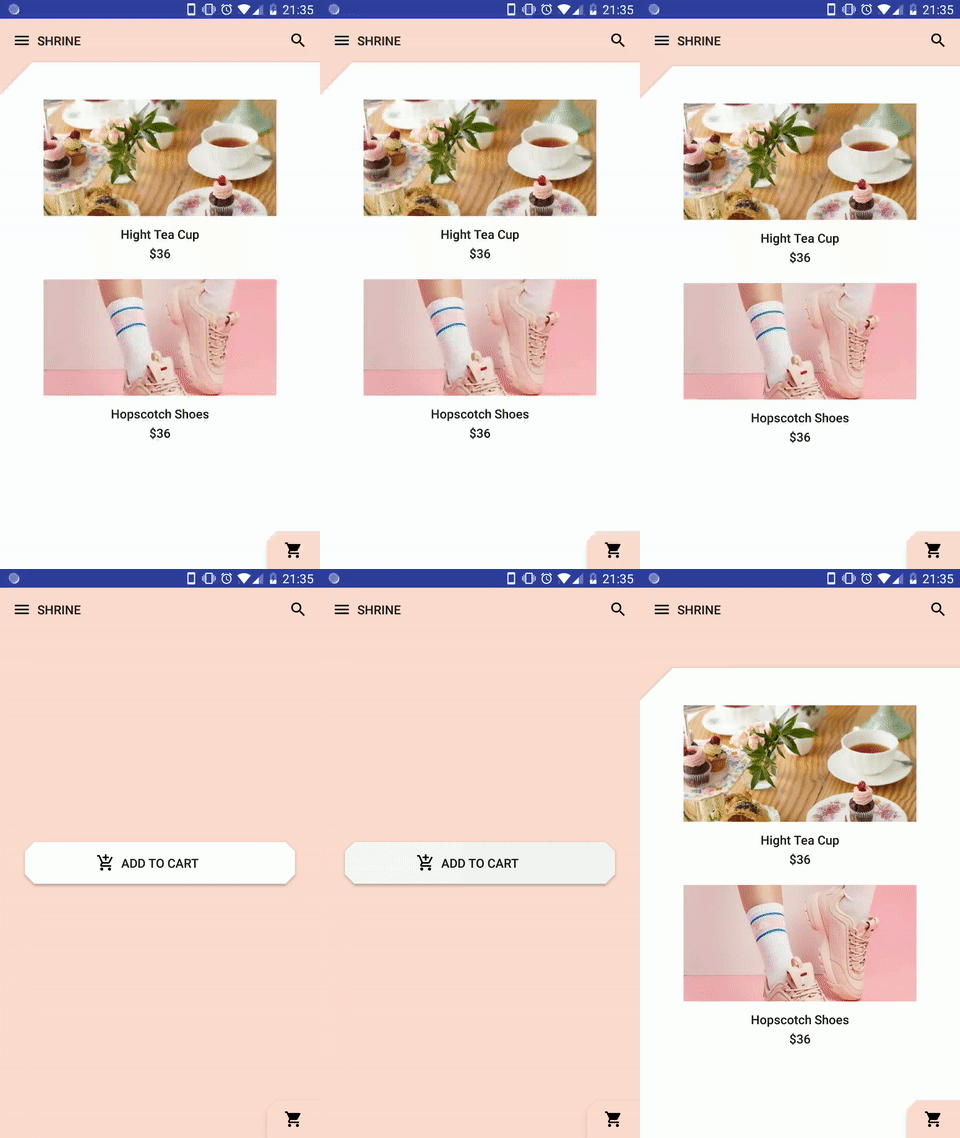
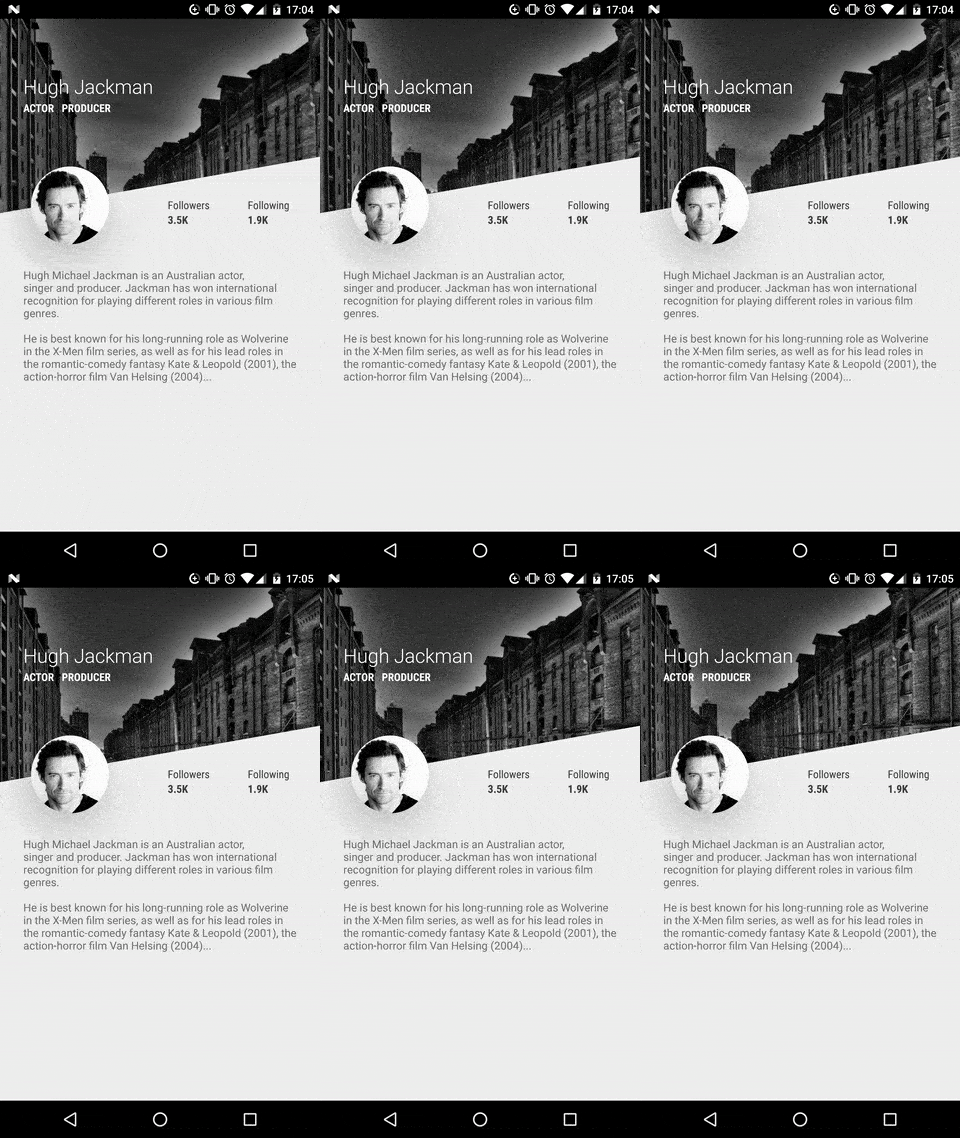
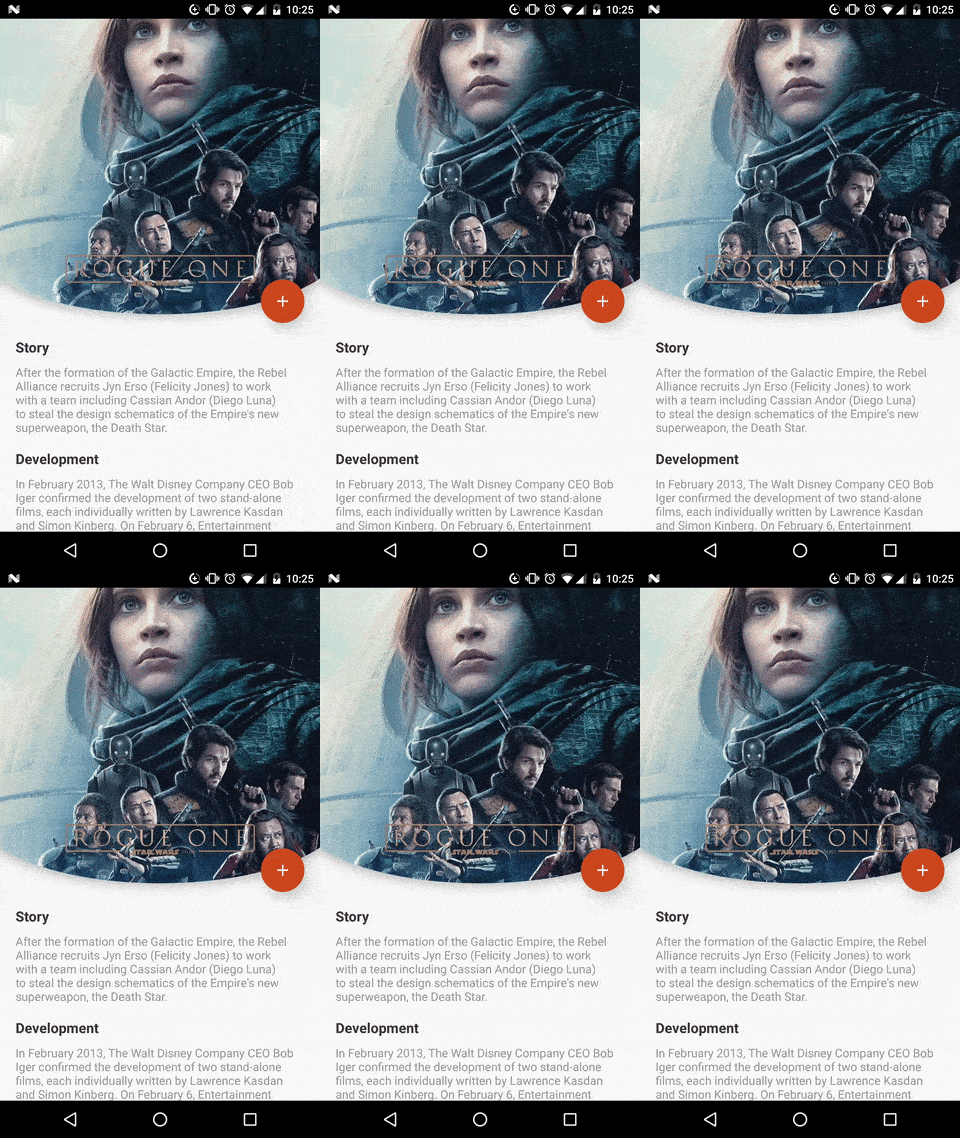
ShapeOfView(
  shape: YOUR_SHAPE,
  elevation: 4,
  height: 300, //height & width are optional
  child: ...
),
Use implemented shapes
ShapeOfView came with pre-created shapes :
Circle
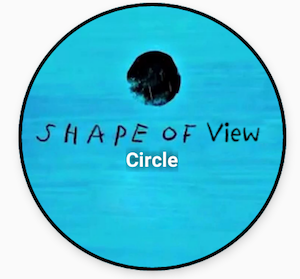
ShapeOfView(
  shape: CircleShape(
    borderColor: Colors.white, //optional
    borderWidth: 2, //optional
  ),
  child: ...
RoundRect
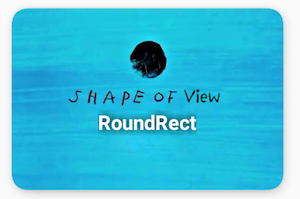
ShapeOfView(
  shape: RoundRectShape(
     borderRadius: BorderRadius.circular(12),
     borderColor: Colors.white, //optional
     borderWidth: 2, //optional
  ),
  child: ...
ClipCorner
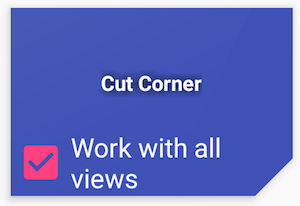
ShapeOfView(
  shape: CutCornerShape(
     borderRadius: BorderRadius.circular(12);
  ),
  child: ...
Arc
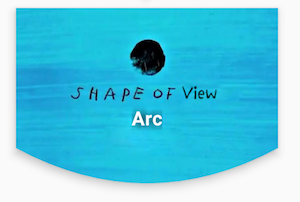
ShapeOfView(
  shape: ArcShape(
    direction: ArcDirection.Outside,
    height: 20,
    position: ArcPosition.Bottom
  ),
  child: ...
)
Diagonal
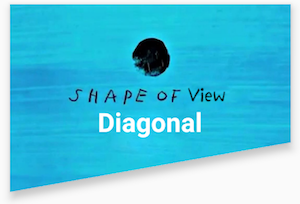
ShapeOfView(
  elevation: 4,
  height: 300,
  shape: DiagonalShape(
    position: DiagonalPosition.Bottom,
    direction: DiagonalDirection.Right,
    angle: DiagonalAngle.deg(angle: 10)
  ),
  child: ...
)
Triangle
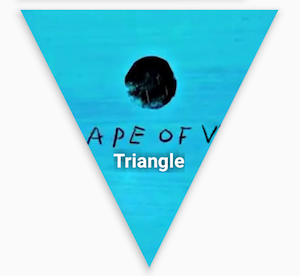
ShapeOfView(
  shape: TriangleShape(
    percentBottom: 0.5,
    percentLeft: 0,
    percentRight: 0
  ),
  child: ...,
)
Bubble
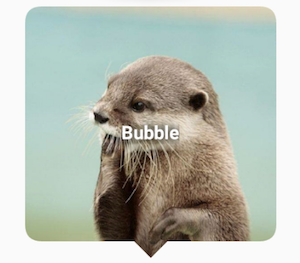
ShapeOfView(
  shape: BubbleShape(
    position: BubblePosition.Bottom,
    arrowPositionPercent: 0.5,
    borderRadius: 20,
    arrowHeight: 10,
    arrowWidth: 10
  ),
  child: ...,
)
Star
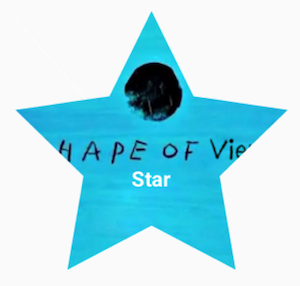
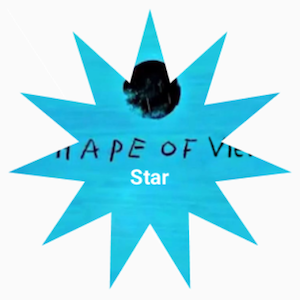
ShapeOfView(
  shape: StarShape(
    noOfPoints: 5
  ),
  child: ...,
)
Polygon
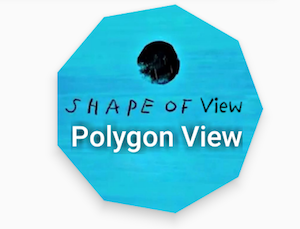
ShapeOfView(
  shape: PolygonShape(
    numberOfSides: 9
  ),
  child: ...,
)
Use a custom Shape
ShapeOfView(
  shape: CustomShape(
    builder: (rect) => Path()
        ..moveTo(0, 0)
        ..close()
  ),
  child: ...,
)
or extend Shape
class MyShape extends Shape {

  @override
  Path build({Rect rect, double scale}) {
    return Path()
       ..moveTo(0, 0)
       ..close();
  }

}
then
ShapeOfView(
  shape: MyShape(),
  child: ...,
)
Getting Started with Flutter
For help getting started with Flutter, view our online documentation, which offers tutorials, samples, guidance on mobile development, and a full API reference.
License
Copyright 2019 florent37, Inc.

Licensed under the Apache License, Version 2.0 (the "License");
you may not use this file except in compliance with the License.
You may obtain a copy of the License at

   http://www.apache.org/licenses/LICENSE-2.0

Unless required by applicable law or agreed to in writing, software
distributed under the License is distributed on an "AS IS" BASIS,
WITHOUT WARRANTIES OR CONDITIONS OF ANY KIND, either express or implied.
See the License for the specific language governing permissions and
limitations under the License.

Coding Fries ↗
Dependencies used
Dependency list 5 items
- flutter
{"sdk":"flutter"} - vector_math
^2.1.4 - flutter_testDevelopment
{"sdk":"flutter"} - flutter_lintsDevelopment
^5.0.0 - kenburns_nullsafetyDevelopment
^1.0.1
How do I choose a repository?
Start with your use case, compare repository activity, and check the original project before adopting it.
- Search by repository name, owner or description, then narrow the results by topic.
- Compare stars, forks and recent pushes. Stars show community interest, not a guarantee of quality.
- Read the README, license and issues on GitHub before using a project.
Sources and maintenance
“A repository is the most basic element of GitHub.”
GitHub Docs — About repositories ↗