

 v0.3.3
animated_stack
Custom animated stacked pages, to create customisable side menu buttons.
252Likes 21430-day downloads150Pub points
AndroidiOSWebmacOSWindowsLinux
Custom animated stacked pages, to create customisable side menu buttons.

English project snapshot. Visit GitHub for the latest content.
Custom animated stacked pages, to create customisable side menu buttons. Providing simple menu for sharing buttons, side menu, message sending, about page, ... etc.
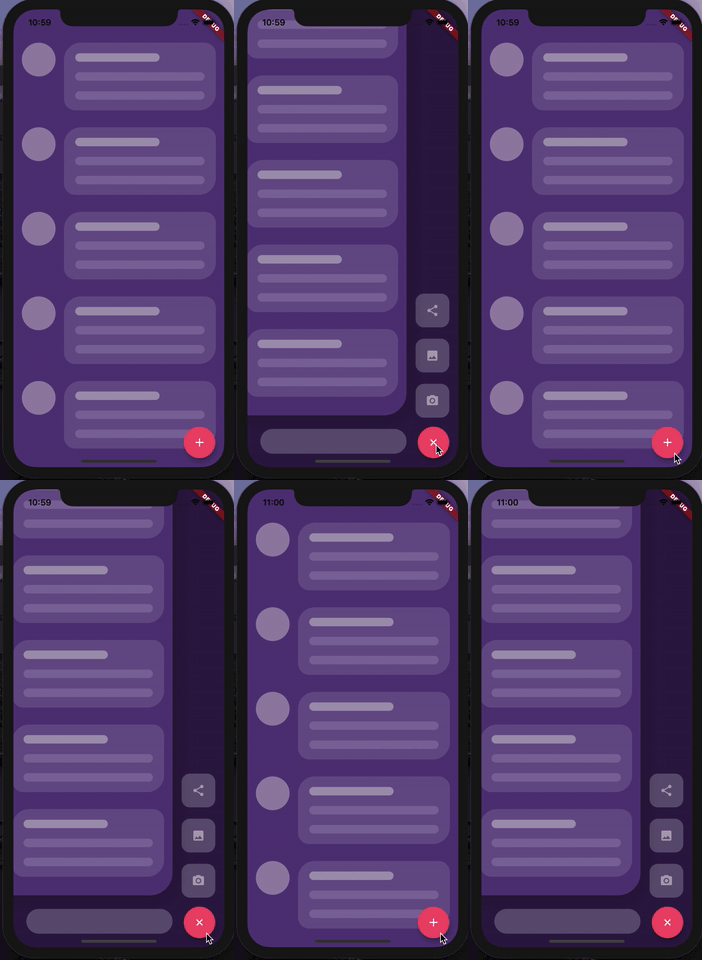
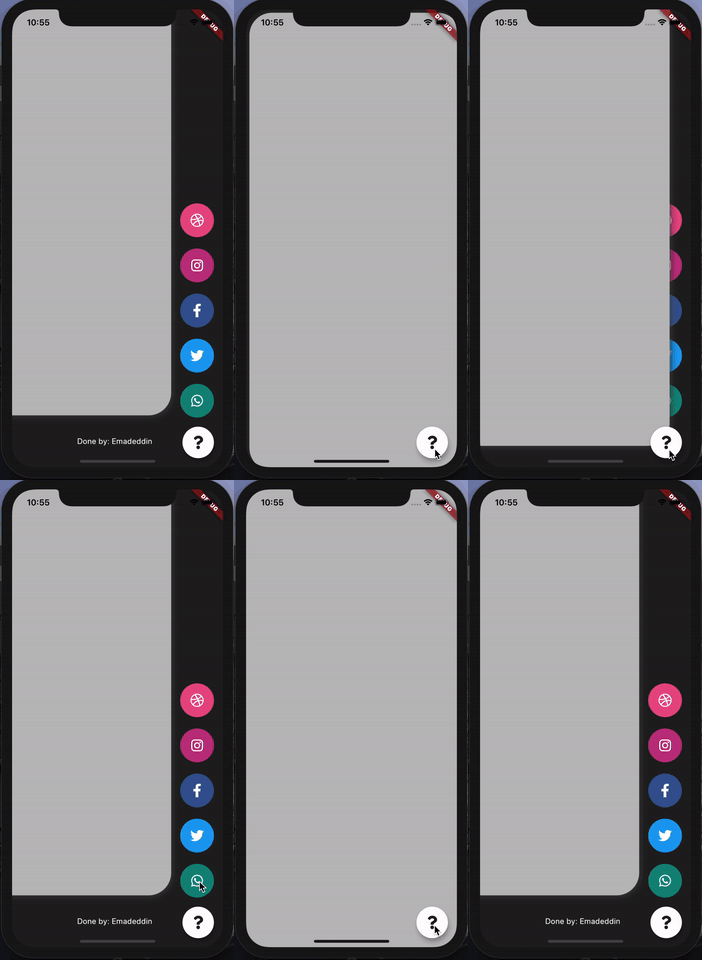
At first, you have to create Foreground and Background Widgets.
Here is a simple example to meet minimum requirements.
class MyApp extends StatelessWidget {
  @override
  Widget build(BuildContext context) {
    return MaterialApp(
      title: 'Animated Stack Demo',
      theme: ThemeData(
        splashColor: Colors.transparent,
        highlightColor: Colors.transparent,
      ),
      home: AnimatedStack(
        backgroundColor: Colors.white,
        fabBackgroundColor: Colors.black,
        foregroundWidget: ..., // Main page
        columnWidget: ..., // Right widget, preferably Column
        bottomWidget: ...,// Right widget, preferably Row
      ),
    );
  }
}
Here's all what you can customize in this widget!
AnimatedStack(
backgroundColor: ...,     // Background Container color
foregroundWidget: ...,    // Foreground Container color

columnWidget: ...,        // Right Widget, (use Column for best results)
bottomWidget: ...,        // Bottom Widget, (use Row for best results)

scaleHeight: 100,         // Sliding animation height, default is 60
scaleWidth: 100,          // Sliding animation width, default is 60


buttonIcon: ...,          // FAB icon (IconData)
fabIconColor: ...,        // FAB icon color
animateButton: false,     // Sometimes, we don't want to animate the button!
fabBackgroundColor: ...,  // FAB background color

slideAnimationDuration: ..., // Animation Duration, default is 800 Milliseconds
buttonAnimationDuration: ...,// Animation Duration, default is 240 Milliseconds

openAnimationCurve: ...,    // Animation Curve, default is ElasticOutCurve(0.9)
closeAnimationCurve: ...,   // Animation Curve, default is ElasticInCurve(0.9)
enableClickToDismiss: true, // Enable Click on Main Widget to close
preventForegroundInteractions: true, // Prevent Clicks on Main Widget
onForegroundCallback: () => print('on Close Callback'), // On Close Callback
);
MIT License.
Dependency list 2 items
{"sdk":"flutter"}{"sdk":"flutter"}Start with your use case, compare repository activity, and check the original project before adopting it.
“A repository is the most basic element of GitHub.”
GitHub Docs — About repositories ↗