
 v5.9.3
flutter_screenutil
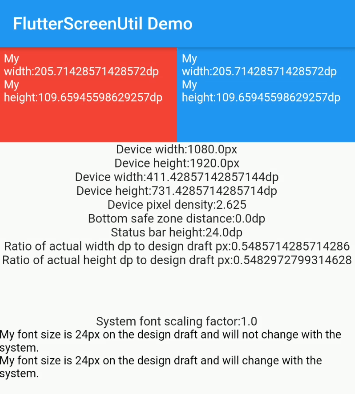
A flutter plugin for adapting screen and font size.Guaranteed to look good on different models
5.1KLikes 421K30-day downloads150Pub points
AndroidiOSWebmacOSWindowsLinux
Destiny – Cross-platform Magic Wormhole graphical client
 v5.9.3
A flutter plugin for adapting screen and font size.Guaranteed to look good on different models
 v5.2.2
A collection of loading indicators animated with flutter. Heavily inspired by @tobiasahlin's SpinKit.
 v4.2.5
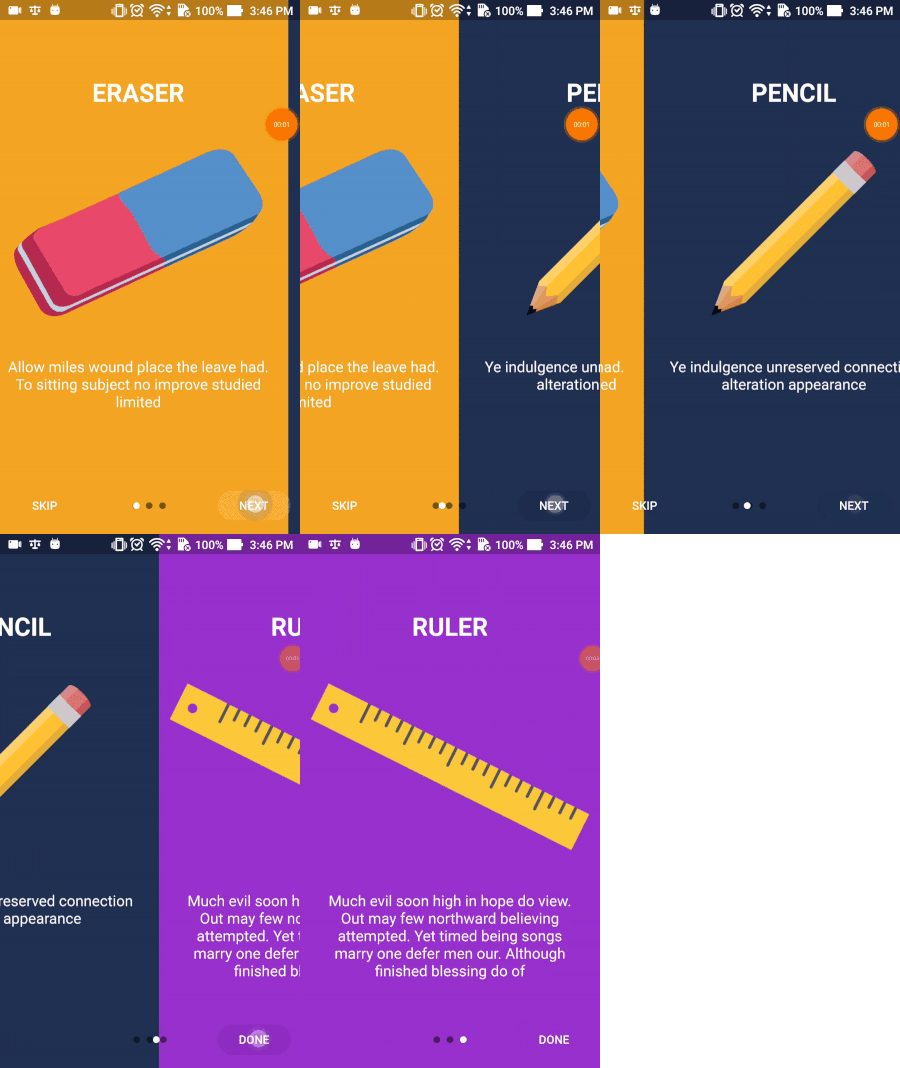
Flutter Intro Slider is a flutter plugin that helps you make a cool intro for your app
A plugin which allows user dragging files to your flutter desktop applications.
 v3.1.0
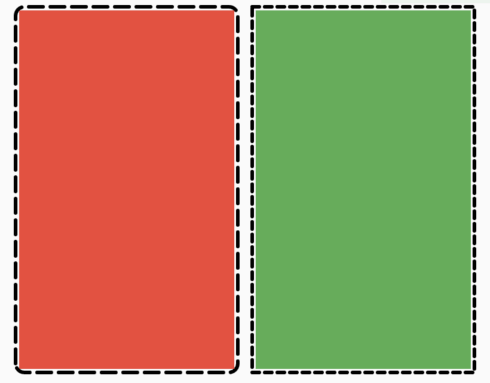
A flutter package to let users easily add a dotted border around any widget.
A stream based wrapper over shared_preferences, allowing reactive key-value storage.
 v3.1.1
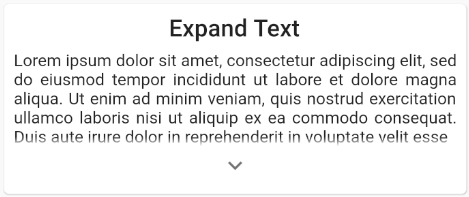
Ability to easily expand and retract a widget collection or text
{"path":"./dart_wormhole_william"}5.2.0^2.0.6^2.0.0{"git":{"url":"https://github.com/google/flutter-desktop-embedding.git","path":"plugins/window_size","ref":"17d4710c17f4913137e7ec931f6e71eaef443363"}}^5.2.4{"git":{"url":"https://github.com/shareef-dweikat/flutter-intro-slider","ref":"bbc9df2a00b29d94445f5be548635b39f5fde3f3"}}{"git":{"url":"https://github.com/shareef-dweikat/expand_widget","ref":"52dc9fa9cc62191de4724b46edae29143c18a059"}}{"sdk":"flutter"}^7.2.0^3.0.2^2.0.0^2.0.0+1^0.3.0^10.0.0^5.1.0^6.0.0^6.1.5^2.0.1^0.6.2{"sdk":"flutter"}{"sdk":"flutter"}{"sdk":"flutter"}^1.19.5^5.3.2^2.2.1^3.0.1^3.6.2^2.0.1English project snapshot. Visit GitHub for the latest content.
Destiny is a secure file transfer application that allows people to transfer files without needing to reveal their identities to each other or the service provider. All files are end-to-end encrypted, meaning no one except the sender and the receiver can decrypt the contents. Users select a file on their device and then share the generated code with the intended recipient for safe delivery. No sign-up is needed.
Key security features:
Based on the wormhole-william implementation of the Magic Wormhole protocol. This application relies on a plugin that wraps the wormhole-william client with a Dart API.
Supported platforms
You can find detailed instructions on how to install applications on various platforms
Windows, Linux, macOS files can be downloaded from the latest release.
Available on external stores:
Google Play store F-Droid store App store
Alternatively, apps can be downloaded directly from GitHub release assets and installed manually.
We recommend verifying every downloaded file against the corresponding signature.
git clone --recurse-submodules git@github.com:LeastAuthority/destiny.git
Builds for magic-wormhole.io by default:
flutter build linux
flutter build apk
flutter build appbundle
flutter build macos
flutter build ipa
Builds for Least Authority servers:
flutter build linux -t lib/main_la.dart
Builds for local instances:
flutter build linux -t lib/main_local.dart
Checkout detailed instructions for building.
If flutter is not used for web application, worth to set to avoid additional files generation and static analysis warnings:
flutter config --no-enable-web
Checkout detailed instructions on how to sign releases](https://github.com/LeastAuthority/destiny/blob/main/docs/releases.md).
cd docker
docker-compose up -d
To disable debug label on the app in the emulator, set debugShowCheckedModeBanner: false (two places)
iOS downloaded files are stored in the app/Documents folder, which is displayed in Files App as a dedicated application folder. If Files doesn't display the application folder, try restarting the phone. Note, that if the App is deleted, all downloaded files in the same App folder will be deleted too.
Delete default settings:
defaults delete com.leastauthority.destiny