
 v2.0.0
flutter_media_downloader
This plugin helps user to download medias for example pdf files, image files etc.
52Likes 33030-day downloads140Pub points
AndroidiOS
Flutter plugin for downloading media files
English project snapshot. Visit GitHub for the latest content.
This plugin helps user to download medias for example pdf files, image files etc. A plugin for creating and managing download tasks. Supports iOS and Android.
This plugin is using native methods for push notifications for both platforms (Android & iOS). This is easy to use plugin.
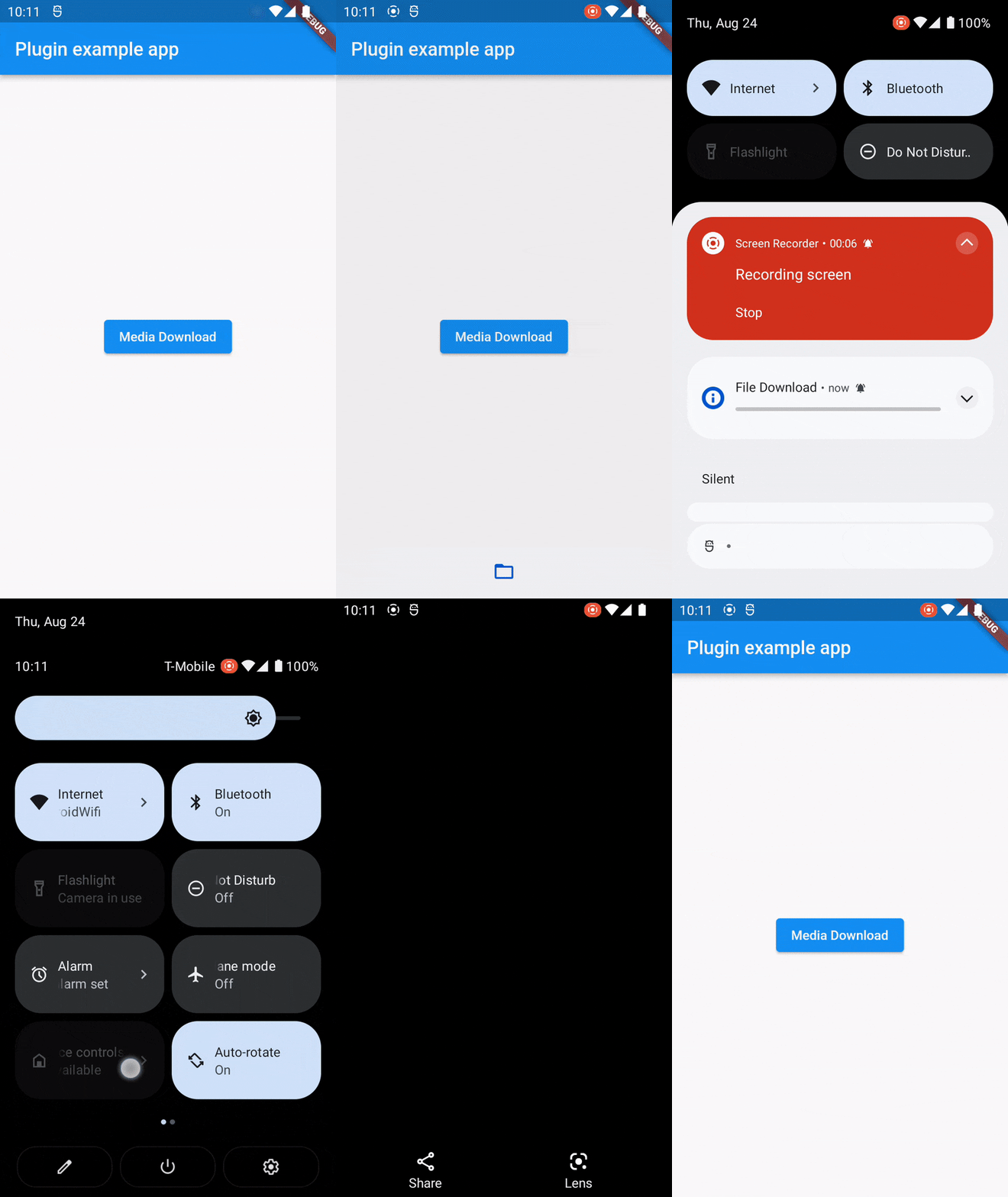
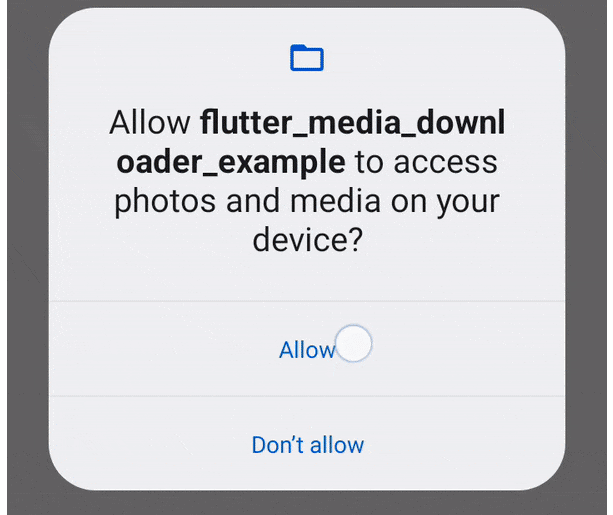
You just need to add permissions in your manifest file for the push notification. And other permission for read external storage.
<uses-permission android:name="android.permission.WRITE_EXTERNAL_STORAGE" />
<uses-permission android:name="android.permission.READ_EXTERNAL_STORAGE" />
<uses-permission android:name="android.permission.POST_NOTIFICATIONS" />
    <!-- For Android 13+ (API 33 and above) -->
<uses-permission android:name="android.permission.READ_MEDIA_IMAGES" />
<uses-permission android:name="android.permission.READ_MEDIA_VIDEO" />
<uses-permission android:name="android.permission.READ_MEDIA_AUDIO" />
To make tapping on notification open the downloaded file on Android, add the
following code to AndroidManifest.xml:
<provider
    android:name="androidx.core.content.FileProvider"
    android:authorities="${applicationId}.provider"
    android:exported="false"
    android:grantUriPermissions="true">
    <meta-data
        android:name="android.support.FILE_PROVIDER_PATHS"
        android:resource="@xml/provider_paths" />
</provider>
Notes
import 'dart:io';

import 'package:flutter/material.dart';
import 'package:flutter_media_downloader/flutter_media_downloader.dart';

void main() {

  runApp(const MyApp());
  WidgetsFlutterBinding.ensureInitialized();
}

class MyApp extends StatefulWidget {
  const MyApp({super.key});

  @override
  State<MyApp> createState() => _MyAppState();
}

class _MyAppState extends State<MyApp> {

  final _flutterMediaDownloaderPlugin = MediaDownload();

  @override
  void initState() {
    super.initState();

  }
  @override
  Widget build(BuildContext context) {

    return MaterialApp(
      home: Scaffold(
        appBar: AppBar(
          title: const Text('Plugin example app'),
        ),
        body: Center(
          child: ElevatedButton(onPressed: () async {
            _flutterMediaDownloaderPlugin.downloadMedia(context,'https://www.w3.org/WAI/ER/tests/xhtml/testfiles/resources/pdf/dummy.pdf');
          }, child: const Text('Media Download')),
        ),
      ),
    );
  }
}
If you find this plugin helpful, consider supporting its development:
Your support is greatly appreciated!
Feel free to open an issue if you encounter any problems or think that the plugin is missing some feature.
 parthsheth100@gmail.com

Dependency list 7 items
{"sdk":"flutter"}{"sdk":"flutter"}^2.1.1^11.0.1^2.1.6{"sdk":"flutter"}^2.0.0Start with your use case, compare repository activity, and check the original project before adopting it.
“A repository is the most basic element of GitHub.”
GitHub Docs — About repositories ↗