Package selection guidance compiled from public package information, community data, and project usage.
A Flutter plugin designed to simplify the process of downloading media files such as images, PDFs, and other common file types. It provides a straightforward API for initiating downloads, managing download progress, and handling file storage on both Android and iOS platforms. The plugin integrates with native download managers to ensure reliable background downloads and supports file path management for easy access after completion. Ideal for apps requiring offline media access or content caching.
Use cases
Downloading images for offline viewing
Saving PDFs from URLs
Caching media assets for app use
Enabling user-initiated file downloads
Managing large media files in apps
Key features
Supports multiple file types (images, PDFs, etc.)
Background download capability
Progress tracking during downloads
Cross-platform compatibility (Android & iOS)
Simple integration via pub.dev
File path management after download
Suitable for
Apps needing offline media access
Content delivery platforms
Educational or reading apps
Media-heavy applications
Users who want to save files directly from the app
Considerations
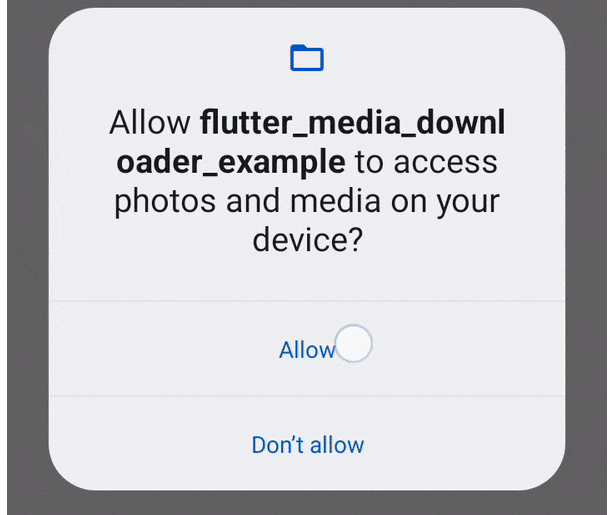
Requires proper permissions on Android and iOS
May need additional handling for file system access
Limited customization for download UI
Depends on native download managers
Not suitable for very large files without chunking
Original README
Original README snapshot from the linked source repository. Visit the repository for the latest content.
flutter_media_downloader
This plugin helps user to download medias for example pdf files, image files etc.
A plugin for creating and managing download tasks. Supports iOS and Android.
This plugin is using native methods for push notifications for both platforms (Android & iOS).
This is easy to use plugin.
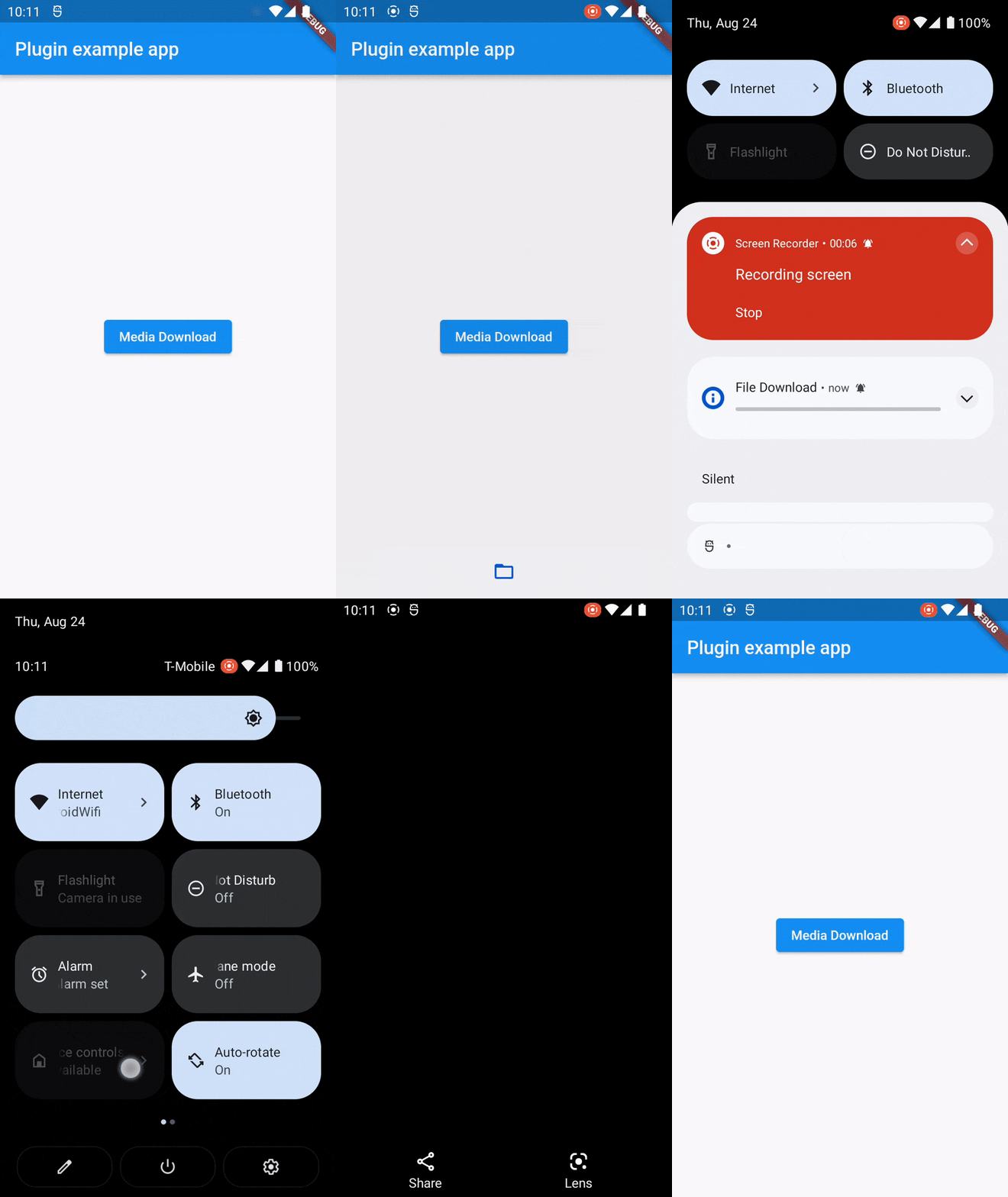
Working Demo
Android integration
You just need to add permissions in your manifest file for the push notification. And other permission for read external storage.
<uses-permissionandroid:name="android.permission.WRITE_EXTERNAL_STORAGE" /><uses-permissionandroid:name="android.permission.READ_EXTERNAL_STORAGE" /><uses-permissionandroid:name="android.permission.POST_NOTIFICATIONS" /><!-- For Android 13+ (API 33 and above) --><uses-permissionandroid:name="android.permission.READ_MEDIA_IMAGES" /><uses-permissionandroid:name="android.permission.READ_MEDIA_VIDEO" /><uses-permissionandroid:name="android.permission.READ_MEDIA_AUDIO" />
Open downloaded file from notification
To make tapping on notification open the downloaded file on Android, add the
following code to AndroidManifest.xml:

 parthsheth100@gmail.com