

 v1.0.2
datepicker_dropdown
A Dropdown Date picker for Flutter with customizable options.
48Likes 1.2K30-day downloads160Pub points
AndroidiOSWebmacOSWindowsLinux
A Date picker Dropdown for Flutter with customizable options

English project snapshot. Visit GitHub for the latest content.

A customizable dropdown date picker for Flutter with support for multiple field orders, validation, localization, and form-friendly callbacks.
Web demo: datepicker.robertrobinson.in
31 February
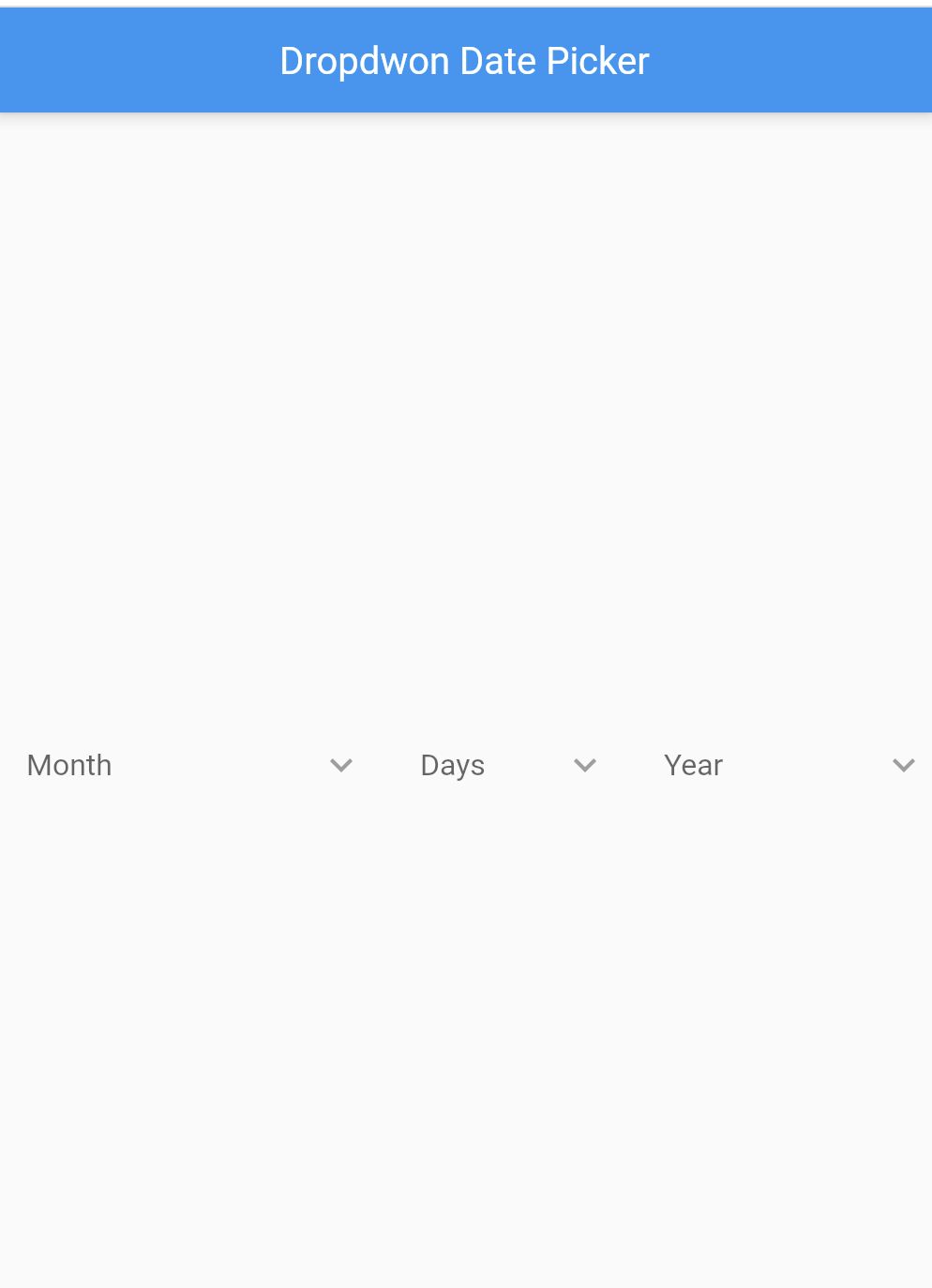
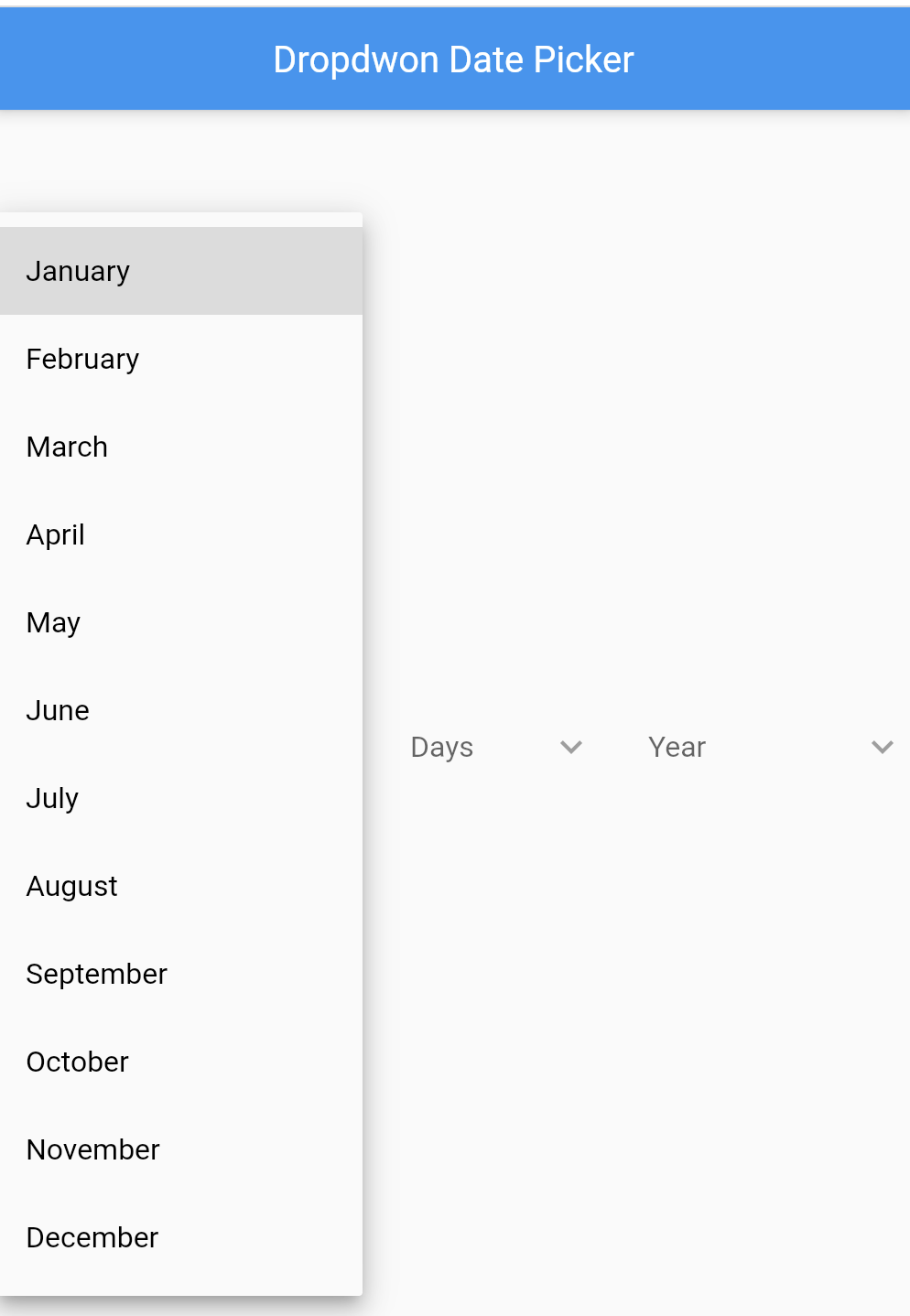
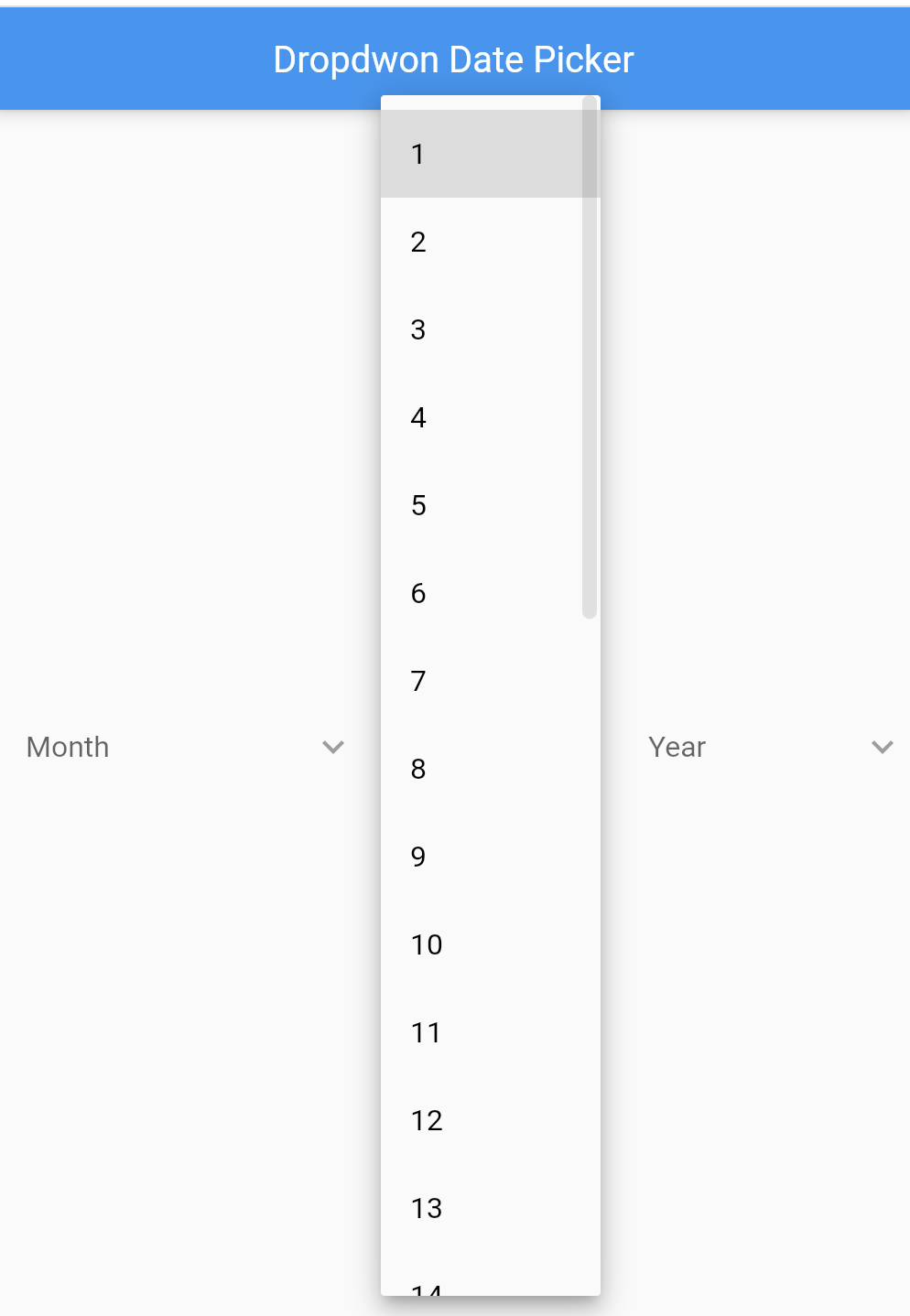
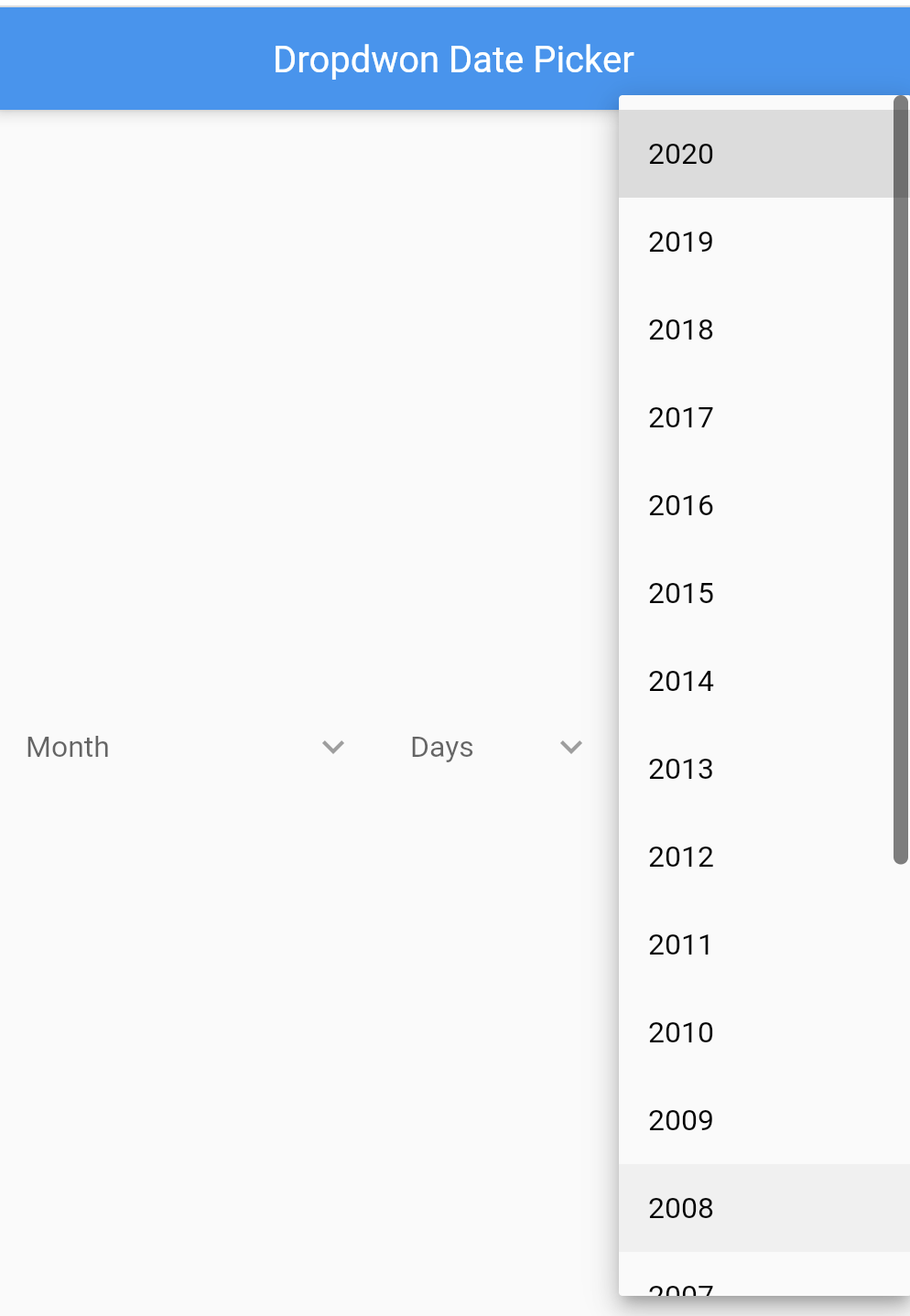
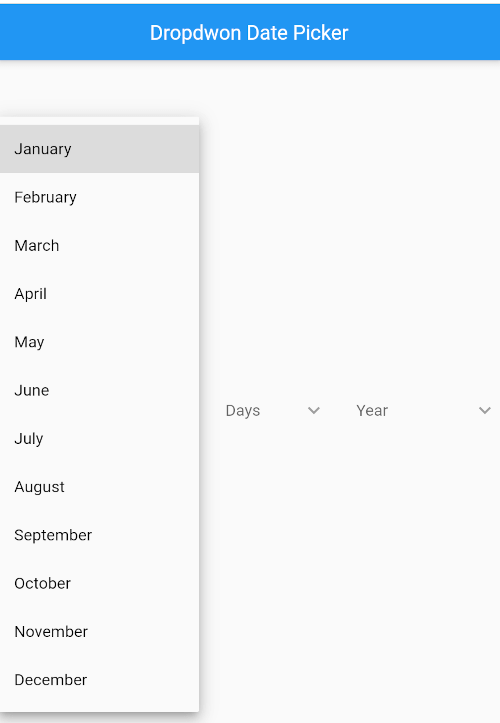
Add the package to your pubspec.yaml:
dependencies:
  datepicker_dropdown: ^1.0.2
Then run:
flutter pub get
import 'package:datepicker_dropdown/datepicker_dropdown.dart';
import 'package:datepicker_dropdown/order_format.dart';
import 'package:flutter/material.dart';

class BirthDateField extends StatefulWidget {
  const BirthDateField({super.key});

  @override
  State<BirthDateField> createState() => _BirthDateFieldState();
}

class _BirthDateFieldState extends State<BirthDateField> {
  int? _day;
  int? _month;
  int? _year;

  @override
  Widget build(BuildContext context) {
    return DropdownDatePicker(
      dateFormatOrder: OrderFormat.ydm,
      startYear: 1900,
      endYear: DateTime.now().year,
      selectedDay: _day,
      selectedMonth: _month,
      selectedYear: _year,
      onChangedDay: (String? value) {
        setState(() {
          _day = int.tryParse(value ?? '');
        });
      },
      onChangedMonth: (String? value) {
        setState(() {
          _month = int.tryParse(value ?? '');
        });
      },
      onChangedYear: (String? value) {
        setState(() {
          _year = int.tryParse(value ?? '');
        });
      },
    );
  }
}
DropdownDatePicker(
  dateFormatOrder: OrderFormat.mdy,
  isFormValidator: true,
  isDropdownHideUnderline: true,
  startYear: 1900,
  endYear: 2025,
  hintDay: 'Day',
  hintMonth: 'Month',
  hintYear: 'Year',
  inputDecoration: InputDecoration(
    enabledBorder: const OutlineInputBorder(),
    border: OutlineInputBorder(
      borderRadius: BorderRadius.circular(10),
    ),
    contentPadding: const EdgeInsets.symmetric(horizontal: 12),
  ),
  onChangedDay: (String? value) {
    debugPrint('day: $value');
  },
  onChangedMonth: (String? value) {
    debugPrint('month: $value');
  },
  onChangedYear: (String? value) {
    debugPrint('year: $value');
  },
)
dateFormatOrder is the preferred property name.dateformatorder is still supported as a deprecated backwards-compatible alias.onChangedDay.selectedDay, selectedMonth, or selectedYear values.en, en_abbv, num, ar, de_DE, el_GR, es_ES, fr_FR, gu_IN, hi_IN, id_ID, it_IT, ja, kn_IN, ko_KR, ml_IN, mr_IN, nl_NL, pl_PL, pt_BR, ru_RU, sv_SE, ta_IN, te_IN, th, tr, vi, zh_CN
See the example app in example/lib/main.dart for a complete integration.
Source code: github.com/Robertrobinson777/dropdown_date_picker

Dependency list 4 items
{"sdk":"flutter"}{"sdk":"flutter"}^6.0.0^5.7.6Start with your use case, compare repository activity, and check the original project before adopting it.
“A repository is the most basic element of GitHub.”
GitHub Docs — About repositories ↗