
 v0.1.2
flutter_split_view
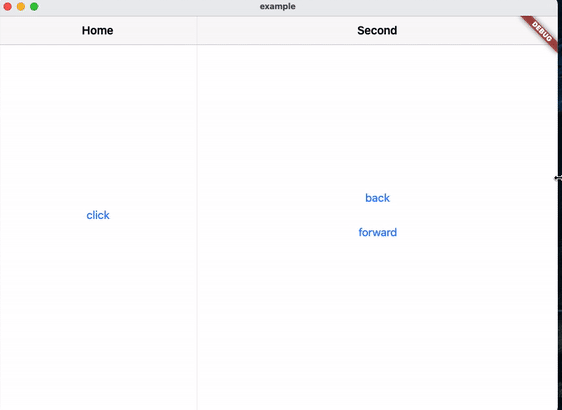
Flutter widget that automatically splits the screen into two views based on available space. This is based on Navigator 2.0.
30Likes 7730-day downloads150Pub points
AndroidiOSWebmacOSWindowsLinux
Navigator 2.0 based Flutter widget that automatically splits the screen into two views based on available space.
English project snapshot. Visit GitHub for the latest content.
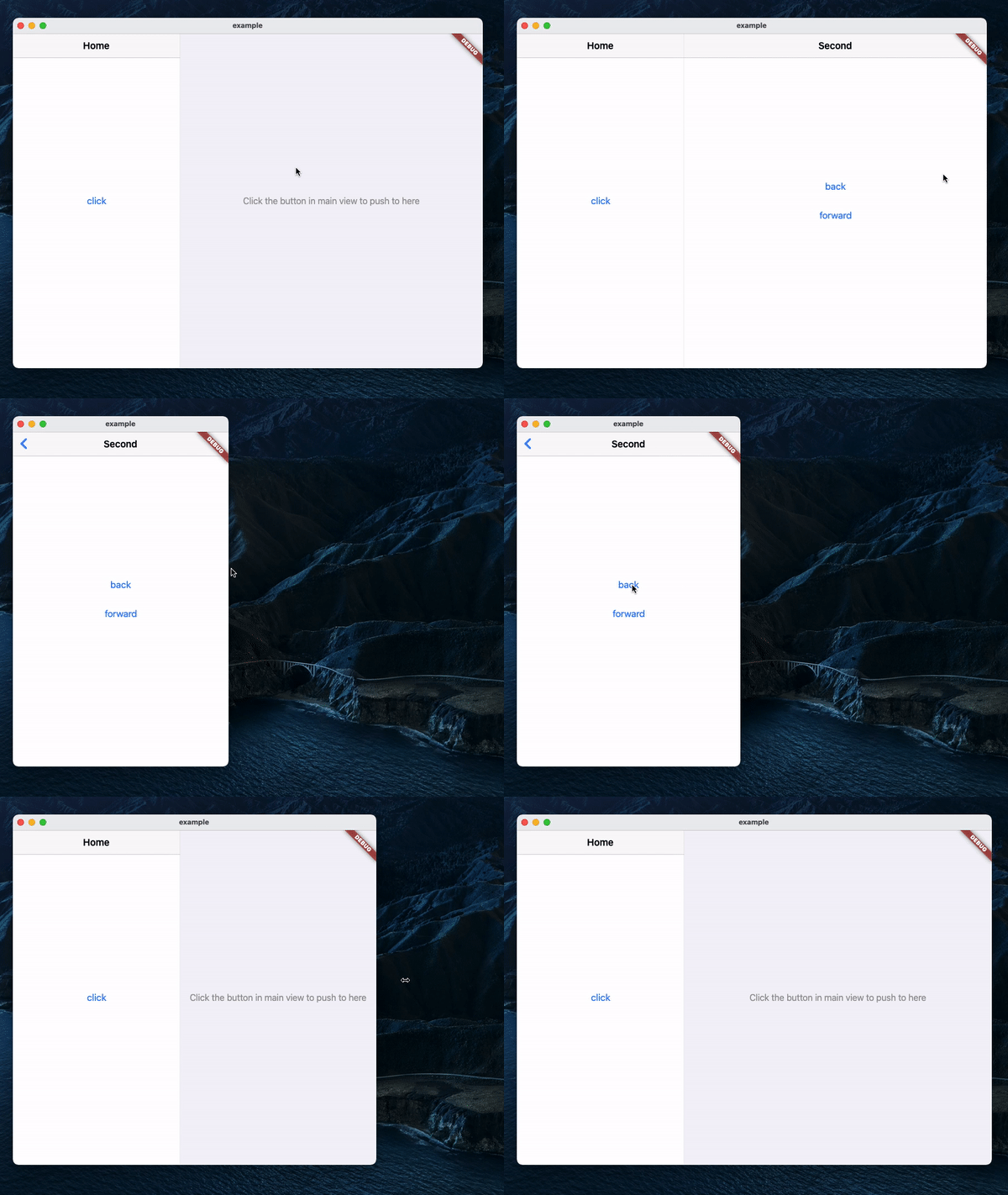
A Navigator 2.0 based Flutter widget that automatically splits the screen into two views based on available space.
MaterialApp(
    title: 'SplitView Demo',
    home: SplitView.material(
        child: MainPage(),
    ),
);
Cupertino:
CupertinoApp(
    title: 'SplitView Demo',
    home: SplitView.cupertino(
        child: MainPage(),
    ),
);
SplitView.of(context).push(SecondPage());
Push with an optional title, which will be used as the back button's title in Cupertino:
SplitView.of(context).push(
    SecondPage(),
    title: 'Second',
);
SplitView.of(context).pop();
Pop until the n-th page:
SplitView.of(context).popUntil(1);
SplitView.of(context).setSecondary(SecondPage());
This will clear the stack and push the new page, making it the second page in the stack.
SplitView.of(context).isSecondaryVisible;

Dependency list 3 items
{"sdk":"flutter"}{"sdk":"flutter"}^1.0.0Start with your use case, compare repository activity, and check the original project before adopting it.
“A repository is the most basic element of GitHub.”
GitHub Docs — About repositories ↗