Search packages, repositories and app categories

flutter_split_view cover
Package detailsv0.1.2

flutter_split_view

Flutter widget that automatically splits the screen into two views based on available space. This is based on Navigator 2.0.

AndroidiOSWebmacOSWindowsLinux
30-day downloads
77
Likes
30
Pub points
150

Install package

flutter pub add flutter_split_view

Package Overview

Package selection guidance compiled from public package information, community data, and project usage.

Flutter Split View is a responsive layout widget that automatically divides the screen into two adjustable views based on available space, leveraging Navigator 2.0 for navigation and state management. It's ideal for creating adaptive UIs that work seamlessly across devices and platforms. The widget dynamically adjusts its layout depending on screen size and orientation, making it suitable for dual-pane interfaces like master-detail patterns. It supports all major Flutter platforms including Android, iOS, Web, macOS, Windows, and Linux.

Use cases

  • Master-detail layouts
  • Dual-pane navigation
  • Responsive dashboard design
  • Cross-platform tablet UIs
  • Adaptive mobile and desktop interfaces

Key features

  • Auto-layout based on screen space
  • Navigator 2.0 integration
  • Supports all Flutter platforms
  • Dynamic view resizing
  • Built-in responsive behavior
  • Easy to integrate with existing routes

Suitable for

  • Developers building responsive apps
  • Teams targeting multiple platforms
  • Apps requiring split-screen functionality
  • UI designers focused on adaptive layouts
  • Projects using modern navigation patterns

Considerations

  • Requires understanding of Navigator 2.0
  • May need custom styling for complex layouts
  • Best suited for larger screens or tablets
  • Limited customization for non-standard splits
  • Not ideal for simple single-view apps

Original README

Original README snapshot from the linked source repository. Visit the repository for the latest content.

flutter_split_view

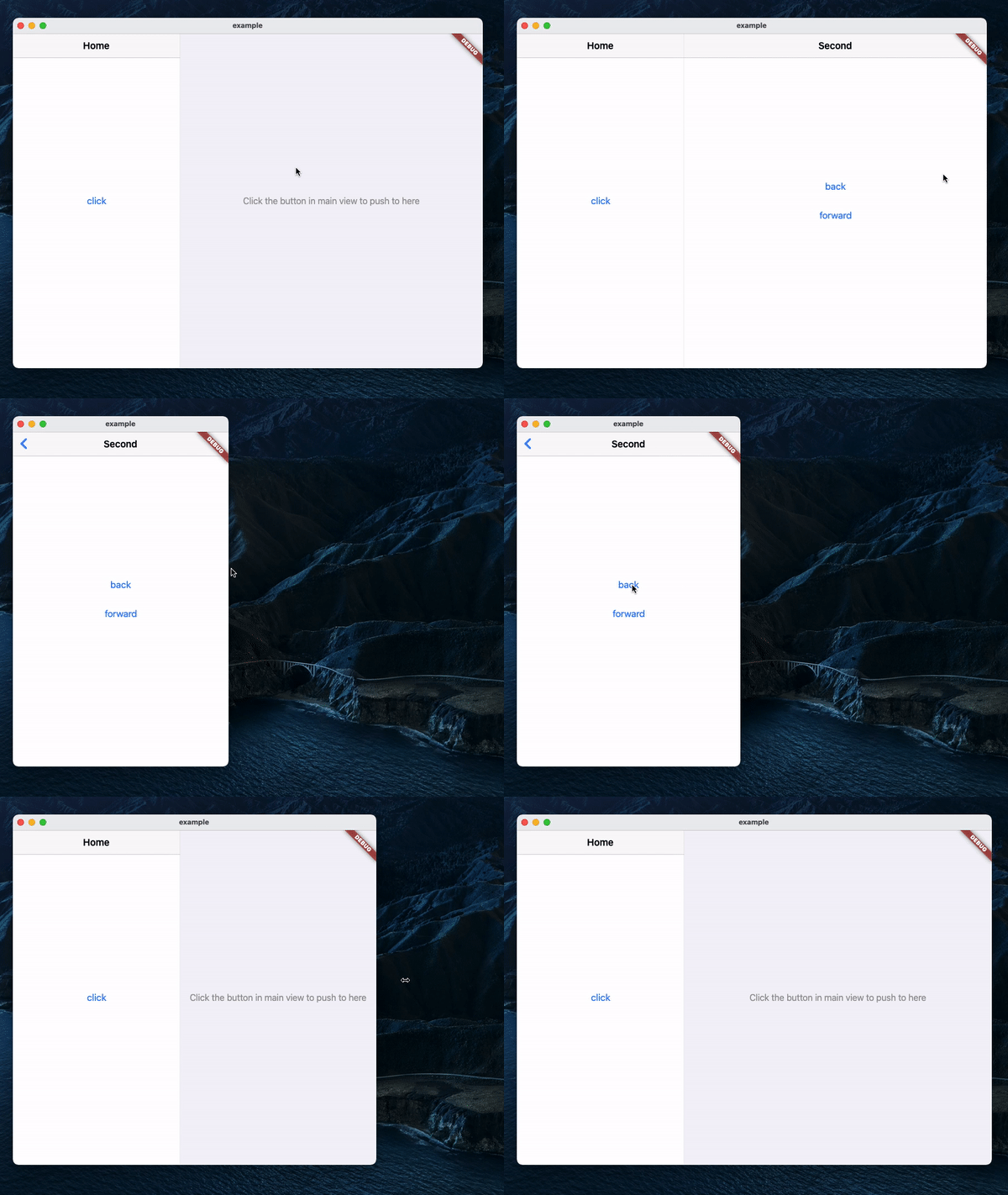
A Navigator 2.0 based Flutter widget that automatically splits the screen into two views based on available space.

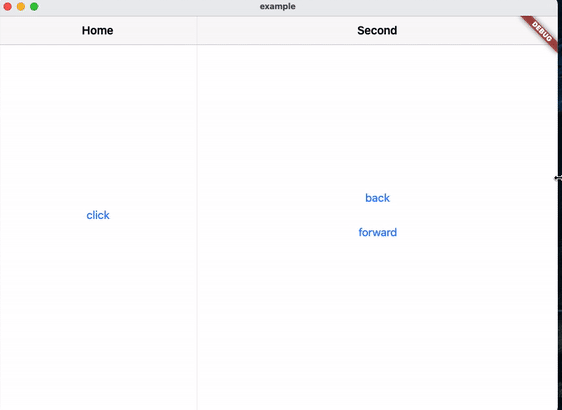
Demo

Usage
MaterialApp(
    title: 'SplitView Demo',
    home: SplitView.material(
        child: MainPage(),
    ),
);

Cupertino:

CupertinoApp(
    title: 'SplitView Demo',
    home: SplitView.cupertino(
        child: MainPage(),
    ),
);
Navigating
Push
SplitView.of(context).push(SecondPage());

Push with an optional title, which will be used as the back button's title in Cupertino:

SplitView.of(context).push(
    SecondPage(),
    title: 'Second',
);
Pop
SplitView.of(context).pop();

Pop until the n-th page:

SplitView.of(context).popUntil(1);
Set the page displayed in the secondary view
SplitView.of(context).setSecondary(SecondPage());

This will clear the stack and push the new page, making it the second page in the stack.

Get whether the secondary view is visible
SplitView.of(context).isSecondaryVisible;
Example

Categories

Source repository

Projects using this package

No data available yet.